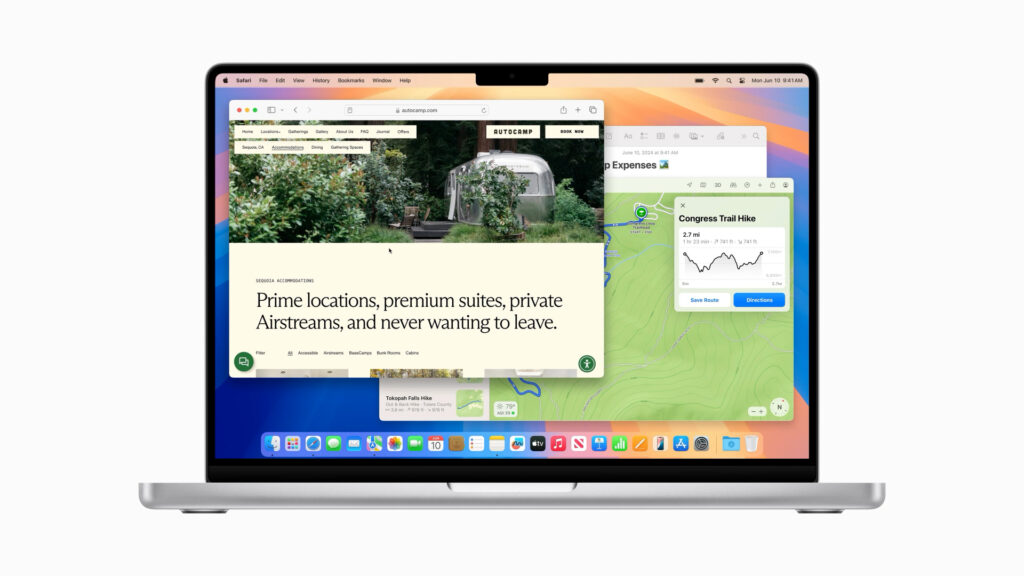
We teach you How to install macOS Sequoia and which Macs are compatible! Because in Tecnobits There is also room for MacOS users. MacOS Sequoia is precisely the latest update from Apple for its operating system. It has aroused a lot of interest among its public due to the large number of performance improvements it brings us. And I say us, because yes, I am also a Mac user like you. We have recently installed iOS18, we have had the new Apple Watch Series 10 and Ultra 2 and it can be said that Apple has given us a month full of news with the new iPhone 16.
But in this article we are going to talk about cHow to install macOS Sequoia and which Macs are compatible, we are only going to focus on this, which is no small thing. We will start by talking about what macOS Sequoia is, and we will move on to something that is quite relevant, because not all Macs are compatible, There is a lot of hardware that Apple wants us to upgrade. And if we want the latest version of the operating system, we will have to go through the box from Cupertino, you know. Don't worry, we are going to guide you step by step so that you can install this new version. Let's get on with what interests us in the article, let's go with MacOS Sequoia.
What is MacOS Sequoia? What's new in this new operating system?
Well, before starting with cow to install macOS Sequoia and which Macs are compatible, we have to explain a little about what's new, what this new version brings. MacOS Sequoia is Apple's new operating system, as we have told you. Those from Apple have spoken wonders of the system, as is logical. But above all they have focused on certain aspects, such as, for example, an effort made in energy efficiency and user experience. The latter being one of the points that Apple has most cared about throughout history.
Sequoia is designed to maximize the durability of its hardware, or so we are told. It is designed to optimize performance and management of the system's own resources. All this should translate into, mainly, a longer battery life for the Macbook Air and Macbook Pro. In principle, this is what Apple has highlighted most about its new operating system: "much smarter performance management in laptops»
In addition to this, MacOS Sequoia introduces new integrations with the Apple family of devices, more security and greater flexibility for developers. In principle they want to cover a wide audience. Now, having said that, let's get on with it.How to install macOS Sequoia and which Macs are compatible.
Which Macs are compatible with Sequoia?
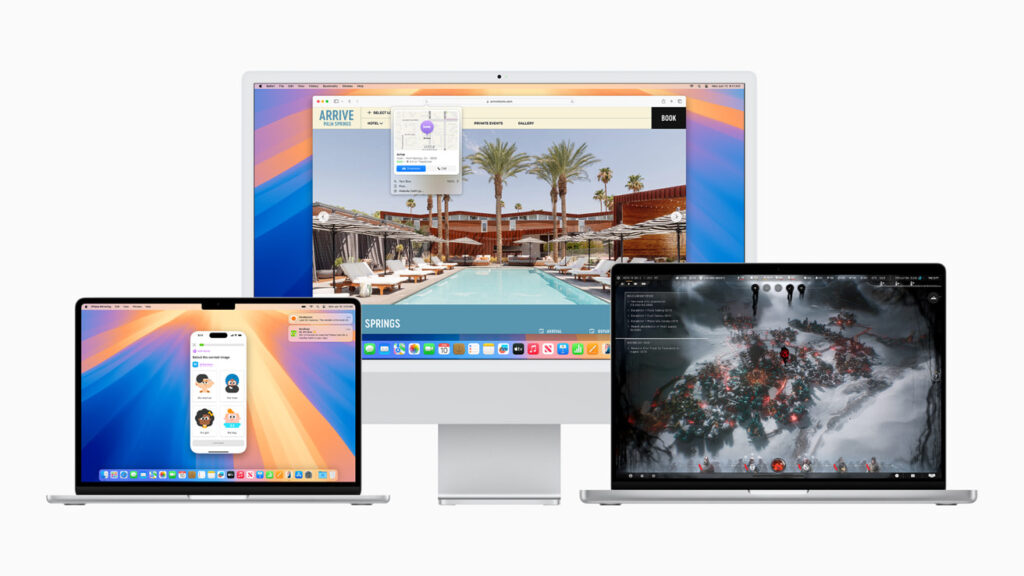
Before we get down to business,How to install macOS Sequoia and which Macs are compatible, we are going to leave you with the latter, a list of Sequoia compatibilities. This way you will know if the update reaches your hardware or not. We leave you with the list of compatible devices:
- MacBook: Models from 2017 onwards.
- MacBook Air: Models from 2018 onwards.
- MacBook Pro: Models manufactured from 2017 onwards.
- iMac: Models from 2019 onwards.
- iMac Pro: All models.
- Mac mini: Models from 2018 onwards.
- Mac Pro: Models from 2019.
Of course, even if they are compatible, if they are very old, they may not have all the new functions of the operating system. Many of these new functions require new devices. Something very common in Apple.
How to install macOS Sequoia
Now you know if your Mac is compatible or not, therefore, we recommend that you before installing MacOS Sequoia do the following:
- Backup
- Check disk space
- Previous updates installed
- Password for your Apple ID account
Have all this done already by hand since The installation will ask you for it or it may be useful for you. to have it done for greater security. Having said that, let's get to the main part of the article on how to install macOS Sequoia and which Macs are compatible, the installation part:
- Download macOS Sequoia: Open the App Store and search for Sequoia. Click download and depending on your connection it will take more or less time
- Once you have completed the download, the Sequoia installer will open directly. Follow the instructions by clicking continue and accepting the conditions. You will be asked to choose which disk you want to contain the operating system.
- Start the installation once you choose disk. You will be asked for the system password for this. As a rule, the operating system takes around 30 minutes to install. Don't be alarmed as it will restart several times during this time. Do not interrupt the installation under any circumstances. Keep it connected to the charger.
- Once Sequoia is installed, you will be asked to configure everything. You will have to Enter your iCloud account, privacy preferences, sync with other devices and other typical aspects of any Mac installation. After completing these steps, you will have learned how to install macOS Sequoia and which Macs are compatible.
At this point, as we said, you will already know how to install macOS Sequoia and which Macs are compatible. It is a very simple process and this way you will be able to optimize your Mac with the latest version of the operating system available. Now that we know that you are a Mac user, we leave you with this other article about another of its new features: What is Apple Intelligence?

Passionate about technology since he was little. I love being up to date in the sector and, above all, communicating it. That is why I have been dedicated to communication on technology and video game websites for many years. You can find me writing about Android, Windows, MacOS, iOS, Nintendo or any other related topic that comes to mind.