
On many printers, especially those from well-known brands, manufacturers implement locks to prevent the use of third-party cartridges. This can be frustrating for users looking for more affordable and accessible options. If you want to know more... cHow to prevent your printer from blocking third-party cartridgesWe'll explain the best methods to continue printing without restrictions, ensuring compatibility with alternative cartridges.
Restrictions imposed by manufacturers are often justified by the intention of protecting the print quality and performance of the equipment. However, many users consider that These limitations have more to do with the increase in sales of original cartridges, which are typically significantly more expensive than third-party alternatives. For this reason, knowing how to bypass these blockages has become essential for those looking to save money without sacrificing efficiency. Throughout this article, we'll explore various strategies that will allow you to continue using compatible cartridges without complications. Let's dive right in to learn how to prevent your printer from blocking third-party cartridges.
Why printers block third-party or non-genuine cartridges
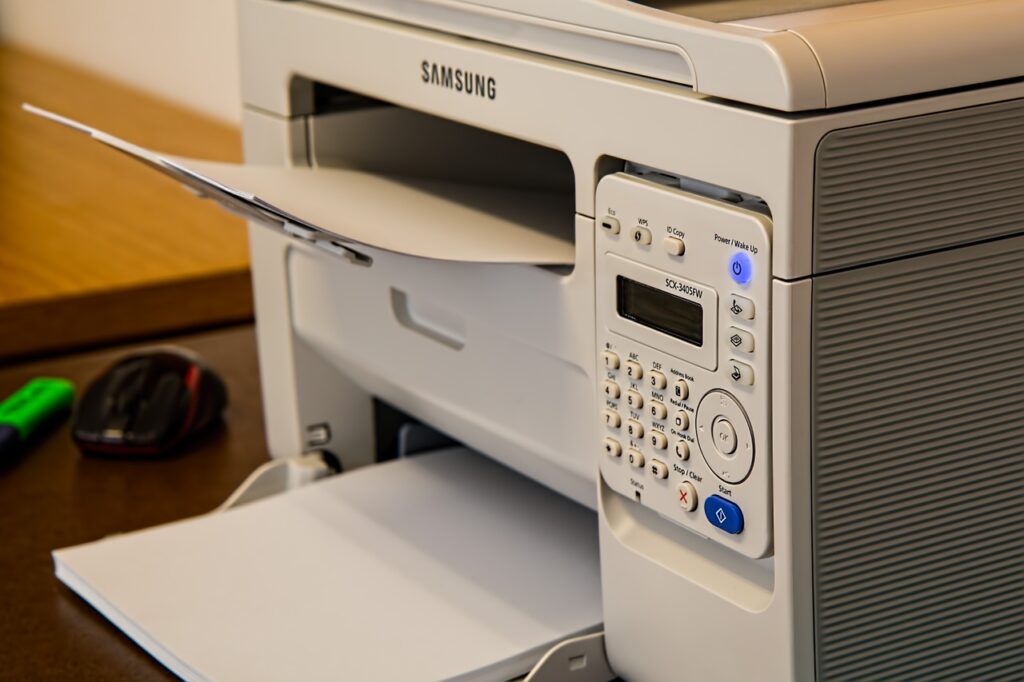
Printer manufacturers include safeguards that prevent the use of non-genuine cartridges, claiming to ensure print quality and protect the equipment. However, this also limits users from purchasing much more expensive cartridges. Some of the main reasons for these blockages include the following:
- Firmware updates: Many printers receive automatic updates that disable the use of alternative cartridges.
- Authentication codes: Some models require specific identification chips to validate cartridges.
- Error messages: Printers may display warnings or prevent printing if they detect non-genuine cartridges.
- Manufacturer restrictions: Some brands design their devices to work only with official cartridges.
And now, let's move on to the methods to learn how to prevent your printer from blocking third-party cartridges.
Methods to avoid blocking third-party cartridges
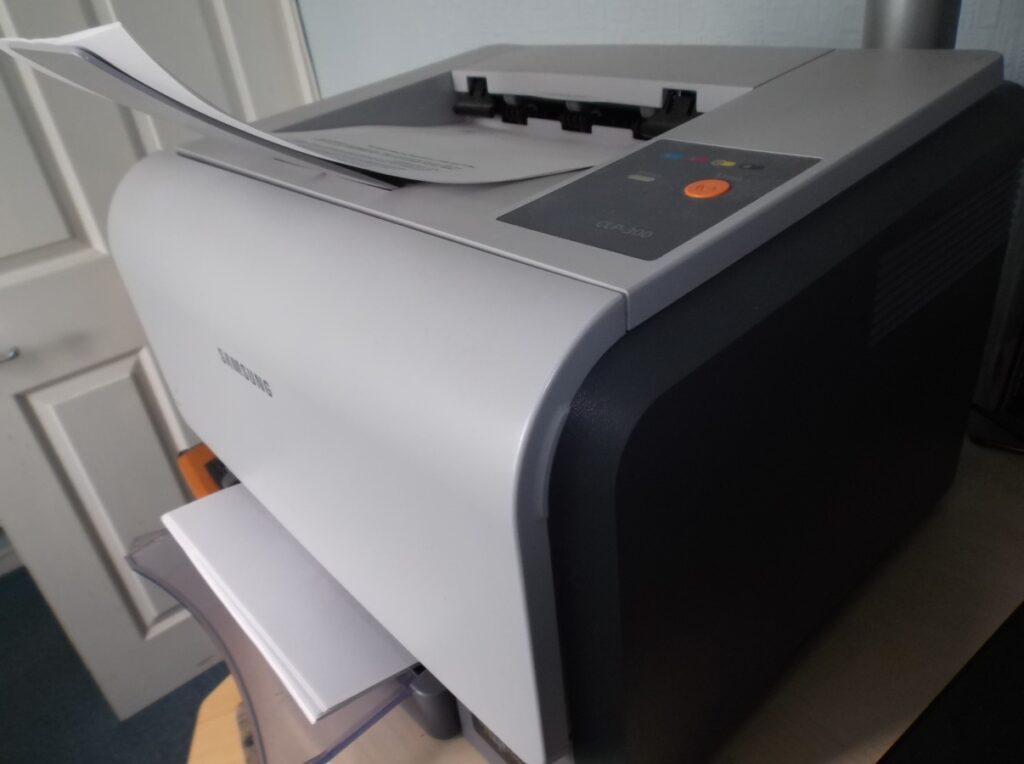
Fortunately, there are strategies to avoid these blockages and continue using third-party cartridges without problems.
- Disable automatic firmware updates
Printer software updates are often the main reason alternative cartridges stop working. To prevent this, do the following:
- Access the printer configuration panel from your computer.
- Look for the “Firmware Update” option.
- Disable automatic updates.
- If your printer has already updated its firmware, check the manufacturer's website to see if it's possible to reinstall a previous version.
For this method if you have an HP printer we have this tutorial article in which we tell you How to disable automatic updates on HP printers.
- Use cartridges with updated chips
Some third-party cartridge brands include chips that mimic the originals, allowing the printer to recognize them seamlessly. Before purchasing alternative cartridges, verify that they are compatible with your specific printer model and have the latest chip version.
- Reset the printer to factory settings
If your printer locks the cartridges after an update, you can try resetting it to its original state by doing the following:
- Turn off the printer and unplug it for a few minutes.
- Press and hold the “Power” and “Cancel” buttons for 10 seconds.
- Plug the printer back in and turn it on.
- Reinstall the cartridges and test if they have been recognized.
- Ignore error messages
Some printers allow you to ignore warnings and continue printing with non-genuine cartridges:
- If you see an “Incompatible Cartridge” message, press “OK” or “Continue.”
- In some cases, it may be necessary to hold down the “Resume” button for several seconds.
- Consult your user manual for button combinations that can disable locks.
- Use third-party software
There are programs that can modify the printer's firmware or disable alternative cartridge detection. Some popular tools include:
- Chip Resetter: used to reset the chip on certain cartridge models.
- PrintHead Cleaning Utilities: allows you to modify printer settings.
Before using third-party software, make sure it's compatible with your printer and comes from trusted sources.
- Choose trusted cartridge brands
Not all alternative cartridges are of the same quality. To avoid problems, choose recognized brands that indicate compatibility with specific printer models on their packaging and offer performance guarantees.
- Print in "Low Maintenance" mode
Some printers allow you to configure ink usage to reduce consumption and prevent detection of alternative cartridges. To do this, do the following:
- Go to “Printing Preferences” on your computer.
- Select the “Ink Saver Mode” or “Low Maintenance” option.
- Apply the changes and test the print.
Benefits of using third-party cartridges
Opting for alternative cartridges has several advantages:
- Cost savings: Non-original cartridges are much more accessible than official ones.
- Availability: easy access to spare parts without depending on a specific brand.
- Eco-friendly options: Many companies produce recyclable and more sustainable cartridges.
- Improved quality: Some third-party brands offer similar or even higher yields than original cartridges.
And now you know everything you need to know about how to prevent your printer from blocking third-party cartridges. But we recommend reading on, as there are some precautions you should take.
Precautions when using third-party cartridges

While third-party cartridges offer benefits, it's also important to consider a few things:
- Print quality: Some models may have lower color clarity or shorter ink life.
- Printer Warranty: The use of alternative cartridges could affect the manufacturer's warranty in some cases.
- Compatibility: Not all cartridges are correctly detected by all printers, so it is advisable to do your research before purchasing.
To avoid any problems, Always check compatibility before purchasing and make sure you purchase quality products.
Now that you know how to prevent your printer from blocking third-party cartridges, you can take steps to continue using alternative cartridges without interruption and without problems. From disabling updates to using cartridges with updated chips, there are several strategies to circumvent the restrictions imposed by manufacturers.
The use of third-party cartridges not only allows you to reduce costs in your daily life, but it also fosters greater competition in the printer accessories market. However, it's essential to be well-informed about which options are safer and more efficient to get the most out of them. By knowing the different methods to avoid blockages and taking precautions, you can enjoy quality prints without relying exclusively on original cartridges.
By following these recommendations, you can optimize the performance of your printer, reduce costs, and ensure efficient printing without unnecessary complications. We hope this article on how to prevent your printer from blocking third-party cartridges has been helpful. See you in the next one!

Passionate about technology since he was little. I love being up to date in the sector and, above all, communicating it. That is why I have been dedicated to communication on technology and video game websites for many years. You can find me writing about Android, Windows, MacOS, iOS, Nintendo or any other related topic that comes to mind.