- Overly restrictive filters can result in Tinder not displaying profiles.
- A poor internet connection or app crashes may prevent profiles from loading.
- Adjusting your age and distance settings increases your chances of seeing more people.
- If the problem persists, clearing the cache, reinstalling the app, or contacting Tinder may fix the problem.
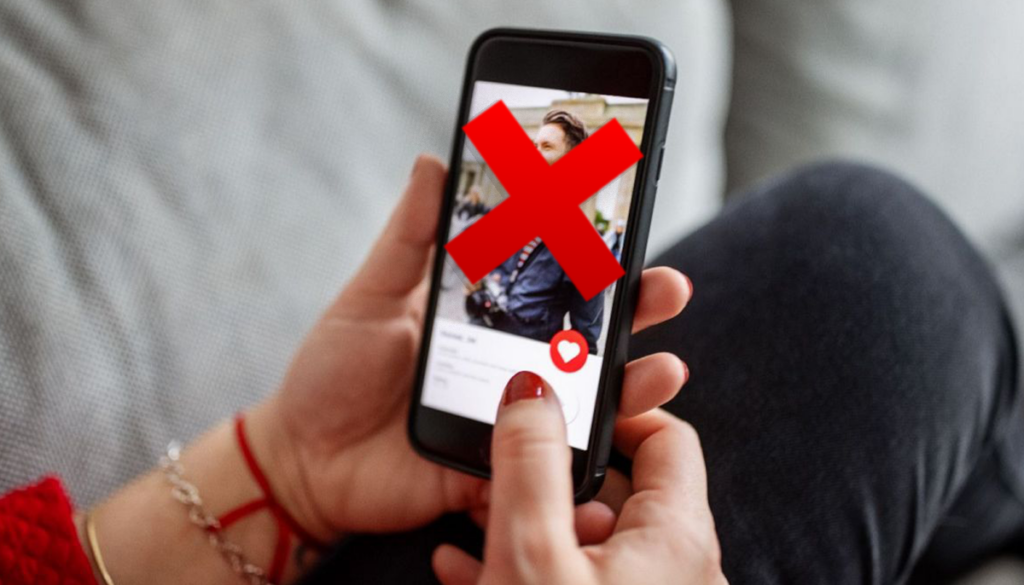
Si Tinder doesn't show you profiles, There may be several reasons behind this problem. From overly strict filters to application glitches, the causes can be diverse. However, The good news is that there is almost always a solution. to view profiles again and continue swiping. In this article we explain All possible causes and how to fix them so you can optimize your Tinder experience and avoid unnecessary frustrations. Read on to find out what is affecting your account.
Why isn't Tinder showing you profiles?

If you open Tinder and no new profiles appear, it may be because several factorsSome are related to your app settings, while others depend on updates, bugs, or restrictions on your account.
You have seen all available profiles
If you've been sliding for a while, You may have already seen all the profiles that match your filtersTinder shows you profiles based on your age, distance, and gender settings, so if these options are too restrictive, there may not be more people in your area.
To fix this, try adjust the filters: Increase the age range, extend the maximum distance, or change gender preferences.
Your internet connection is unstable
Sometimes, a slow or unstable connection can prevent Tinder from loading new profiles. If you suspect this is the problem, try this:
- Switch between Wi-Fi and mobile data.
- Restart the router.
- Run a speed test to make sure your connection is fast enough.
Your account has been blocked or banned
If Tinder detects any suspicious behavior on your account, you may have been bannedIn this case, you will not only stop seeing profiles, but you will also not be able to match or interact with other people.
If you think you have been banned, try create a new account with a different phone number and email or contact Tinder support.
Solutions to see profiles again on Tinder

Now that you know the possible causes, let's look at the solutions you can apply to solve this problem.
Expand your search range
If no profiles appear, try Modify discovery settingsTo do this:
- Open Tinder and go to your profile.
- Access settings by tapping the gear icon.
- Change the age range or distance.
- Save changes and swipe again.
This will allow them to appear new profiles that you didn't see before.
Close and reopen the app
A simple Restart the application can fix many technical issues. Close Tinder completely and reopen it to see if the profiles reappear.
Delete Tinder cache and data
If the app still doesn't show profiles, the cache may be causing errors. To clear the cache on Android:
- Go to Settings > Apps > Tinder.
- Select “Storage & cache”.
- Press “Clear cache”.
On iOS, the best option is uninstall and reinstall tinder.
Check that Tinder is not down
Sometimes, the problem isn't with you, but with the app. If there are any issues with Tinder's servers, you might experience errors when loading profiles.
To check if Tinder is having issues, visit websites like DownDetector, where users report service outages in real time.
Turn on the discovery option
If you accidentally turned off discovery on Tinder, you won't see new profiles. To turn it on:
- Open the app and go to your profile.
- Go into settings.
- Turn on the “Show me on Tinder” option.
Contact Tinder support
If after trying everything you still don't see any profiles, the best option is contact Tinder. You can write to [email protected] or use the “Contact Us” option in the app.
If you haven't seen any profiles on Tinder for days, don't worry: it's a common problem with simple solutions. From Adjust discovery settings Until you check your Internet connection, there are several ways to fix this problem and enjoy the application again without problems.

I am a technology enthusiast who has turned his "geek" interests into a profession. I have spent more than 10 years of my life using cutting-edge technology and tinkering with all kinds of programs out of pure curiosity. Now I have specialized in computer technology and video games. This is because for more than 5 years I have been writing for various websites on technology and video games, creating articles that seek to give you the information you need in a language that is understandable to everyone.
If you have any questions, my knowledge ranges from everything related to the Windows operating system as well as Android for mobile phones. And my commitment is to you, I am always willing to spend a few minutes and help you resolve any questions you may have in this internet world.