- The Mac Mini, with M4 chip, offers power and efficiency at a competitive price.
- It is ideal for users who want a compact and flexible desktop.
- It allows you to work with multiple screens and stands out in connectivity and silence.
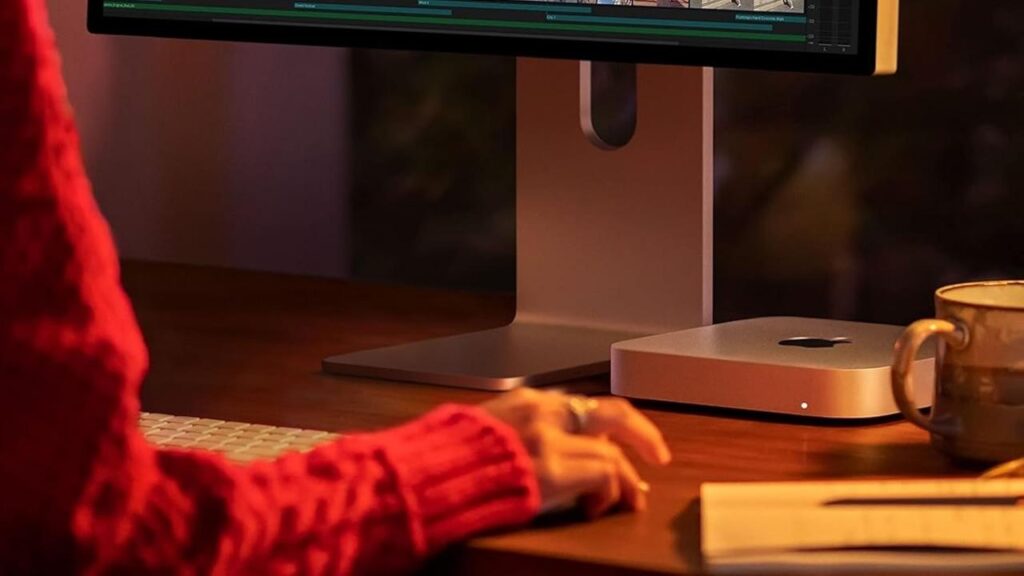
El Apple Mac Mini It has transformed over the years into one of the most attractive and versatile options among desktop computers. Although it has long been overshadowed by the MacBook laptops and the popular iMac, its combination of performance, compact size, and attractive price have made it a A very interesting candidate for those looking to get started in the Apple ecosystem or renovate their workspace without spending a fortune.
Is this still the case? Is it worth buying a Mac Mini in 2025? If you're considering upgrading your computer and wondering if this little giant is right for you, keep reading because we'll clear up any doubts with the latest and most comprehensive information.
What is the Mac Mini and what can it be used for?
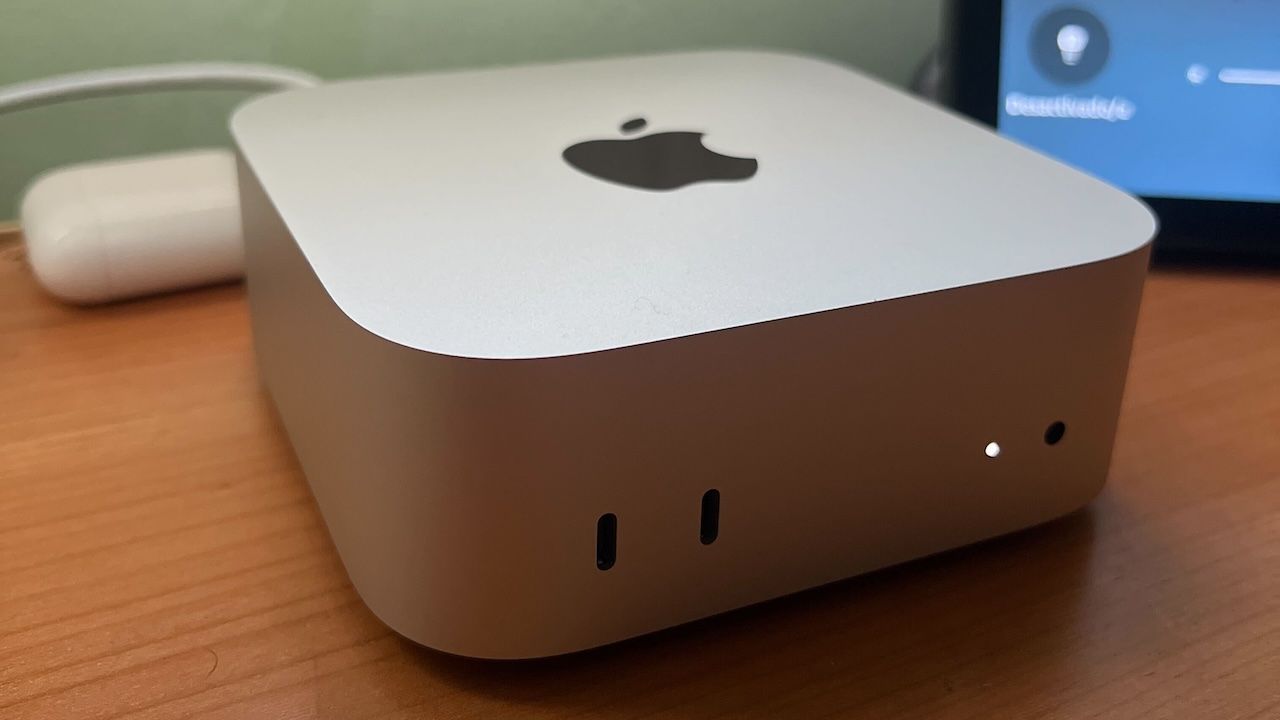
El Mac Mini It's an ultra-compact desktop computer from Apple, with a minimalist design measuring just 19,7 cm wide, encapsulating the essence of the macOS ecosystem and its signature power. It's designed for users who already have peripherals like a monitor, keyboard, and mouse, allowing them to upgrade their primary computer without having to purchase a complete system like the iMac.
La versatility The Mac Mini's uniqueness is one of its biggest draws: it's suitable for both students and home users, as well as professionals who require a computer for office tasks, browsing, multimedia consumption, and even intermediate-level video and photo editing. In addition, many companies choose it for its great value for money and because it takes up very little space, making it ideal for offices or places where every inch counts.
Some of the most common uses for the Mac Mini include:
- Work and study teams: Ideal for students and freelancers looking for power and reliability without the need for a laptop.
- Home Media Center: Thanks to its HDMI output and size, you can easily transform it into an entertainment center connected to your TV.
- Multimedia editing: Although it is not aimed at the most demanding professional sector, it can handle HD video editing, semi-professional audio production and the use of suites such as Adobe without problems in intermediate or higher configurations.
- Recycling of peripherals: If you already have a monitor, keyboard and mouse, you will only need to change the CPU.
Key technical features of the Mac Mini
Apple has been improving the Mac Mini generation after generation, incorporating the latest processors Apple Silicon and expanding its connectivity and configuration capabilities. We review the main technical points you should keep in mind:
- Apple Silicon Processors: Since the arrival of the M1 chip, the power and energy efficiency of the Mac Mini has taken a huge leap forward, and with the M2 and the recently launched M4, the difference is abysmal compared to any previous generation or the competition.
- Unified RAM memory: 8GB in the base configuration, but can be expanded to 32GB depending on the model. Upgrading memory is recommended for intensive tasks or professional use.
- SSD storage: Options from 256GB to 8TB in the latest versions, always with ultra-fast technologies that ensure the best possible performance.
- Advanced connectivity: Four Thunderbolt 4 ports (depending on model), two USB-A, HDMI 2.1, enhanced audio input and output, Gigabit Ethernet port, and even an optional version with 10Gb Ethernet for those who need ultra-fast speeds on local networks.
- Compatibility with external monitors: Supports multiple displays simultaneously, up to three on the M2 Pro chip model and more on the M4 versions, making it ideal for multitasking or expanded work environments.
- Wi-Fi 6E and Bluetooth 5.3: for outstanding and stable wireless connectivity.
The efficiency of the M2, M2 Pro, and M4 chips allows Mac Mini to run quietly and cool even under load, which is important if you want a work environment free from distracting noise.
What are the differences between the generations of Mac Mini?
Over the past few years, the differences between generations of the Mac Mini have focused primarily on processor, graphics capability and upgrade optionsWhile the external design has remained virtually unchanged, each chip jump has brought significant internal improvements.
Comparing the Mac Mini M1, M2 and M4, we find that:
- El M2 It improves the performance of the M10 by between 35% and 1% in CPU and GPU, also incorporating the possibility of reaching up to 32 GB of RAM and 8 TB of internal storage, compared to the maximum 16 GB and 2 TB of the previous model. To learn more, you can consult How the Mac Mini Works.
- The version M2 Pro further increases power, allowing for more CPU and GPU cores and the management of up to three external displays.
- El M4 It has been a revolution: not only is it much more powerful and efficient, but it has also arrived at a lower price than previous generations, making previous models practically obsolete except for very aggressive offers.
- In terms of connectivity, the addition of up to four Thunderbolt 4 ports, next-generation HDMI, and the option of 10Gb Ethernet make all the difference for advanced users.
- Minor changes to wireless connectivity and audio quality, including the addition of a 3,5mm jack, provide additional improvements.
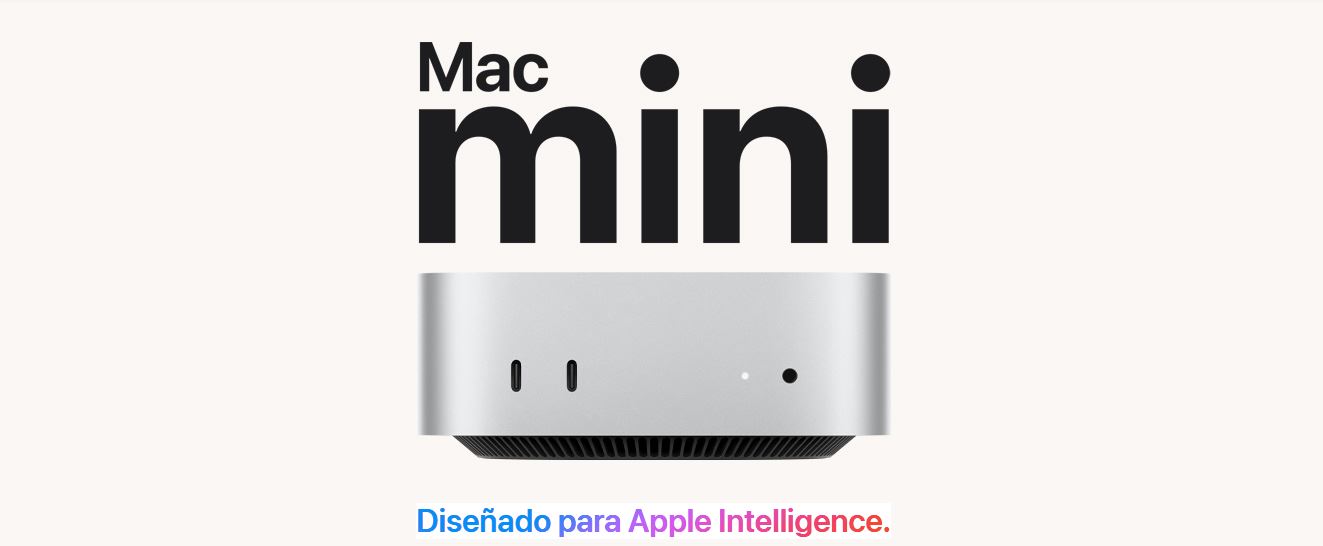
The Mac Mini's design maintains its discreet and elegant lines, making it easy to integrate into any desk or home entertainment space. Some users recommend using vertical stands to maximize space in small spaces.
Which monitor should I choose for my Mac Mini?
Since a display isn't included in the package, monitor selection is crucial. To take advantage of the benefits of macOS and graphics hardware, it's recommended to opt for monitors with a resolution higher than Full HD. A 2560 x 1600 pixel monitor is a good starting point, and if you work in graphics, video, or need more real estate, a 4K or higher option is recommended.
The monitor should have HDMI compatibility (preferably 2.1 to take full advantage of speed and image quality) and, if possible, have color calibration or a high refresh rate if you are going to edit multimedia or do casual gaming.
Mac Mini Pros and Cons: Is It Worth It?
El Mac Mini It has several virtues, but also some limitations that should be taken into account before making a decision.
- Advantages:
- Compact equipment, silent and of low energy consumption.
- High power in professional tasks if you choose a suitable configuration.
- Allows you to connect multiple monitors easily.
- Great connectivity and compatibility with other devices.
- Competitive price compared to other Apple products, especially the M4.
- Security and updates of macOS in the long term.
- Disadvantages:
- It does not include a monitor or peripherals, so the final cost may increase if you do not have them.
- Capabilities of extension y update Limited: RAM and storage must be chosen at purchase and cannot be modified later.
- El internal speaker It is basic, it is advisable to add external speakers for multimedia.
- For tasks editing professionals or intense gaming, may be insufficient in basic configurations.
El Mac Mini It is a very suitable option for those looking for reliability, performance and a compact device with the advantages of the Apple ecosystem, without paying extra for an all-in-one or a laptop if mobility is not a priority.
Recommended models and current prices
El Mac Mini M4 It is the most recommended currently, with a Excellent value for money and superior performance to previous generations. Its price starts from approximately 719 euros, even lower than the M1 and M2 models at launch, with many performance advantages.
It's only advisable to opt for an M1 or M2 if you find good second-hand deals or clearance sales, as the M4 offers a significant improvement in power and efficiency.
La RAM and storage configuration It should be suitable for your use: for demanding editing or multitasking tasks, it is recommended to expand up to 16 GB of RAM and 512 GB of SSD, although the base configuration covers the most common needs such as office automation, browsing and casual multimedia consumption.
Remember: RAM or storage upgrades can only be done upon purchase, so carefully consider your long-term needs.
After analyzing the key features, uses, and differences of the Mac Mini, it's clear that Apple has created a device that covers everything from basic tasks to semi-professional challenges, in a compact, quiet, and easy-to-integrate form factor into modern environments. If you choose the right configuration, you probably won't regret choosing the Mac Mini as your new primary computer.

Editor specialized in technology and internet issues with more than ten years of experience in different digital media. I have worked as an editor and content creator for e-commerce, communication, online marketing and advertising companies. I have also written on economics, finance and other sectors websites. My work is also my passion. Now, through my articles in Tecnobits, I try to explore all the news and new opportunities that the world of technology offers us every day to improve our lives.