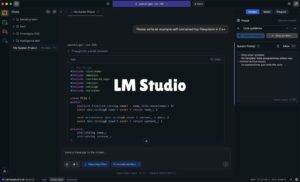
- LM Studio is a cross-platform tool that allows you to run advanced language models locally and privately.
- Performance depends critically on VRAM management and offloading layers to the GPU to avoid bottlenecks.
- It offers a diverse ecosystem of GGUF models compatible with architectures such as Llama, Mistral, and Phi.
- It includes a local server compatible with the OpenAI API for integrating developers into their own projects.

If you're dying to try artificial intelligence but are uneasy about your data ending up in the cloud, LM Studio is probably the tool you've been looking for. It's an incredibly intuitive software that turns your computer into a command center for LLMsallowing you to chat with language models without a single byte leaving your house, thus guaranteeing a total privacy and absolute control about the information.
The best part is that you don't need to be a computer expert or struggle with the command line to get it up and running. Simply install the application and you're ready to go. Explore Hugging Face modelsconfiguring your hardware's power so that AI responds smoothly. It's basically having a Free private GPT chat that runs directly on your CPU and GPU.
Technical requirements for everything to run smoothly
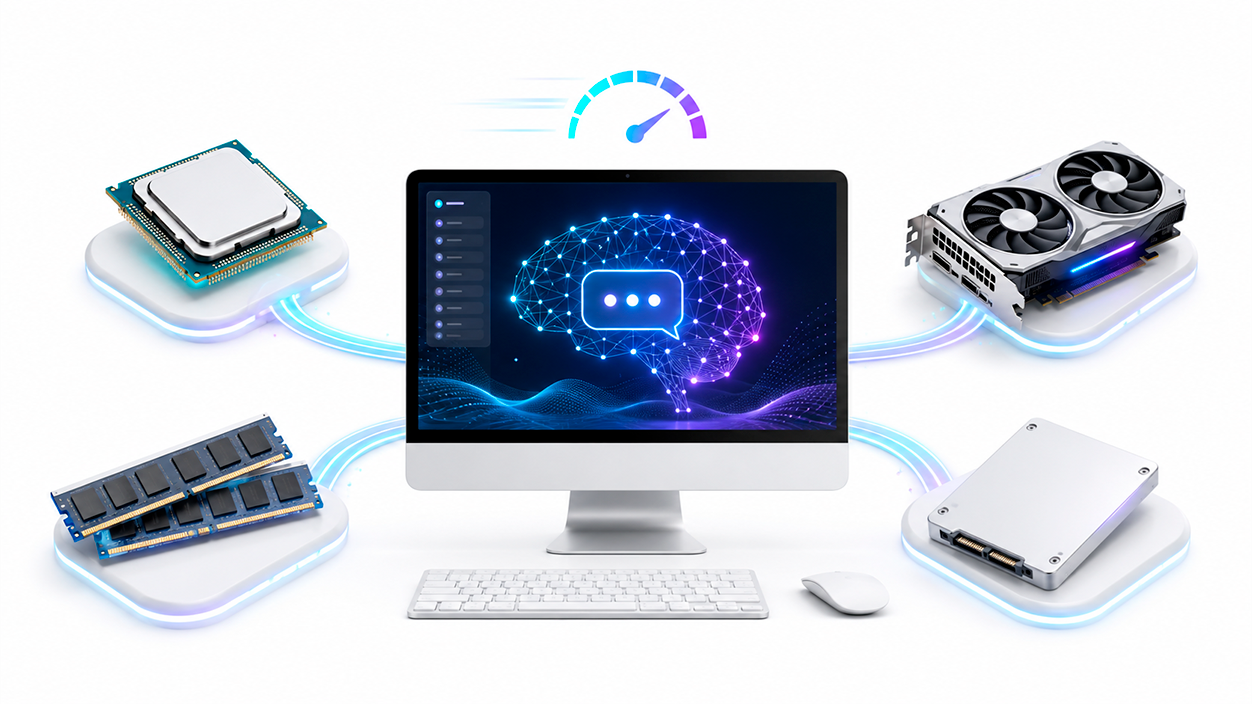
Before diving in, it's a good idea to take a look at the program's requirements to avoid surprises. Generally, it's quite flexible, but there are nuances depending on the operating system. For users of Apple Silicon (M1 to M4 chips)The experience is smooth since they do not require a dedicated GPU, needing macOS 13.4 or higher and about 16 GB of RAM to be more than enough.
In the Windows environment, the most important thing is to have a 64-bit processor with AVX2 supportAlthough you can start with 8 GB of RAM if you use very small models, ideally you should use 8 GB of RAM. 16 GB for 7-8B modelsAs for storage, be prepared to reserve between 20 and 30 GB on your SSD, as each model can range in size from a couple of gigabytes to more than twenty.

For those who prefer Linux, the application comes in Linux format. AppImage for x64 (with Ubuntu 20.04 being a recommended base). As in Windows, RAM and disk space follow the same rule, although it is vital to ensure that the file has execution permissions so that the program opens without errors.
Installation steps and first steps
Installing the program is easier than making coffee. Just go to the official website, choose the installer for your system, and run the file. On Windows, the process is the typical one. "Next, next, and finish"where you can decide if the installation is only for your user or for all team profiles.
Once it's open, the first thing I recommend is taking a look at the settings. If the program is in English, you can easily change it by going to the gear icon in the lower right and selecting the Spanish (even though it's in Beta) to navigate the menus more easily.

The interface is divided into four fundamental pillars: the section of chats to talk to AI, the area of developer to set up API servers, the warehouse of my models where you save your downloads and the magnifying glass of discover, which is where the magic of searching for new models happens.
Catalog of recommended models
In the Discover tab you'll find a universe of options. If you're looking for something powerful and versatile, the gpt-oss 20B It's a powerful local alternative based on the OpenAI architecture. On the other hand, if you have a more modest machine or want pure speed, the DeepSeek R1 Distill Qwen 7B It's the smart choice, as it balances power and memory consumption.
For those seeking the Gemini experience at home, Gemma 3n E4B It's a multimodal option optimized for PCs and tablets. If you need deep processing without overloading your RAM, the models Qwen 3B and 4B Thinking They are ideal, as they are specifically designed for less powerful hardware.
They also highlight the Magistral Small 2509perfect for summaries and quick writing, and the classic Mistral 7Bwho's a rock at logic and math problems. And if you just want short, precise answers, the Microsoft Phi 4 It is the king of efficiency thanks to its small size.
How to configure the model to prevent it from running slowly
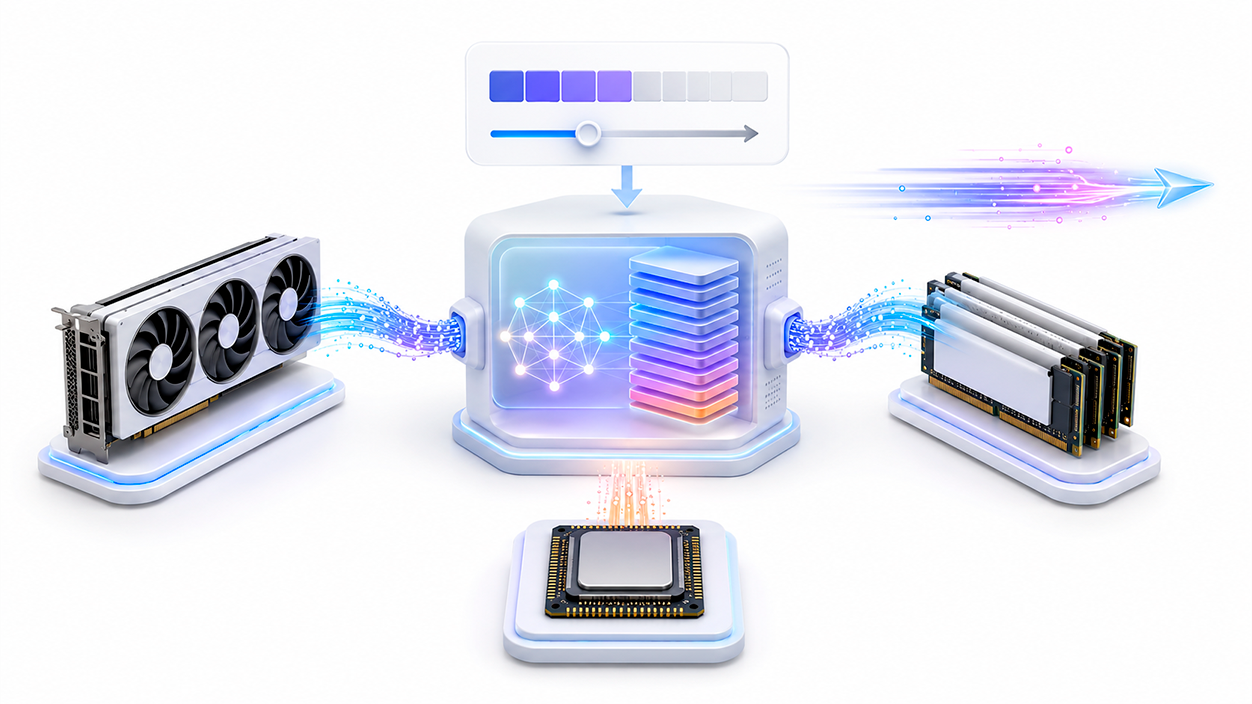
This is where many people get lost and start to notice that AI is moving at a snail's pace. When you load a model, you'll see that you can adjust the context lengthIncreasing it allows the AI to remember more things, but It consumes much more VRAM. and RAM. If you notice performance dropping, reduce this value to around 8K or 16K tokens.
The most critical adjustment is the GPU OffloadIf you have an NVIDIA card, you should increase the number of layers the GPU processes. This drastically speeds up text generation, but be careful: if you exceed your VRAM limit, the system will start using general RAM and the speed will plummet, going from tokens per second to almost zero.

It is common for some users to experience extreme slowness with models that are not MoE (Mixture of Experts) or when the model exceeds the GPU memoryIf you see that the graph usage reaches its limit and the text loads slowly, try lowering the model quantization (for example, to Q4_K_M) or reduce the number of layers loaded into VRAM.
Advanced options for programmers
If you're a developer, LM Studio isn't just a chat program; it can function as a... local server compatible with OpenAIFrom the developer tab, you can activate the server on port 1234 by default. This allows you to connect the AI to your own Node.js or Python scripts using the Official LM Studio SDK.
Loading a model using code is a fast process: you just need to instantiate the client, load the desired model, and send the request. It's a fantastic way to automate tasks or create applications that use artificial intelligence without paying monthly subscriptions or sending data to external servers.

To optimize the experience, you can play with the model temperatureA value of 0.7 is the sweet spot for balanced responses, while raising it to 1.0 makes the AI much more creative (and sometimes a bit delusional). All of this, added to the system promptsIt allows you to define the personality of your assistant, whether it's a programming tutor or a history expert.
The key to successfully running local models lies in finding the right balance between GGUF file quantization and video memory capacity. By properly adjusting the GPU layer load and moderating the context window, any user can transform a home computer into an efficient, private, and versatile AI workstation.


I am a technology enthusiast who has turned his "geek" interests into a profession. I have spent more than 10 years of my life using cutting-edge technology and tinkering with all kinds of programs out of pure curiosity. Now I have specialized in computer technology and video games. This is because for more than 5 years I have been writing for various websites on technology and video games, creating articles that seek to give you the information you need in a language that is understandable to everyone.
If you have any questions, my knowledge ranges from everything related to the Windows operating system as well as Android for mobile phones. And my commitment is to you, I am always willing to spend a few minutes and help you resolve any questions you may have in this internet world.