Have you heard of MFA Fatigue or notification bombardment attacks? If not, you should keep reading and Learn about this new tactic and how cybercriminals use itThis way, you'll know what to do if you go through the unpleasant experience of being the victim of an MFA fatigue attack.
MFA Fatigue: What does an MFA fatigue attack consist of?

Multi-factor authentication, or MFA, has been used successfully to strengthen digital security for some time now. It has become clear that Passwords alone no longer offer sufficient protectionNow it is essential to add a second (and even third) layer of verification: an SMS, a push notification or a physical key.
By the way, have you already enabled multi-factor authentication on your user accounts? If you're not very familiar with the topic, you can read the article This is how Two-Step Authentication works, which you should activate now to improve your security.However, while it represents a very effective extra measure, The MFA is not infallibleThis has become very clear with the recent MFA Fatigue attacks, also known as notification bombing attacks.
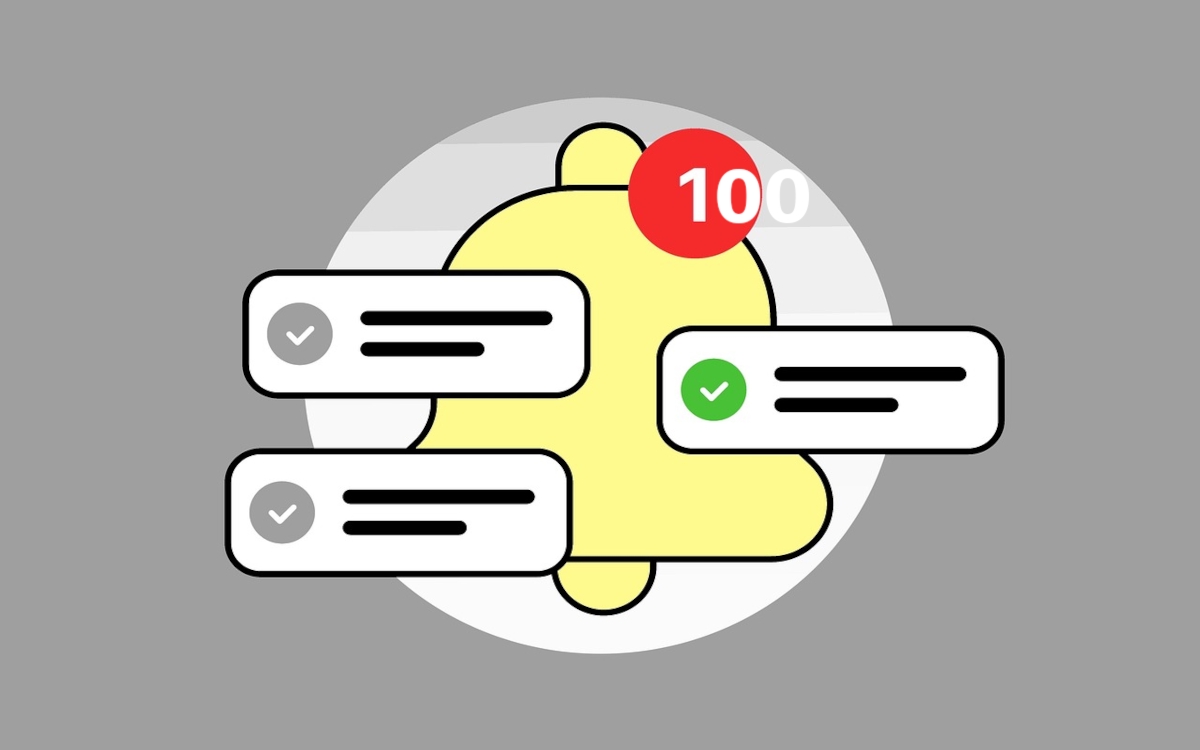
What is MFA Fatigue? Imagine this scene: It's late at night, and you're relaxing on the sofa watching your favorite show. Suddenly, your smartphone starts vibrating insistently. You look at the screen and see one notification after another: «Are you trying to log in?"You ignore the first and the second; but The same notification keeps coming in: dozens of them! In a moment of frustration, just to make the hammering stop, you press "Approve".
How the notification bombing attack works
You've just experienced an attack of MFA Fatigue. But how is that possible?
- Somehow, the cybercriminal obtained your username and password.
- Next, repeatedly tries to log in on some service you use. Naturally, the authentication system sends a push notification to your MFA app.
- The problem arises when the attacker, using some automated tool, It generates dozens or even hundreds of login attempts in just a few minutes..
- This causes your mobile phone to be bombarded with notifications requesting approval.
- In an attempt to stop the avalanche of notifications, you click on "Approve" And that's it: the attacker takes control of your account.
Why is it so effective?

The goal of MFA Fatigue is not to outsmart technology. Rather, it seeks to exhaust your patience and common senseOn second thought, the human factor is the weakest link in the chain that protects your security. That's why the barrage of notifications is designed to overwhelm you, confuse you, make you hesitate… until you press the wrong button. All it takes is one click.
One reason why MFA Fatigue is so effective is that Approving a push notification is incredibly easy.It requires only one tap, and often doesn't even need to unlock the phone. At times, it can be the simplest solution to get the device back to normal.
And it all gets worse if The attacker contacts you pretending to be someone from technical support.They will likely offer their "help" to try to resolve the "problem," urging you to approve the notification. This was the case in a 2021 attack against Microsoft, where the attacking group impersonated the IT department to deceive the victim.
MFA Fatigue: Notification Bombardment Attacks and How to Stop Them
So, is there a way to defend against MFA fatigue? Yes, fortunately, there are best practices that work against the notification bombardment. They don't require getting rid of multi-factor authentication, but rather... implement it more intelligentlyThe most effective measures are listed below.
Never, ever approve a notification you didn't request.
No matter how tired or frustrated you are, You should never approve a notification you did not request.This is the golden rule to prevent any attempt to trick you into MFA fatigue. If you're not trying to log in to a service, any MFA notification is suspicious.
In this regard, it is also worth remembering that No service will contact you to "help" you solve "problems"And even less so if the means of contact is a social network or a messaging app, such as WhatsApp. Any suspicious notification should be reported immediately to your company's or service's IT or security department.
Avoid using push notifications as the sole method of MFA
Yes, push notifications are convenient, but they are also vulnerable to these types of attacks. It is preferable to use more robust methods as part of two-factor authentication. For example:
- TOTP Codes (Time-based One-Time Password), which are generated by applications such as Google Authenticator or Auty.
- Physical security keys, as YubiKey or Titan Security Key.
- Number-based authenticationWith this method, you have to enter a number that appears on the login screen, which prevents automatic approvals.
Implement limits and alerts on authentication attempts
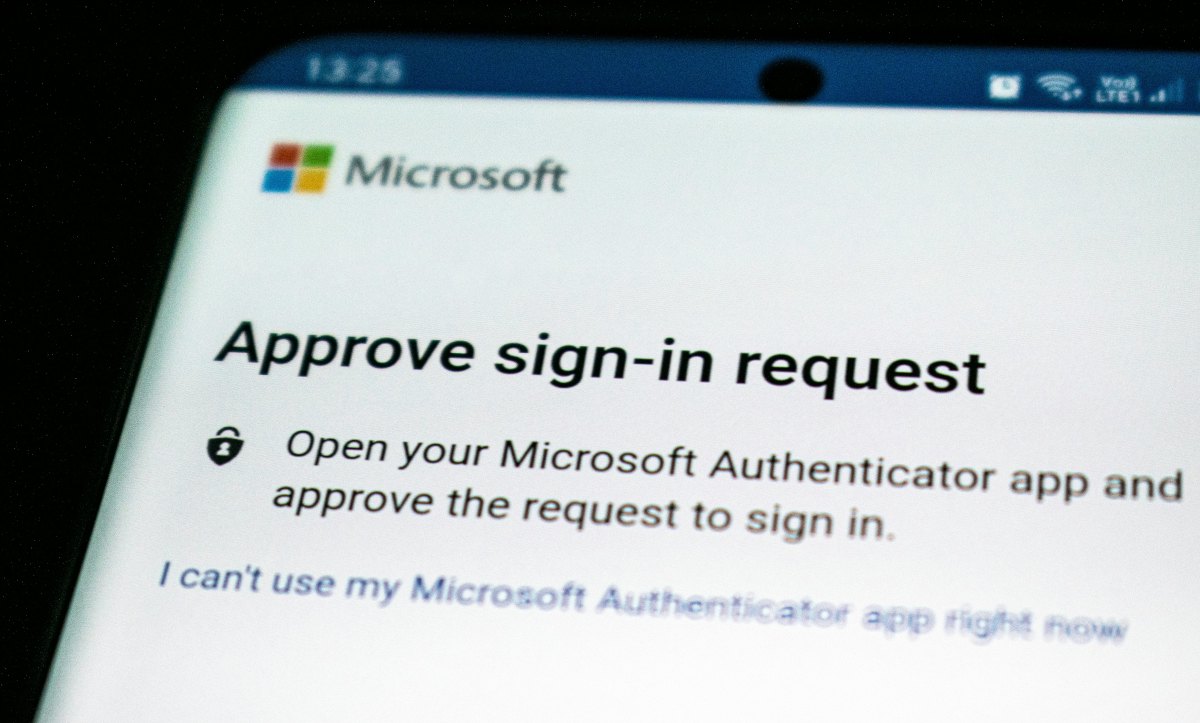
Explore the authentication system you use and Activate attempt limits and alertsDue to the increasing number of reported cases of MFA fatigue, more and more MFA systems are including options for:
- Temporarily block attempts after several consecutive rejections.
- send alerts to the security team if multiple notifications are detected in a short period of time.
- Record and audit all authentication attempts for later analysis (access history).
- Require a second, stronger factor if the login attempt originates from an unusual location.
- Block access automatically if the user's behavior is abnormal.
In short, stay alert! Enabling multi-factor authentication remains an essential measure to protect your online security. But don't think it's an insurmountable barrier. If you can access it, anyone can if they manage to trick you. That's why attackers will target you: they'll try to annoy you until you let them in.
Don't fall into the MFA Fatigue trap! Don't give in to the notification bombardment. Report any suspicious requests and activate additional limits and alertsThis way, it will be impossible for an attacker's persistence to drive you crazy and make you press the wrong button.

From a young age, I've been fascinated by all things scientific and technological, especially those advancements that make our lives easier and more enjoyable. I love staying up-to-date on the latest news and trends, and sharing my experiences, opinions, and tips about the devices and gadgets I use. This led me to become a web writer a little over five years ago, focusing primarily on Android devices and Windows operating systems. I've learned to explain complex concepts in simple terms so my readers can easily understand them.