- Netflix has removed the Cast button on mobile devices for most TVs and devices with remotes, including Chromecast with Google TV.
- Casting from your mobile device is only supported on older Chromecast devices and some TVs with Google Cast, and only on ad-free plans.
- The company requires the use of the TV's native app and the physical remote control to navigate and play content.
- The measure aims to increase control over the user experience, advertising, and simultaneous use of accounts across multiple households.
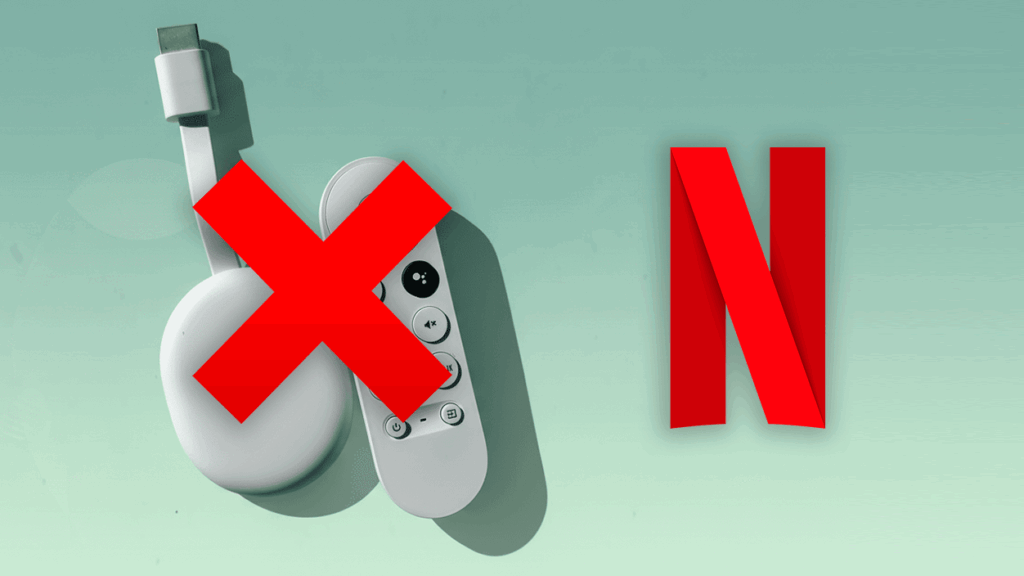
Many users in Spain and the rest of Europe are encountering an unpleasant surprise these days: the classic Netflix button to send content from your mobile to your TV it has disappeared on a large number of devices. What at first seemed like a one-off app glitch or a Wi-Fi problem is actually a deliberate change in how the platform wants us to watch its series and movies on the big screen.
The company has quietly updated its Spanish help page to confirm that It no longer allows streaming programs from a mobile device to most televisions and streaming playersIn practice, this marks the end of an era in which the smartphone functioned as a second remote control for Netflix in the living room, a deeply ingrained habit among those who preferred to search for and manage content from their phone.
Netflix disables Cast on mobile devices for most modern TVs and Chromecasts
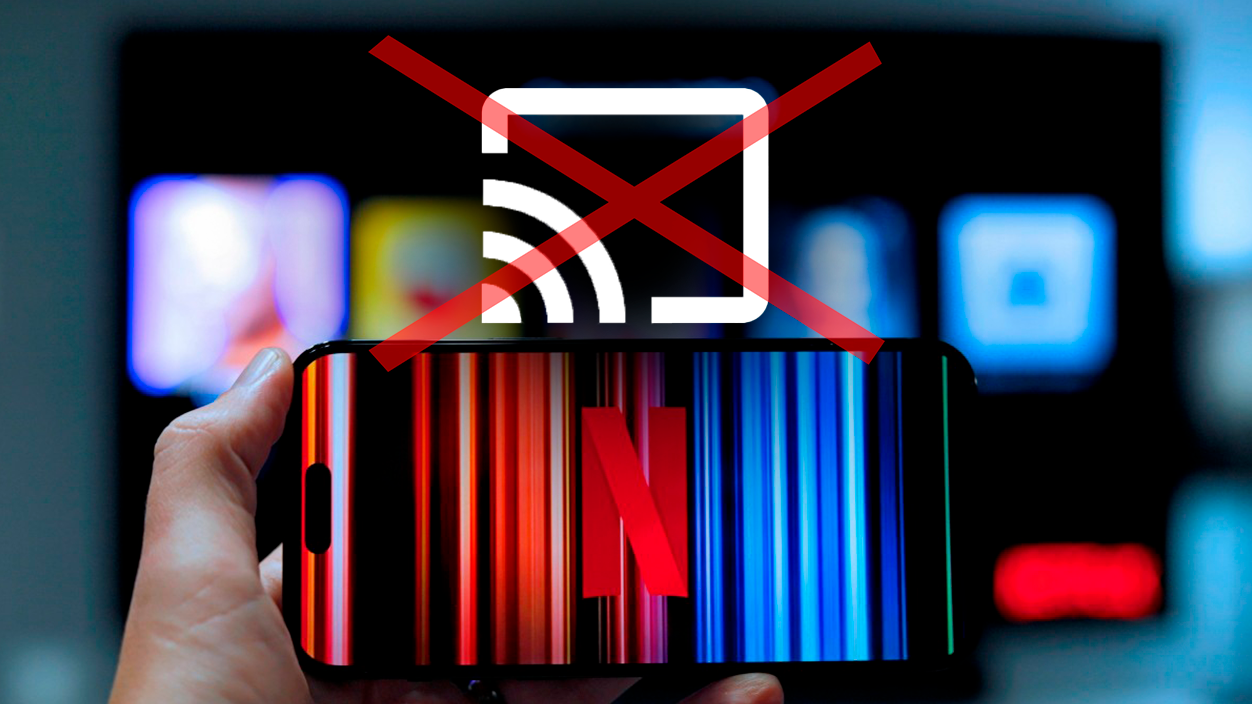
The change has been noticeable gradually over the past few weeks. Chromecast users with Google TVGoogle TV Streamer and Smart TV with Google TV users began reporting that the Cast icon was disappearing. The Netflix app for iOS and Android stopped working without prior warning. The first complaints surfaced on forums like Reddit, where people pointed to dates around November 10th as when the feature stopped being available on many devices.
Confirmation came when Netflix updated its official documentation. Its Spanish-language support page clearly states that “Netflix no longer supports streaming shows from a mobile device to most TVs and TV streaming devices.”Adding that the user will need to use the physical remote control for the television or streaming device to navigate the platform. In other words, the company wants you to go directly to the application installed on the television itself from your TV or player, without going through your mobile phone.
Therefore, Devices like Chromecast with Google TV, the recent Google TV Streamer, and many TVs with Google TV are excluded from the mobile casting feature.In all these cases, playback must be initiated and controlled exclusively from the application installed on the television or streaming stick, using its remote control. It doesn't matter if you're in Spain, France, or Germany: the policy is global and applies equally throughout Europe.
This decision marks a striking contrast with other services such as YouTube, Disney+, Prime Video, or Crunchyroll, which They still allow direct streaming from mobile to television. via Google CastWhile those platforms continue to rely on the classic "push and send" model, Netflix is choosing to close that door on most modern devices.
Which devices are spared (for now) and how subscription plans are affected
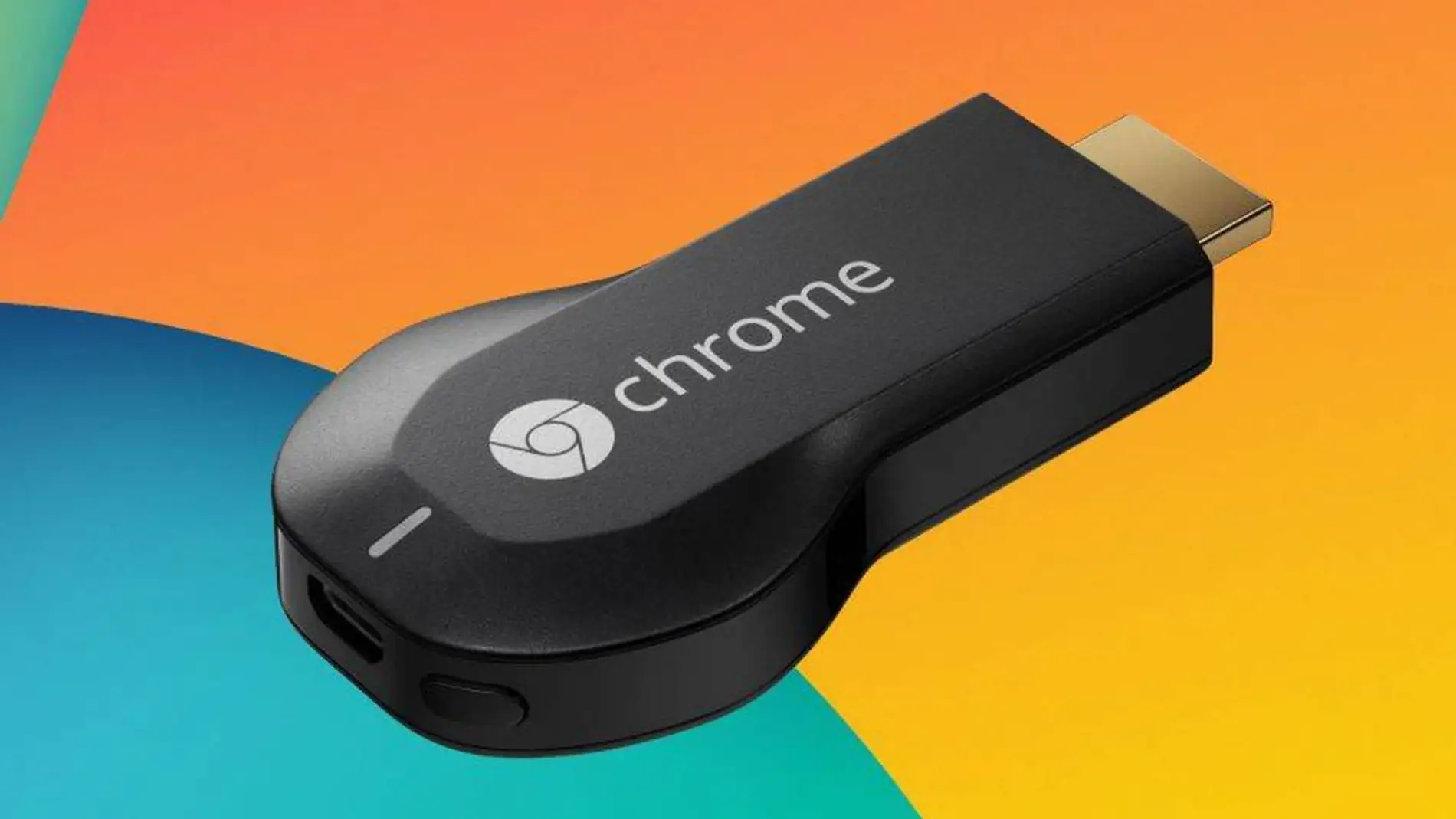
Despite the drastic nature of the move, Netflix has left a small escape route for those who rely on their mobile phone as a control center.The company maintains Cast support on two main groups of devices, albeit with very specific conditions:
- Older Chromecasts without a remote controlThat is, the classic models that connect to HDMI and do not have their own interface or remote control.
- Televisions with natively integrated Google Cast, usually somewhat older models that do not use the full Google TV interface, but only the reception function.
On these devices, the Cast button in the Netflix mobile app may still appear, allowing you to send series and movies as before. However, This exception is linked to the type of plan the user has.The platform's own help page indicates that streaming from mobile to TV will only remain available if you subscribe to one of the ad-free plans, namely the Standard and Premium options.
This implies that Ad-supported plans are excluded from the Cast party, even on older devices.If you're subscribed to the cheapest ad-supported plan, even if you have a first-generation Chromecast or a TV with native Google Cast, you won't be able to use your phone to cast content to the big screen. In those cases, just like with TVs with Google TV or modern Chromecasts, you'll have to use the remote and the Netflix app installed on your TV.
In Europe, where The ad-supported model has been introduced as a way to lower subscription costs.This nuance is especially relevant: many households that had switched to this plan are losing both the flexibility of Cast and the convenient control from their mobile devices. Furthermore, the app doesn't display a clear message explaining why the feature is being removed.
It is worth noting that, according to the available information, The removal of the mobile sending function affects all plans equally on the latest remote-controlled devices.In other words, even if you pay for Premium, if your TV has Google TV or if you use a Chromecast with Google TV, the Cast directly icon from the Netflix app is no longer available and there's no way to get it back.
Goodbye to the mobile phone as a controller: why the user experience is changing so much
For more than a decade, Using your mobile phone as a “smart remote” for Netflix had become the most convenient way to watch content for millions of users. The routine was simple: open Netflix on your smartphone, leisurely search for what you want to watch, tap the Cast icon, send playback to your Chromecast or TV, and manage playback, pauses, and episode changes without letting go of your phone.
This dynamic had several clear advantages. For one thing, Writing titles, browsing categories, or managing lists from the mobile touchscreen is much faster. than dealing with the arrows on a remote control. On the other hand, it allowed several people at home to interact with the playback queue without fighting over the same physical remote, all while keeping the content on the big screen.
With the removal of Cast support on most TVs and players with remote controls, Netflix completely breaks with that usage pattern. The user is forced to turn on the TV, open the native app, and navigate the Netflix interface using the remote control.For those with slow controls, clunky menus, or who are simply used to doing everything from their mobile phone, the change feels like a step backward in convenience.
This is not the first time the platform has removed a feature for sending from external devices. It was no longer compatible with 2019 AirPlay, Apple's equivalent system for sending video from iPhone and iPad to the television, citing technical reasons. Now repeat the movement with Google Castbut with a much greater impact on the daily experience of those who use Android, iOS or tablets as a multimedia control center.
The practical consequence is that the experience becomes “remote-first”Everything starts and ends with the TV or stick app, and the mobile phone loses much of the prominence it had gained in recent years as a universal remote. For many users, accustomed to searching for a series while answering messages or managing viewing without leaving the sofa, This change represents a clear step backwards..
Possible reasons: advertising, ecosystem control, and shared accounts
Netflix has not offered a detailed technical explanation. that justifies this change. The official statement merely mentions that The change is being made to “improve the customer experience”This statement, in practice, leaves more doubts than certainties among European and Spanish subscribers who saw Cast as a convenient and intuitive way to use the service.
However, several elements point to a more strategic motivation. For one thing, When you cast from your mobile device, what you see on your TV is a stream sent directly from Netflix's servers.without the TV app having full control over the interface or how and when certain elements are displayed. This can complicate the management of more sophisticated advertising formats, detailed viewing metrics or interactive features that the platform is exploring.
Since launching its plans with announcements, the company has focused part of its strategy on Ensure that the advertising plays correctly and without leaks.If playback is always orchestrated from the application installed on the TV, the company has much more leeway to decide exactly what the user sees, how advertising breaks are displayed, or what kind of interactive experiences can be activated.
Furthermore, the change comes in a broader context in which Netflix has toughened its stance on shared accounts between different householdsMobile streaming offered, in some cases, small loopholes to circumvent restrictions, by leveraging devices distributed across different homes or less common network configurations. Minimizing the use of mobile phones as remotes and concentrating everything on the TV app helps to further close these loopholes.
Taken together, everything fits with a company that, after years focused on growth at any cost, Now it optimizes every detail of its ecosystem to get the most out of its existing users.It's not just about adding subscribers, but about controlling how, where, and under what conditions they consume content, something especially relevant in mature markets like Spain or Europe, where competition from other platforms is very strong.
User reactions and questions about what will come next
The discontent among subscribers was not long in coming. Forums and social media are full of messages from people who assumed there was a problem with Netflix or their WiFi network.until they discovered that the removal of the Cast button was intentional. Many describe the change as an “absurd” step backward that penalizes precisely those who have upgraded their television or purchased more modern devices.
The dynamic is paradoxical: Older Chromecasts, without a remote and with more limited hardware, retain features that are cut back in much newer and more powerful models.While it is generally assumed that older devices lose support over time, in this case the opposite occurs: it is the current devices with their own interface that are artificially losing capabilities.
Among the complaints is also the feeling that The change has been implemented “through the back door”Without clear communication within the app or prior warnings in Europe or Spain, many users have learned about it through tech news or online community discussions, not through direct messages from the platform explaining the impact on their specific devices.
Beyond the anger, The measure fuels fears that other functions will be cut in the future.Especially for those who don't pay for the more expensive plans. If Cast has already been limited, some are wondering what will happen to other features that are currently taken for granted, such as certain image quality options, simultaneous use on multiple devices, or compatibility with certain external systems.
In this scenario, many European households are considering whether it's worth continuing to use devices focused on Google TV or if it's better to rely on TVs with simple Google Cast, in other systems like Fire TVor even in alternative solutions to maintain a form of use as close as possible to the one they had with the mobile phone as the central focus.
Netflix's move to stream from mobile devices to Chromecast and TVs with Google TV represents a significant change in how people watch the platform at home: Smartphone flexibility is reduced, the prominence of the TV's native app is reinforced, and the use of Cast is restricted to older devices and ad-free plans.The measure fits with a broader strategy of controlling the ecosystem, advertising, and shared accounts, but it leaves many users in Spain and Europe feeling that the experience has become less comfortable, especially on the most modern devices.

I am a technology enthusiast who has turned his "geek" interests into a profession. I have spent more than 10 years of my life using cutting-edge technology and tinkering with all kinds of programs out of pure curiosity. Now I have specialized in computer technology and video games. This is because for more than 5 years I have been writing for various websites on technology and video games, creating articles that seek to give you the information you need in a language that is understandable to everyone.
If you have any questions, my knowledge ranges from everything related to the Windows operating system as well as Android for mobile phones. And my commitment is to you, I am always willing to spend a few minutes and help you resolve any questions you may have in this internet world.