- NotebookLM allows you to intelligently transform, organize, and summarize information using AI on Android.
- Automatic podcast and summary generation speeds up learning and data processing.
- Collaboration, templates, and cross-platform synchronization are key to optimizing your productivity.

NotebookLMis taking off as one of Google's most revolutionary artificial intelligence tools in the note management, document analysis and content generation, Especially when it comes to getting the most out of it on Android. In today's digital age, the amount of information we work with daily demands effective and flexible solutions, and this is where this platform becomes an essential ally for students, professionals, and content creators alike.
We present you an extensive guide that includes All the tricks, advanced features, and practical tips to get the most out of NotebookLM on Android fully integrated into your daily routine. We'll also cover how to set up the tool from scratch, the most common mistakes to avoid, and how to transform your workflow into something more agile and productive thanks to AI. If you're looking for efficiency, creativity, and organization, keep reading because here's everything you need to know.
What is NotebookLM and why has it become a key tool?
NotebookLM is a digital assistant based on artificial intelligencecreated by Google Labs, designed to transform the way we store, process, and reuse information from our Android smartphones. It is a experimental platform that combines the ability to import and analyze documents (PDF, text, audio, video, or Google Drive links) with smart summarization features, creative content generation, and user collaboration.
The main difference between NotebookLM and other note taking apps is its conversational approach and in its analytical depth: It not only allows you to take notes, but also to interact with files, extract the most relevant ideas, create personalized podcasts, and even establish collaborative workflows, all from a fluid and synchronized mobile experience.
Initial setup and requirements for using NotebookLM on Android
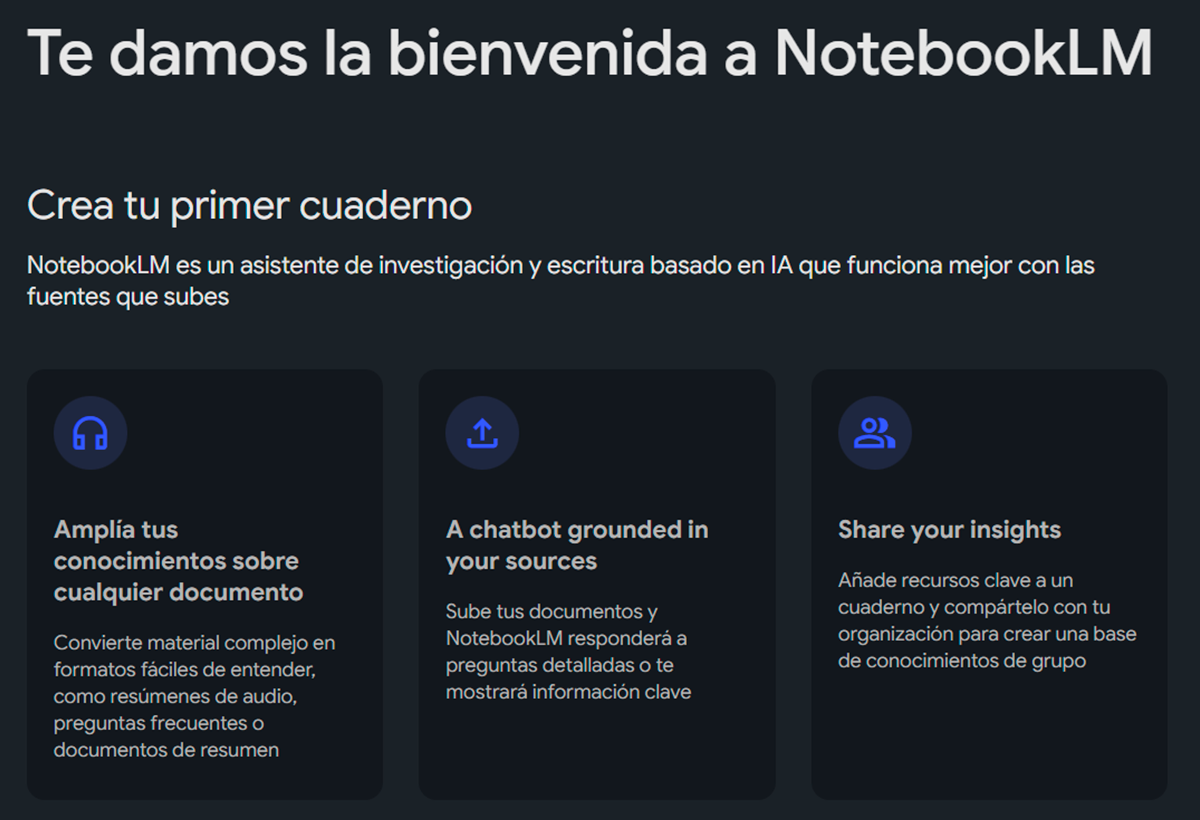
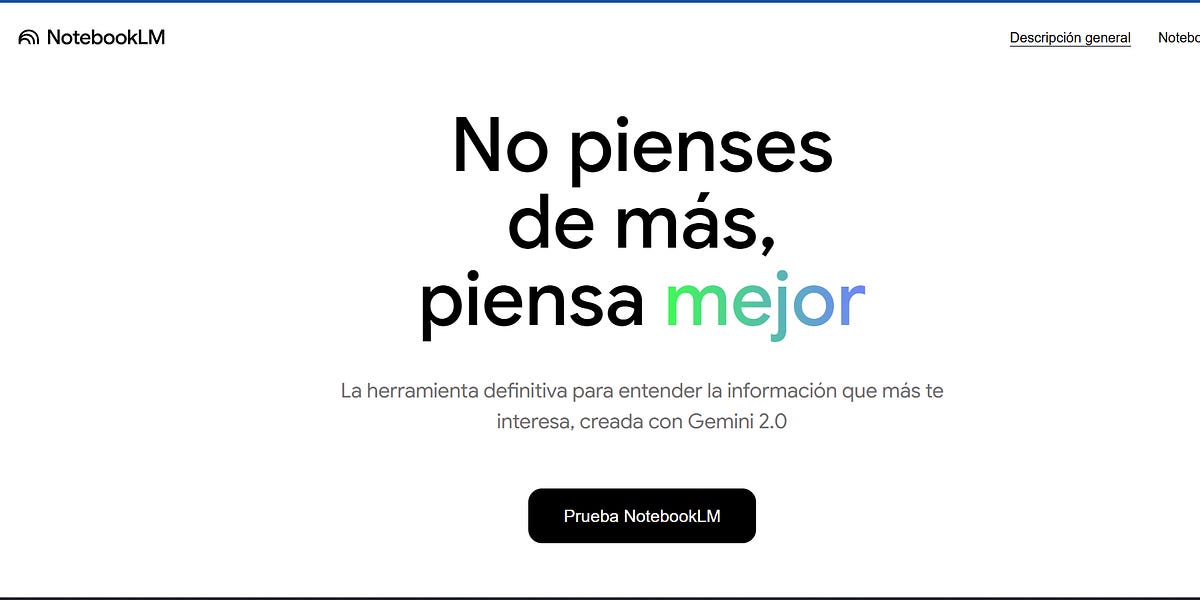
Launch NotebookLM on your Android device does not require installing anything from Google Play, as it works directly in the cloud. Access is simple, although the tool is still in the experimental phase. To get started, You just need a Google account and an updated browser, with Chrome being the most recommended option to ensure compatibility.
To access, visit the official NotebookLM website through Google Labs. From there, you can register and, if the service isn't yet active in your region, join the waiting list. Once logged in, the system itself will guide you on how to import documents (whether uploaded from your phone, connected via Google Drive, or even video and audio files). The simplicity and speed of the initial setup translates into be able to start working with your own files in a matter of minutes.
Additionally, you can customize thematic collections, choose your preferred language, and define which primary documents you'd like to process first.
Key Features and Advanced Features of NotebookLM on Android
- Uploading and organizing filesNotebookLM allows you to import files in PDF, plain text, Markdown, and even audio and video formats, either from your phone or Google Drive. Separating documents by project, subject, or topic facilitates clear and organized management, allowing you to quickly find exactly what you need.
- Improved search and summary toolsAI: Thanks to AI, it's possible to locate key concepts, topics, or relevant phrases in a matter of seconds. The algorithm highlights essential paragraphs and can summarize long amounts of text into digestible bullet points. This is ideal for saving time and capturing the essence of any file without reading it in full.
- Automatic summary generation: One of the most valued features. Simply ask the platform to extract the key points from a report, research paper, or long note, and in seconds you'll see a neat summary tailored to your needs.
- Creating dynamic podcasts and audioNotebookLM goes beyond typical TTS (text-to-speech) and is capable of generating personalized podcasts from your notes, simulating a conversation between two AI voices. This is especially useful for reviewing topics, listening to discussions on complex topics, or simply consuming content while performing other tasks.
- Conversational chat with AIYou can interact directly with documents by asking specific questions and getting precise answers based on the content. If you need to compare reports from different years, delve deeper into concepts, or look for trends, AI helps you with explanations, diagrams, and contextualized answers.
- Collaboration and teamwork: You can share notebooks or files with colleagues, just like in Drive, to work collaboratively, review progress, or propose new ideas as a group.
Essential tips to get the most out of NotebookLM on Android
To get the most out of NotebookLM, it's a good idea to keep in mind these practical tips and tricks that will optimize your productivity and allow you to take full advantage of its features.
- Define the objective of each notebookBefore uploading documents, think about what you want to accomplish: research, summarize, organize ideas, generate creative content, etc.? Establishing your purpose allows you to tailor AI to your needs and receive personalized recommendations.
- Organize files and use labels: Group by project, topic, or priority and use tags to locate information in seconds. Additionally, the internal linking option helps connect related notes, building a network of your own knowledge.
- Ask specific questionsThe quality of NotebookLM's answers depends on how specific your questions are. Avoid broad questions and focus on narrow ones, such as, "What are the applications of artificial intelligence in education according to this report?"
- Use and customize templatesCreate templates for reports, meetings, to-do lists, or brainstorming sessions. This saves time and ensures that all relevant information is always captured in the same format.
- Perform daily and weekly reviews of your notesDedicate 10-15 minutes a day to review important notes and 30 minutes a week to adjust priorities and projects. This habit helps you stay focused and identify potential improvements to your workflow.
- Sync devices for a seamless experienceOne of the advantages of NotebookLM is that you can start a project on your laptop, continue it on your phone, and review it on your tablet. You don't need to transfer files or worry about losing data; everything is updated in the cloud.
Real-life use cases: applying NotebookLM in different situations
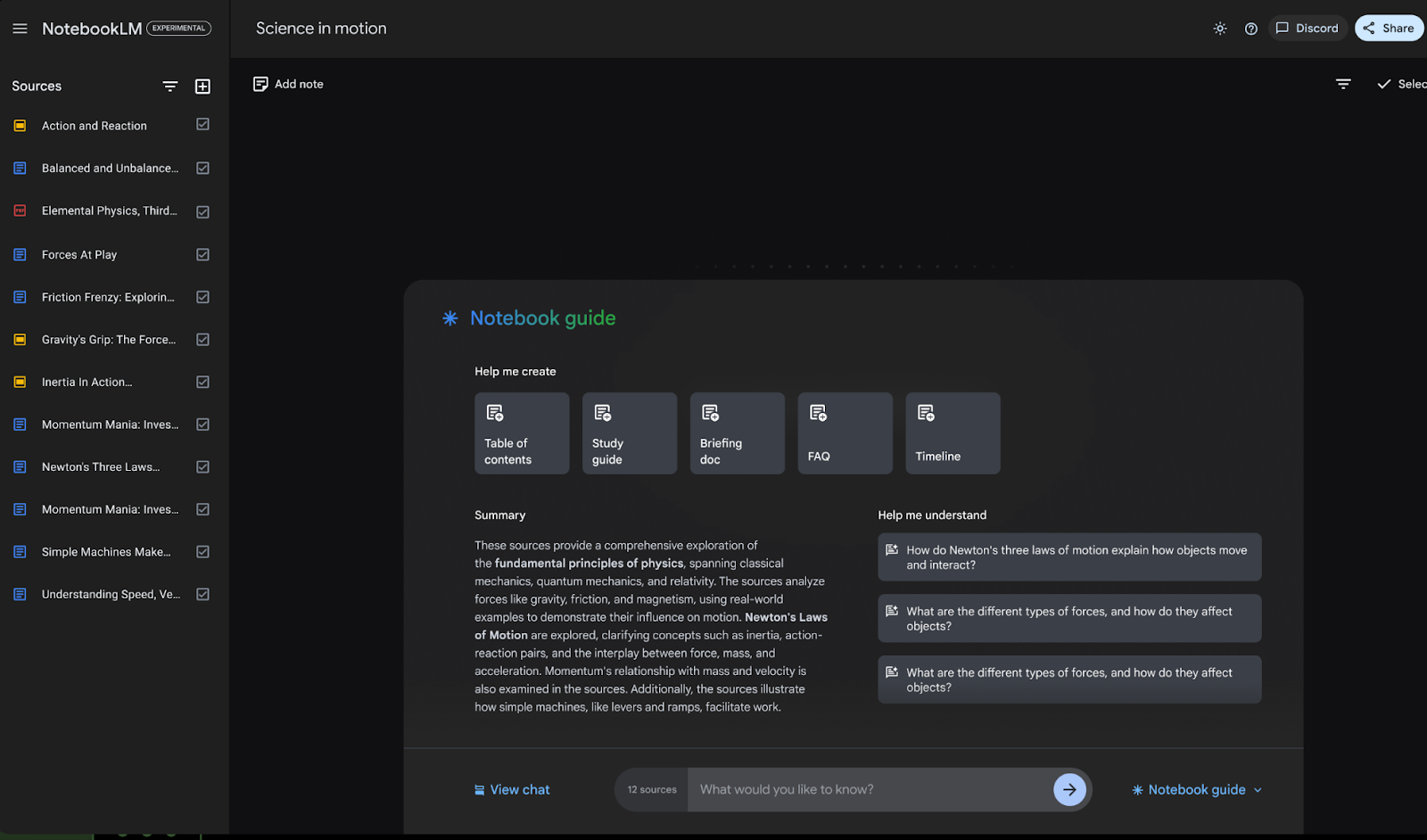
Students and university studentsNotebookLM is the ideal companion for those who need to organize large volumes of notes, lecture summaries, or scientific articles. You can import study materials, ask it to summarize complex chapters, or help you prepare exam answers. You can also get direct links to paragraphs, making it easier to review later.
Professionals and executivesAnalyzing annual reports, preparing executive presentations, or identifying trends in large data sets becomes easier. NotebookLM lets you convert long reports into bulleted lists or short audio files to review on the go.
Content creators: When working with blogs, videos, or social media campaigns, the tool helps you identify your top-value points, organize ideas for new posts, or even generate post topics from a single file and repurpose content creatively.
Collaborative workBy sharing notebooks, multiple team members can contribute ideas, make revisions, or generate discussions about the content, all under the umbrella of AI that helps structure and prioritize information.
Common mistakes and how to avoid them for an optimal experience
Do not upload complete or poorly organized files.The quality and structure of the material you upload directly influences the AI's ability to deliver relevant results. Fragmented files, unclear titles, or disorganized formats can prevent you from getting useful answers.
Looking for answers that are too general: Vague questions or those lacking sufficient context often yield inaccurate results. It's advisable to narrow down your queries to obtain more relevant and useful information.
Do not use tags or internal linksLack of organization makes it difficult to quickly access information and can lead to wasted time. Take advantage of tags and internal links to keep everything structured and accessible.
Not scheduling periodic check-upsKeeping your notes organized requires constant review. Take a few minutes each day or week to update, reorganize, and clean up your files, ensuring a more efficient workflow.
Comparison with other smart note apps
NotebookLM differs from alternatives like Notion, Obsidian or Google Keep Due to its focus on AI and real-time interaction with files. While these other programs offer organizational features, the ability to create conversational podcasts and answer specific questions from within the content makes NotebookLM a more advanced and versatile option on Android.
For now, it doesn't support CSV or Excel files, although these features are expected to be added in future versions. If you primarily work with text, presentations, or audio, it's a very comprehensive and user-focused option.
Final recommendations and additional productive tips
To master NotebookLM on Android, it's essential to explore all its features and take advantage of its customization and collaboration options. Take the time to familiarize yourself with the menus, try out different formats, and experiment with templates. Also, share your notebooks to discover new ways of working, as the platform is constantly evolving and receives frequent improvements.
If you find any features that could be improved or have suggestions, you can send your feedback to Google Labs directly from the platform. Explore tricks for other tools like the Windows Calculator NotebookLM can help you complement your digital workflow and boost your overall productivity. Adapting to an information-rich environment requires flexible and powerful solutions, and NotebookLM is designed to be that tool that allows you to gain time, clarity, and control in your digital work on Android.


I am a technology enthusiast who has turned his "geek" interests into a profession. I have spent more than 10 years of my life using cutting-edge technology and tinkering with all kinds of programs out of pure curiosity. Now I have specialized in computer technology and video games. This is because for more than 5 years I have been writing for various websites on technology and video games, creating articles that seek to give you the information you need in a language that is understandable to everyone.
If you have any questions, my knowledge ranges from everything related to the Windows operating system as well as Android for mobile phones. And my commitment is to you, I am always willing to spend a few minutes and help you resolve any questions you may have in this internet world.