- The collation function allows you to organize copies into complete sets instead of grouping identical pages.
- It is possible to adjust the order in which the sheets are output to avoid having to organize them manually at the end.
- The configuration varies depending on whether you access it from the editing program or from the device driver.
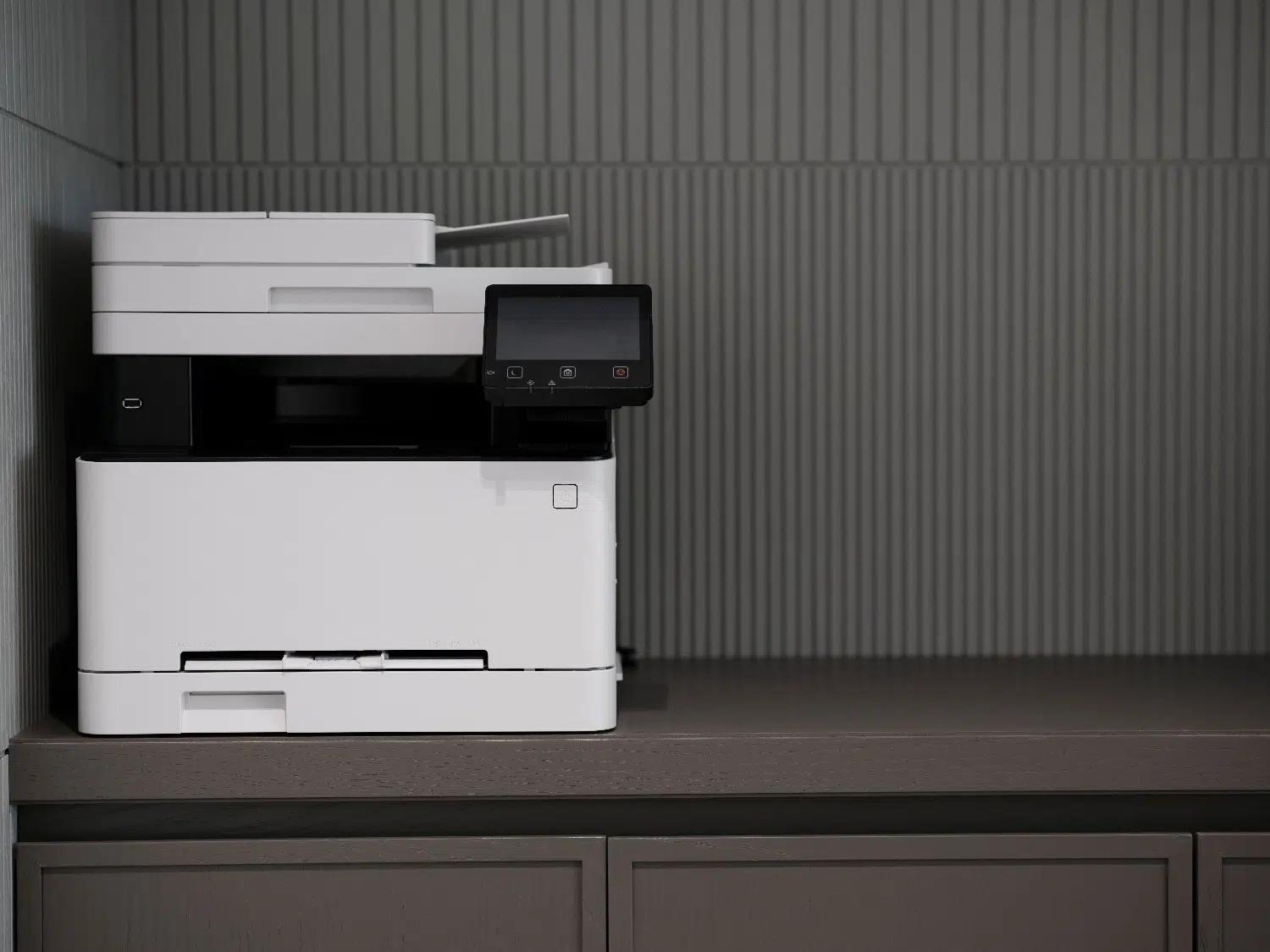
You've probably experienced this before: you send several copies of a long report to print, and when you check the output tray, you find a mess. Instead of having the documents ready to hand in, you have a lot of front pagesThen all the second ones, and so on. It's a hassle that wastes time and, frankly, makes you want to throw the printer out the window.
This problem isn't due to equipment failure, but rather a configuration that often goes unnoticed. The key is understanding how to manage the paper output flow, whether through the interleaved pages Or by reversing the order, so the final result is exactly what we need without having to manually sort the pages. Let's get started with the printer printing all the first pages together: how to arrange the copies.
Understanding the interleaved print
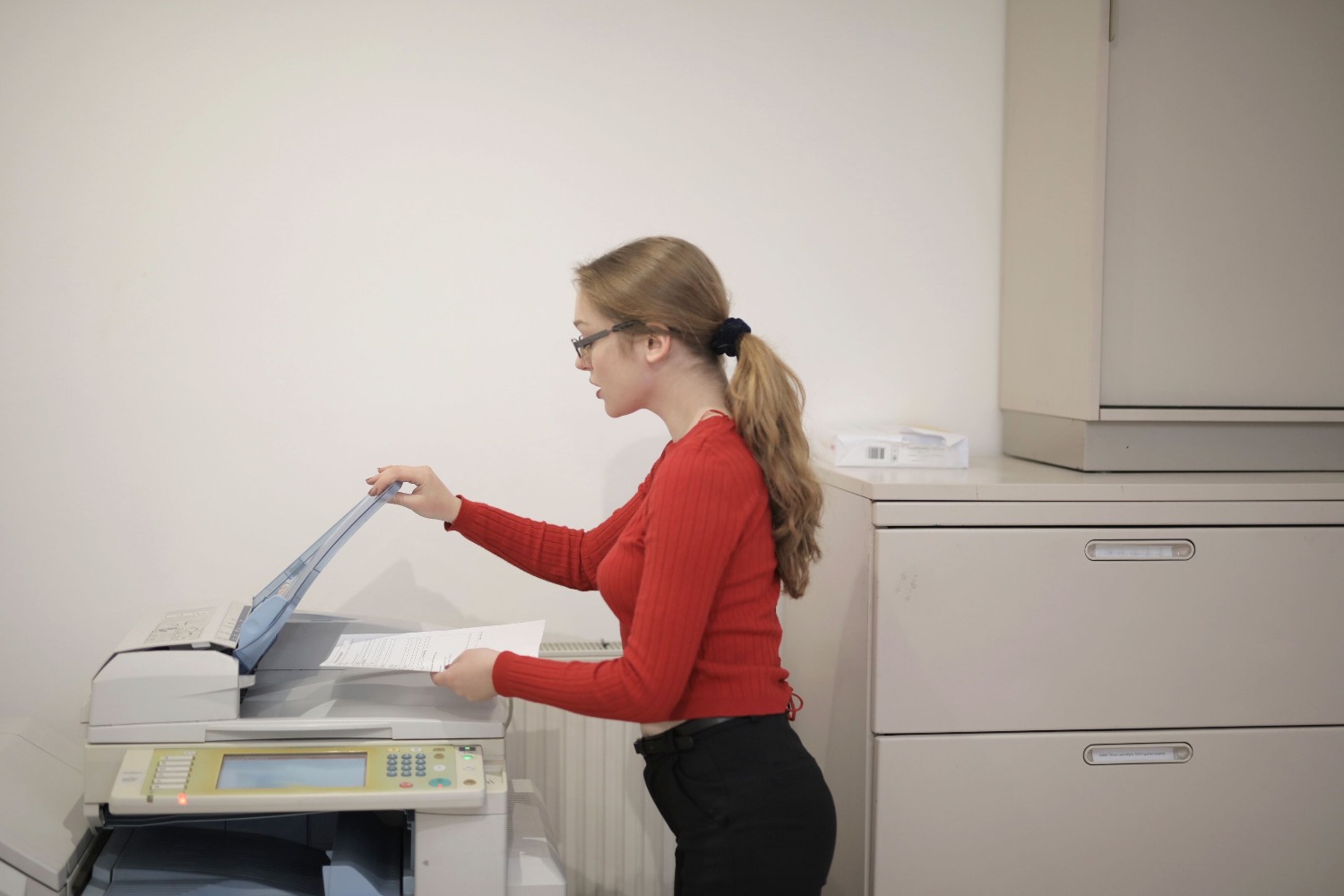
When we talk about interleaving, we are referring to the machine's ability to deliver the documents in complete and organized gamesIf you print three copies of a five-page document with this option enabled, the printer will print the sequence 1, 2, 3, 4, 5 and repeat the process until all copies are printed. This is ideal for when you need to distribute materials at a meeting or hand out school assignments.
Conversely, if the collation option is disabled, non-collated printing will occur. In this case, the device will print all copies of page 1Then all the pages on page 2, and so on. This can be useful if you're going to use a photocopier later or if you only need duplicates of loose sheets, but for long documents it's an organizational nightmare.
How to configure the copy order step by step

Not all printers display this option in the same place, but you can usually find it in two main locations. If you use programs like Word or PDF editors, you should go to the menu of File and then PrintOnce there, look for a box called "Collate" (or "Intercalar" if the program is in English). Checking it tells the software that you want the games already assembled.
If the problem persists or the program doesn't offer the option, the best solution is to go directly to the root cause: the printer driver. To do this, access the Windows Control Panel, right-click on your device, and go to [the appropriate settings/options]. Printing preferencesDepending on the model, look for tabs like "Finish" or "Advanced Options." There you can activate the function. order copies permanently.
Advanced composition and output options
There are other settings that can save the day depending on how your printer prints. Some printers, due to their design, deposit the sheets one on top of the other, causing the first page to end up at the bottom. To fix this, you can activate the option to Reverse order, which starts printing from the last page so that the final document is correctly oriented.
Furthermore, if you work with very specific documents, you can experiment with the layout. For example, the function of pages per sheet It allows you to fit 2 or 4 pages onto a single sheet, optimizing paper usage. There are also options for creating posters by enlarging a single image across multiple sheets or adding custom background marks, either through text or BMP images, to protect the authorship of your documents.
Duplex printing management

Printing on both sides is a great way to save paper, although it does require some attention. standard double-sided printing It usually prints all the odd-numbered pages first. Once this is done, the printer will ask you to collect the sheets and reinsert them into the feeder to print the even-numbered pages on the reverse side. This is essential. align the stack of leaves properly and follow the on-screen instructions to avoid jams or incorrect margins.
For those seeking something more professional, there is the option of folded brochureThis system organizes the pages so that, when you fold the paper in half, the reading order is correct (for example, printing pages 1 and 4 on the same side). When configuring this, you can choose the binding position (left, right or top) and adjust the safety margin so that the text is not hidden when the document is stapled.
Mastering these configuration tools allows you to go from a bunch of messy sheets to documents ready for use in a matter of seconds. Whether it's enabling collation, reversing the output order, or configuring double-sided printing, the goal is to eliminate the manual task of arranging copies and take full advantage of the device driver's features.
Frequently Asked Questions
What does the "collate" option mean when printing?
It is a function that organizes copies into complete sets, printing the entire sequence of pages before starting the next copy.
How do I avoid having to sort the sheets by hand after printing?
You must activate the Collate checkbox in your program's print menu or in the printer driver preferences.
Why is my printer printing pages in reverse order?
This occurs due to the physical design of the output tray; it can be fixed by activating the Reverse Order option in the composition settings.
Where can I find the interleaving option in Windows?
You can access it through the Control Panel by right-clicking on the printer and going to Printing Preferences, within the Finishing or Advanced Options tab.
How can I print a brochure that can be folded?
You must select the Double-Sided Printing option and check the Folded Booklet box in the page setup menu.
Is it possible to print multiple pages on a single sheet of paper?
Yes, by using the Composition menu and selecting the Pages per sheet option, where you can choose between 2 or 4 pages.
Index
