You may have been avoiding this topic for a while, but it's time to talk about the risks of using hardware that no longer receives full support. We don't always want to (or be able to) get rid of equipment that's still useful even though it no longer receives official support. While it's tempting to extend its lifespan as much as possible, it's worth remembering that There are dangers involvedLet's see what they are.
What exactly does “hardware without full support” mean?
Before discussing the risks of using hardware without full support, it's important to understand when a device falls into this category. To begin, it's worth remembering that manufacturers establish a useful life for their products. This is known as End of Life (EOL) or End of Service Life (EOSL); when this time ends, the hardware loses full support.
What does full hardware support entail? Basically, it means the manufacturer commits to fulfilling the three pillars that support its useful lifeThese are:
- Support engineering Firmware and patches are updated to ensure hardware security against modern attacks. Without these updated low-level instructions, the hardware is vulnerable.
- Support compatibility: Driver updates to ensure hardware remains compatible with the latest systems (Windows 11, latest version of Linux).
- Warranty and spare partsA stock of replacement parts, as well as technical support and assistance, is essential. When this runs out, there's no alternative but to look for used parts.
That a device has no support It doesn't mean it has stopped working or that it won't turn on.That's why you can use hardware without full support for much longer. But using it like that, without security and compatibility updates and without logistical support, poses a risk.
Knowing this, major manufacturers, such as Cisco, HPE, Dell, etc., periodically publish Lists of products that have lost supportTypically, the lifespan of a product is between 5 and 7 years after its release. At this point, a decision must be made: use hardware without full support or upgrade the equipment.
What are the risks of using hardware without full support?

One thing is clear: the end of full support for hardware doesn't always coincide with the end of its usefulness. There are still hundreds of "obsolete" devices (computers, printers, routers, motherboards, etc.) that continue to function normally. Use them in enclosed environments (offline) It doesn't pose a major problemBut what happens when they connect to the network?
Security and privacy risks
Using hardware without full support carries significant security and privacy risks. This is undoubtedly the greatest danger of connecting very old or unsupported equipment to the network. When a manufacturer stops providing support, the same applies. Stop fixing bugs that might appear in the futureAnd this creates a gateway for dangerous digital threats.
In fact, the older and more outdated the hardware, the more it It is more likely that automated tools exist to attack it.In other words, it will be much easier for a bot to identify, attack, and use it as an access point. And the problem is that a single vulnerable device can become an entry point to compromise other connected devices.
The above is especially true in the case of routers, IP cameras or IoT devicesMany of these devices remain connected 24/7 and are accessible via the internet. Furthermore, they can lose support without the user receiving any notification or finding out through other means. And by the time the user finally learns of it, the entire system may have been compromised for a long time or may have been the victim of multiple attacks.
Incompatibility with modern software
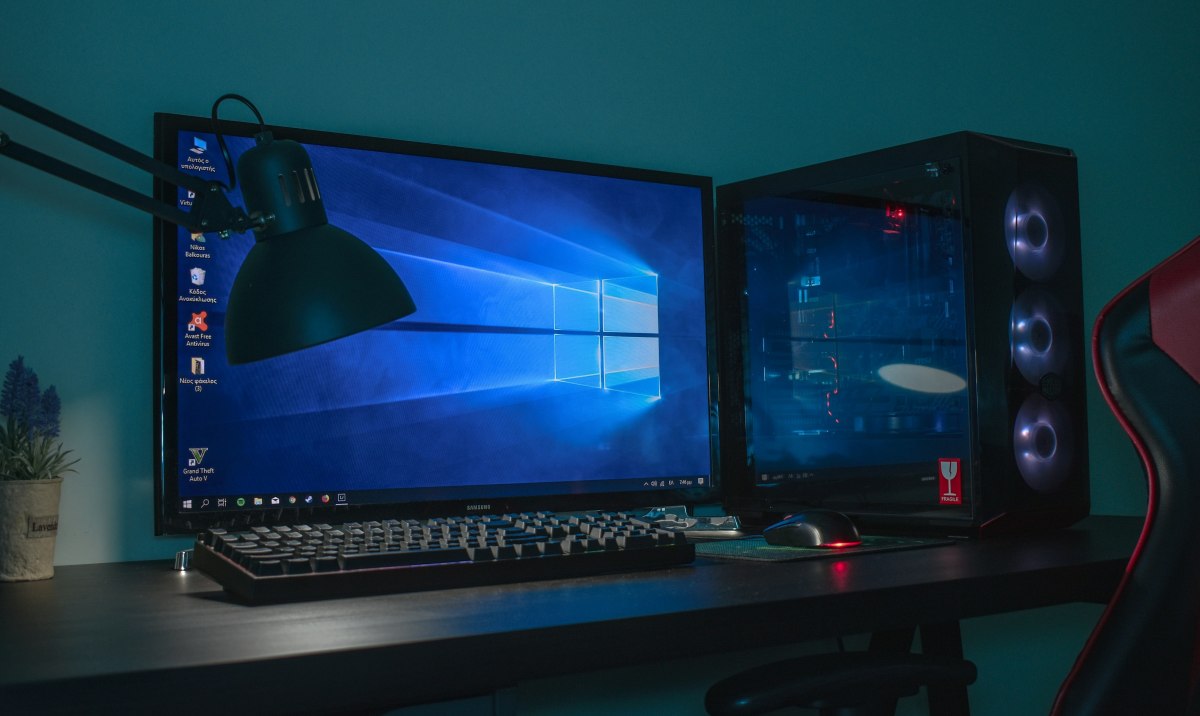
A second problem with using hardware that isn't fully supported is that, in most cases, it will be incompatible with modern software. A clear example of this is all the... computers that have not been able to upgrade to Windows 11simply because they are not compatible. While many still have official support, it's clear they have little time left.
Continuing with the previous example, Using old computers forces you to maintain obsolete operating systemslike Windows 7 or earlier versions of Debian. Or imagine you update your server fleet with the latest version of Windows Server, but a RAID controller, which had been working perfectly, suddenly stops being recognized. In short, if the hardware isn't supported, it won't have new drivers either.
Lack of technical support and spare parts
Another obvious drawback of using hardware without full support is the lack of technical support and new spare partsWhat official contact can you reach out to if you encounter a problem with a piece of equipment that's no longer in production or supported? The same applies if you go to an official store looking for replacement parts for older hardware. You'll have no choice but to search in secondhand stores.
Legal risks
On a professional level, using hardware without full support can be interpreted as a gross negligenceWhat would you think if you found out that your bank uses outdated hardware to store and manage its customers' financial data? Obviously, there are regulations (GDPR in Europe (and HIPAA in the US) which require that personal data be handled in secure and up-to-date environments. And there are serious consequences if they are not complied with.
Poor performance when using unsupported hardware

Some people insist on continuing to use hardware without full support to save the money involved in replacing it. But as the saying goes, you get what you pay for. In the medium and long term, Using outdated equipment results in increased consumption of time, resources, and energy..
For example, a computer that barely runs Windows 10 is not only unstable, but it takes longer to process data and execute commands. Likewise, a seven-year-old server can consume three times as much energy and perform worse than a modern one.
Ultimately, using hardware without full support might be tempting, but It will never be the best or the most advisableNot only are there privacy and security risks, but time, resources, and energy are also wasted. While it may be acceptable in some contexts, it's always best to keep up with the latest technology.

From a young age, I've been fascinated by all things scientific and technological, especially those advancements that make our lives easier and more enjoyable. I love staying up-to-date on the latest news and trends, and sharing my experiences, opinions, and tips about the devices and gadgets I use. This led me to become a web writer a little over five years ago, focusing primarily on Android devices and Windows operating systems. I've learned to explain complex concepts in simple terms so my readers can easily understand them.