HDMI CEC is a technology that allows HDMI-connected devices to communicate with each other, offering convenience and greater control. Thanks to this feature, Your console can automatically turn on the TV and switch to the correct input.Although it's practical, it might also surprise you if you didn't know it was activated, as it synchronizes the power on and off between devices.
What is HDMI CEC?
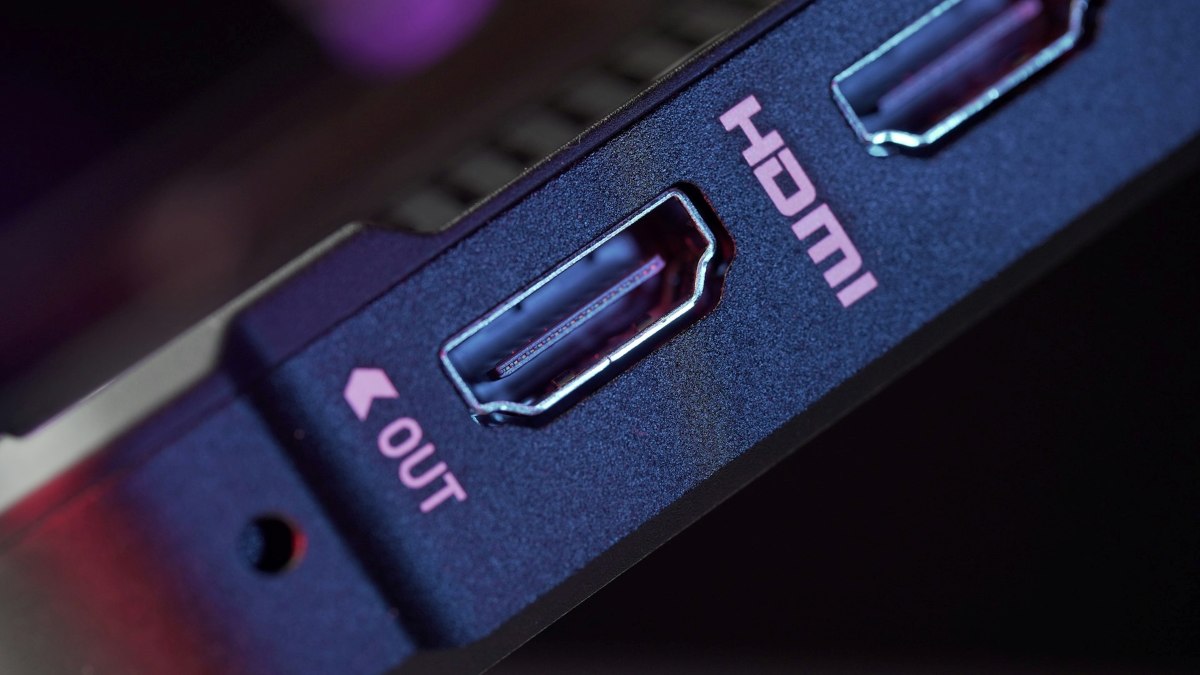
HDMI CEC (Consumer Electronics Control) is a feature included in most modern devices with HDMI connections, such as game consoles, Blu-ray players, soundbars, and Smart TVs. Its main function is to allow these devices to communicate with each other and are controlled with a single remote. That's why your TV turns on automatically and switches to the correct input.
How does it work?
HDMI CEC allows a device connected via HDMI to send commands to the TV and vice versa. CEC-compatible devices communicate through a shared HDMI cable, so no extra cabling is needed. Some of The most common functions of HDMI CEC are the following:
- Automatic ignition and input switchingWhen you turn on your console, like a PlayStation or Nintendo SwitchThe TV automatically turns on and switches to the appropriate HDMI input, simplifying your user experience.
- Single-controller operationThis feature allows you to use your TV remote to control the console, or vice versa. For example, it can be used to control basic functions such as navigating menus or adjusting the volume.
- Synchronized shutdownWhen you turn off the TV, the console may also turn off or be put into standby mode, depending on the device.
Why does HDMI CEC make your console turn on the TV by itself?

Your TV isn't turning on "by itself", what's happening is The console is sending an HDMI CEC signal when powered on.So, when the TV receives that signal, it "understands" that it should turn on and display the corresponding input. It's a feature designed for convenience and to save you steps and time. However, if it bothers you or you simply don't like it, you can turn it off.
How do I activate or deactivate this function? Although it is usually enabled by default, You can activate it from the menu Setting up your TVFrom there, look for options like System, Input, or General. Once inside, find and enable (or disable) the CEC function. Keep in mind that the name may vary depending on your device brand. Here are some examples:
- On TV brand Sony: Bravia Sync.
- Samsung: Anynet +.
- LG: Simplin.
- Panasonic: Viera Link.
- Nintendo Switch: HDMI control.
- Xbox: HDMI-CEC.
- TCL: T-Link.
Regardless of the brand, These CEC features typically offer the same functionalityHowever, you may need to repeat the procedure on your console (PS5, Xbox, Nintendo, etc.) to disable this feature. To do this, look for a similar option and disable it.
Advantages and disadvantages of using HDMI CEC
Use HDMI CEC It has several important advantages.It simplifies control of your devices, reduces the number of remotes you need, and automatically synchronizes basic functions like power on/off and input switching. Other benefits include:
- Automatic input switchingYou won't have to manually select the HDMI source you want; the TV will do it for you when it detects activity.
- Fewer cables, less confusionUsing HDMI CEC reduces the need for multiple connections and controllers, minimizing cable clutter and clutter behind your TV and console.
- Energy savingWhen you enable simultaneous device shutdown via standby mode, CEC helps reduce unnecessary power consumption when devices are not in use.
Disadvantages of HDMI CEC
However, there are some important considerations regarding the use of this feature. For one, its compatibility varies. Not all devices implement HDMI CEC in the same way; each manufacturer assigns a different name to this feature. Furthermore, Its functions are limited and it only supports basic commands like the ones we mentioned before. This means that, while you can navigate your PlayStation menu using the TV remote, you obviously won't be able to play games with it.
And the other side of the coin also exists: Some users prefer to disable this feature.This is because it can accidentally turn on your devices (like your TV) or automatically switch inputs when you don't want it to. So, in short, the biggest benefit is the convenience and integration of your audiovisual ecosystem, especially if you have several devices connected via HDMI cable.
HDMI-CEC integration and soundbars
If you integrate HDMI CEC along with ARC or eARC You will be able to control the volume and power of these audio systems without needing another remote control.This feature is ideal if you're looking for a simplified home theater setup. This means you can use your TV remote to navigate an external player or turn one off and both off.
Do you need a very modern TV to use HDMI CEC?
The truth, It is not absolutely necessary to have a very modern TV to be able to use HDMI CECThis feature has actually existed since the HDMI 1.2a specification (created in 2005). Therefore, many televisions manufactured in the last 10 or 15 years already include this feature.
So almost all Smart TVs with HDMI that were manufactured after 2005 have the function enabled by default or it's available in the settings. However, keep in mind that even if your TV has HDMI CEC, not all functions will always be available; it depends on the manufacturer. In short, you don't need a very modern TV. It simply needs to have HDMI with CEC support..
Conclusion
In conclusion, HDMI-CEC is a feature designed to simplify the audiovisual experience by allowing connected devices to control each other. Therefore, if your TV turns on and automatically switches inputs when you turn on your console, don't worry; it's part of this feature. In short, HDMI-CEC offers convenience and synchronizationHowever, you can always choose to disable it if you prefer to have manual and specific control over your devices.

From a young age, I've been fascinated by all things scientific and technological, especially those advancements that make our lives easier and more enjoyable. I love staying up-to-date on the latest news and trends, and sharing my experiences, opinions, and tips about the devices and gadgets I use. This led me to become a web writer a little over five years ago, focusing primarily on Android devices and Windows operating systems. I've learned to explain complex concepts in simple terms so my readers can easily understand them.