Are you getting a new PC and would like to install or update all your programs with a single click? This time, we'll tell you about a tool that does just that: Ninite. Although it's not a new tool, it's still very practical when it comes to install different programs almost at the same timeHere we tell you a little more about her.
What is Ninite and what are its advantages?
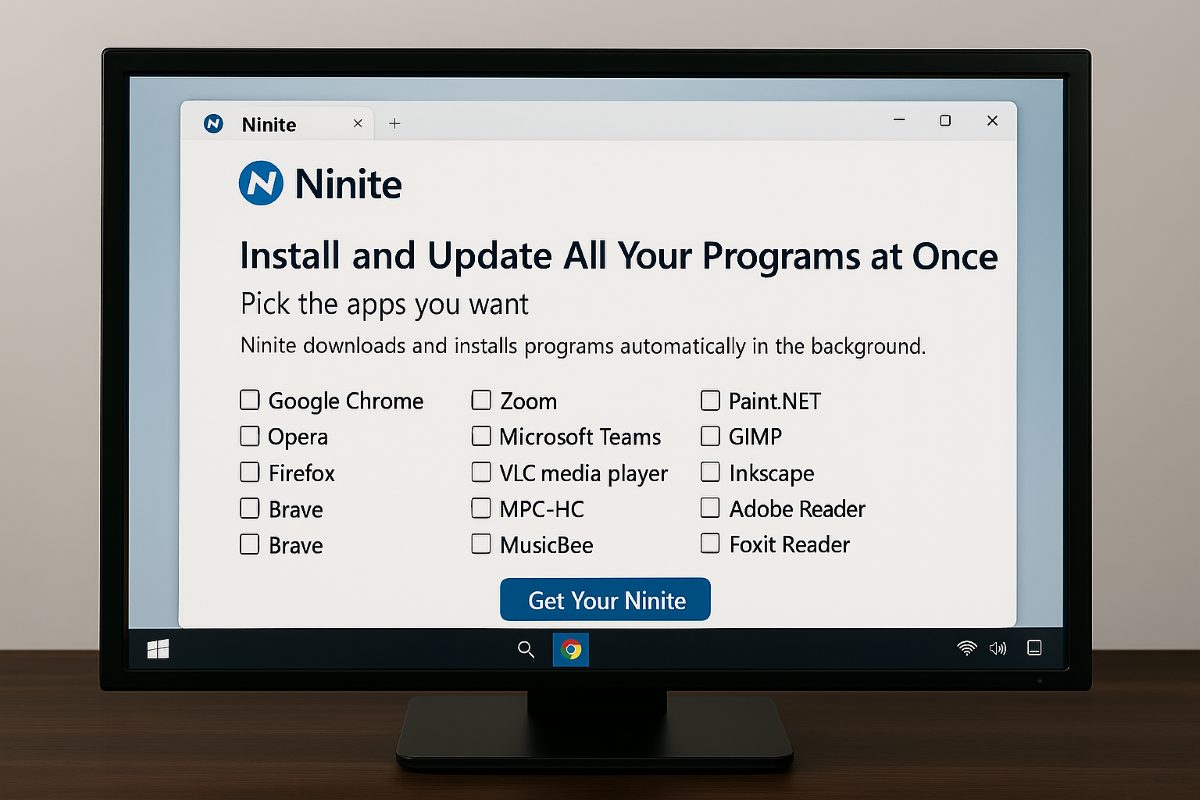
To start, what is Ninite? Ninite It is a free online tool for Windows that is used to install and update multiple programs at the same time.What makes it special and different is that it performs these actions practically automatically, so you won't have to complicate your life downloading apps one by one or searching for available updates.
Normally, when we have to install different programs, we have to spend a long time searching and selecting until we finally download what we want. However, Some installers have annoying options that are pre-selected And what they do is download other programs that we don't want on our computer. Ninite doesn't.
Now, it is true that in Windows we have Winget, A tool that allows you to install and update programs from PowerShell by entering a few commands. But with Ninite we can do this. much faster and we also save ourselves the whole process of “Next… next” that requires a conventional installation.
We could summarize the advantages that Ninite has as follows:
- Install multiple programs at once: Just select the programs you want to install and the tool will do everything, literally everything, for you.
- Automatic update: You won't have to search for available updates for each program because running the installer will automatically update all available programs.
- You prevent tools you don't want from being installed or add-ons (such as ads and intrusive advertising) appearing on your computer.
- Install versions compatible with your equipment: Ninite is able to detect the language and bits that your computer has (32 or 64 bits) and installs the correct ones.
How to install all your programs with one click in Windows?
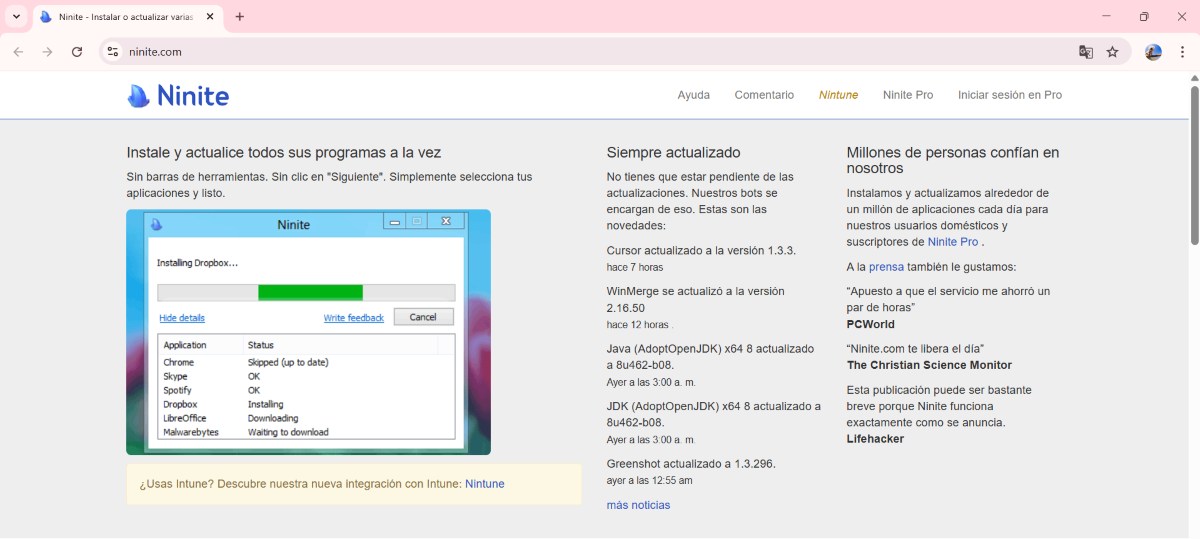
At the moment, Ninite offers over 90 apps to install with a single click.You can select the quantity you want, and the program will install them on your computer without any issues. All of them are downloaded directly from each developer's official website. Therefore, you'll always get the most recent and stable version of the program you download.
Additionally, each program's digital signature is verified when you install each file, so you'll always have the original program. On the other hand, Installation takes seconds and requires no reboots, saving you a lot of time and hassle.
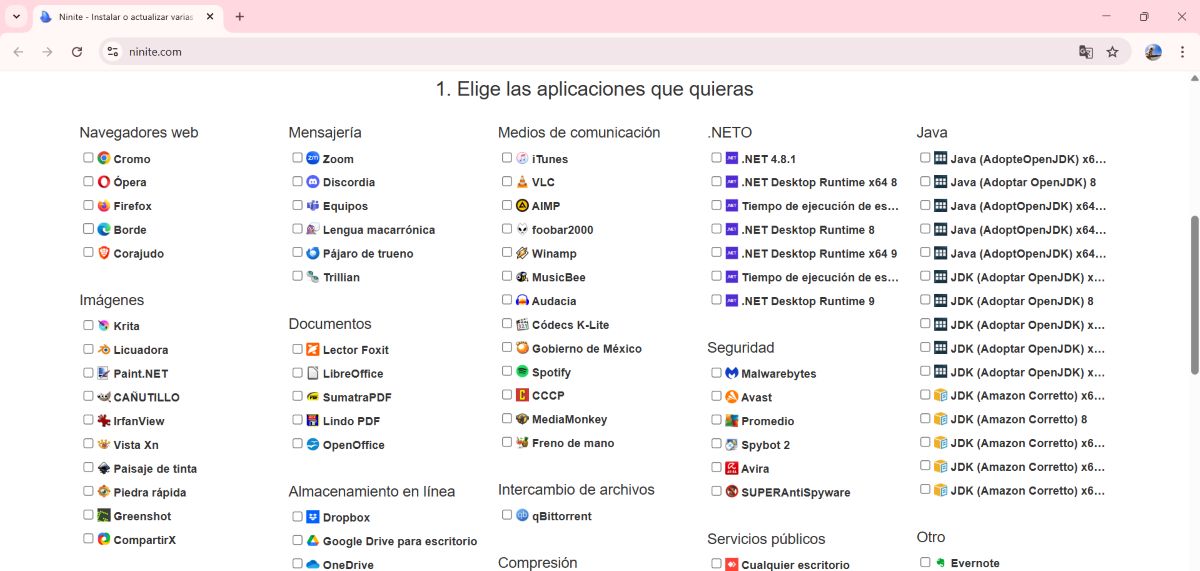
Using this tool is really simple. The first thing you need to do is enter their official website ninite.comThere, you'll see a list of all the programs available for installation in Windows. These programs are grouped into categories such as:
- Browsers web: Chrome, Firefox, Edge, Opera, Brave, etc.
- Messaging: Zoom, Discord, Teams, Pidgin, etc.
- Average: iTunes, VLC, Spotify, GOM, MediaMonkey, etc.
- Documents: LibreOffice, Foxit Reader, Sumatra PDF, OpenOffice, etc.
- Security: Malwarebytes, Avast, AVG, Spybot.
- Utilities: CCleaner, 7-Zip, TeamViewer 15, etc.
- Developer: Python, Git, Visual Studio Code, Notepad++.
- Compression: PeaZip, WinRAR.
Steps to install all your programs with a single click using Ninite
Follow the steps below to install the programs you want using Ninite:
- Select all the programs you wantby clicking on the small box next to it.
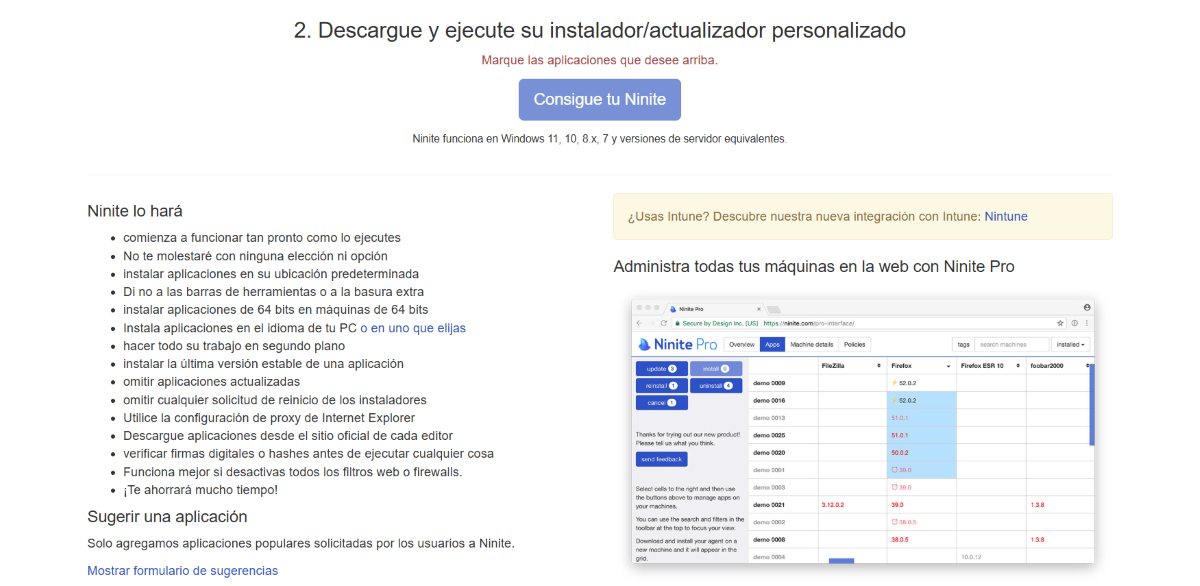
- Then, click on the “Get your Ninite"
- Now the download manager will be downloaded, there click on “Save as”, choose the destination and click Save.
- Next, click on Open file.
- When it asks you for permissions Administrator, Click Yes.
- Done. The programs you selected will now begin downloading.
- Finally, click on Close.
This way, all the programs you selected on the Ninite website will be installed. The download time will depend your Internet connection, your PC's speed, and, of course, the number of programs and apps you want to download. So, it won't be the same in all cases.
So you can update all your programs with one click
Another benefit of using Ninite is that you can Update all the programs you downloaded with one clickWhile some apps have an update check system that notifies you when a new version is available, many don't yet have anything like this.
In these cases, we're the ones who have to check if there's a newer version of each application, download it, and update it manually. However, thanks to this tool, you won't need to go through all these steps to update your programs. To achieve this, do the following::
- Go to your file explorer and locate Ninite among the downloads.
- Right click on it and select Run or double-click about the file.
- In this way, lThe tool will start searching for all updates available that have the programs already installed.
- If you want to see all the details of the process, click on the button Show details And that's it.
The above means that once you use this tool to install all your programs, You should not delete the file that was downloaded first and is named Ninite.. Since this file will allow you to search for and update the applications you just downloaded to your computer.
Use Ninite to install and update your programs on Windows
In short, if you need Install multiple programs at the same time on your Windows computerNinite is an ideal option. You won't have to search one by one for the programs you want on your PC, and you won't forget any either, as the tool will show you a list of all available programs.
Besides, You will avoid downloading unwanted programs, as well as annoying ads and pop-ups on your computer. And on top of that, you can update all your downloaded programs by simply running Ninite whenever you want. It's definitely a tool worth using.

From a young age, I've been fascinated by all things scientific and technological, especially those advancements that make our lives easier and more enjoyable. I love staying up-to-date on the latest news and trends, and sharing my experiences, opinions, and tips about the devices and gadgets I use. This led me to become a web writer a little over five years ago, focusing primarily on Android devices and Windows operating systems. I've learned to explain complex concepts in simple terms so my readers can easily understand them.