
Don't know what to do if Netflix only plays in low quality? Having your favorite shows or movies appear blurry or pixelated is quite annoying. In fact, Poor quality can ruin even the best moviesIn this article, we'll see what playback settings you can apply on your different devices and how to check your connection status. This way, you'll enjoy your content at the highest possible resolution.
What to do if Netflix only plays in low quality

When Netflix only plays in low quality, it's usually due to your account settings, your internet connection speed, or device compatibility. However, The solution is usually simpler than it seems.Next, let's look at the steps you should take to resolve this as soon as possible.
Check your Netflix plan and settings
One of the main reasons why Netflix only plays in low quality is that be limited in your profile settingsHow can you Verify it and, furthermore, adjust it to a higher quality.By doing the following:
- Playback settings: Go to the Netflix website, log in to Account, find your Profile, and select Playback Settings. Once there, make sure it's set to High instead of Automatic or Low.
- Check your plan: Keep in mind an important detail: the Basic plan only allows standard quality (SD), while the Standard and Premium plans offer HD and Ultra HD (4K) quality.
Check your internet connection
On the other hand, remember that Netflix automatically adjusts the quality depending on your current internet speed. That might be why you're noticing that Netflix only plays in low quality. minimum recommended speeds to achieve a specific quality They are as follows:
- 720p (HD): 3 Mbps.
- 1080p (Full HD): 5 Mbps.
- 4K/Ultra HD: 16 Mbps.
Extra tipYou can perform a speed test from the same device (you can use fast.com(which belongs to Netflix) to see if you are receiving the necessary bandwidth.
Solutions depending on the device
If Netflix only plays in low quality, you can also Check your devices to see what quality they support.Additionally, you can check the quality on Windows in both your browser and the screen you're using. To do this, try the following:
- On your mobile phone or tabletOn Android devices, playback quality depends on Widevine L1 certification. To check this, open the Netflix app, tap your profile, go to App Settings, and look for Playback Specifications. Also, make sure you don't have Data Saver enabled in the Netflix app.
- On WindowsPlease note that if you use a browser like Chrome or Firefox, the maximum resolution is usually limited to 720p. If you want to watch content in 1080p or 4K, you must use the Microsoft Edge browser or the official Netflix app from the Microsoft Store.
- PC ScreenIf you are using an external monitor, make sure the cable is HDCP compatible (usually HDMI).
Use an Ethernet (wired) connection if Netflix only plays in low quality
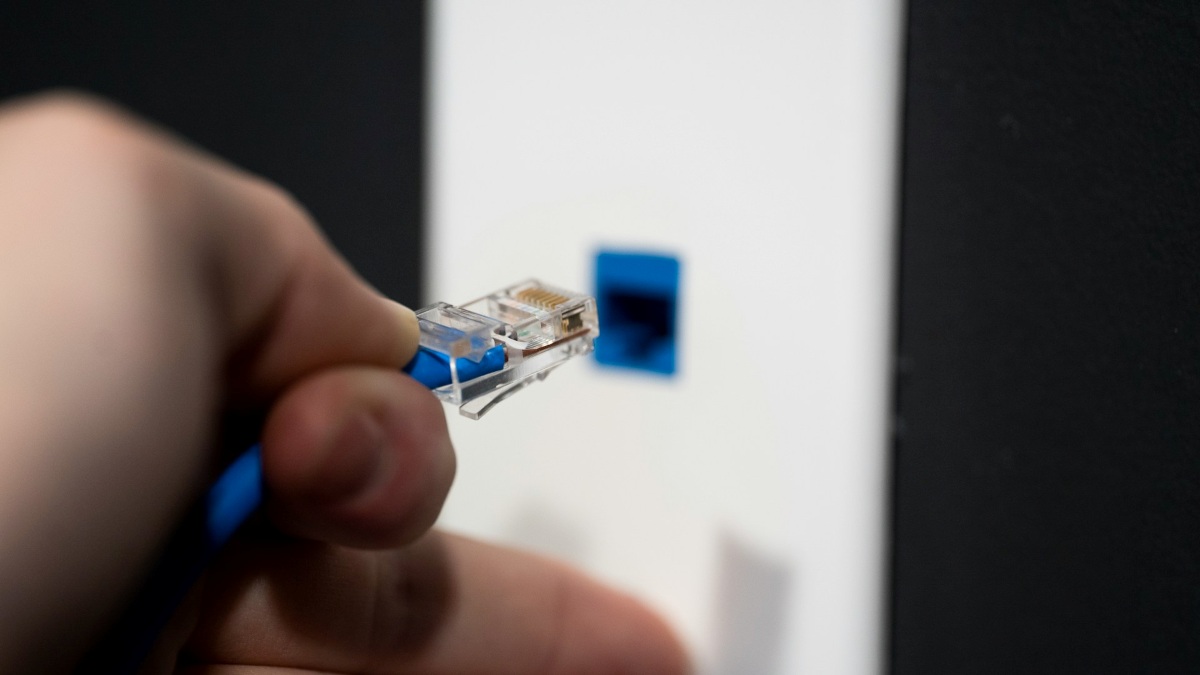
If you notice that Netflix only plays in low quality on your TV, it's recommended that Use an internet connection instead of Wi-FiThis is especially useful if you're looking for maximum stability and image quality. Why is a wired connection usually better than Wi-Fi in these cases? Here are some reasons:
- The signal is more stableWi-Fi can be affected by walls and furniture and is more susceptible to interference. Ethernet cables eliminate this interference, providing a more consistent data flow.
- Latency reductionFor streaming content, download speed isn't the only important factor; the consistency of data packet delivery is also crucial. Using an Ethernet cable allows Netflix to function more efficiently.
- Wireless network releaseIf you use an Ethernet cable to watch Netflix on your TV, you free up space on the Wi-Fi band for other devices like your car or laptop.
However, keep in mind that, in some cases, Wi-Fi might be faster than an Ethernet cable (though not more stable). Why? Many modern TVs have Ethernet ports that are limited to 100 Mbps. For example, if you have a 300 Mbps internet connection and a powerful router near the TV, Wi-Fi could reach speeds of 200 to 300 Mbps, while the wired connection will be limited to 100 Mbps.
- Additional tip: Even if you choose a faster connection, remember that to watch Netflix in 4K/Ultra HD, you only need a stable speed of around 15 to 25 Mbps. This means that the 100 Mbps of your cable connection is more than enough to watch your content in high quality.
Check specific Netflix titles
Something else you can do if Netflix only plays in low quality is verify the quality of specific titles on the platformIt's true that most are available in HD or 4K, but not all. Search for HD or 4K to see a list of titles that are available in this resolution.
On a title's information page you can see the video and audio quality exactly as it will play on your device. For example, a movie might be available in 4K, but if your device only supports 1080p, it will be displayed in HD instead of 4K and will play back in 1080p.
Restart and update.
Another very simple alternative if Netflix only plays in low quality is Restart and update. Try the following:
- Restart the router: Unplug it for 30 seconds and plug it back in.
- Clear cache It also works. On Android, go to Settings – Apps – Netflix – Storage and select Clear cache.
- Update the app: Check the Play Store and Windows Store to make sure you don't have any pending updates for the Netflix app.
In short, if Netflix only streams in low quality, you have to Optimize your connection and review your profile settingsWhether it's connecting an Ethernet cable for more stability or checking the compatibility of your devices, making these adjustments ensures the best possible resolution for you.
Index
