
You've probably been there for some time using extensions in your web browser favorite from your computer. These tools provide us with very useful functions while we browse the Internet. Now, would you like to be able to use them on your mobile device as well? Next, we show you 7 of the best Google Chrome extensions for Android, as well as the procedure to install them.
It should be noted that, until now, It is not possible to install extensions in the mobile version of Google Chrome. However, other browsers are available, such as Yandex, Kiwi, Flow, whose mobile versions support the integration of extensions from the Chrome Store. Thus, you can take advantage of these tools from your Android device.
How to install Google Chrome extensions for Android
Before seeing some of the best Google Chrome extensions for Android, it is important that we review the procedure to install them on your mobile. As we have already said, Chrome does not offer support for extensions in its version for mobile devices. But there are other web browsers that do allow you to install Chrome extensions and that you can download and use on your cell phone.
To use Google Chrome extensions on Android, all you have to do is install a compatible browser on your mobile device. Three of the best alternatives are:
Kiwi Browser
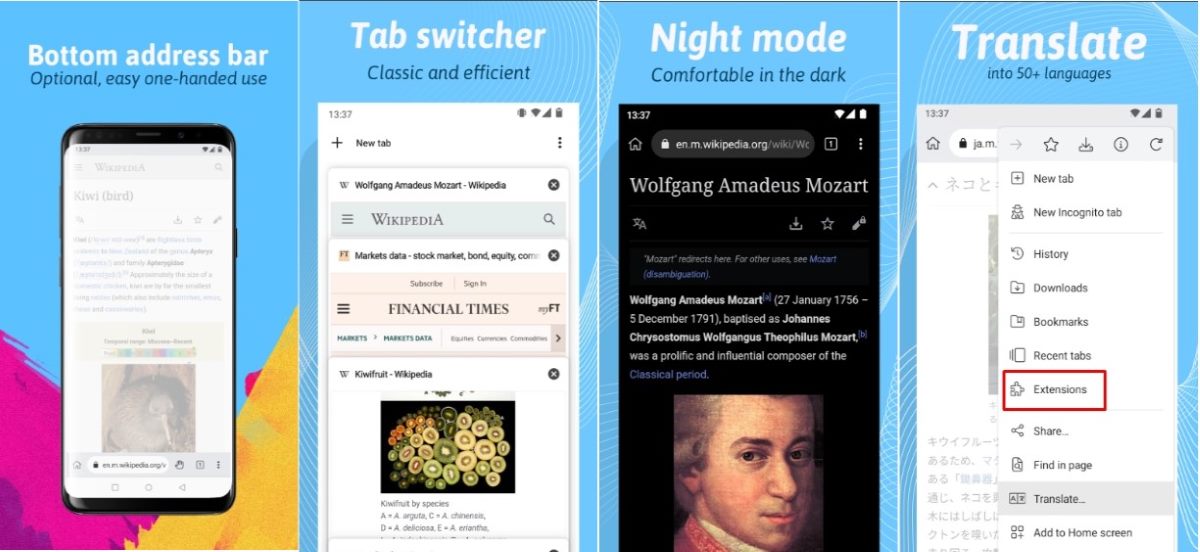
Kiwi is a browser for Android focused on privacy and security, light and very efficient. Among its characteristics stands out the fact that allows you to install extensions from the Chrome Store and other sourcesThe procedure for doing this is very simple:
- Download Kiwi Browser from the Play Store.
- Once installed, open the browser and click on the three-point menu located in the upper right corner.
- Choose the option Extensions.
- Press Ok in the Important Recommendations notice.
- Click on +(from store) to go to the Chrome Web Store and search for the extension you want to install.
- To install the extensions that you have downloaded on your mobile, click on +(from .zip/ .crx/ .user.js).
Yandex Browser
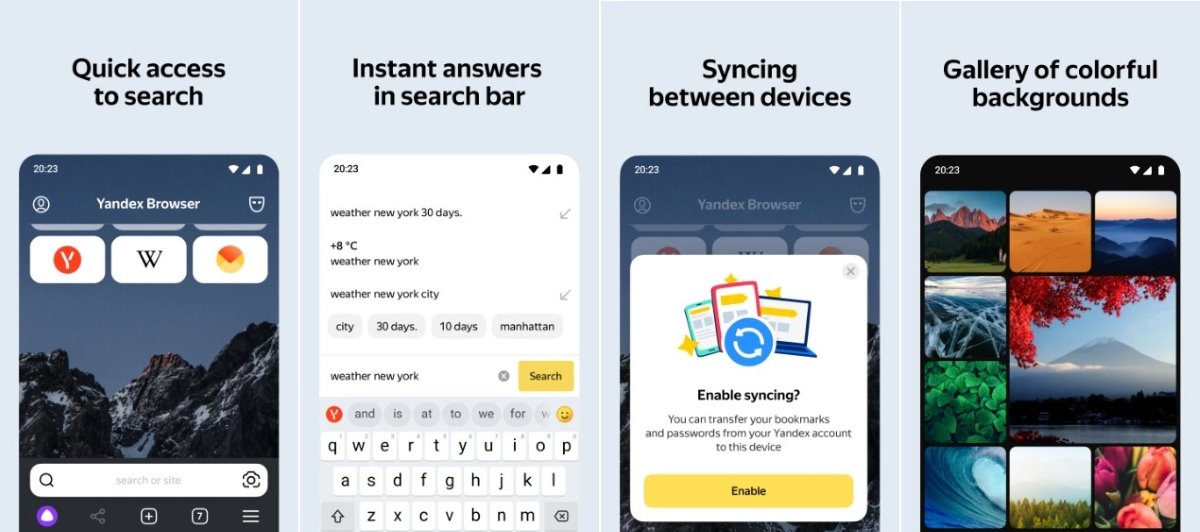
The Russian version of Google is, without a doubt, Yandex, a Chromium-based browser that you can install on Android and customize with Chrome extensions. The procedure to install extensions is less intuitive than the previous one, but just as effective. Besides, This search engine has its own catalog of extensions that you can try.
- Download Yandex Browser from the Play Store.
- Open the browser and access the Google extensions store by following this link.
- Find the extension you want to install and click on Add to Chrome.
- When the extension installation is complete, go to the browser and click on the three bar menu horizontals, which is in the lower right corner.
- Now click on Configuration and search Extensions catalog.
- In this section you will see the extensions installed from the Chrome Web Store in the From other sources section. You will also see some native Yandex extensions that you can install.
Flowsurf Browser
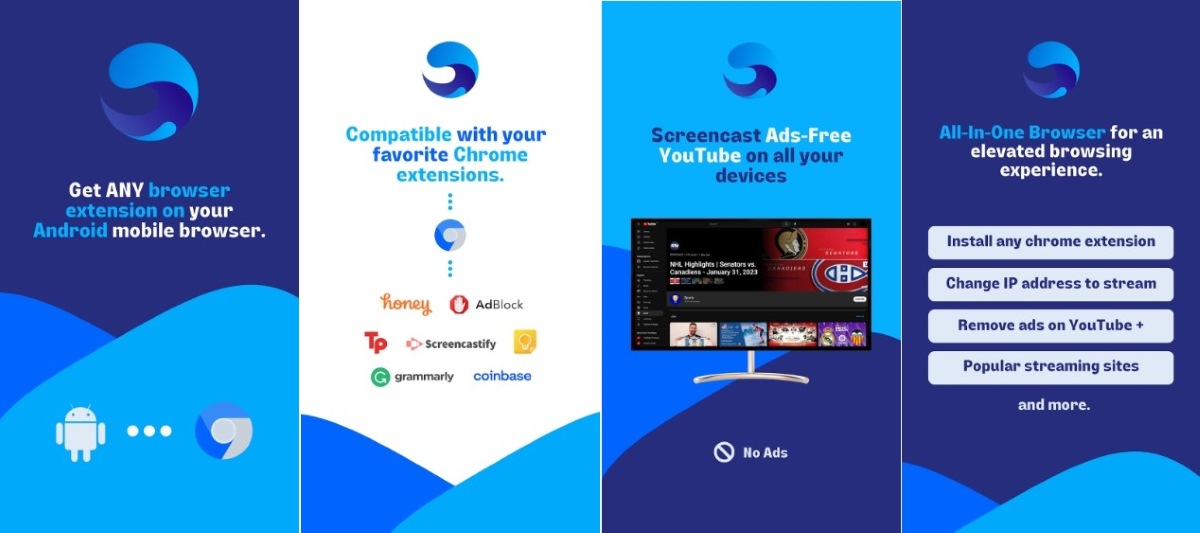
A third option that allows you to install Google Chrome extensions for Android is the Flowsurf browser. In addition to being very fast and light, is compatible with many popular Chrome extensions. If you decide to install it on your Android terminal, these are the steps to add extensions:
- Download Flowsurft from the Play Store.
- Open the browser and click on the three-point menu located in the upper right corner.
- Choose the option Extensions in the drop-down menu.
- Now click on the three horizontal stripes located in the upper right corner and choose the option Open Chrome Web Store.
- Choose the extension you want to install and click Add to Chrome.
The 7 best Google Chrome extensions for Android
Now that you know how to install Google Chrome extensions for Android, let's look at some of the best options available in the Chrome Web Store. We will briefly talk about seven extensions that you can install to improve your mobile browsing experience.
LastPass- Password Manager
If you usually access different profiles from your mobile browser, LastPass It will help you manage all your passwords. In addition to store all your credentials securely, the extension also generates strong passwords and auto-fills text fields, among other features. Without a doubt, it is one of the best Google Chrome extensions on Android.
Save to Pocket- Save and sync content
Here is another Chrome extension for Android that is very useful while browsing from our mobile. Save to Pocket It allows you save articles, videos and any other content that you find on the Internet to consume later. The extension also offers a distraction-free reading environment so you can focus.
Evernote- Save and sync information
Evernote is an extension similar to Save to Pocket, but with functions that make it especially useful for students. With it you can save entire pages, screenshots and other content. In addition, it includes editing options to add different elements, text and other annotations to the captures.
Honey-Automatic Coupons and Rewards
If you usually visit online stores from your mobile, an extension like Honey It will help you save money on your purchases. This tool automatically applies coupons and other discount options on more than 30 thousand websites. In addition, it tells you when is the best time to buy and if the product you want has dropped in price. Among the best Google Chrome extensions for Android, this is definitely one you should install.
1Block- Google Chrome Extensions for Android
One of the most useful Google Chrome extensions for Android is 1Block, un powerful ad blocker. You can also use it on your mobile device to get rid of invasive ads while browsing or watching videos. Additionally, the extension neutralizes trackers that collect data about your online activity and protects you from malicious ads and websites.
Translator and dictionary
Having a translator and dictionary on hand while browsing the Internet from your mobile is very useful. With This extension It's very easy. know the meaning of a term or translate words and phrases on any website.
URL Shortener- Link Shortener
We finish our list of the best Google Chrome extensions for Android with this link shortener. Its function is simple but useful: reduce the length of links and facilitate their use. In addition, it also allows you to generate QR codes for the URLs of any website, and share this information on other sites and applications.

From a young age, I've been fascinated by all things scientific and technological, especially those advancements that make our lives easier and more enjoyable. I love staying up-to-date on the latest news and trends, and sharing my experiences, opinions, and tips about the devices and gadgets I use. This led me to become a web writer a little over five years ago, focusing primarily on Android devices and Windows operating systems. I've learned to explain complex concepts in simple terms so my readers can easily understand them.