- Detailed comparison of the Surface Pro, Laptop, and Studio models in terms of features, battery life, and price.
- Explanation of key technologies such as Copilot+, Wi-Fi 7, 5G, and facial authentication systems.
- Tips for choosing the most suitable Surface based on your user profile and type of tasks.
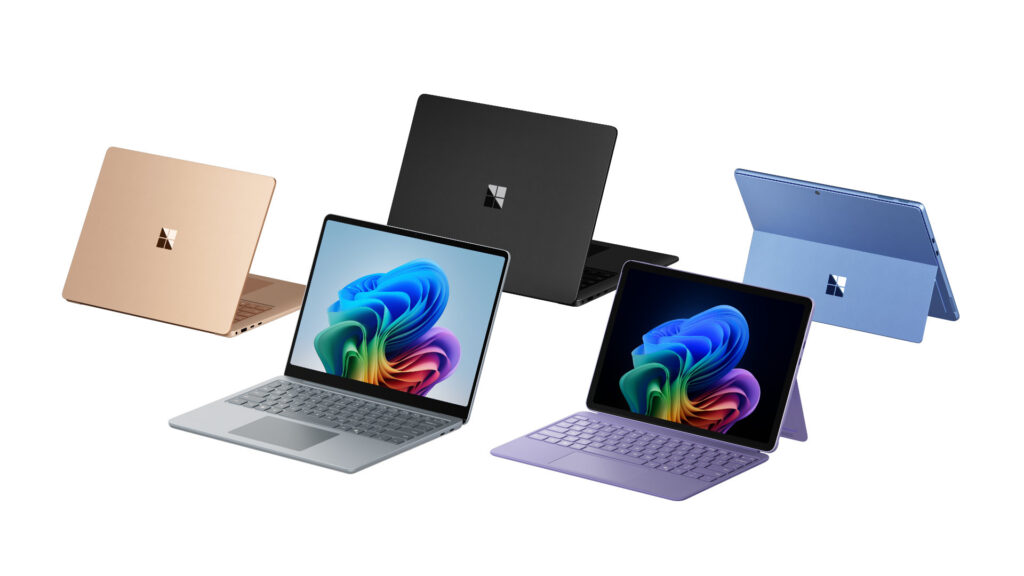
Buying a Surface Laptop and Making the Right Choice It can be quite a challenge, given the wide variety of models and configurations available on the market. Microsoft has been perfecting its Surface line to become a benchmark for both those seeking productivity and those who prioritize mobility and design.
In this article you will find a A detailed guide that comprehensively compares the top Surface laptops, taking into account both its technical characteristics and the most recent autonomy, performance and connectivity tests.
Why choose Surface? Microsoft's approach to versatility
Since its launch more than a decade ago, Microsoft Surface has evolved from an innovative bet to consolidate itself as one of the most versatile options on the marketWith lines like the Surface Pro, Surface Laptop, Surface Book, and Surface Go, the company caters to a wide variety of user profiles. The key lies in the ability to adapt to different work styles, Combining premium hardware, full Windows compatibility, and lightweight designs that don't sacrifice power.
One of the compelling reasons to buy a Surface laptop is its careful design and high-quality materialsThe minimalist aesthetic and robust construction make these devices clear rivals to Apple's MacBooks, but with the added advantage of a wider variety of formats and prices. Plus, Microsoft has significantly improved autonomy and connectivity over the years, incorporating Intel, AMD processors, and even experimenting with ARM chips in models like the Surface Pro X.

Surface Pro vs. Surface Laptop comparison: Which one to choose based on your profile?
The Surface range stands out for offering very different models. Choosing one or the other will depend on your specific needs.Let's break down the most relevant features of each one:
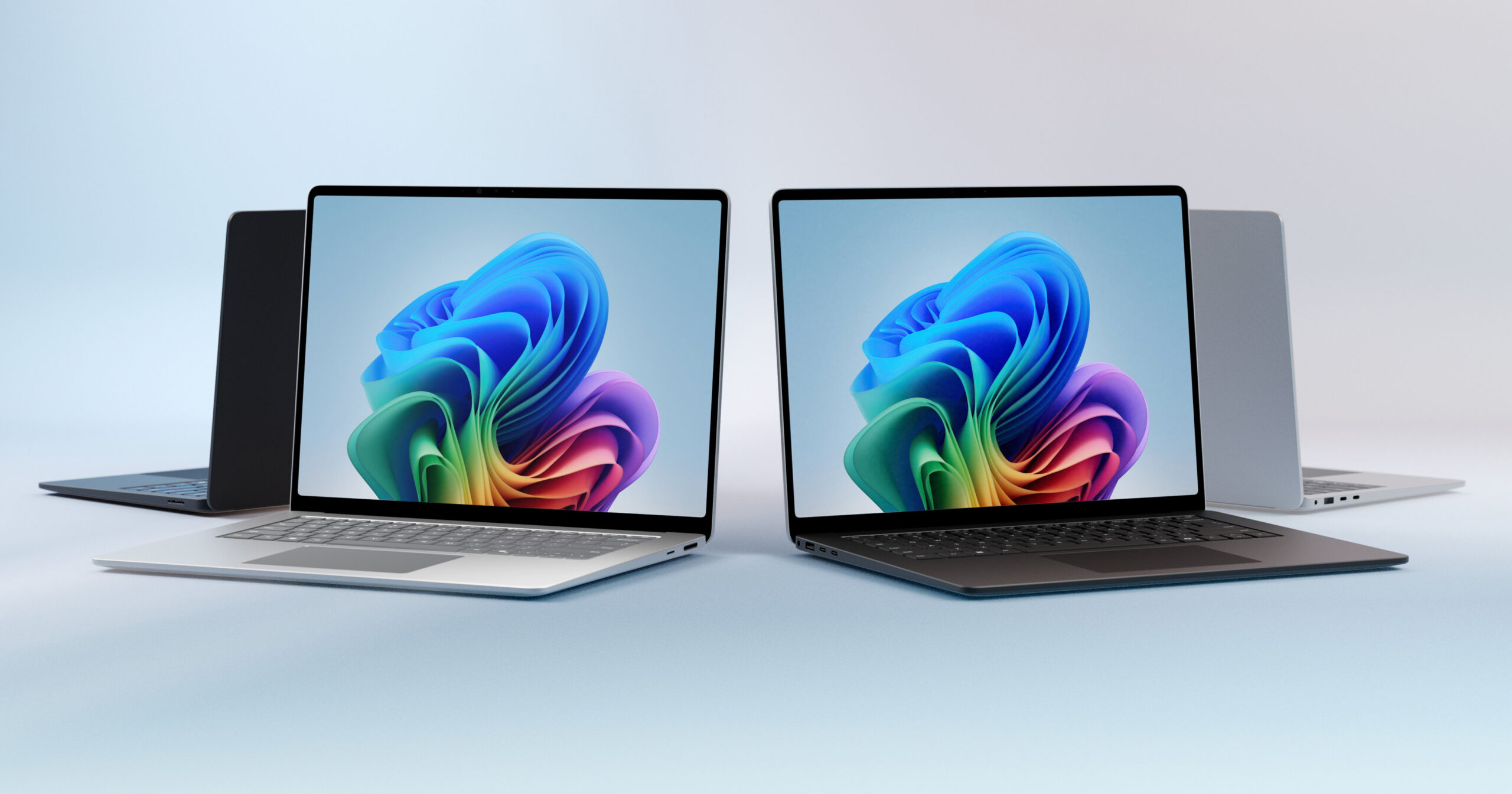
- Surface LaptopDesigned for those who prioritize the traditional laptop experience, the Surface Laptop stands out for its exceptional keyboard, light weight, and high-resolution display. Ideal for office work, programming, light editing, and students looking for mobility and autonomy.
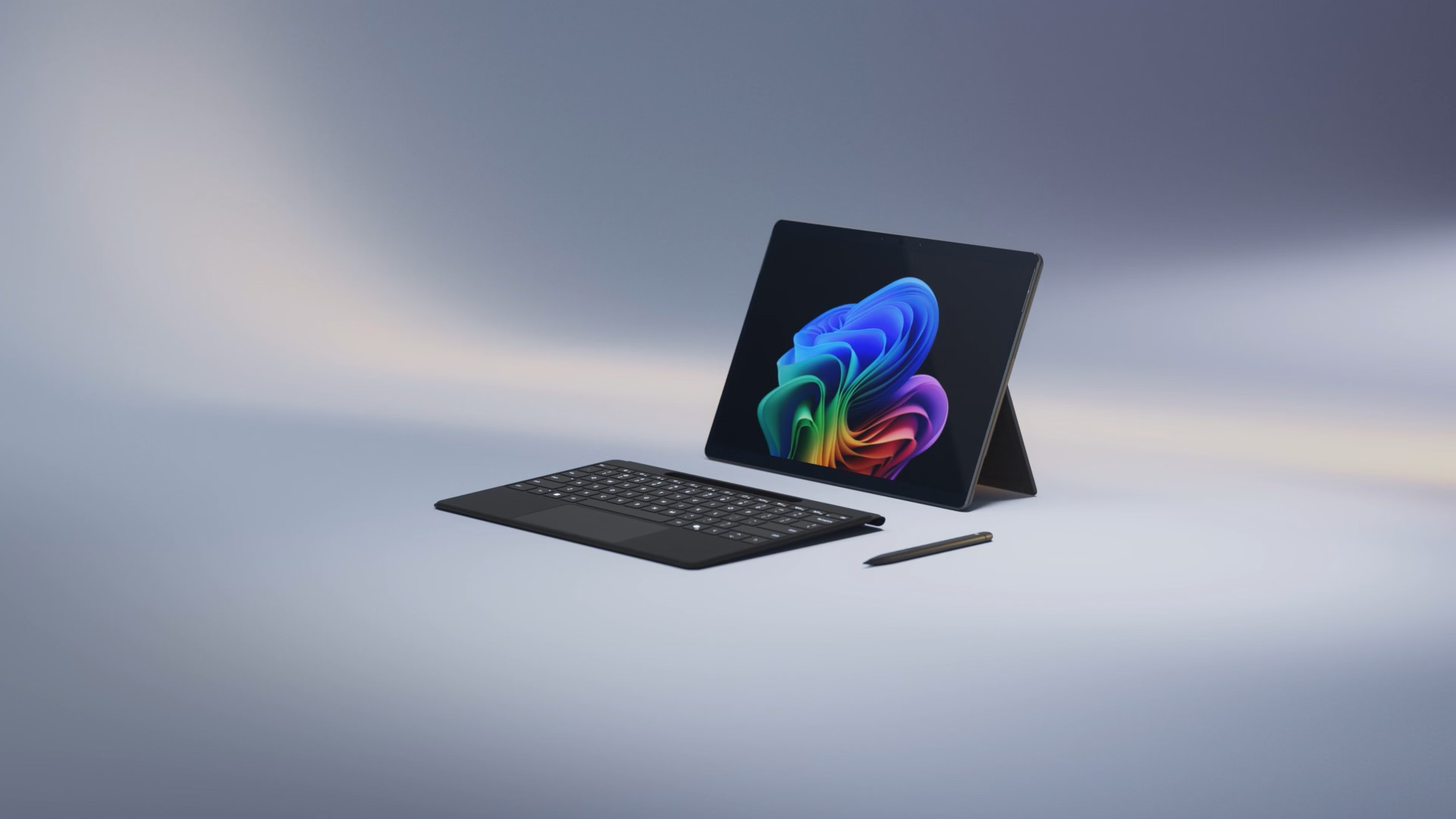
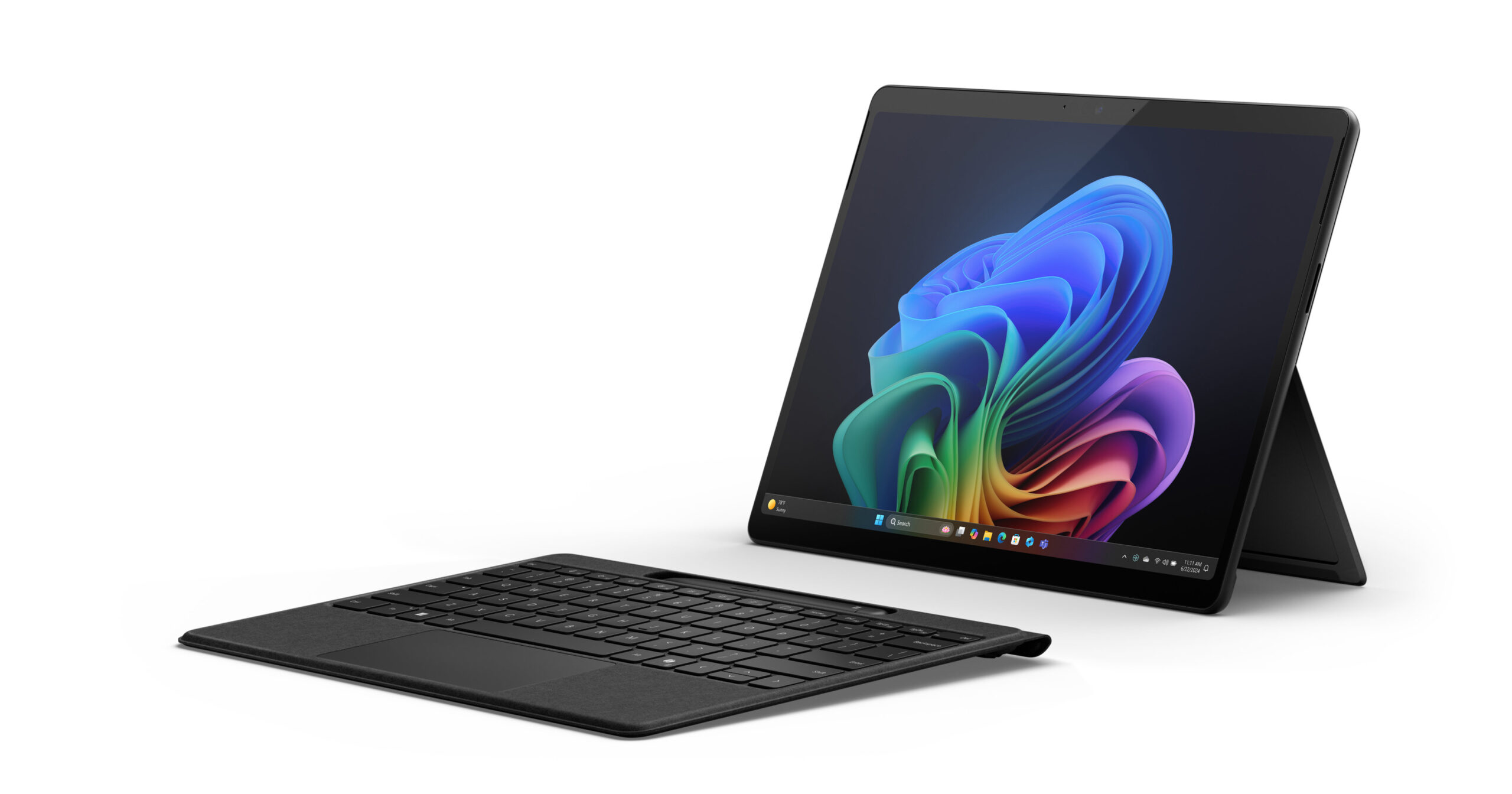
- Surface ProDesigned as a 2-in-1, the Surface Pro combines the power of a laptop with the flexibility of a tablet. Its detachable keyboard, lightweight design, and touchscreen make it a favorite for creatives, mobile professionals, and those seeking maximum versatility.
Regarding prices, The Surface Laptop starts at 1.220 euros (depending on the generation and configuration), while the Surface Pro can be found from around 899 euros in its basic configuration.Each model offers a wide variety of configurations, allowing you to choose between the latest generation of Intel Core processors or, in some versions, AMD and Snapdragon ARM chips.
Battery life and performance tests: How long do batteries really last?
One of the critical points when purchasing a Surface laptop is battery life. Microsoft conducts extensive testing to provide realistic data based on usage types: video playback, web browsing, productivity, and wireless connections.We review the most notable results by model and configuration:
- Surface Pro 13″ Wi-Fi only: In local video playback testing using pre-production software and hardware with the Snapdragon X Plus C10 (256-512GB, 16GB RAM, Wi-Fi), battery was tested with 150 nits of brightness and Wi-Fi on. Battery life may vary significantly based on settings, usage, and signal strength, but testing conducted in April 2024 shows very good battery life in realistic scenarios.
- Surface Pro 13″ Wi-Fi + 5GBrowsing eight popular websites, with multiple tabs open and 5G connectivity, battery life is somewhat reduced compared to Wi-Fi alone, but it's still sufficient for a full workday. Tests from August 2024 confirm this.
- Surface Pro 12″ Copilot+ PC: In Wi-Fi models, both in video playback and intensive browsing with 12 websites, the autonomy is very competitive after the March 2025 tests, maintaining the bar thanks to the efficiency of the new 8-core Snapdragon X Plus chips.
- Surface Laptop 13″ and 13.8″: The new models with Copilot+ PC and SnapDragon X Plus technology (2024 and 2025 tests) show outstanding results in both video and web browsing, ideal for those looking for all-day battery life without worrying about charging.
- Surface Laptop Studio 2: : It stands out for its extended battery life of up to 19 hours (i7, 512GB, 16GB RAM) and 18 hours (i7, RTX 4050 GPU, 512GB), measured in real-world tests from July and August 2023 with mixed use (web, productivity, and standby mode). The model with the RTX 4060 GPU, 2TB, and 64GB RAM also maintains remarkable battery performance, despite its graphics power.
- Surface Laptop Go 3: Tested in April-May 2023 under real-life scenarios, this model with Intel Core i5 shows a battery life capable of covering a full day combining browsing, office work, and everyday tasks.
Technical surfaces: connectivity, networks, cameras and other new features
In addition to power and battery, Connectivity is another key aspect when purchasing a Surface laptop. The latest Surface Pro and Surface Laptop models now include Wi-Fi 7 and Bluetooth 5.4, ensuring compatibility with the most advanced wireless technologies. Pro versions with a 5G option add support for eSIM, nanoSIM, and a wide range of 5G and 4G bands. This ensures you can work from anywhere with the highest speed available.
The Surface Studio Laptop improves the viewing and video conferencing experience with a Full HD front camera, smart effects (framing, blurring, eye contact) and facial authentication thanks to Windows HelloThese features are especially useful in professional environments where image quality and security are critical.
In terms of location and geolocation, 5G-compatible Surface Pros can be tracked using GPS, Galileo, BeiDou, QZSS, and NAVIC, providing added utility for users who work on the go or travel frequently.
Buying a Surface Laptop: Analysis by User Profile
Choosing the optimal Surface laptop depends largely on your habits, type of tasks, and budget. Below you will find a guideline breakdown to help you decide.:
- For those looking for a classic laptop: Surface LaptopWith a sleek design and a benchmark keyboard, it's ideal for those who value a traditional experience, battery life, and a high-quality display. With Intel and AMD models available, you can choose the one that best suits your budget and power needs.
- If absolute mobility prevails: Surface ProIts 2-in-1 form factor, detachable keyboard, and ultralight design make it the perfect choice for mobile professionals, students, and creatives looking for complete flexibility. The optional 5G connectivity option on select versions makes a real difference for those who work remotely or travel.
- For maximum power: Surface Book 3 and Surface Laptop Studio 2If you need a device for editing, development, 3D design, or tasks that require dedicated graphics, these options stand out for their integrated NVIDIA graphics and the quality of the keyboard and display. The Surface Book also adds the ability to detach the display and use it as a tablet.
- For students and basic tasks: Surface Go 2With a small, lightweight form factor, great battery life, and a reasonable price, it's perfect for those looking to meet their office needs, internet browsing, and light entertainment without sacrificing Surface quality or the ability to use it as a Windows tablet.
- Bold and enthusiastic about innovation: Surface Pro XThis model features ARM architecture and advanced connectivity, competing head-to-head with Apple's iPad Pro but offering a full Windows environment. It's ideal for those who want the latest technology, although it's a good idea to check software compatibility before making a decision.
Configure your Surface: hardware options and pricing
One of the advantages of purchasing a Surface Laptop is the variety of configurations available. Processors range from the latest generation Intel Core i3 to i7, through AMD and ARM Snapdragon depending on the model.This allows you to adjust the combination of power, range, and price.
For example, on the Surface Pro, you can start with a budget-friendly configuration with a Core i3, 8GB of RAM, and a 128GB SSD, or scale up to versions with a Core i7, 16GB of RAM, and a 1TB SSD. The Surface Laptop 3 offers options with Intel or AMD chips, while the Surface Book 3 opts for the latest Intel chips and NVIDIA dedicated graphics, with up to 32GB of RAM and 1TB of storage.
Prices range from approximately €459 for the Surface Go 2, to €899 for base Surface Pro models, to over €1.799 for high-end Surface Book configurations.It's important to compare options carefully before purchasing a Surface Laptop to ensure you're paying for what you really need.
Technical details: battery life according to model and official tests
The actual battery life of each Surface laptop is essential, and Microsoft tests it under multiple scenarios:
- Local video playback: Measured by fully discharging the battery while playing .mov files at 1080p and 24 FPS, with a brightness of 150 nits. Wi-Fi remains connected. This allows for a comparison of real-world battery life with typical multimedia usage settings.
- Web browsing: This consists of visiting between eight and twelve popular websites, with multiple tabs open, steady brightness, and active connectivity. It's a good benchmark for those who spend a lot of time on the internet or working in the cloud.
- Mixed use: Includes Office productivity, idle time, browsing, and other common tasks. Models like Surface Laptop Studio 2 and Surface Laptop Go 3 are tested with a combination of active work and standby mode to simulate everyday use.
If you are going to buy a Surface laptop, you should know that in all models Battery life is subject to many factors: specific configuration, type of tasks, connectivity (Wi-Fi or 5G), screen brightness and multitasking.. Therefore, laboratory data complements user experience and independent analysis well.
Latest innovations: Copilot+ PC, Wi-Fi 7, 5G and improved cameras
Microsoft has been adding new technologies to the entire Surface range:
- Copilot+ PC: Present in the most current models, it is an integration of AI and productivity optimizations that improve the experience with Windows 11. You can find out more details at All the new Surface features for 2025.
- Wi-Fi 7 and Bluetooth 5.4: All new models include these technologies, ensuring maximum speed and range for wireless connections, essential in teleworking and mobile environments.
- 5G Connectivity: Surface Pro versions equipped with 5G can connect quickly and securely almost anywhere in the world thanks to support for multiple bands and the presence of eSIM and nanoSIM.
- Full HD Front Cameras and Facial Recognition: Thanks to Windows Hello technology and new sensors, the video calling experience and security are significantly enhanced.
Buying a Surface Laptop: Keys to Making the Right Choice
Buying a Surface Laptop means investing in quality, versatility, and productivity. It is essential to compare models based on the actual use you are going to give them, prioritizing autonomy, power and connection capacity.Carefully analyze your processor, memory, and storage options, and don't forget accessories: a keyboard, stylus, and docks can make a difference in your routine.
The Surface line continues to lead the way in laptop innovation with technologies like Copilot+, improved cameras, and full connectivity. These teams provide added value in any work, educational or creative environment. and are ready to accompany you for years, thanks to support and updates direct from Microsoft.
After comparing all the models, features, and performance and battery life test results, you'll see that there's a Surface for every need: from affordable options like the Surface Go for students, balanced models like the Surface Pro for those seeking versatility, to the powerful Surface Book and Surface Laptop Studio for demanding users focused on creativity and professional development.

Editor specialized in technology and internet issues with more than ten years of experience in different digital media. I have worked as an editor and content creator for e-commerce, communication, online marketing and advertising companies. I have also written on economics, finance and other sectors websites. My work is also my passion. Now, through my articles in Tecnobits, I try to explore all the news and new opportunities that the world of technology offers us every day to improve our lives.