- Calibre 8.0 improves compatibility with Kobo devices, allowing you to manage KEPUB files without manual conversions.
- The new version makes it easier to manage folders like USB drives, which is especially useful on Chromebooks.
- Text-to-speech has been optimized with Piper, providing a more natural narration experience.
- The e-book viewer has received improvements in content navigation and search.
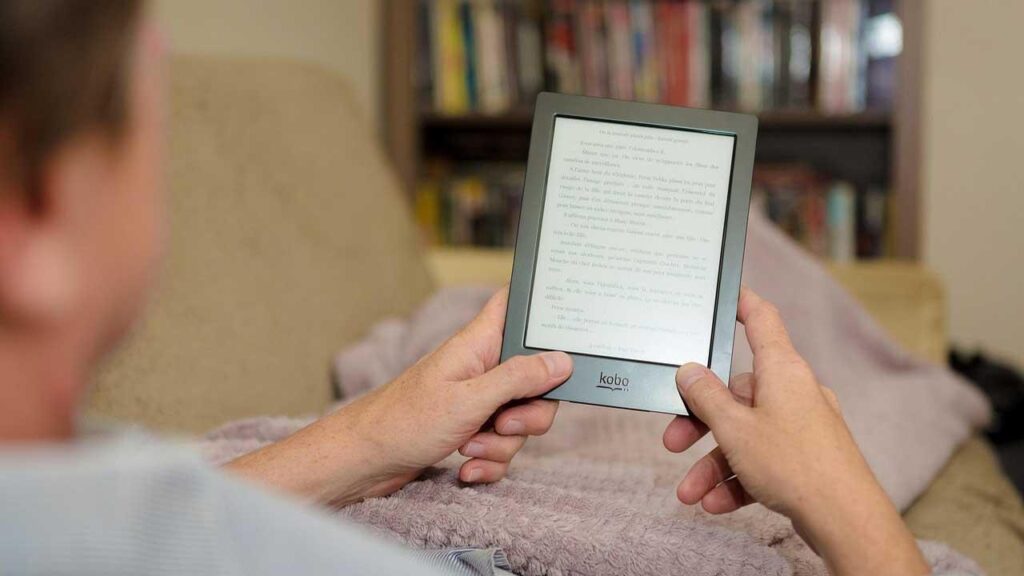
Among the best-known and most appreciated e-book managers, Caliber stands out as the preferred choice for millions of users around the world. This free and open-source software allows you to manage digital libraries with ease, becoming a tool essential for ebook lovers.
Now, the new version 8.0 It brings with it a series of improvements that enhance its compatibility with electronic reading devices, optimize file conversion, and offer new features to make managing digital libraries easier. Below, you'll discover All the new features included in this Calibre 8.0 update and how to make the most of them.
The main improvements of Calibre 8.0
With each new version, Calibre improves to provide users with a better ebook management experience. This time, Improvements focus on Kobo device compatibility, format conversion, and customization options..
Improved compatibility with Kobo
One of the most significant changes in this version is the improved compatibility with Kobo devices. Users can now manage files in KEPUB format without the need for manual conversions, which speeds up the transfer and reading of ebooks on these devicesThis is especially useful for those looking for an easy way to enhance their reading experience.
Besides, Any EPUB file transferred to a Kobo reader is automatically converted to EPUB, ensuring a much more enjoyable reading experience fluid and without interruptions.
Managing folders as USB drives
Calibre 8.0 introduces a feature that is especially useful for those who use Chromebooks. Starting with this version, it is possible to connect the program to a folder and treat it as if it were a USB deviceThis makes file management easier for users whose devices don't detect USB drives in a conventional way.
Text-to-speech engine optimization
The function of reading aloud has been optimized with the integration of a new synthesis engine called Piper. Thanks to this improvement, the sound quality has improved considerably, offering a more natural and clear for those who prefer to listen to their books rather than read them.
Improvements to the e-book viewer
The Calibre ebook viewer has received several optimizations to make navigation more intuitive. intuitive y efficientSome of the most notable improvements include:
- A easier navigation in the table of contents, allowing quick access to different chapters and sections of the book.
- A improved advanced search, capable of locating content even within compressed files in ZIP and RAR formats.
Bug fixes and performance optimization
As with every new version, the developers have fixed multiple bugs and optimized the overall performance of the software. Some of the most important fixes include:
- Correction of a ruling that prevented changing the name of authors when they contained commas.
- Improved metadata management to avoid problems when cataloging books.
- Troubleshooting text search errors inside compressed files.
- Adjustments in the editing tool to improve its functionality.
Download and install Calibre 8.0
Calibre remains completely free and open source, guaranteeing access for all users without having to pay for licenses. It is available for Windows, macOS, and Linux, ensuring compatibility with all major operating systems. If you're interested in installing the software, you can follow the instructions in this article. downloads and settings.
To update to the latest version or install it for the first time, you just need to go to the Calibre official website and follow the corresponding instructions according to the operating system you use.
With all these improvements, Calibre 8.0 strengthens its position as one of the most comprehensive tools for e-book management., making it easier to organize digital libraries, improving compatibility with more devices, and optimizing the reading experience for both visual ebooks and those that can be listened to using the text-to-speech feature.

I am a technology enthusiast who has turned his "geek" interests into a profession. I have spent more than 10 years of my life using cutting-edge technology and tinkering with all kinds of programs out of pure curiosity. Now I have specialized in computer technology and video games. This is because for more than 5 years I have been writing for various websites on technology and video games, creating articles that seek to give you the information you need in a language that is understandable to everyone.
If you have any questions, my knowledge ranges from everything related to the Windows operating system as well as Android for mobile phones. And my commitment is to you, I am always willing to spend a few minutes and help you resolve any questions you may have in this internet world.