- The family administrator is the only person capable of managing the group's members and payment method.
- There is no direct option to transfer ownership of the administration to another user.
- The only way to change administrators is to dissolve the current group and create a new one from the desired account.
- There are parent roles that allow you to supervise children's accounts without being the main administrator.

You've probably experienced this: you've set up a family group on Google to share Google One storage or a YouTube Premium plan, but now the person who created the group can no longer or does not want to continue being responsible for the paymentsIt's a fairly common headache, since Google doesn't make things too easy when it comes to passing the torch. from the administration to another member.
The first thing you should know is that, unfortunately, There is no magic button. of "transferring administration"If you want someone else to take over, you'll have to go through a process of deleting everything and starting over. Don't worry, we've got you covered. We explain in detail how to change the family manager in Google so that no one is left without their services.

The truth about changing administrators
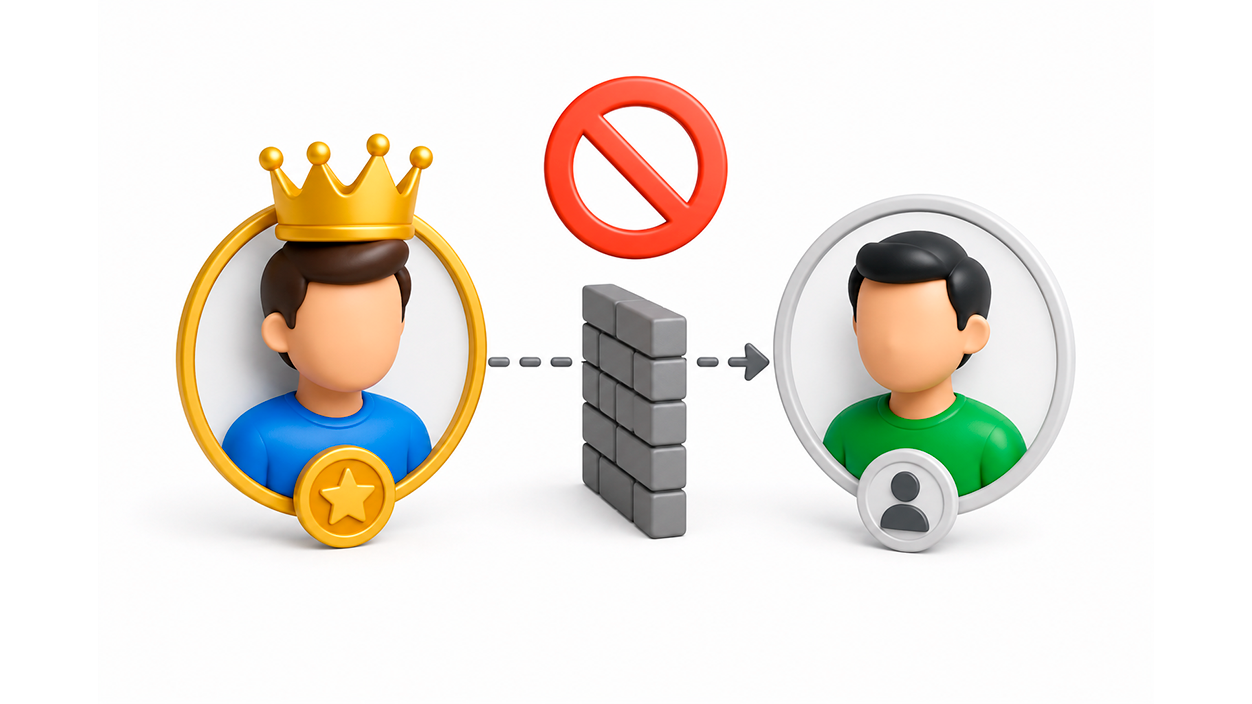
If you're looking for an option in the settings to simply delegate the administrator role to your partner or a child, look no further because It is not availableThe family administrator is the one who owns the linked credit card and has complete control over who comes and goes. Therefore, if the current administrator wants to step down, the only real solution is eliminate the family group completely and that the new person in charge creates one from scratch, inviting the rest.
How to manage and add family members
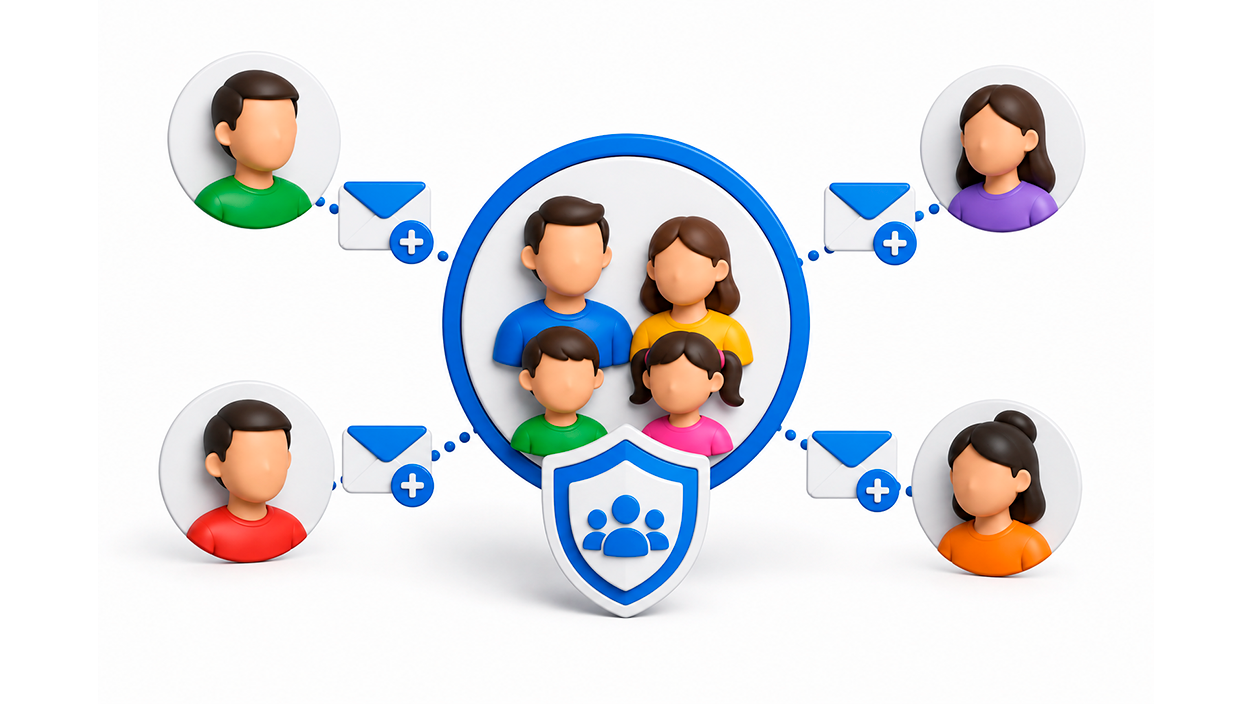
For those who are starting to form their group or want to reorganize it, the ideal thing to do is access the address g.co/YourFamilyFrom there, the head of the family can send invitations via email. However, it's important to keep in mind that the guests must reside in the same country and be at least 13 years old (or the legal age in your area). If we're talking about children younger than that, the account must be created by necessity by the administrator.
It's important not to overdo it with invitations, as Google imposes a weekly limitIf you get an error message saying you've sent too many, don't panic and wait a few days to try again.

The role of fathers and mothers: a partial alternative
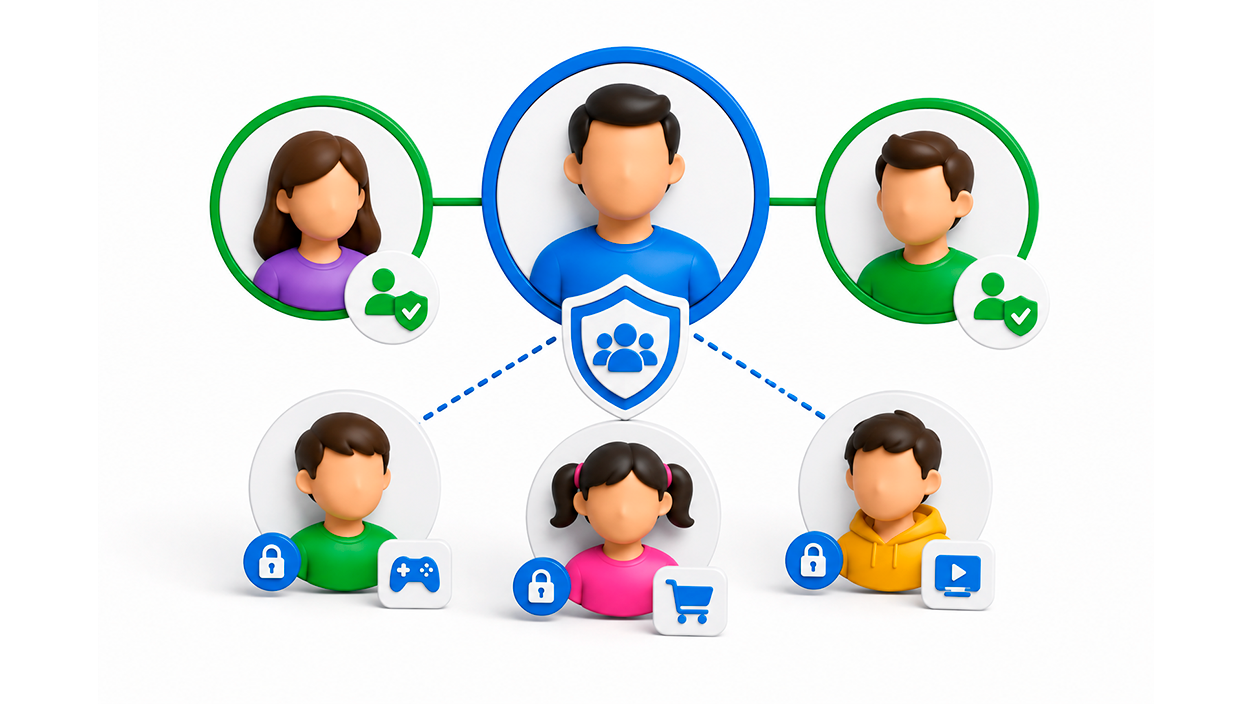
Sometimes you don't need to be the administrator to control the group. The administrator can grant parental permissions to other members over 18 years of age. These "co-parents" can do almost anything: Manage Family Linkapprove children's purchases, update children's accounts, or stop supervision. It's a great option for sharing the work of digital monitoring without changing your billing.
However, there are things that only the administrator Parents can change the payment card, add or remove adult members, and, of course, delete the group. Parents can leave the group at any time without affecting their children's accounts, but the administrator can. cannot leave the group without first eliminating it completely.
How to delete the group and what happens next
If you've decided it's time to change the remote, the administrator should go to family settings and select Remove family groupBut be aware, there's a very important catch: if there are children under 13 years old, you must first... transfer their supervision or delete their supervised accounts. If they are over 13, it is enough to turn off monitoring before proceeding.
Deleting the group has several immediate effects. Adults retain their accounts, but They lose access to the Google Play family library and Google One shared storage. If there were active subscriptions like YouTube Premium, the family stop enjoying the service Instantly. Furthermore, Google applies a strict restriction: once a group is deleted, you can only join or create another one. just once when you finish the next 12 months.

Steps to remove a specific user
If you don't want to delete the entire group but simply remove someone, the process is simpler. From the management panel, select the member and click on Remove memberThat person will receive a notification by mail and You will lose access to shared services and the family payment method, although you will retain the content you have previously purchased with that method.
If the user you are leaving the group had contributed content to the Google Play Family LibraryAll that material will disappear for the rest of the members. Regarding payments, if there is a purchase in progress, the administrator will continue payingHowever, you can try to request a refund if it was a mistake.

Index
