- Lossless audio (ALAC) maintains the original fidelity of the recording without removing data.
- Activating Apple TV 4K requires adjusting the quality settings within the applications menu.
- To take advantage of Hi-Res Lossless, compatible hardware and wired connections are essential.

How do I activate Apple Music's Lossless Audio on Apple TV? If you're someone who isn't satisfied with just decent sound and wants your living room to sound like a recording studio, you've probably already heard of it. lossless audioApple has implemented a powerful system called ALAC that allows you to enjoy music as it was intended, preventing the loss of nuances in compression, although this comes at the cost of... consume much more data and storage space.
Apple TV often comes pre-configured with standard quality settings that limit the device's true potential. Therefore, if you have a powerful sound system or a high-end soundbar, tweak a couple of settings The menu makes all the difference between listening to music and feeling like you have the band right in front of you. Let's see how to get the most out of your hardware so you don't miss a single note.
What exactly are Lossless and Hi-Res audio?
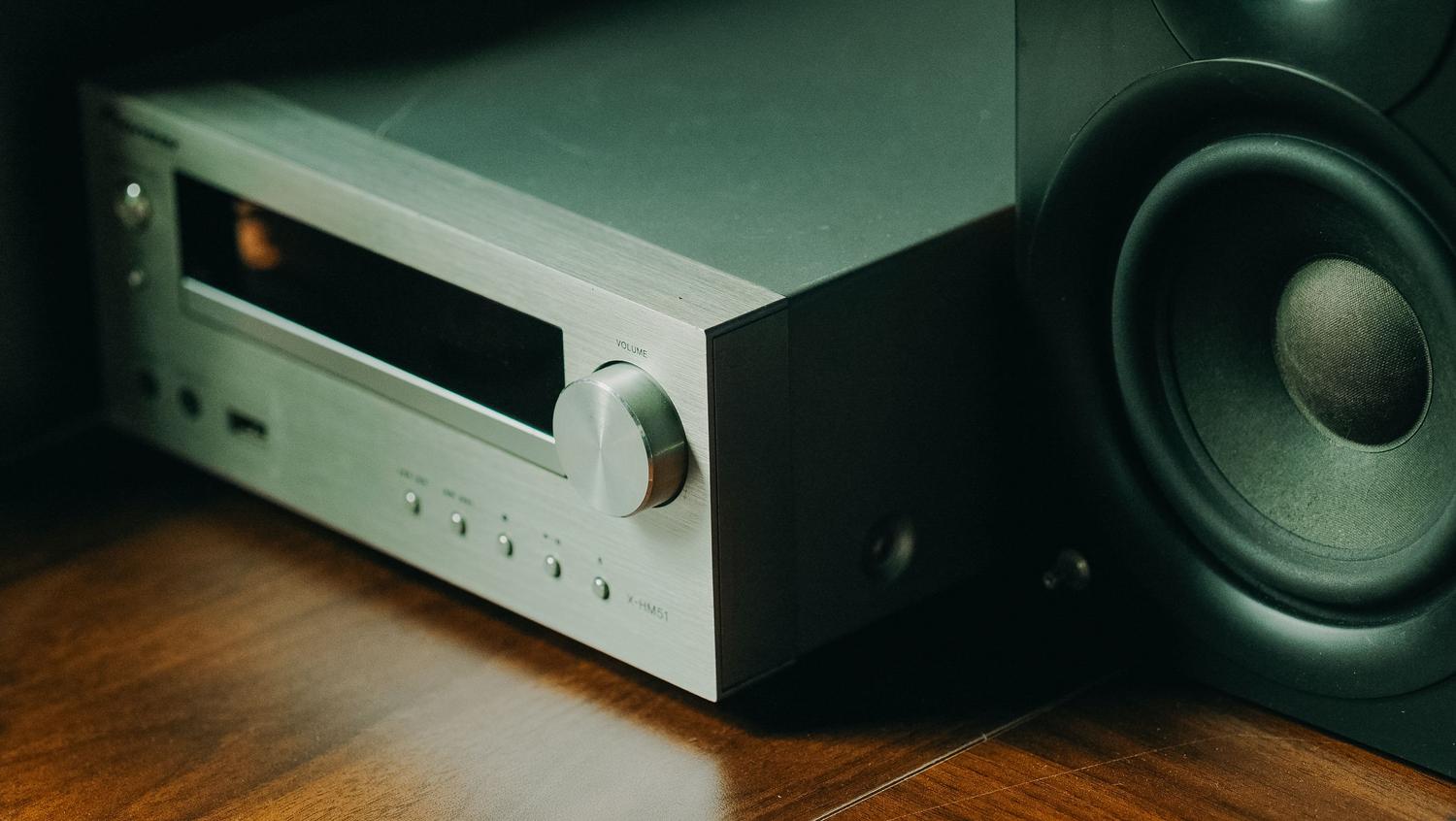
To get down to business, we need to differentiate between quality levels. Standard lossless audio goes up to... 24 bits and 48 kHzwhich is already a huge leap compared to traditional streaming. On the other hand, we have the Hi-Res Lossless, which is the crown jewel, reaching up to 192 kHz. This resolution allows capturing a large amount of information and much more precise detailsmaking the reproduction extremely faithful to the original source.
It's important to know that to identify these songs, Apple places a specific Lossless icon on album pages and on the playback screen. If you don't see this logo, the track may not be available in that format or it may be your current configuration is limiting the quality.
Steps to enable lossless audio on Apple TV
Note: This feature is not available for all models. You can only activate this quality if you have one of the following: three latest generations of Apple TV 4KIf you have an older model, unfortunately you won't be able to access these options. To get started, take the remote and follow these steps:
- Enter the menu of Settings from the main screen.
- Scroll down until you find the section on Apps and select it.
- Search for the app Music within the application settings.
- Look at the section on Audio qualityIf it says "High quality", you need to change it.
- Go into that option and check the box for Lossless Audio.
Once you've done this, you'll see the status change to "Lossless". Now, the device will attempt to play the music with the maximum possible fidelity allowed by the system.
Technical considerations for audiophiles
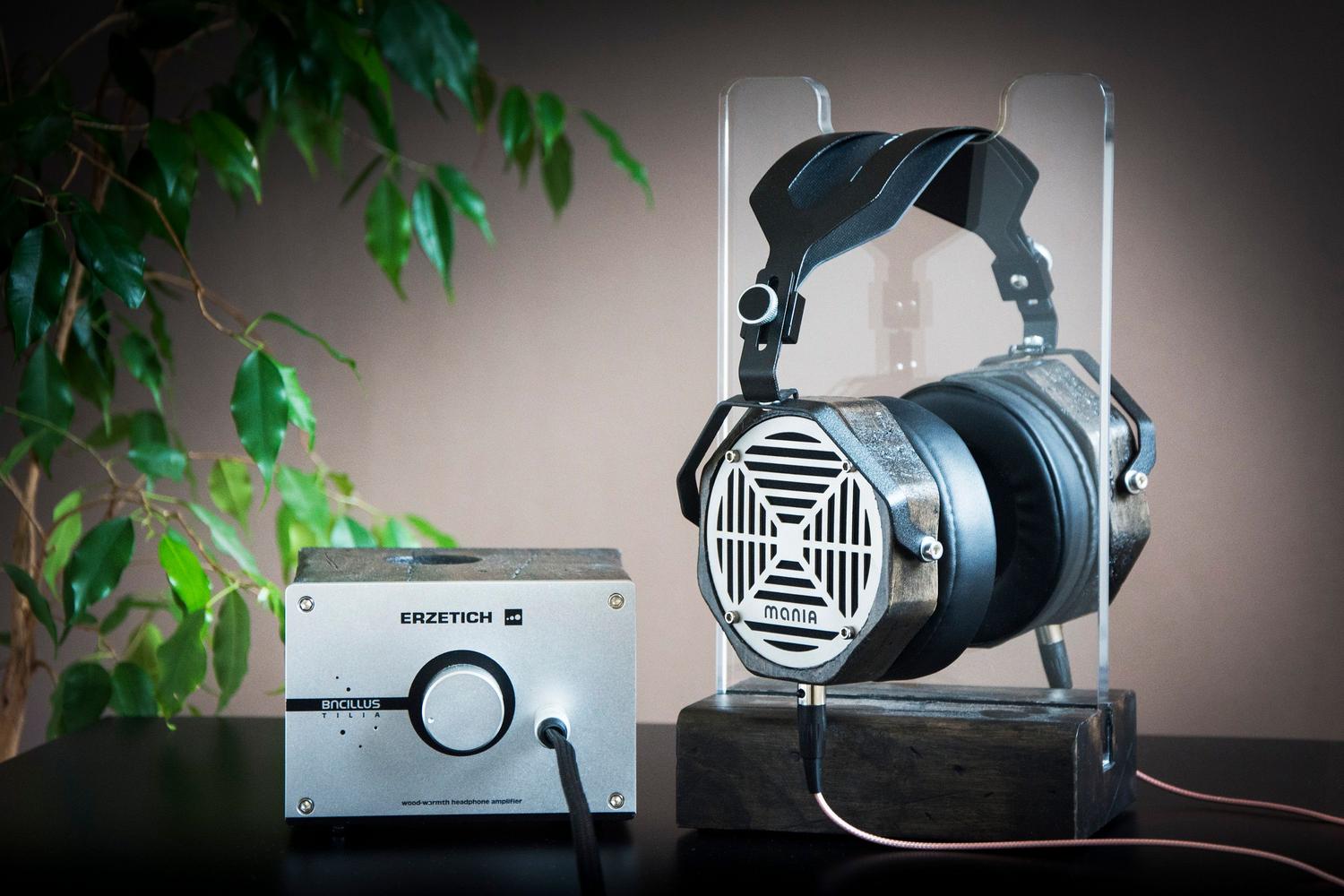
This is where things get technical. Even if you enable the option, the Apple TV 4K is usually limited to standard lossless resolution (48 kHz). If you want to go for the Hi-Res Lossless, the story changes. To reproduce material higher than 48 kHz such as Uncompressed LPCM via HDMISome advanced users suggest disabling features such as Auto Mix and Continuous Audio Connection (CAC) in the music settings.
To verify that you are actually receiving high resolution, ideally you should disable Dolby Atmos in the Music app (not in the main video and audio menu) and launch a track labeled Hi-Res Lossless. If you have a compatible receiver or soundbar PCM up to 192 kHzYou'll notice a huge difference in the clarity of the vocals and the instrumental panning.
Compatibility with other devices and accessories
If you use other devices besides Apple TV, remember that the ecosystem varies. On iPhone, iPad, or Mac, you can enable lossless audio from Settings > Music > Audio QualityHowever, there is a critical point: Bluetooth is not losslessTraditional AirPods and most wireless headphones use the AAC codec, which, although it sounds great, compresses the signal.
To get true lossless sound, you need wired connections towards self-powered receivers or use an external digital-to-analog converter (DAC) if you want to exceed 48 kHz. An exception is the AirPods Max with USB-Cwhich allow lossless audio if connected via the appropriate cable to the device.
Having lossless audio enabled completely transforms the sound experience in your living room, provided you have a modern Apple TV 4K and a sound system capable of processing such frequencies. From adjusting the quality in the Apps menu to using the appropriate physical connection to avoid Bluetooth compression, the goal is to eliminate any barrier between the original recording and your ears, ensuring a constant, uninterrupted data flow. Now you know how to activate Apple Music's lossless audio on Apple TV.

Passionate about technology since he was little. I love being up to date in the sector and, above all, communicating it. That is why I have been dedicated to communication on technology and video game websites for many years. You can find me writing about Android, Windows, MacOS, iOS, Nintendo or any other related topic that comes to mind.