- WhatsApp Web is targeted by fake websites, malware, and fraudulent extensions that can read your chats and send massive spam.
- The app flags many suspicious links with red warnings, but it's crucial to always check the URL and be wary of unrealistic offers.
- Tools like Code Verify, VirusTotal, and two-step verification significantly reduce the risk of attacks and impersonation.

WhatsApp Web It's now an essential tool for those who work or chat from their computers. But this convenience has also opened the door to new forms of fraud and malware. Unfortunately, cybercriminals are taking advantage of both Dangerous links on WhatsApp Web such as fake versions of the website itself, as well as browser extensions and mass spam campaigns that take advantage of trust between contacts.
Recent investigations by various cybersecurity firms have detected Websites that mimic WhatsApp Web, fraudulent extensions, and malware designed specifically to spread through the platform. Adding to this, WhatsApp is one of the most impersonated brands in the world, which greatly increases the likelihood of receiving a malicious link this way. In this article, we'll review how these threats operate, how to detect them, and what measures you can take to protect your account and your device.
Specific risks of using WhatsApp Web on a computer
WhatsApp doesn't just work on mobile phonesIts web and desktop versions allow you to link your account to a PC for more comfortable typing, sharing large files, or working while chatting. The problem is that using a browser opens up a new front of attack where [vulnerabilities/vulnerabilities] come into play fraudulent pages, malicious extensions, and injected scripts that are not present in the traditional mobile app.
One of the most common dangers arises when the user tries to access the service and, instead of directly typing the official address, Search for “WhatsApp Web” on Google or click on received linksThat's where some attackers place fake websites that copy the original design, display a manipulated QR code, and, when scanned, capture the session in order to... Read messages, access sent files, and get the contact list.
Another key attack vector is the Browser extensions that promise to “improve WhatsApp Web”to increase productivity or automate business tasks. Under the guise of CRM or customer management tools, many end up having full access to the WhatsApp Web page, allowing them to read conversations, send messages without permission, or execute malicious code without the user's knowledge.
In addition, WhatsApp Web serves as a gateway for Malware that is distributed through compressed files, scripts, and links Sent from compromised accounts. The attacker only needs you to have an open browser session for the malicious content to run, forward to other contacts, and ultimately turn your computer into a propagation point.
This doesn't mean you shouldn't use WhatsApp Web.Instead, you need to take certain additional precautions regarding the mobile app: always check the URL, monitor installed extensions, and be wary of any link or file you weren't expecting to receive, no matter how "normal" the message may seem.
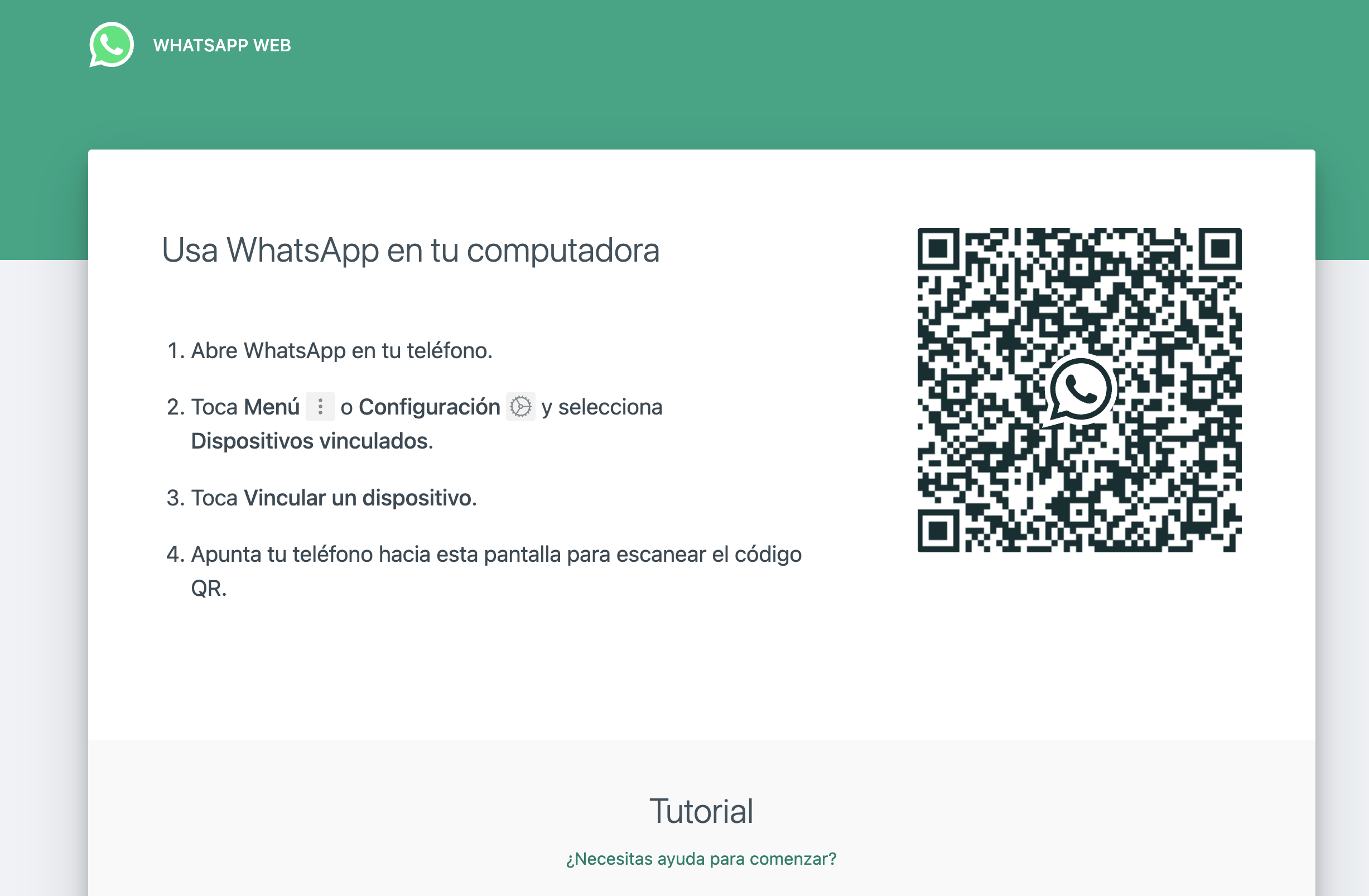
Fake versions of WhatsApp Web and how to spot them
One of the most dangerous deceptions It's about websites that almost perfectly mimic the official WhatsApp Web interface. The design, colors, and QR code may seem identical, but you're actually loading a manipulated copy that, when you scan the code with your phone, It doesn't open your session on the WhatsApp server, but instead sends your data to the attackers..
When you fall for a cloned website, cybercriminals can hijack your sessionThey can read chats in real time, download documents you've sent or received, and even export your contact list to launch new phishing campaigns. All this without you noticing anything unusual at first glance, beyond minor details in the website address or security certificate.
To help users know if they are where they should be, WhatsApp and Meta recommend using the extension Code Verify, available in official stores of Google Chrome, Mozilla Firefox and Microsoft EdgeThis extension analyzes the code of the WhatsApp Web page you have open and verifies that it exactly matches the original provided by WhatsApp itself, without modifications or third-party injections.
If Code Verify detects that you are on a tampered version, It will immediately display a clearly visible warning. indicating that the site is not trustworthy. In that case, the prudent thing to do is close the tab, not scan any QR codes, and check if you have already entered your credentials or linked the device. A key point is that The extension does not have access to your messages or your content.: it only compares the website's code with what a legitimate version should have.
In addition to using Code Verify, it's a good idea to get used to Always log in by manually typing “https://web.whatsapp.com/” In the address bar, not through links or ads. Check that you see the secure site padlock, that the domain is exactly the official one, and that your browser doesn't display any alerts about suspicious certificates before scanning the QR code.
Suspicious links on WhatsApp: how the app itself flags them
WhatsApp incorporates its own basic detection system of suspicious links within chats. This feature automatically examines the URLs you receive and, if it finds typical phishing patterns or unusual characters in the domain, it can display a red warning to alert you that the link could be dangerous.
A very clear way to see it on the computer is hover the mouse over the link without clickingWhen WhatsApp considers a URL suspicious, it displays a red indicator above the link, warning of the potential risk. This is an automatic verification that runs in the background and is very useful for uncovering... small visual traps that would escape us at first glance.
Among the most common tricks is the substitution of letters with very similar characters, such as a “ẉ” instead of a “w” or the use of periods and accents that are not very obvious within the domain. A typical example might be something like “https://hatsapp.com/free-tickets”, where an unsuspecting user sees the word “whatsapp” and assumes it is official, when in reality the domain is completely different.
Meta has also added a handy little trick: forward the suspicious link to your own personal chat. (the chat with yourself) so the system can re-analyze it. If the link is detected as potentially fraudulent, WhatsApp will indicate this with a red warning, even if it comes from a trusted contact or a group you usually participate in.
This function is not infallible, but it has several advantages: you don't need to install anything on your phoneIt works within the app itself and relies on internal mechanisms for detecting dangerous links. However, it's still essential to use common sense: if something seems suspicious, it's best not to click on it, even if the system hasn't issued any alerts.
Fraudulent Chrome extensions that attack WhatsApp Web
Another particularly sensitive area is browser extensions designed to integrate with WhatsApp Web. Recent investigations have uncovered a massive spam campaign that used, no less, 131 fraudulent Chrome extensions to automate sending messages on WhatsApp Web, reaching more than 20.000 users worldwide.
These extensions were presented as CRM tools, contact management, or sales automation for WhatsApp. Brand names like YouSeller, Botflow, and ZapVende promised to increase revenue, improve productivity, and facilitate WhatsApp marketing, but under the hood, they concealed the same codebase developed by a single Brazilian company, DBX Tecnologia, which offered the extensions on a business model. White brand.
The business worked like this: members paid around 2.000 euros in advance In order to rename the extension with their own brand, logo, and description, they were promised recurring income ranging from €5.000 to €15.000 per month through mass messaging campaigns. The underlying objective was to keep large-scale spam mailings going while circumventing WhatsApp's anti-spam systems.
To achieve this, the extensions were run alongside legitimate WhatsApp Web scripts and They were calling internal functions of the application itself. To automate message sending, they configured intervals, pauses, and batch sizes. This simulated more "human" behavior and reduced the likelihood of abuse detection algorithms blocking the accounts used in these campaigns.
The danger is twofold: although many of these extensions do not fit the classic definition of malware, They had full access to the WhatsApp Web pageThis effectively allowed them to read conversations, modify content, or send automated messages without the user's explicit authorization. Add to that the fact that they were available on the Chrome Web Store for at least nine months, and the potential exposure was enormous.
Google has already removed the affected extensions.But if you ever installed automation tools, CRM, or other utilities related to WhatsApp, it's a good idea to go to "chrome://extensions" and carefully review the list: remove any extensions you don't recognize, no longer use, or that ask for Excessive permissions to read and modify data on all websitesAnd remember: just because an extension is in the official store doesn't guarantee that it's safe.
WhatsApp as one of the most impersonated brands in the world
WhatsApp's popularity has a downsideWith over 2.000 billion users, the platform is a magnet for attackers looking to quickly reach millions of potential victims. According to Check Point Research's Brand Phishing Report, WhatsApp is among the brands most frequently used by cybercriminals for this purpose. create phishing pages, fake emails and impersonation campaigns.
In countries like Spain, the impact is already clearly noticeable: it is estimated that around 33% of all cyberattacks recorded in the year have had some connection to messaging or widely recognized brands, including WhatsApp. The combination of a huge user base and the trust the brand generates makes it relatively easy to set up scams based on alleged prizes, raffles, account verifications, or urgent updates.
Fraudulent messages can reach you in many ways: from an SMS claiming to be from "official WhatsApp support" to an email mimicking the Meta logo, and so on. links on social media, misleading advertisements, or QR codes posted in public placesIn all cases, the goal is identical: to get you to click on a forged URL, enter your data, or download an infected file.
That's why experts insist on the need to strengthen the application's security settings And, above all, learn to read messages with a critical eye. Details such as the domain they're writing from, the tone of the text, spelling mistakes, or the pressure to do something "right now" are usually clear clues that you're dealing with a phishing attempt rather than an official communication.
In the specific case of WhatsApp, it is key to remember that The company will never ask for your verification code by message or callAnd that you don't need to click on external links to keep your account active or "prevent it from being closed." If a message mentions these kinds of threats, there's a very high chance it's a complete scam.

Common WhatsApp security flaws that leave you vulnerable
Beyond the dangerous links, many users are putting themselves at risk. to attacks simply due to a neglected security configuration. Check Point itself has compiled several very common mistakes that increase the risk of an attacker hijacking your account or exploiting your personal information.
- Do not activate two-step verificationThis feature adds a second security PIN that is required when someone tries to register your number on a new device. This means that even if an attacker obtains your SMS code, they won't be able to complete the login process without knowing the PIN. It can be activated in Settings > Account > Two-step verification.
- Sharing real-time location without controlWhile it's a very useful feature for arranging to meet up with friends or letting them know you've arrived safely, leaving it active for hours or with people you don't fully trust can reveal too much information about your daily routines. It's best to use it only when necessary and deactivate it as soon as you no longer need it.
- Maintain automatic download of photos, videos, and documents on any type of networkIf you accept everything that comes to you without filtering, you increase the chances of a malicious file or a document designed to exploit vulnerabilities slipping through. In Settings > Storage and data, you can limit automatic downloads and choose which files are saved manually.
- Not reviewing profile privacy settings and statusesAllowing anyone to see your photo, description, or stories can make it easier for someone to gather data about you, impersonate someone you know, or use that information for targeted attacks. Ideally, you should adjust who can see your information in Settings > Privacy, restricting access to your contacts or specific lists.
- No Keep the WhatsApp app updated And occasionally review the permissions granted on your phone (access to camera, microphone, contacts, etc.). Each update usually includes security patches that close exploitable vulnerabilities, and unnecessary permissions can be an entry point if a vulnerability arises or a malicious app tries to exploit it.
How to identify malicious links inside and outside of WhatsApp
Malicious links are not limited to WhatsAppThey can reach you via email, SMS, social media, misleading ads, forum comments, or even QR codes. The pattern, however, is usually the same: a rushed message, an offer that seems too good to be true, or a supposed urgency that pushes you to click without thinking.
A malicious link is usually a URL created with the intention of redirect you to a fraudulent website, download malware, or steal your credentialsOften the appearance imitates banks, well-known stores, or popular services, but when you look at the exact address, you'll see strange domains, changed letters, or unusual extensions like .xyz, .top, or others that don't match the official ones.
We also need to be attentive to the shortened urls (like bit.ly, TinyURL, etc.), since they hide the real address they'll redirect you to. Attackers use them to disguise suspicious domains and prevent users from easily recognizing that it's a malicious site. The same is true for many QR codes: simply scan one, and if you don't have an app that displays the URL before opening it, you could land on a compromised website without realizing it.
Typical signs that a relationship may be dangerous include: spelling or grammar mistakes in the accompanying messageThe use of generic names like "customer" or "user" instead of your real name and unrealistic promotions ("you've won an iPhone just for participating"). Although cybercrime has become more professional and these details are increasingly carefully considered, many errors that reveal the scam still slip through.
To reduce risks, it is advisable to take advantage of free tools such as VirusTotal, Google Safe Browsing, PhishTank or URLVoidAll of these services allow you to analyze a URL before opening it, checking if it has been reported for malware, phishing, or suspicious activity. In the case of shortened URLs, services like Unshorten.It help you see the actual destination without having to load the final page.
By applying these guidelines and combining them with WhatsApp's internal alerts for suspicious links, You greatly reduce the probability of falling victim to fraud.both within your chats and when browsing other digital channels where these types of traps also abound.
Security on WhatsApp Web and in the links circulating through the app It depends on a mix of technology, common sense, and best practices: using extensions like Code Verify to ensure you're on the right site, keeping third-party apps and extensions to a minimum, being wary of links and files that don't fit the context, enabling the platform's own security options, and keeping your devices updated. If you incorporate these habits into your digital routine, you'll browse and chat with much greater peace of mind.

Editor specialized in technology and internet issues with more than ten years of experience in different digital media. I have worked as an editor and content creator for e-commerce, communication, online marketing and advertising companies. I have also written on economics, finance and other sectors websites. My work is also my passion. Now, through my articles in Tecnobits, I try to explore all the news and new opportunities that the world of technology offers us every day to improve our lives.