- The exact structure of the columns is crucial to ensure that the OHLC or HLC chart does not appear blank.
- The correct order of financial values (opening, maximum, minimum and closing) prevents rendering errors.
- Ensuring that the maximum value is higher than the minimum is essential for the candlestick to be drawn correctly.

I'm sure it's happened to you: you have all your financial data ready, you select the stock market chart in Google Sheets and, to your surprise, the screen goes blankIt's not that the tool is broken, but rather that these types of visualizations are extremely particular about the order of the information. If even a single column is out of place, the system simply doesn't know what to draw and leaves you with an empty space.
To solve this mess, you don't need to be a programming expert or a finance guru. You just need organize your data table following a logical sequence that the tool can interpret. In this sense, we are going to break down step by step how to set up the structure so that your Japanese candlesticks appear perfectly aligned and with all the information visible.
How to organize an OHLC (Open, High, Low, and Close) chart
The OHLC chart is the standard for analyzing financial assets. To ensure it doesn't appear empty, you must strictly follow this five-column format:
- X-axis: The first column should contain the time label, such as month or date.
- Opening Value: The initial price goes in the second column. This data defines the first vertical edge of the candle.
- Maximum Value: The third column indicates the highest price reached. It's the one that marks the top tip of the center line.
- Minimum Value: In the fourth column, we put the lowest price. This value constitutes the base of the candle.
- Closing Value: Finally, the fifth column contains the final price, which creates the second vertical edge.
A vital detail that often goes unnoticed is that, if by mistake the value of the third column (maximum) is less than that of the fourth (minimum), the candle will be empty or it won't be filled in. Each row in your spreadsheet must represent a single candlestick for the chart to make sense.
Structure for HLC (Maximum, Minimum, and Close) graphs
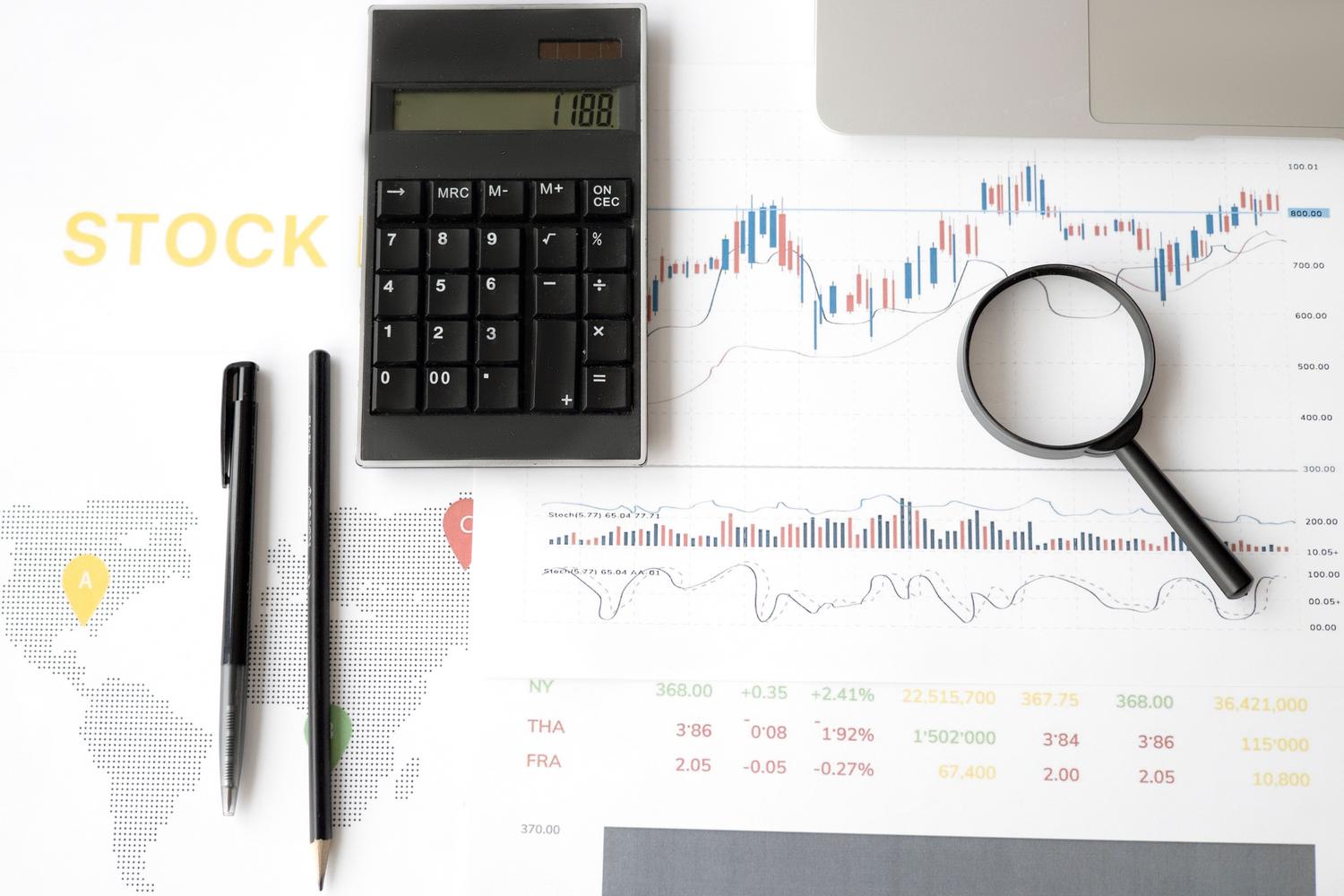
If you prefer a simpler version, the HLC chart removes the opening. Here, the structure is reduced to four columns:
- X-axis identifier: As before, we start with the timestamp.
- Maximum Price: Second column, which defines the top of the line.
- Minimum Price: Third column, which marks the lowest point.
- Closing Price: Fourth column, which is visualized as a graduation mark that cuts the vertical line.
Practical examples of organization

To avoid losses, imagine a table of monthly prices. If in January the asset opened at $20, reached a high of $70, fell to $15, and closed at $50, The data must be in that exact order.If you move the closing line to the opening line, Google Sheets will most likely get confused and the chart won't display.
Advanced customization and visual adjustments
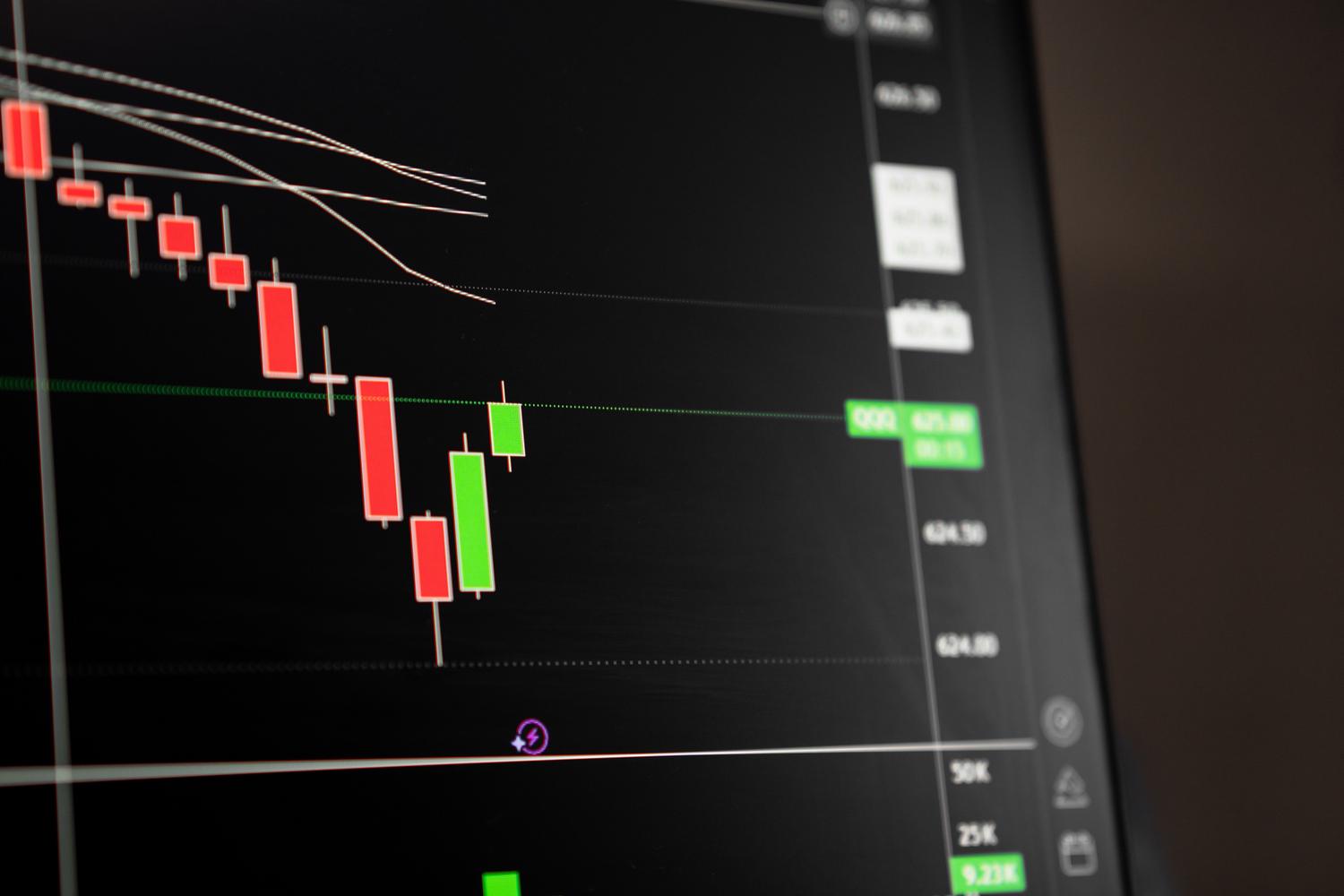
Once the data is sorted and the chart is no longer blank, you can play with the aesthetics. There are options for modify the color palette using hexadecimal codes or CSS color names, allowing you to create your own visual identity. You can also adjust the density of the marks on the Y-axis or change the scale from linear to logarithmic, which is super useful when you have very wild values and want to better see the small variations.
Additionally, you can add trend lines to see where the market is headed. You have linear, exponential, or even polynomial options. If you want to smooth the data, the moving average It is the best tool, allowing you to choose periods of 7, 14 or 28 days to clean up the visual noise of the chart.
Axis and reference line control
To take your analysis to the next level, you can configure multiple Y axesplacing some series on the left and others on the right. This is ideal when dealing with metrics on different scales. Likewise, the reference lines They allow you to mark critical levels, such as the average or historical maximum, adding shaded ranges that facilitate quick reading of the data.
Paying attention to the column sequence and ensuring that the maximum values are truly higher than the minimum values is the secret to preventing financial visualizations from becoming obsolete. By mastering data structure and leveraging axis and trend customization tools, you transform a simple table of numbers into a powerful and engaging visualization. professional analysis tool and visually clear. Now you know why the Google Sheets stock chart appears empty: how to sort the data.

Passionate about technology since he was little. I love being up to date in the sector and, above all, communicating it. That is why I have been dedicated to communication on technology and video game websites for many years. You can find me writing about Android, Windows, MacOS, iOS, Nintendo or any other related topic that comes to mind.