- Notion AI allows you to automatically create, edit, and summarize content.
- It allows you to automate routine tasks and improve personal and professional productivity.
- Includes editing, translation, data analysis, and idea generation features.
- It combines ease of use with powerful integration within the Notion workspace.
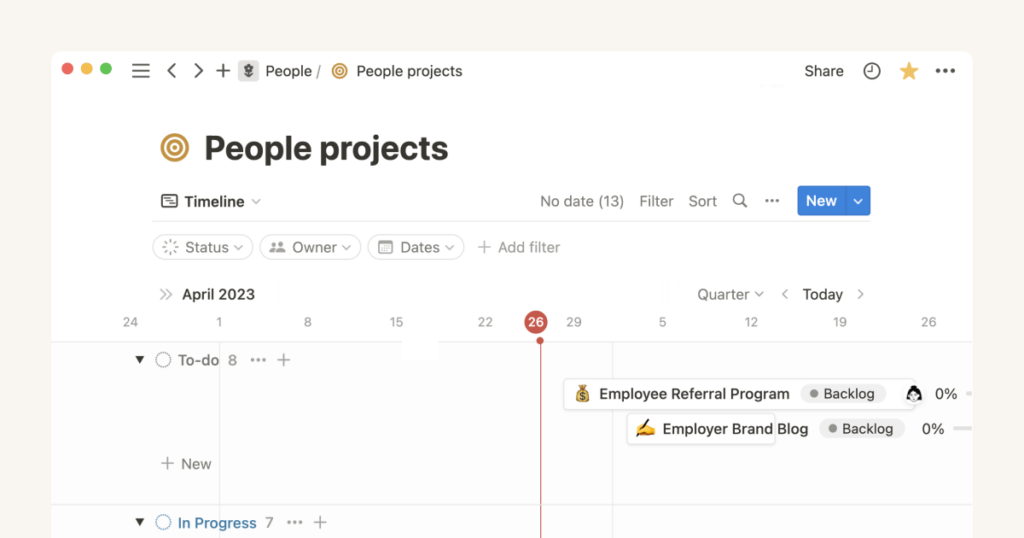
¿How to use Notion AI to create documents faster? We'll help you. Artificial intelligence has transformed the way we work and create content. Among the most notable tools of the moment is Notion AI, a plugin within the Notion ecosystem that saves time when writing, summarizing, translating, and organizing information. Its direct integration into the Notion workspace makes it a powerful ally for professionals, students, and content creators.
This guide has been written by exhaustively compiling information from the most relevant websites. about using Notion AI in the context of document creation. If you're looking for a way to increase your productivity and automate tedious tasks, this article is for you.
What is Notion AI and why should you integrate it into your daily life?

Notion AI is an artificial intelligence extension that works directly in the Notion workspace.Its main objective is to optimize productivity by helping you generate content, summarize information, translate text, and automate repetitive tasks.
In writing /ai On any Notion page, a menu pops up with multiple functions: from composing emails to structuring a blog post in seconds. You can also highlight any piece of text and apply actions like changing the tone, rewriting, translating, or summarizing, all with just a few clicks. If you want to learn more about how to use Notion, you can check out this article on What is Notion and how to use it?.
Besides, It has a very useful question and answer functionFor example, you can directly ask, "What were the key points from the last meeting?" as long as that information is within your pages.
It's not just a writing tool: It also lets you categorize tasks, define priorities, and automatically transform disorganized ideas into action lists.
Key capabilities of Notion AI
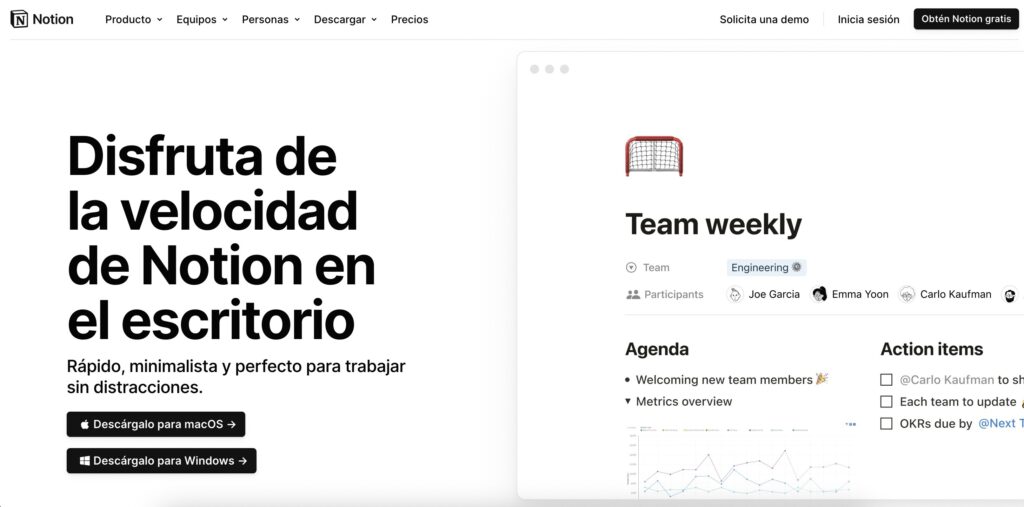
Among the main functionalities of Notion AI, several stand out that can transform your daily workflow:
- Content GenerationYou can ask AI to write articles, reports, essays, or emails. Just give it a clear context and it will return a coherent and well-structured text.
- Summarizer: Summarize long documents or complex notes in seconds, extracting key points or converting them into a to-do list.
- Translation: Translate texts into multiple languages, useful for global teams.
- Correction: Automatically checks and corrects spelling and grammar errors.
- Reformulation: Change the tone of a text (more professional, informal, persuasive, etc.).
- Rewriting: Improves the writing of complete sentences or paragraphs.
- Definition and synonyms: Ideal for enriching vocabulary or clarifying terms within your documents.
All this can be done from any page, simply by typing simple commands or using context menus. that appear when interacting with text blocks.
How to get started with Notion AI step by step
Integrating Notion AI into your daily routine is simple, although it requires a few essential first steps:
- Create or access a Notion account en notion.so.
- Subscribe to the Notion AI add-onYou can try it for free with 20 initial AI responses. If you want unlimited access, you can add the add-on from the "Upgrade Plan" option in your sidebar.
- Activate it from your workspaceYou can do this from the search bar, with keyboard shortcuts (e.g., Command+J on Mac or Ctrl+J on Windows), or by selecting “Ask AI” from any block.
Once activated, you can use it to interact in real time. with your content blocks and start generating ideas, editing or automating tasks.
Interaction with AI responses

After Notion AI provides you with an answer, you can:
- Copy and share the answer, or insert it directly into your page.
- Try again if the answer doesn't exactly match what you wanted.
- Adjust the data source telling the AI which page to look for information on.
- Mark the answer as helpful or not helpful so that the AI can learn your preferences.
In the case of Q&A queries, you can view and review chat history and continue iterating or refining the information generated.
How to Use Notion AI to Create Documents Faster: Case Studies
One of the great advantages of Notion AI It's adaptable to multiple types of users and environments. Here are some specific examples:
1. Idea generation
If you are dedicated to writing, designing campaigns or have a blog, you can use Notion AI to unlock creativity. Ask it to suggest titles, topics, or even article hooks. You can also ask it to write entire paragraphs based on an initial idea. Also, if you're looking for resources to better organize your ideas, check out This app to organize your studies.
2. Editing and correcting content
Select any part of your text and choose an action: Improve your writing, correct errors, change your tone, or make it longer or shorter. This feature is very useful for copywriters, marketers, or content creators who need to maintain a consistent voice or adapt texts to different audiences. If you want to improve your writing skills, check out the best apps for writing a book.
3. Automation of routine tasks
Notion AI You can create task lists and break down complex projects into concrete steps.You can ask it to generate a roadmap for a product launch, and it will provide you with suggested tasks, dates, and assignees. This feature is perfect for project managers or cross-functional teams. You can also explore additional tools at tools to increase productivity.
4. Summary of long notes or meetings
Upload your meeting notes or any long documents and ask Notion AI to extract key points or generate an executive summary. You can even turn that summary into an action list for each team member. For more information on summarizing texts with AI, see The best tools for summarizing texts with AI.
5. Analysis of textual data
Imagine you store customer reviews in a database.You can ask AI to analyze those texts and tell you how many times a specific problem was mentioned, or to derive a general feeling about a particular product. This feature is especially useful in customer service or marketing areas.
Integration and interoperability with other tools
One of the great strengths of Notion AI is its ability to integrate with other systemsFrom Slack to Google Drive, you can use Notion to condense, share, and connect your data in one place.
For example, if you manage tasks in another tool, you can integrate it with Notion and allow AI to Analyze your task board and suggest dependencies, priorities, or responsible parties automatically.
Smart templates powered by Notion AI
For those who prefer to work with predefined structures, Notion offers more than 10.000 templates. Some of the most recommended if you are going to use Notion AI:
- Meeting Notes Template: Ideal for capturing decisions, tasks and attendees clearly.
- Blog Planner: Centralize your articles and use AI to draft them in seconds.
- Feedback collection: Organize received opinions and have AI detect patterns or recurring themes.
- Goal tracking: Track project goals and request automatic progress reports.
- Sales Reach: Let AI write personalized sales proposals based on your target audience.
Current limitations of Notion AI
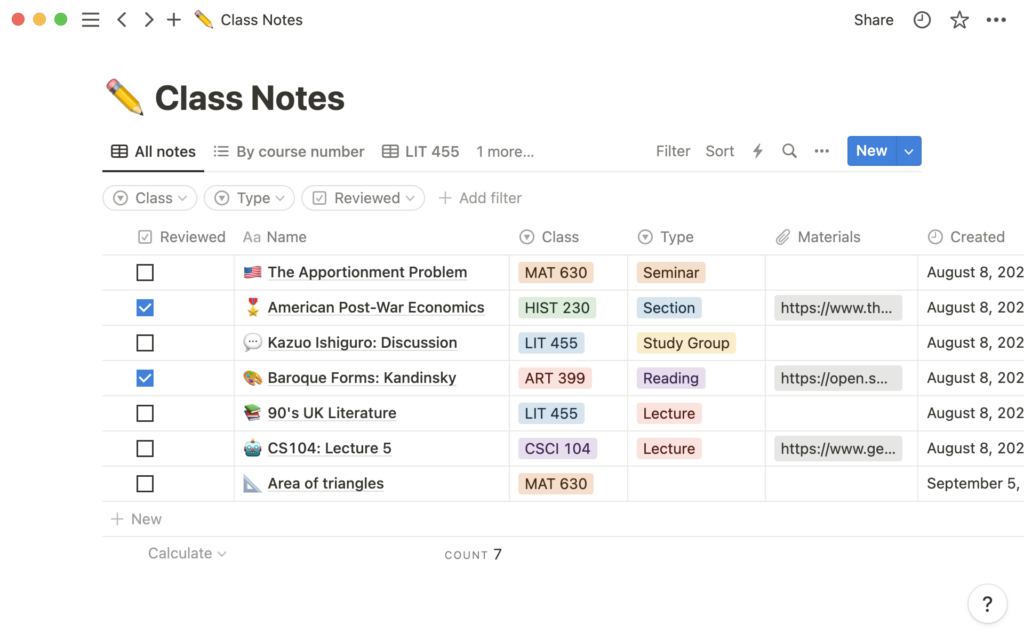
While Notion AI is a powerful tool, it still has certain limitations that must be considered:
- Learning curve: Although it is intuitive, it may take a while to master all its functions.
- Usage restrictions: : On free or low plans there may be generation limits.
- Lack of real-time chat: : There is no live support within the tool.
- Improvable results: Some answers may require refinement or clearer direction.
However, these aspects do not overshadow the wide capabilities it offers., especially when combined with appropriate templates and a good prompt strategy, Notion AI is establishing itself as a versatile tool that goes beyond simple automated writing. Its value lies in its direct integration with your content, its ability to adapt to the context and facilitate complex workflows.Whether you're a student who needs to summarize notes, a professional organizing projects, or a creator looking to streamline your production, Notion AI can help you accomplish more in less time. We hope this article now shows you how to use Notion AI to create documents faster.

Passionate about technology since he was little. I love being up to date in the sector and, above all, communicating it. That is why I have been dedicated to communication on technology and video game websites for many years. You can find me writing about Android, Windows, MacOS, iOS, Nintendo or any other related topic that comes to mind.