- Optimized charging uses machine learning to complete 100% just before the user unplugs the device.
- Recent models allow fixed load limits, although the system can temporarily rise to 100% to calibrate the percentage.
- Factors such as high temperature or non-certified accessories can block charging by up to 80%.
- The strict 80% limit prolongs lifespan but reduces available daily autonomy.

One day, you go into your device's settings and feel that little flutter in your heart when you check the battery health. What's going on?Why does my iPhone charge to 100% even though I've set a limit? The truth is that it is impossible to control everything that happens with our smartphone's battery.
If you've noticed your phone reaching 100% despite having set a limit, or if you're wondering why it gets stuck at 80%, don't worry. It's not necessarily a system error, but rather... iOS manages power intelligently so you don't have to change the battery prematurely.
Understanding degradation and chemical aging
To understand how charging works, you first need to know that battery life It depends on your chemical ageThis is not simply the time that has passed since it left the factory, but a complex mix of factors where the temperature history and your charging habits They play a fundamental role.
Lithium-ion batteries are consumables. As they age chemically, their ability to store energy decreases, which means that peak performance falls And daily battery life is reduced. That's why Apple has implemented various tools to slow down this natural process.

Optimized Loading: The Brain Behind the Percentage
The optimized charging function is essentially a machine learning system. iPhone Analyze your daily routine to find out what time you usually wake up or turn off your phone. Instead of keeping the battery fully charged all the time, The device pauses charging when it reaches 80%. and only complete the final stretch right before you need it.
This prevents the phone from spending too many hours at 100%, which is one of the situations that They further stress internal chemistry Regarding the battery: If you ever need your phone to be fully charged sooner than expected, simply press and hold the notification on the lock screen and select the "charge now" option.
Strict load limits in recent models
Starting with the iPhone 15 series, Apple has taken another step by allowing users to set fixed limits. Now you can choose which device do not exceed 80% or increases of 5% until the total is reached. This option is ideal for those who charge their phone several times a day and don't want the maximum percentage to be a constant.
However, it's normal that, even if you've set the maximum charging rate to 80%, your iPhone might charge to 100%. This isn't a bug, but a necessary part of the charging process. calibrate the battery sensor and ensure that the percentage you see on screen is real.
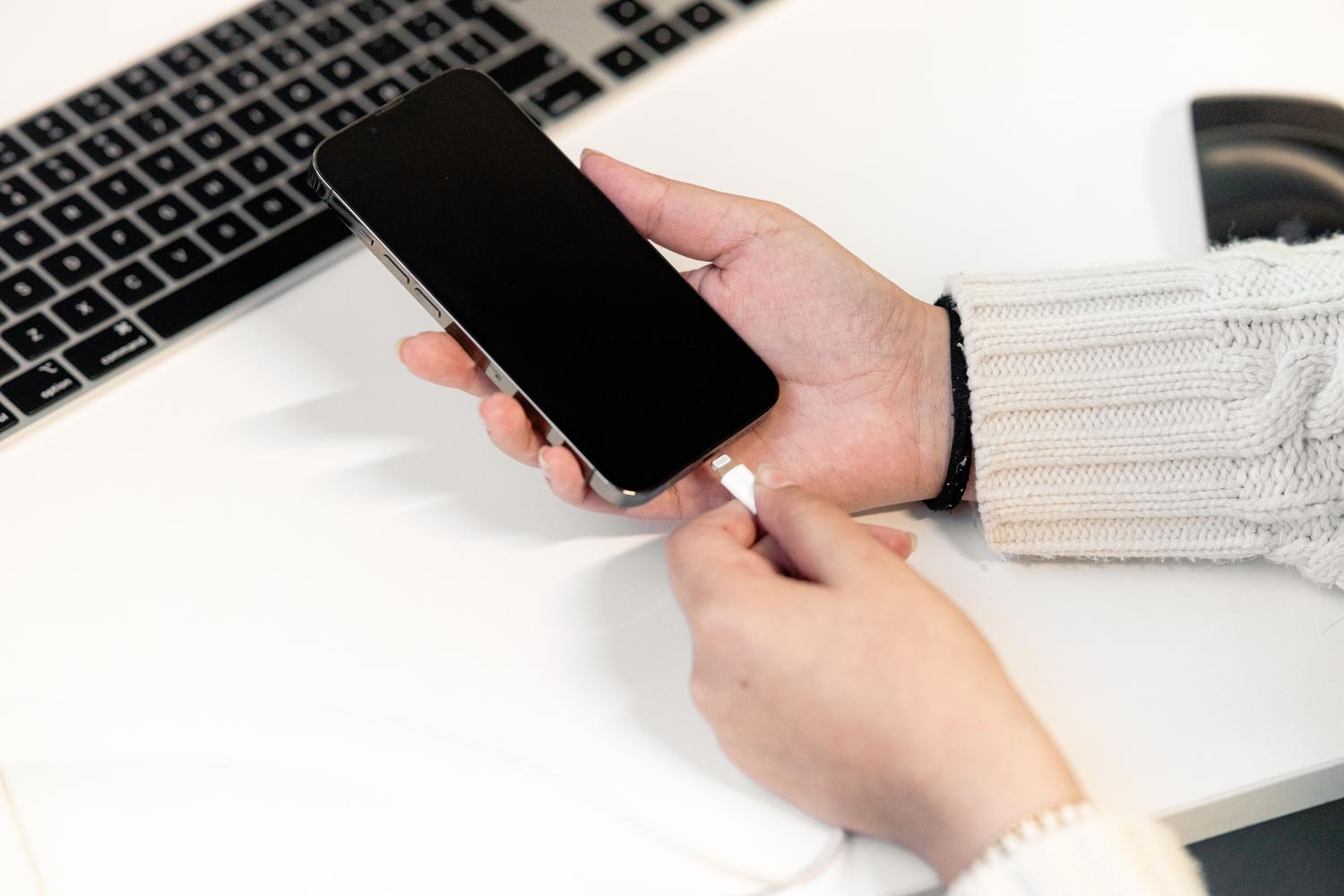
Why is my iPhone stuck at 80% or behaving strangely?
If you find that charging stops and it's not due to the settings, there may be other reasons. The most common is... excessive temperatureIf the device detects that it is overheating, it will cut off the charge for safety reasons to avoid damaging the internal components.
It's also possible the problem lies with the hardware. worn cable or an uncertified charger (other than MFi certified) can cause current instability, leading to charging interruptions. Additionally, some software glitches can be easily resolved. Updating the iOS version or by restarting the computer.
Step-by-step setup according to your model
- iPhone 15 and later: Go to Settings, then Battery, and then Charging. Here you can choose a specific limit between 80% and 100%.
- iPhone 14 and earlier: Go to Settings, tap Battery, then Battery Health and Charging to turn Optimized Charging on or off.
It's important to mention that limiting the charge to 80% is, in practice, like having an already degraded battery, since You are giving up 20% of capacity From day one. For many, it's more cost-effective to use the optimized charge and enjoy the full capacity for a couple of years before natural wear and tear takes its toll.
Keeping track of your battery life is helpful, but don't become obsessive. Ideally, maintain consistent charging routines, avoid extreme heat, and Don't worry too much for each percentage point, since wear and tear is inevitable and, sooner or later, any battery will need to be replaced by a professional.

Frequently Asked Questions
Is it normal for my iPhone to reach 100% if I have an 80% limit?
This is normal behavior since the system performs occasional full charges to calibrate the battery measurement.
What exactly is optimized loading used for?
This feature learns your schedule to keep your phone at 80% and only complete the charge right before you unplug it.
What to do if your iPhone gets stuck at 80% and it's not due to the limit?
It is recommended to check if the device is very hot, try using a certified original cable, or update the iOS version.
On which iPhone models can you choose the exact charging limit?
The option to choose specific limits in 5% increments is available for the iPhone 15 and later models.
Can disabling optimized charging damage the battery?
It doesn't break it instantly, but it accelerates chemical wear by keeping the device at maximum charge level for longer.
Why does heat affect my iPhone's charging?
The system reduces or stops the load when it detects high temperatures to protect internal components and prevent permanent damage.
Index