- Xbox Cloud Gaming allows you to run video games on remote servers, avoiding local downloads and installations.
- It is compatible with Xbox consoles, PCs, Android and iOS mobiles, and select smart TVs.
- Access generally requires an Xbox Game Pass subscription, with the Ultimate plan being the most comprehensive.
- A stable internet connection of at least 40-60 Mbps and a compatible controller are required for an optimal experience.
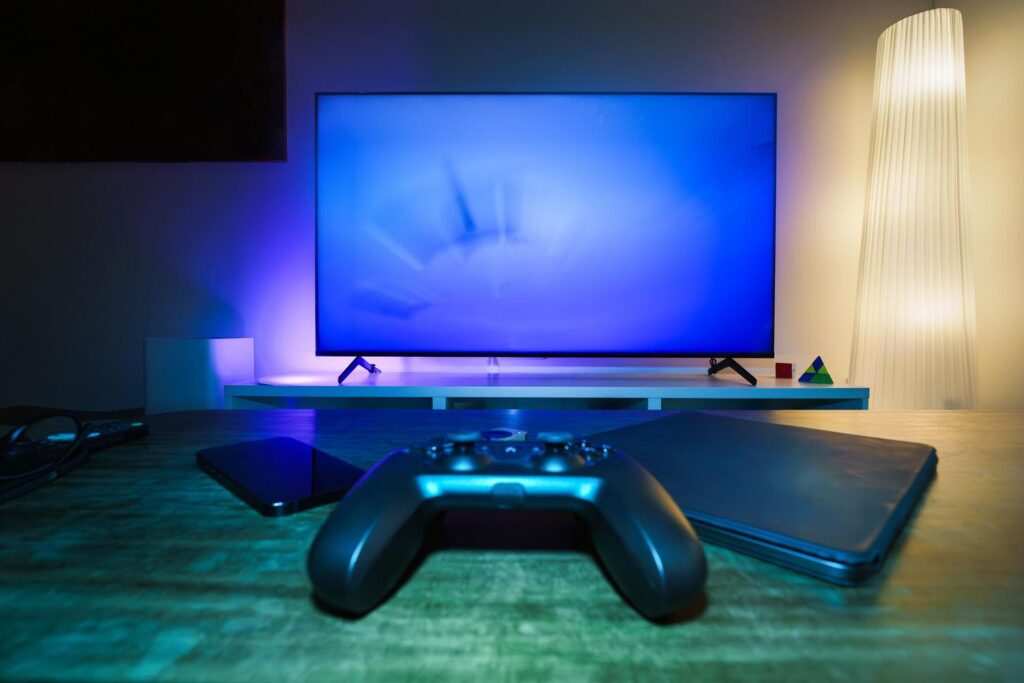
Can you imagine being able to play your favorite Xbox games without having to wait hours for them to download or needing a powerful console in your living room? Well, it's possible. Here's how. How to play an Xbox game from the cloud while it's updatingCloud gaming is a technology that is gaining momentum and basically transfers the power of the hardware to remote servers, allowing you to play on almost any screen you have at hand.
The truth is, it's amazing, because you no longer depend on whether your phone is high-end or your laptop is a clunker; the only thing that really matters is that you have one. stable and fast internet connectionWith this system, the video game runs in Microsoft's data centers and you only receive the image and send commands from your controller in real time, which is known as game streaming.
What exactly is Xbox Cloud Gaming?
For those who aren't very familiar with it, Xbox Cloud Gaming It's Microsoft's service that lets you access the Game Pass catalog over the internet. Unlike the traditional method, where you have to install the software on your hard drive, here everything happens in the cloudThis means you can jump from one game to another in seconds, without worrying about your device's storage space.
For this to work smoothly, a decent bandwidth is essential, ideally between 40 and 60 Mb/s download speedThis prevents the image from pixelating or experiencing an annoying delay between pressing the button and the character moving (what we call lag). The great advantage is that you can take your progress, saved games, and all your add-ons anywhere, since everything is... linked to your Xbox account.

Playing an Xbox game from the cloud: Compatible devices
One of the most interesting things about this service is the hardware versatility it supports. You're not tied to a single machine; you can enjoy the experience on:
- Xbox consoles: On both the Series X|S and the Xbox One, allowing you to try games without installing them.
- Smart TVs: Compatible with brands such as Samsung, LG and TVs with VIDAA system, as well as Amazon Fire TV devices.
- Mobile Devices: Android smartphones and tablets (via app) and Apple devices (via browser).
- PC and VR: Through web browsers or even virtual reality headsets that support the application.
In other words, you can play an Xbox game from the cloud, conveniently and without restrictions.
Regarding controls, although some games support touch controllers, ideally you should connect a Xbox wireless controller or a DualShock 4 to have the full experience, since the keyboard and mouse are not usually compatible with streaming.
Game Pass plans and costs
To enter this world and be able to play an Xbox game from the cloud, you usually need a subscription to Xbox Game PassDepending on what you're looking for, there are different service levels to suit different budgets:
- Essential Plan: It's the most economical option (around €8,99/month) and it already opens the doors to online multiplayer and a selection of cloud games.
- Premium Plan: For around €12,99/month, it expands the catalog to more than 200 titles and reduces waiting times to enter games.
- Ultimate Plan: It's the crown jewel (€26,99/month). It includes over 400 games, day-one access, EA Play, and the More complete Cloud Gaming experience.

How to start playing step by step
If you already have a subscription, getting started is very easy. If you're in a Xbox One or Series X|SSimply open the Game Pass app, choose the game, and tap the "Play" button next to the install option. On Android, just download the Xbox Game Pass app from the Google Play Store or Galaxy Store and browse the cloud gaming section.
For those using a Mac, iPhone, or PC without the app, the quickest way is to go to xbox.com/es-ES/playLog in and launch the desired title directly from your browser. Additionally, for those curious to play an Xbox game from the cloud, there's the program Xbox Insiderswhich is a free beta testing platform where, occasionally, Microsoft allows you to test cloud features without needing the Ultimate plan.

Catalog of featured games
The list of available titles is enormous and very varied. You can spend hours with shooters like Call of Duty (Warzone, Modern Warfare, Black Ops) or Halo Infinite, or enjoy open worlds in Forza Horizon 5 and Grand Theft Auto V. There's also room for more social or competitive games like Fortnite, Rocket League, Fall Guys or the legendary Minecraft.
Other notable titles on the service include EA SPORTS FC, The Witcher 3, Mortal Kombat 1, and the Assassin's Creed series. The best part is that, being a subscription model, you can try out Triple A games which would normally cost 70 euros for a fraction of the price, spending them in a couple of months and jumping to the next one.
The ability to transform any screen into a next-generation console is Microsoft's major innovation. Playing Xbox games from the cloud is also possible when the game is unavailable due to updates.


Editor specialized in technology and internet issues with more than ten years of experience in different digital media. I have worked as an editor and content creator for e-commerce, communication, online marketing and advertising companies. I have also written on economics, finance and other sectors websites. My work is also my passion. Now, through my articles in Tecnobits, I try to explore all the news and new opportunities that the world of technology offers us every day to improve our lives.