- Microsoft Copilot improves the shopping experience with artificial intelligence.
- Allows you to make queries and receive personalized recommendations.
- Provides direct links to products and preference setting options.
- User feedback helps refine future suggestions.

Copilot is revolutionizing the way users can find and purchase products through Microsoft Shopping. Thanks to the integration of artificial intelligence, it is possible to get personalized recommendations and improvements in the shopping experience. In this article, we are going to analyze How to find products in Microsoft Shopping with Copilot.
In the following paragraphs we explain How this tool works, how you can make the most of it and what benefits it offers to buyers. Because learning how to use Copilot can make a big difference when it comes to making your purchases.
What is Microsoft Copilot for personalized purchasing?
Microsoft Copilot for personalized purchases is a functionality based on artificial intelligence that allows consumers to receive product recommendations, resolve doubts and improve their shopping experience through a virtual assistantThis system can be integrated into different e-commerce platforms, facilitating interaction with buyers.
These are some Copilot key features:
- Interaction in natural language to ask questions about products.
- Recommendations based on preferences y previous purchases.
- Suggestions for complementary products to improve the shopping experience.
- Possibility of providing feedback on the recommendations received.
How to get started with Microsoft Shopping with Copilot
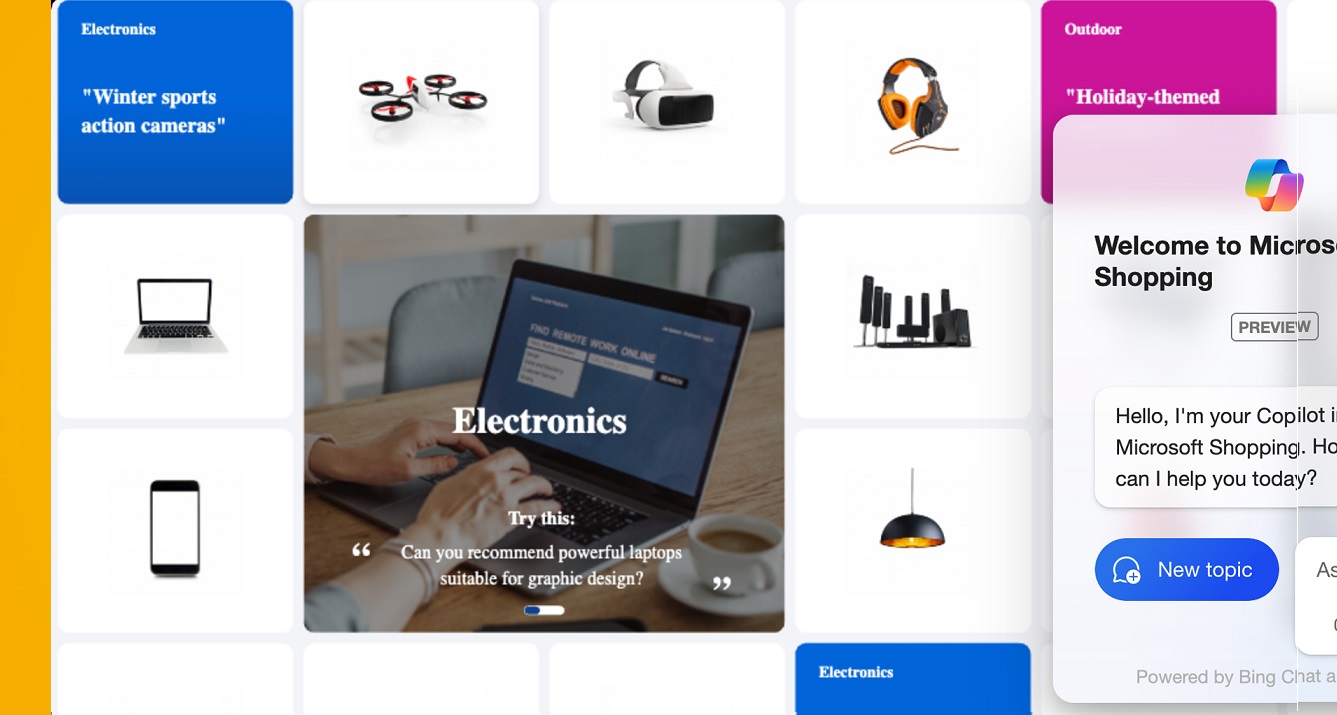
If you want to use Microsoft Shopping with Copilot and enjoy the benefits of personalized shopping, just follow these steps:
1. Access a platform that integrates Copilot
Copilot is available on some models. online stores and Microsoft Shopping platforms. Make sure the store you want to purchase from has this integration.
2. Interact with the virtual assistant
You can start a conversation with Copilot in two ways:
- Selecting one predefined question from the list of available options.
- Write your own question to receive personalized recommendations.
3. Receive recommendations and adjust the results
Depending on the query made, Copilot will provide a response based on the configured parameters around the store. Plus, you can see additional suggestions that will allow you to further refine your search and get products that better fit your needs. needs.
4. Explore recommended products
Copilot responses include direct links to the recommended product pages, making it easy to purchase without having to leave the wizard.
5. Customize and adjust the suggestions
If you're not satisfied with the initial recommendations, you can refine your product search in Microsoft Shopping with Copilot providing more details, such as the style, color, or functionality you're looking for.
Benefits of using Microsoft Copilot in purchasing
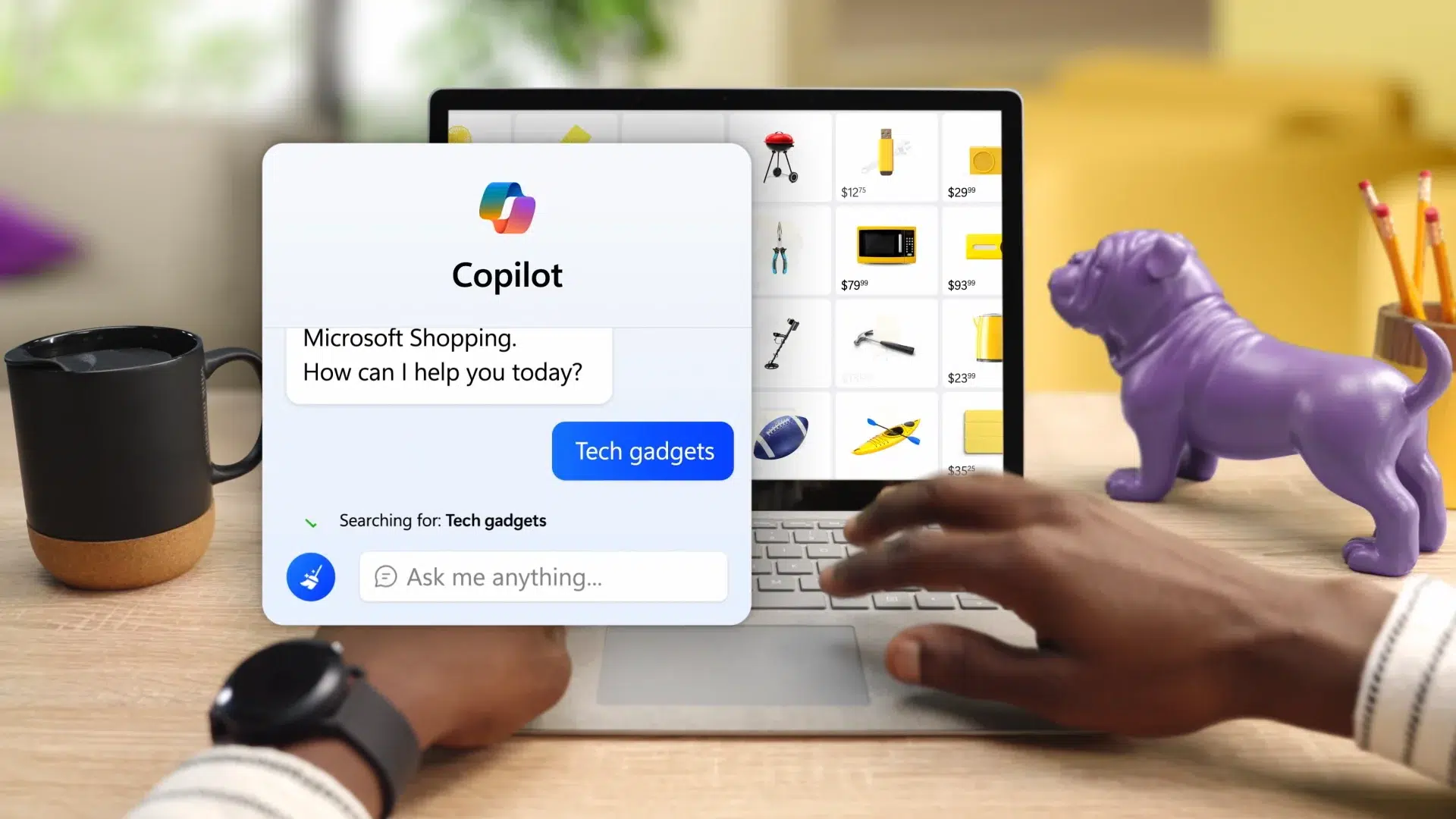
The Microsoft Shopping experience with Copilot is enhanced in multiple ways. Here are some of them:
- Greater search efficiency. Instead of wasting time browsing through numerous product pages, Copilot filters the information and presents you with the best available options, streamlining the purchasing process.
- Personalized recommendationsCopilot not only suggests products, but also learns from your previous preferences to offer increasingly better options.
- Intuitive interaction. Thanks to its natural language capabilities, users can ask open-ended questions and receive detailed, easy-to-understand answers.
- It helps in decision-making. Copilot's suggestions include additional information, such as user reviews and complementary products, making your choice easier.
How to improve Copilot recommendations
To get the most out of Microsoft Shopping with Copilot and get the best suggestions, we should keep the following tips in mind:
- Provide accurate details: The more specific your query, the more accurate the recommendations will be.
- Using system feedback: Marking recommendations as helpful or unhelpful helps improve subsequent results.
- Explore different styles and options: Copilot can show you variations of the initial product to give you a greater diversity of options.
Microsoft Copilot is transforming the way we shop online, providing a more efficient and personalized experience. Thanks to its artificial intelligence capabilities and ease of use, finding Microsoft Shopping products with Copilot becomes a streamlined purchasing process full of benefits.

Editor specialized in technology and internet issues with more than ten years of experience in different digital media. I have worked as an editor and content creator for e-commerce, communication, online marketing and advertising companies. I have also written on economics, finance and other sectors websites. My work is also my passion. Now, through my articles in Tecnobits, I try to explore all the news and new opportunities that the world of technology offers us every day to improve our lives.