- The problem usually lies in incorrect character encoding or the lack of Unicode tables in the embedded fonts of the file.
- There are methods based on the visual reinterpretation of the document using OCR to bypass corrupted text layers.
- Image resolution and the use of non-standard fonts directly influence the appearance of strange or square symbols.
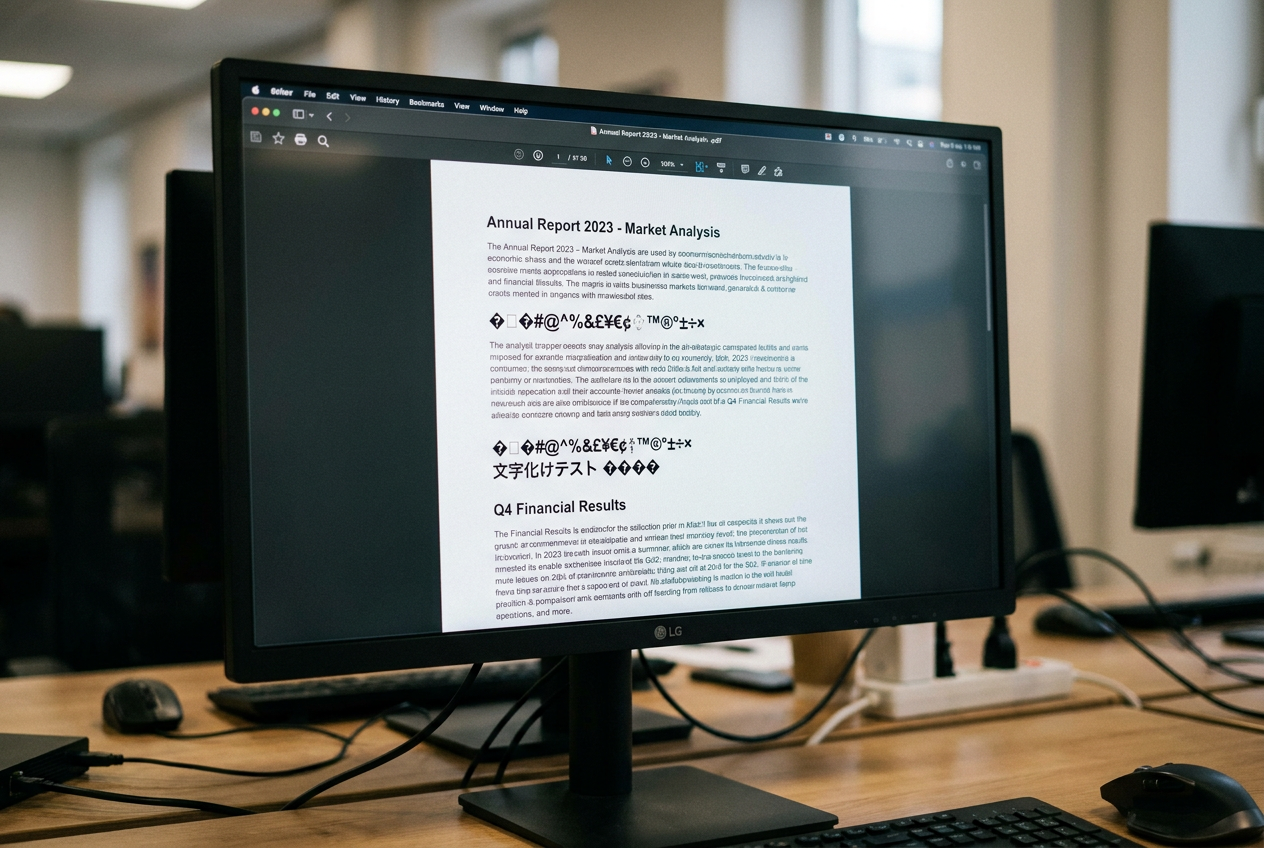
Why do symbols appear when copying text from a PDF? It's probably happened to you: you're working with a PDF document, you select a paragraph that looks fine, paste it into Word or Notepad, and suddenly you're faced with a gibberish of strange symbolsSquares or characters that look like they're from another planet. It's a frustrating situation that makes us think the file is corrupted, but the reality is that it's a fairly common technical communication failure.
This phenomenon, which is sometimes known as mojibakeThis happens basically because what we see on the screen is not the same as the code the computer is trying to copy. It's not that the text has disappeared, but rather that the character mapping It has failed. Fortunately, there are plenty of tricks, from simple adjustments to the use of specialized software, to recover that information without having to type everything out by hand.
Why on earth do these symbols appear?
To understand the solution, we first need to grasp the problem. A PDF has two layers: the visual layer (the glyphs) and the data layer (the encoding). When you copy text, the system doesn't "look" at the letters, but rather reads a code. If the PDF uses a custom coding Or, if it doesn't have a standard Unicode table, the clipboard doesn't know which letter corresponds to that code and puts any symbol.
There are three main causes. First, the encoding mismatchwhere characters with accents or the euro sign are transformed into garbage because the reader uses UTF-8 but the file was created in Windows-1252. Second, the faulty source encodingwhere the PDF looks great but the text layer is a total disaster. And third, the low resolution, which confuses optical character recognition (OCR) software, making a 5 look like an S or a 0 like an O.
Quick tricks and manual solutions

If you don't want to install complex programs, you can try some simpler methods. On Windows, one interesting option is to use the Microsoft XPS Document WriterPrinting the PDF as an XPS file generates a cleaner version that sometimes allows you to copy the text without errors. On the other hand, if the problem is annoying line breaks when pasting into Word, you can use the function of Search for and replace to change paragraph marks to single spaces.
For Mac users, there's a "magic" trick in the Preview application. If you export the PDF using the Quartz filter to reduce sizeCompression sometimes removes junk characters and cleans up the document structure, allowing for much smoother copying.
Advanced tools and repair software
When the problem is serious, we need heavy artillery. Adobe Acrobat Pro is the standard tool; it allows us to change the font of the text to a more compatible font like Helvetica or embed the fonts correctly from the print production stage to avoid erroneous substitutions.
If the file is truly corrupted, there are programs like EaseUS Fixo that specialize in... repair character encoding and repair damaged documents. However, if you're looking for something free and powerful, PDFgear is a great alternative that lets you convert PDFs directly to plain text or use its function to Integrated OCR to extract the information.
The power of OCR: Read the image, not the code
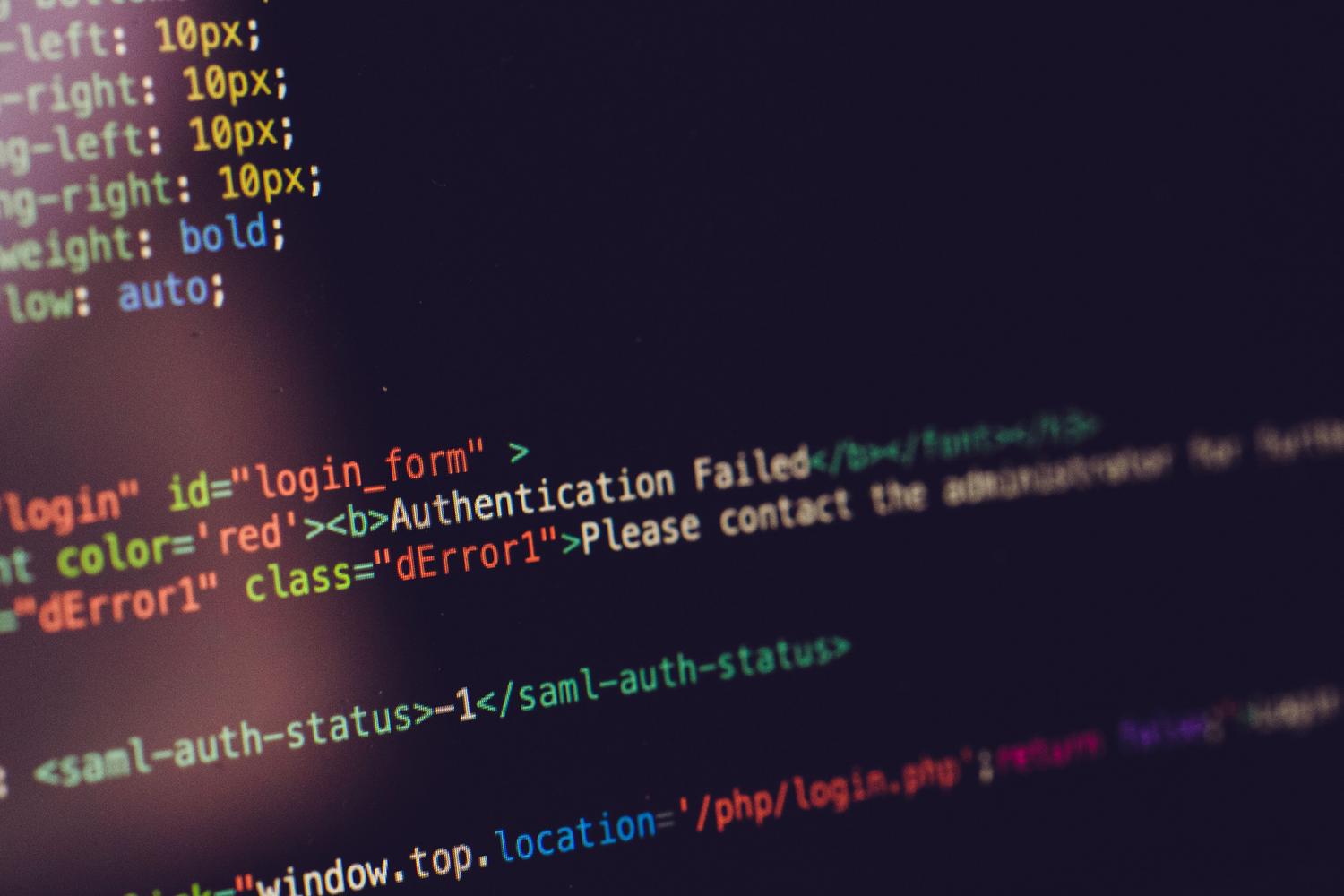
The most foolproof solution when nothing else works is to ignore the text layer and treat the PDF as if it were a photograph. This is what the Optical Character Recognition (OCR)By forcing the software to read the glyphs visually, we bypass any internal encoding errors.
- Force OCR: In Acrobat, choose the "Image with hidden text" option so that the engine re-analyzes the page from scratch.
- Image conversion: A very effective technique is to export the pages to high-resolution TIFF or PNG format (minimum 300 DPI) and then run them through OCR. This removes any corrupted metadata.
- Use of AI vision: Modern vision and language modeling (VLM) tools no longer analyze letter by letter, but rather understand the semantic context, resolving ambiguities that traditional OCR cannot.
For the more tech-savvy, if the text is short, send them a screenshot to Google Lens It's a very fast and free solution that usually works wonderfully because it uses Google's visual recognition technology.
Having a PDF with unreadable text when copying is essentially a translation problem between the embedded font and the operating system. Whether by re-encoding the file, using virtual printers, or deploying powerful OCR software that analyzes the image instead of the code, there's always a way to recover the data. The key is identifying whether the problem lies with the font, the character encoding, or simply poor resolution that confuses the software. Now you know all about why symbols appear when copying text from a PDF.

Passionate about technology since he was little. I love being up to date in the sector and, above all, communicating it. That is why I have been dedicated to communication on technology and video game websites for many years. You can find me writing about Android, Windows, MacOS, iOS, Nintendo or any other related topic that comes to mind.