- Quick Share is the fusion of Nearby Share and Samsung's technology to standardize file sharing on Android.
- Visibility must be set correctly (in Receive or All mode) and requires active Bluetooth and an unlocked screen.
- It allows interoperability with Apple devices via AirDrop (on compatible models) or through links using QR codes.
- Detection errors are usually resolved by restarting connections, enabling location services in older versions of Android, or adjusting the distance between devices.

When you try to transfer some photos to another device and, suddenly, Quick Share does not detect the other mobile deviceIt's normal to feel frustrated. Unfortunately, it's a fairly common problem, especially since Google and Samsung joined forces to merge Nearby Share into a single tool. Sometimes it seems like the phone has gone "deaf" and can't see anyone around it, even if you have everything set up correctly.
The reality is that this technology seeks to be the universal Android standard to compete head-to-head with Apple's AirDrop. Although the idea is for everything to run smoothly, there are a lot of technical details, from the system version to visibility, that can cause the connection to fail. If you find yourself in the middle of a technological blackout, don't worry, we'll tell you how to overcome it.
What exactly is Quick Share and how does it work?
Basically, Quick Share It's the evolution of what we previously knew as Nearby Share. By merging with Samsung's technology, it has created a much more robust system that allows send files instantly between nearby devices. The best part is that you don't need to install any strange third-party apps, as it comes with it. integrated into the operating system of almost any modern Android device that uses Google Play Services.
This tool is incredibly versatile because it's not limited to just mobile devices. You can also use it on... Android tablets, Chromebooks and even on Windows computers using a dedicated application. For this to work, the system uses a combination of Bluetooth and Wi-Fi, ensuring fast and secure data transfer. But what if Quick Share doesn't detect the other phone?
How to send and receive files step by step
To send something, the process is very simple: you choose the file, click the share button, and select the Quick Share optionAt that moment, your mobile phone will start scanning the environment for other compatible devices so you can choose the recipient.
If you're the one who's going to receive the content, there are a couple of fundamental things. First, you must have the unlocked screen and Bluetooth turned on. Second, it's vital to check that you're in "Receive" mode within the Quick Share settings. If not, it's very likely you're invisible to others. Sometimes, when Quick Share doesn't detect the other phone, it's due to something like this.
Compatibility with the Apple ecosystem (iPhone, iPad and Mac)
This is where things get interesting. Although they're different worlds, Quick Share has opened doors to communication with iOS and macOS. Depending on your model, there are two ways:
- For compatible devices: Some recent models (such as the Pixel 8a and later, or certain high-end models from Samsung, Xiaomi, Oppo, etc.) can send files directly via AirDrop. To do this, the Apple user must set their... AirDrop visibility in "Everyone" for 10 minutes.
- For all other devices: If your mobile phone doesn't support the direct connection, you can use a QR codeThe Android device generates the code, the iPhone scans it with its camera, and the file is uploaded to Google's servers (end-to-end encrypted) for the Apple user to download from their browser.
Guide to troubleshooting detection problems
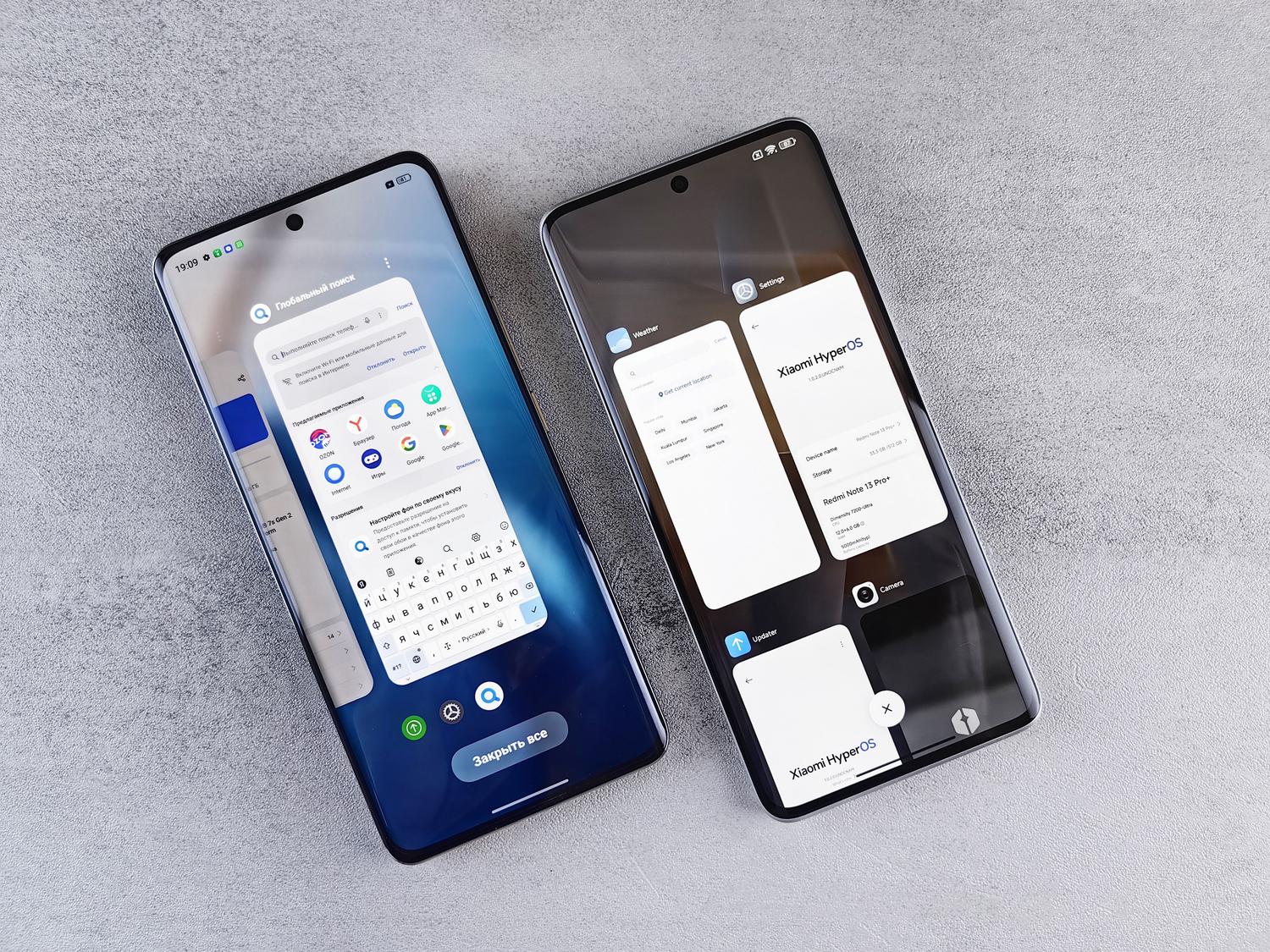
If you're trying to connect two devices and Quick Share simply isn't detecting the other phone, don't throw your phone out the window. Try these tricks that usually solve 90% of the problems:
- Check the proximity: Try to keep the devices within a few 30 centimeters awaySometimes, being too far apart or too close together interferes.
- The airplane mode trick: Turn airplane mode on and off to Restart all connections wireless.
- Check location: If you have an older device with Android 12 or earlier, make sure that location is activated, since it is a requirement for Bluetooth to find other devices.
- Classic Reboot: Turning the device off and on again often clears blocked processes that prevent detection.

Privacy and visibility settings
We don't always want everyone to see us on the street. That's why, in the Quick Share settings, you can choose who can share content with youYou have three levels: "Your devices" (only those who have your Google account), "Contacts" (people from your contacts who are nearby) or "Everyone for 10 minutes"which is the ideal option when you want to quickly send a file to someone you don't know without leaving the door permanently open.
Additionally, you can customize your device name to make it easier to identify in the search list and decide if you want use mobile data in case of that there is no Wi-Fi network availableHowever, be careful with data usage if the files are very large.
By mastering visibility, ensuring Bluetooth and location are active, and knowing how to leverage the QR code system for iOS devices, any Quick Share detection problems are quickly resolved, making it the most agile way to move files between Android, Windows, and Apple.

Editor specialized in technology and internet issues with more than ten years of experience in different digital media. I have worked as an editor and content creator for e-commerce, communication, online marketing and advertising companies. I have also written on economics, finance and other sectors websites. My work is also my passion. Now, through my articles in Tecnobits, I try to explore all the news and new opportunities that the world of technology offers us every day to improve our lives.