Router security is the first line of defense for your home network against intrusions and external attacks. Today we'll discuss some essential checks to ensure your router is securely configured: updating the firmware, using a strong password, and managing connected devices, among others. These measures are essential to keeping your digital home safe and risk-free.
Why is it important to know if your router is securely configured?
To determine if your router is securely configured, you need to perform verification checks. This way, you'll know your router is a reliable shield that protects not only your information but also your devices and digital reputation. If you don't perform these checks, your network can become an open door to intrusions and unnecessary risks..
These are the main ones Reasons to know if your router is securely configured:
- Protect your personal dataThe router is the main entry point to your network. If it's misconfigured, an attacker can intercept your passwords, emails, or even access your shared files.
- You prevent network intrusionsAn insecure router allows third parties to connect to your Wi-Fi without permission, consuming your data and exposing your devices. Cameras, PCs, and mobile phones can all be attacked.
- Shielding against external attacksCybercriminals often exploit weak configurations to launch attacks.
- Prevention of legal liabilitiesIf someone uses your network for illegal activities, the connection is registered in your name.
How to tell if your router is securely configured
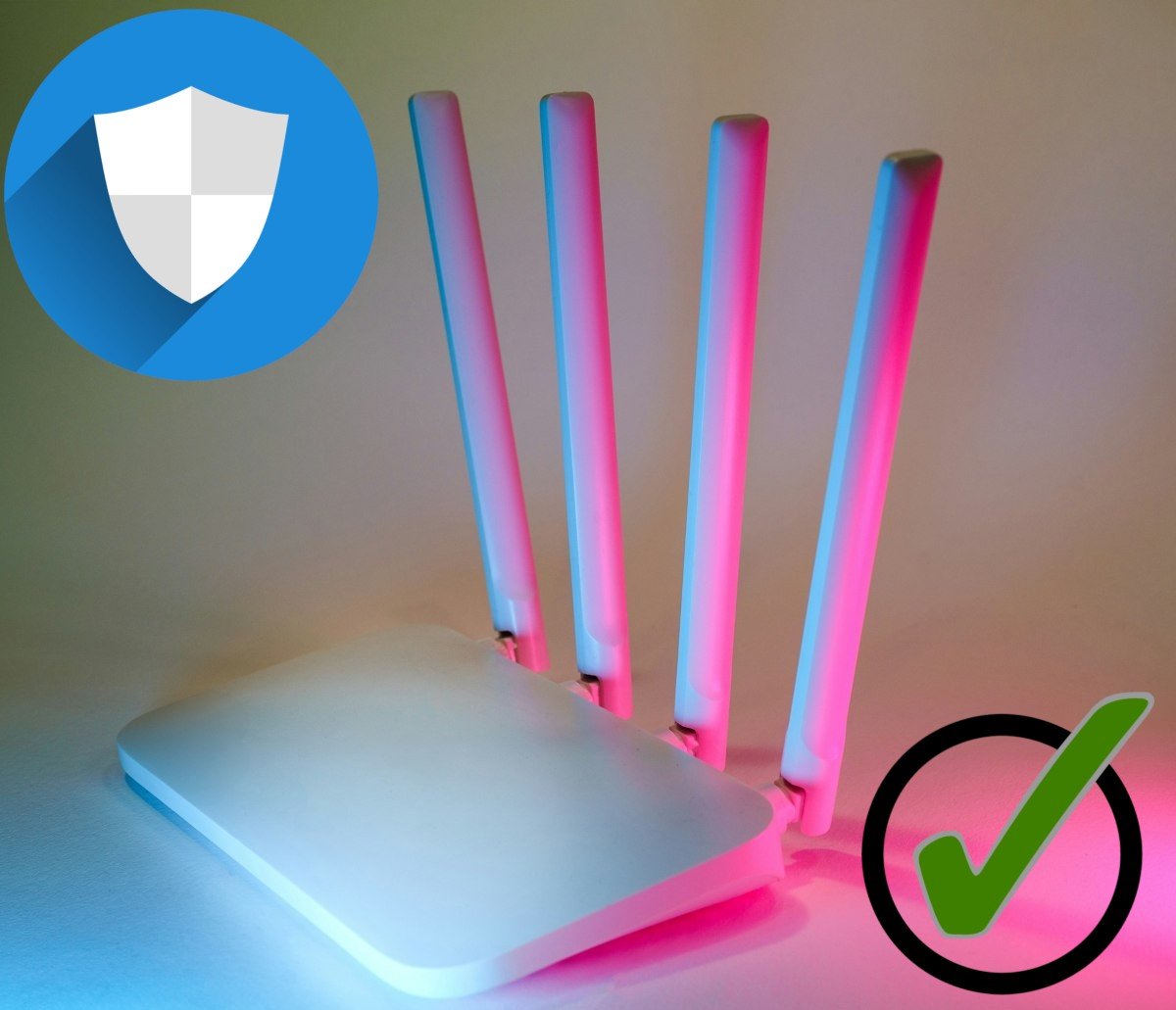
Although there is Habits you can adopt to avoid getting hackedThere are some mandatory checks to determine if your router is securely configured. For example, check the access password, Wi-Fi network encryption, firmware updates, firewall configuration and the management of connected devices. Let's look at each one in more detail.
Access the router settings
The first thing to do to find out if your router is securely configured is Open a web browser and type in your router's IP address (It's usually something like 192.168.1.1). To find your IP address from your mobile device, go to Settings – Wi-Fi – tap and hold your network and select Manage network or Details.
Once inside, Change the default password that comes with the routerIt's not recommended to leave the default password. Make sure you use a unique username and password. Avoid simple, easily guessed combinations like "admin" or "username". Finally, disable remote access to the control panel if it's not absolutely necessary.
WiFi network security
You can also strengthen your Wi-Fi network security through your router settings. In this regard, Use WPA2 or WPA3 encryptionAvoid using WEP or WPA, as they are now obsolete. Furthermore, it is essential to assign a strong password to your network: mix letters, numbers, and symbols, with at least 12 characters.
If you want to add an extra layer of discretion, you can Hide your Wi-Fi from the list of available networksTo do this, follow these steps:
- Look for the wireless settings (Wireless, Wi-Fi Settings or Wireless Configuration).
- Disable SSID broadcasting (“Enable SSID Broadcast” or “Broadcast SSID”).
- Finally, save the changes and restart the router.
- Once done, to connect you will need to manually enter the network name and password on your devices.
Update the firmware
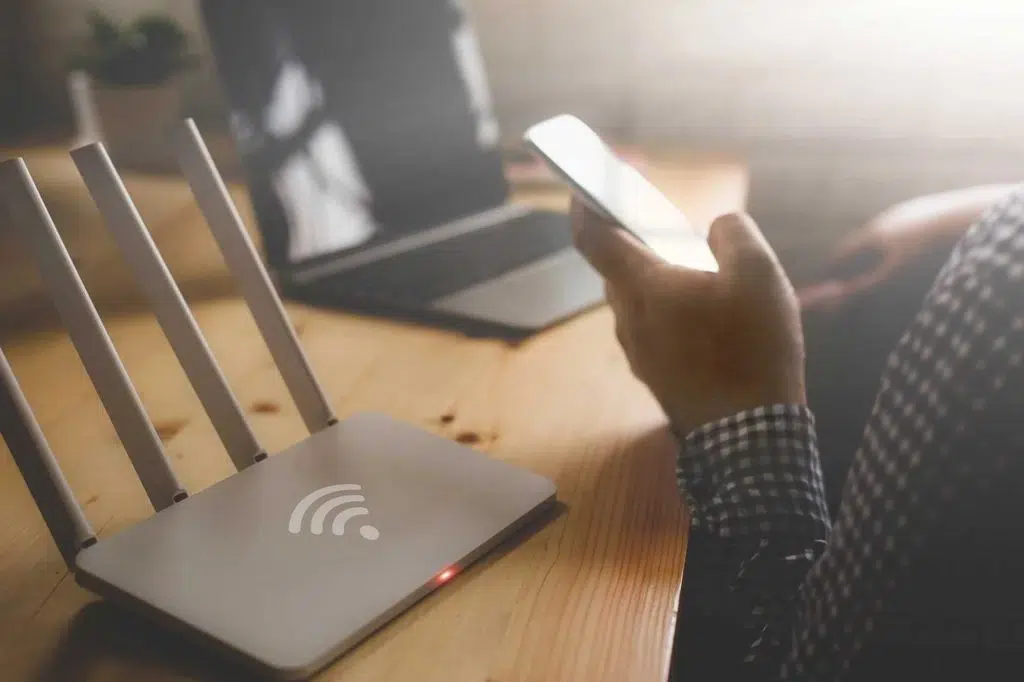
Updating your router's firmware is one of the most important checks to ensure your router is securely configured. Firmware is your router's internal "operating system," and manufacturers release updates to fix bugs, close vulnerabilities, and improve performance (much like your phone). To update the firmware, do the following::
- Locate the update section in the router's settings: Firmware Update, System Tools, Maintenance, or Administration.
- Check the current version and compare it with the latest one available on the manufacturer's official website.
- Download the latest firmware from the manufacturer's website.
- Install the update. On the router's control panel, select Update or Upload Firmware.
- Restart and check that the update was successful.
Before performing a firmware update, you can back up your settings. This will allow you to revert to a previous version if needed. Also, It is very important that you do not interrupt the updateIf that happens, the router may become unusable.
On the other hand, keep in mind that It's always best to download the firmware from the manufacturer, not from other sites. (TP-Link(ASUS, Huawei, Movistar, etc.) If the router is owned by your internet provider, they may be responsible for managing updates. You, as the user, may not have permission to update it manually.
Firewall and MAC filtering
First, make sure your router's firewall is enabled. Secondly, Configure MAC address filtering to limit which devices can connectThis is very useful, as you can include only the devices used in your home, so that no one else can connect to the network without your permission.
Periodically check your connected devices.
Another thing you should do to check if your router is securely configured is to review the connected devices. You can periodically check this list from the router's settings. If you see any unfamiliar devices, change the password immediately. If this happens frequently, the best course of action is set up a guest network for visitors, separate from your main network.
Mandatory checks to determine if your router is securely configured: conclusion
Checking whether your router is securely configured is essential for protecting your home network and connected devices. Changing default passwords, using WPA2 or WPA3 encryption, keeping the firmware updated, and enabling the firewall are all important steps. basic measures that reduce the risk of intrusion and data theft.
These small but significant actions They can make the difference between a secure and an unsafe networkBy doing this, you can guarantee a stable, private connection and make your router a shield against external threats that may attack you.

From a young age, I've been fascinated by all things scientific and technological, especially those advancements that make our lives easier and more enjoyable. I love staying up-to-date on the latest news and trends, and sharing my experiences, opinions, and tips about the devices and gadgets I use. This led me to become a web writer a little over five years ago, focusing primarily on Android devices and Windows operating systems. I've learned to explain complex concepts in simple terms so my readers can easily understand them.