- VoLTE technology is essential for browsing the internet and making calls simultaneously without interruption.
- Data loss on Dual SIM mobiles can be due to hardware limitations or automatic downgrading to 2G/3G networks.
- Proper line configuration and software updates prevent most mobile network errors.
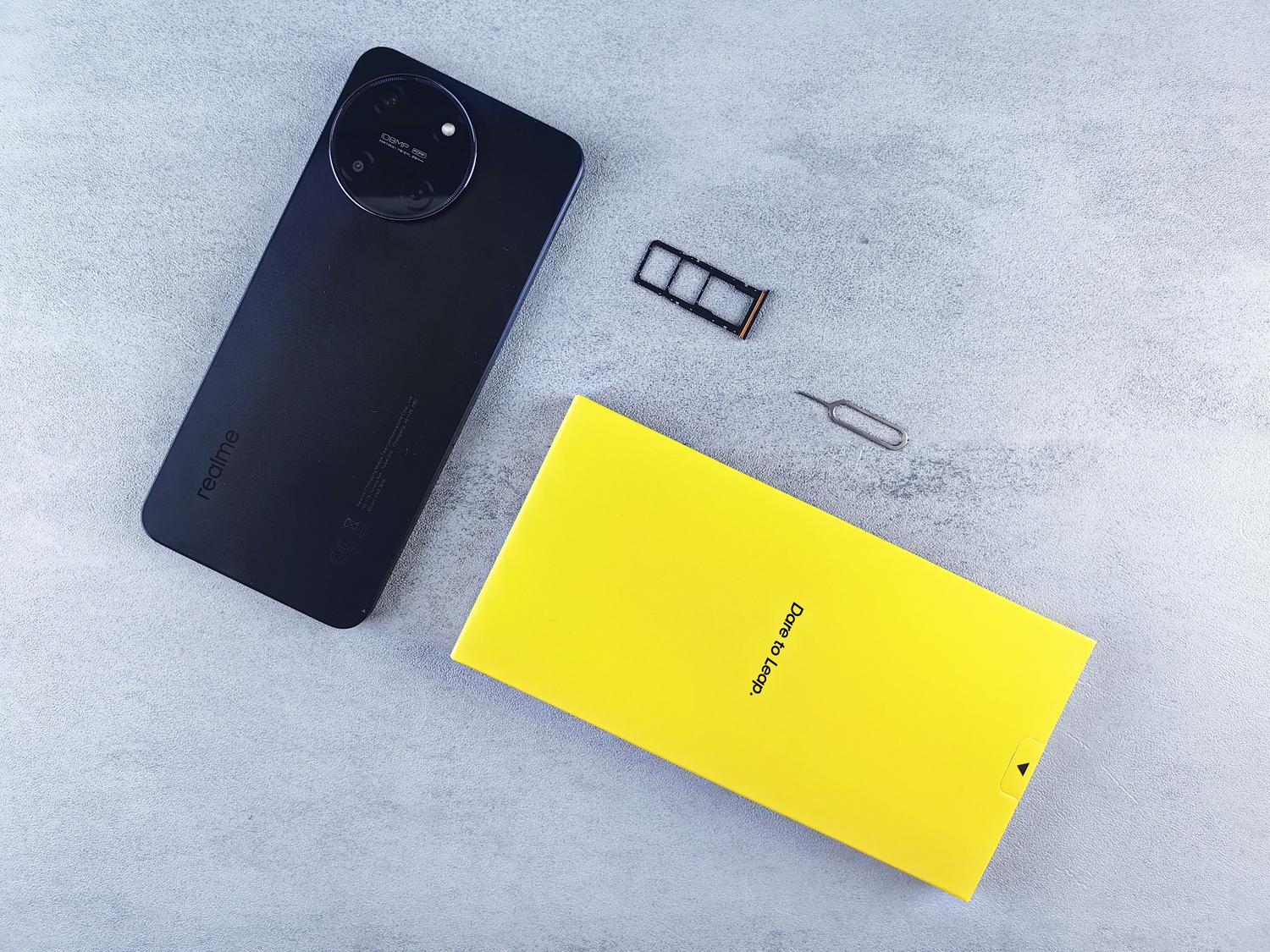
I'm sure it's happened to you: you're in the middle of an important call or using GPS to avoid getting lost on the road, and suddenly you notice that the internet stops workingIt's a frustrating situation, especially when you have a mobile phone with two lines and you think you should be able to do everything at once without the device falling behind.
The truth is, this problem is more common than it seems, and it doesn't always mean your phone is broken or that your carrier is ripping you off. Sometimes, it's simply a matter of a matter of configuration or the technological limitations of the network surrounding you at that precise moment.
The difference between Dual SIM and MultiSIM
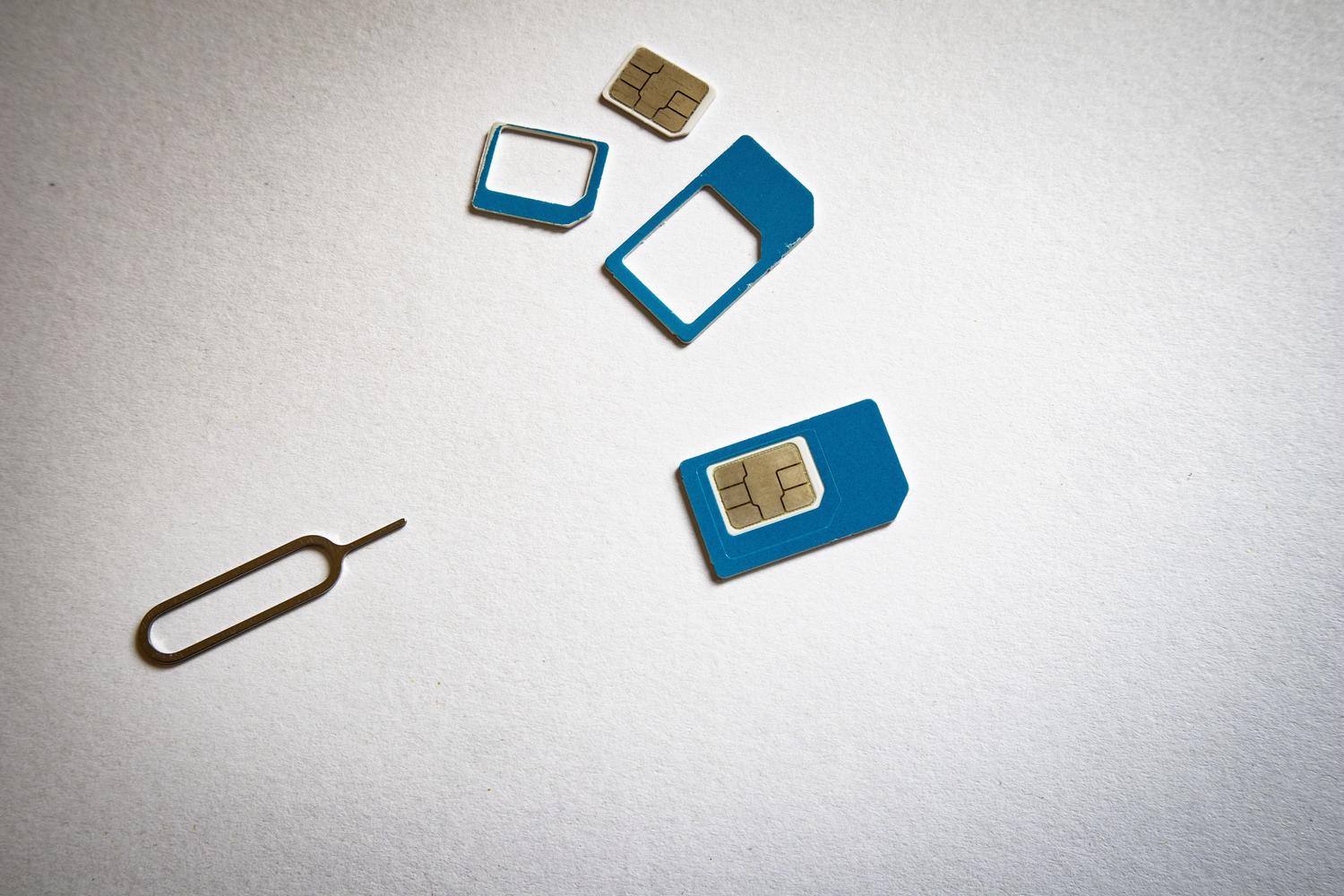
To understand why this happens, it's important to first clarify that having a Dual SIM phone is not the same as having a MultiSIM service. The system Dual SIM allows you to manage two different numbers in a single device, ideal for not carrying two phones. On the other hand, MultiSIM is when a single line is replicated across multiple devices, such as a mobile phone and a smartwatch.
Today, there are several ways to implement this, from classic physical cards to... eSIMs, which are virtual chips integrated into the mobile phone's circuit board, greatly facilitating the activation of secondary lines without having to handle plastic trays.
Why do I lose connection when making calls? The secret of VoLTE

The main reason you run out of data while on a call is that voice calls traditionally use older networks (2G or 3G) that don't support simultaneous browsing. This is where the VoLTE (Voice over LTE), a technology that allows voice to travel through the 4G network.
If you have VoLTE enabled, you can browse the internet, use Google Maps, or send WhatsApp messages while on a call without the connection dropping. If it's not enabled, the phone automatically downgrades to slower networks to maintain the call, thus sacrificing access to mobile data.
How to activate VoLTE depending on your device
- On Android devices: Although the menus vary depending on the brand (Samsung, Xiaomi, Pixel, etc.), you generally need to go to Settings > Networks & internet > Internet, select your carrier, and enable the option to 4G calls.
- On iPhone: Go to Settings > Mobile data > Options > Voice and data. If you have a newer model, select 5G automaticIf it's an older model, make sure to select both 4G and VoLTE.
It's important to mention that if the option appears grayed out or is unavailable, it may be Your operator has not enabled the service in your area or that your plan is too basic and doesn't include it.
Limitations and common problems of Dual SIM
Having two lines is wonderful for separating work and personal life or for using a local SIM when traveling, but it's not perfect. One of the most common limitations is that Not all mobile phones allow simultaneous use Data on both lines. In many cases, if you make a call using SIM 1, the data connection on SIM 2 may drop if the hardware does not support Dual SIM Dual Active (DSDA) technology.
In addition, there are other drawbacks to consider, such as a slight increase in battery consumption or the fact that some SIM slots share space with the microSD memory card, forcing you to choose between more storage or a second line.
What to do if you see the message "Mobile network not available"?
Sometimes the problem isn't the call itself, but rather that the mobile phone loses signal completely. This can happen because lack of coverage in rural areasThis could be due to a worn-out SIM card or a temporary carrier outage. If this happens to you, you can try the following:
- Restart your computer or Turn airplane mode on and off to force reconnection to the nearest antenna.
- Remove the SIM card, clean it carefully and reinsert it making sure it fits perfectly.
- If nothing works, try performing a network settings reset from the system menu, which will delete saved Wi-Fi and Bluetooth settings.
Application management and practical tips
Many people wonder what happens to WhatsApp when you have two phone numbers. The app already allows this. Add a second account From the profile menu > Account > Add account, allowing you to switch between your professional and personal number without complications.
To avoid confusion, a very useful trick is rename the lines in settings like "Work" and "Personal". Also, if you're at home and mobile coverage is poor, activate the VoWiFi (Wi-Fi Calling) It is the best alternative to avoid losing call quality or connection.
To resolve internet connection issues during calls, the key is to verify device compatibility and Activate 4G or VoLTE callsKeep in mind that in areas with very poor coverage, your phone will always prioritize voice calls over data. Keeping your software updated and understanding your carrier's limitations will help you better manage your two lines and prevent GPS or apps from freezing at the worst possible moment. Now you know why your dual SIM phone loses internet when you're on a call on the other line: what to check.

Passionate about technology since he was little. I love being up to date in the sector and, above all, communicating it. That is why I have been dedicated to communication on technology and video game websites for many years. You can find me writing about Android, Windows, MacOS, iOS, Nintendo or any other related topic that comes to mind.