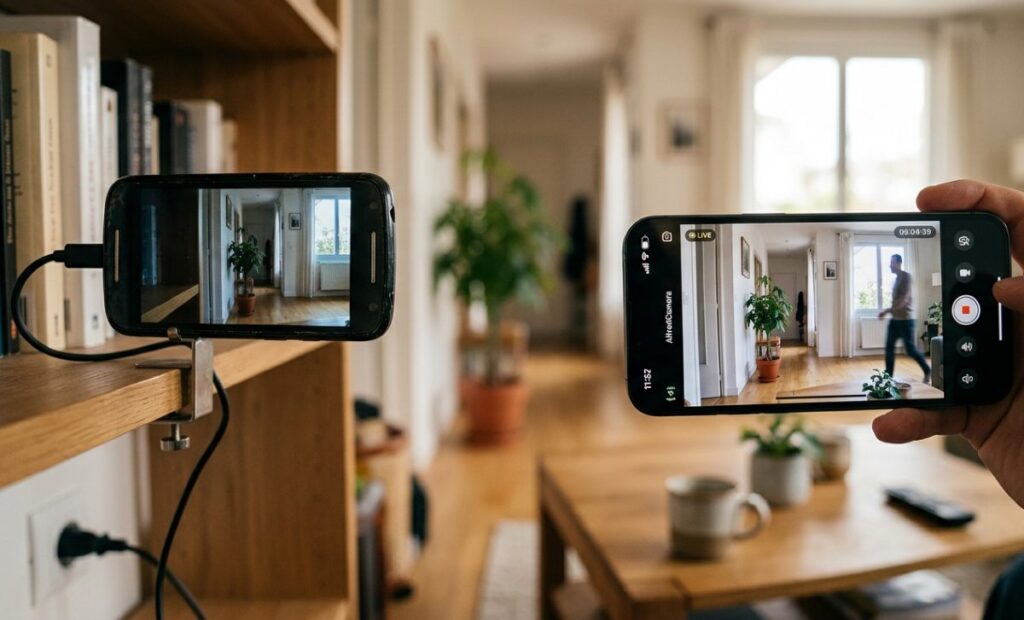
Do you have an old phone that you no longer use and that's gathering dust in a drawer? Don't let it go to waste. That device has the potential to be transformed into an excellent home security system. In this article, we'll show you step by step how. Turn an old mobile phone into a smart surveillance camera without having to spend anything.
How to turn an old mobile phone into a smart surveillance camera
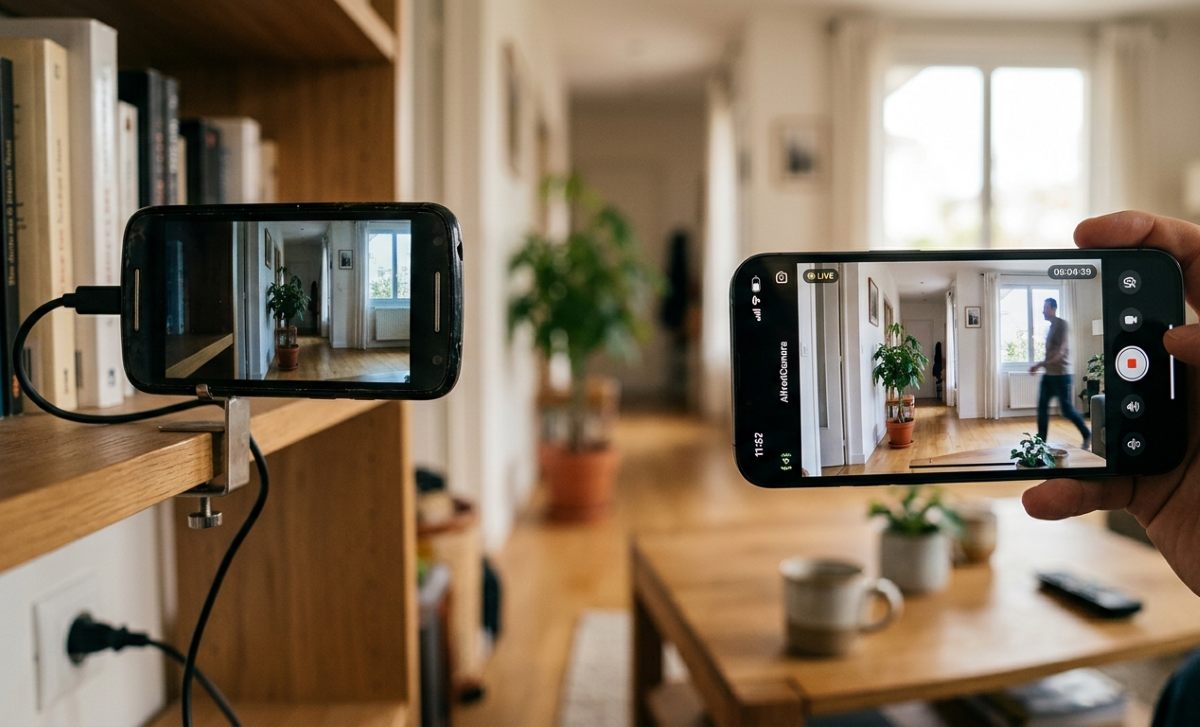
Turning an old mobile phone into a smart surveillance camera is a way to give that device a second lifeNot only do you save the expense of buying a security camera, but you also take advantage of equipment that has the capacity to process video and connect to the Internet. Doing so offers similar advantages to those obtained by reusing a Old tablet as a smart display in your home.
The Basic requirements to convert an old mobile phone into a surveillance camera They are as follows:
- An old mobile phone that still has a working camera and Wi-Fi function.
- A modern phone to play or monitor the image.
- A specialized application for both devices.
The best apps to turn an old mobile phone into a surveillance camera
If you want to set up your own home surveillance system, the first thing you need is Download an app that takes care of everything without requiring complex technical configurations. The most popular one for both Android and iOS is Alfred CameraIt's very intuitive and offers motion detection with instant alerts, two-way audio, and a low-light mode in its free version. Other alternatives include:
- Camy: An excellent and lightweight option. It allows high-quality streaming, video recording, and lets you connect multiple cameras if you have more than one older mobile phone.
- IP Webcam: If you prefer a more technical application, this is the best option for you. It transforms your old mobile phone into a pure IP camera, meaning you can view the feed from any web browser on a PC by entering a local IP address, without downloading any app to the playback device.
Configure the Apps
Once you've chosen the app you'll use to turn your phone into a security camera, you need to configure it. The process with apps like AlfredCamera is quite simple and straightforward. Follow these steps. Steps to configure the app on your devices:
- Install the app on both phones: Download the app on both your old and new mobile phones.
- Log in with the same account: Open the app on both devices and sign in using the same account. For example, if you use your Google account on one device, you must use it on the other. It's essential that you do this so the devices can recognize each other.
- Assign the respective function that each mobile device will have: Configure the old phone as the Camera. And the current phone as the Player.
- Grant all permissions: Your older phone will ask for access to your camera and microphone. You must grant this permission for it to transmit audio and video correctly.
Preparing the mobile camera
Now, when converting an old mobile phone into a surveillance camera, there are some aspects you should keep in mind to ensure the system is efficient. You need to "prepare" the environment of the old telephone to make it work as expected. Here are some practical ideas:
- Continuous feeding: Since video streaming uses a lot of power, it's best to leave your phone plugged into its charger at all times. Of course, you can also configure the app to record with the screen off. This prevents overheating and reduces battery drain.
- Optimizing your old mobile phone: Uninstall all unnecessary apps, disable notifications, and delete secondary accounts. If you wish, you can perform a factory reset, keeping only the updated operating system. This will free up RAM and processing power, resulting in smoother and more stable streaming.
- Strategic location: To turn an old cell phone into a security camera, it's essential to place it in a strategic location. It's recommended that you put it in a high place and avoid pointing it towards windows or light sources, as the contrast can completely obscure the image.
- Connect it to the network: Make sure the device is permanently connected to your Wi-Fi network. This will allow it to capture images and record video continuously.
What functions will you have when you convert an old mobile phone into a surveillance camera?
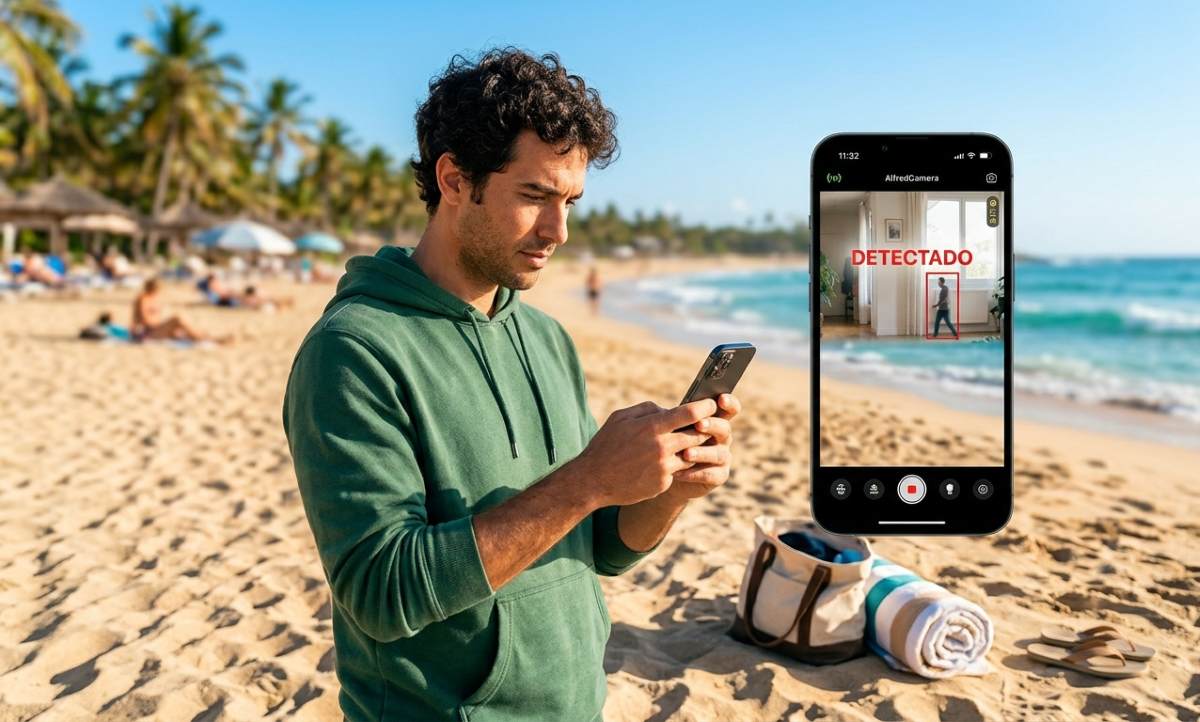
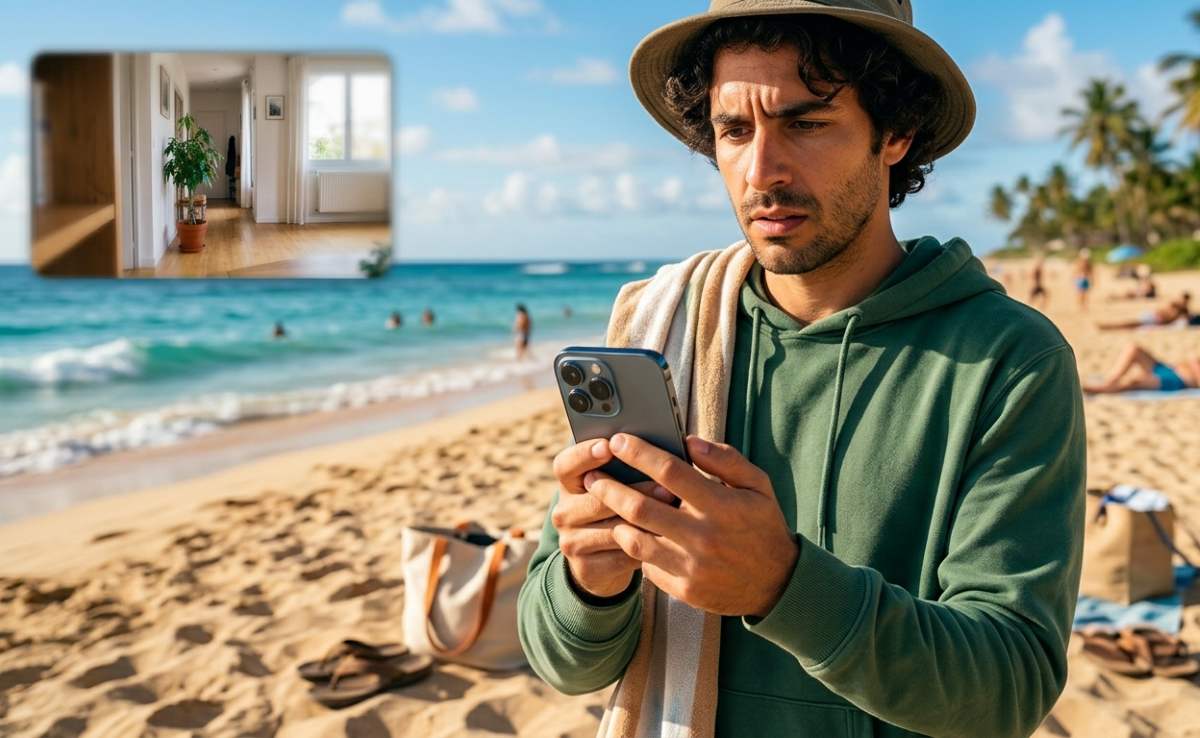
By turning an old mobile phone into a security camera, your phone will not only record, but also act as a smart sensor. These are Some of the smart features you'll get:
- Motion alerts: You will be able to receive notifications on your screen the moment something moves within the mobile's field of vision.
- Remote mermaid: Some of these apps allow you to activate an alarm sound at maximum volume from your current phone to deter any intruder.
- Cloud recording: These apps save short video clips of the exact moments where activity was detected so you can watch them later.
Video recording: one of the main functions of these apps
When you turn an old mobile phone into a security camera, one of the main features you gain is recording. Of course, each app handles storage and limits differently, especially considering whether it's a free or paid version. Basically, there are Three ways these apps record video using your mobile phone as a camera:
- Motion detection recording: This standard mode is very efficient. The phone doesn't record all the time; it only activates when it detects movement. It automatically saves to the cloud so you can access the footage if your phone is damaged.
- Manual recording: If you're viewing the live camera feed from your mobile device, you can tap the record button on the monitoring screen. This will record the video and save it directly to your phone's gallery.
- Continuous recording: After converting an old mobile phone into a security camera, you can configure it to record continuously. However, some apps require a Premium subscription to activate this feature.

From a young age, I've been fascinated by all things scientific and technological, especially those advancements that make our lives easier and more enjoyable. I love staying up-to-date on the latest news and trends, and sharing my experiences, opinions, and tips about the devices and gadgets I use. This led me to become a web writer a little over five years ago, focusing primarily on Android devices and Windows operating systems. I've learned to explain complex concepts in simple terms so my readers can easily understand them.