- Properly linking Epic Games with PlayStation ensures that your purchases, skins, and progress are preserved and synced across platforms.
- Sony's copyright and trademark notices remind users that several companies and systems are involved in the management of accounts and rewards.
- Linking errors and duplicate accounts are common and can prevent promotional skins or other items from appearing in your locker.
- Checking connections from the Epic website, using only one main account, and applying security measures minimizes problems.
Do you play Epic games on console? If so, sooner or later you're going to need Link your Epic Games account to PlayStationCreating this link correctly is key to preserving your skins, purchases, progress, and avoiding unpleasant surprises like losing cosmetic items or not seeing rewards you thought were guaranteed.
In recent years, Sony has significantly strengthened its online account management and intellectual property protection on its platforms. In fact, when you visit official PlayStation pages related to accounts and services, you'll see notices such as... all content, game titles, trade names, trade dress and trademarks These materials belong to Sony Interactive Entertainment Europe Limited or their respective owners, clearly indicating what you can and cannot do with them. Therefore, it's important to understand how the account system works, how it connects to Epic, and what errors might occur.
What does it mean to link your Epic Games account to PlayStation?
When we talk about linking accounts, what you're actually doing is authorize your PlayStation Network (PSN) online ID be associated with your profile Epic GamesThis link allows Fortnite (and other Epic games) to recognize that you, from your PlayStation console, are the same user as on PC, mobile, or other platforms, thus sharing data and progress.
This connection is important because purchases, skins, battle passes, and experience They're actually registered to your Epic account, not the console itself. The PS5 or PS4 is the device you play on, but your inventory and progress reside on your Epic account. If the linking isn't done correctly, you might encounter problems like not seeing a newly acquired skin, not finding items in your locker, or, in the worst-case scenario, having some of your content spread across multiple accounts.
From a legal and rights perspective, Sony makes it clear that games, illustrations, logos, and brands The content you see on PlayStation is protected and belongs to its owners. You will find text stating that all content, game titles, trade names, and trademarks are registered trademarks and copyrighted materials of their respective owners, with phrases such as "All rights reserved," sometimes accompanied by "Learn more" links for further information on licenses and permitted uses.
These types of notifications don't directly affect the process of linking your account, but they help you understand that when you connect Epic and PlayStation, you're combining services from several different companies (Sony, Epic Games, and even third parties like Disney in some promotions), each with its own rules, servers, and verification systems.
Why it's important to have your accounts properly linked
The most typical case is that of players who are new to Fortnite. For example, someone who has been playing on PS5 for a few weeks and decides to participate in a promotion, such as a collaboration with Disney to get an exclusive Stormtrooper skin, may find that The reward does not appear in the PlayStation locker despite having followed all the indicated steps.
Imagine the scenario: after playing for three weeks on PS5, you link your Epic account to your Disney account to unlock a specific skin. Everything seems fine, but when you log into Fortnite on the console, that much-anticipated skin is missing. Checking your Epic account in a web browser, you discover that Your PlayStation Network ID isn't even listed as linked., even though you took it for granted that it was like that from day one.
In an attempt to solve the problem, you try manually connecting your PSN account from the Epic Games website, but the system returns an error message. At that moment, it's normal to think: thank goodness I haven't bought anything yet, because if I had spent real money on skins or battle passes and then this happens, I'd be quite worried about the potential risk of losing content.
This type of situation makes it clear that, before starting to make purchases or taking advantage of external promotions with third parties such as Disney or other partners, it is advisable to make sure that All your accounts are correctly linkedThis is important both for the peace of mind of knowing where your inventory is, and to avoid locks, access errors, or duplicate profiles that could become complicated over time.
Furthermore, as cross-platform and cross-play gaming become more prevalent, the Epic account acts as a "glue" between devices. Having it securely linked to PlayStation allows you to... move freely between platformswithout giving up your items, progress, and special unlocks, and without relying exclusively on a single system like PSN to maintain your history.
Legal warnings and intellectual property on PlayStation
On Sony's official pages related to online services, support, or account management, it is common to find texts explaining that © Sony Interactive Entertainment Europe Limited (SIEE) It retains ownership of a large portion of the content you see on the console. This includes everything from the games themselves to logos, screenshots, trademarks, and other visual materials that appear on the interface.
It is usually specified that all such content, game titles, trademarks, and associated artwork are trademarks and copyrighted materials of their respective owners. The message usually ends with "All rights reserved" and, sometimes, with a "More information" link that leads to specific pages where the usage policies, licenses, and limitations are explained in detail.
This type of notification is not a mere formality, but serves to remind you that, even if you buy a game or digital content, You are not acquiring ownership of the brand or its imagesbut rather a license to use that content under certain conditions. When a promotion involves multiple companies (for example, a campaign between Epic, Sony, and Disney to distribute themed skins), each applies its own terms, and that influences how the items are managed in your account.
On a practical level, what you need to keep in mind as a player is that if there are any issues with your purchases or rewards, you will usually have to contact the support team of the company that manages the game (in the case of Fortnite, Epic Games) or with Sony's customer service if the problem is related to your PlayStation Network account, your online ID, or the console itself.
Understanding this web of responsibilities and trademarks also helps to appreciate why sometimes there are restrictions when moving content between regions, accounts, or platformsIt's not always a technical issue; often there are licensing agreements that dictate where and how certain aspects, packs, or special collaborations can be used.
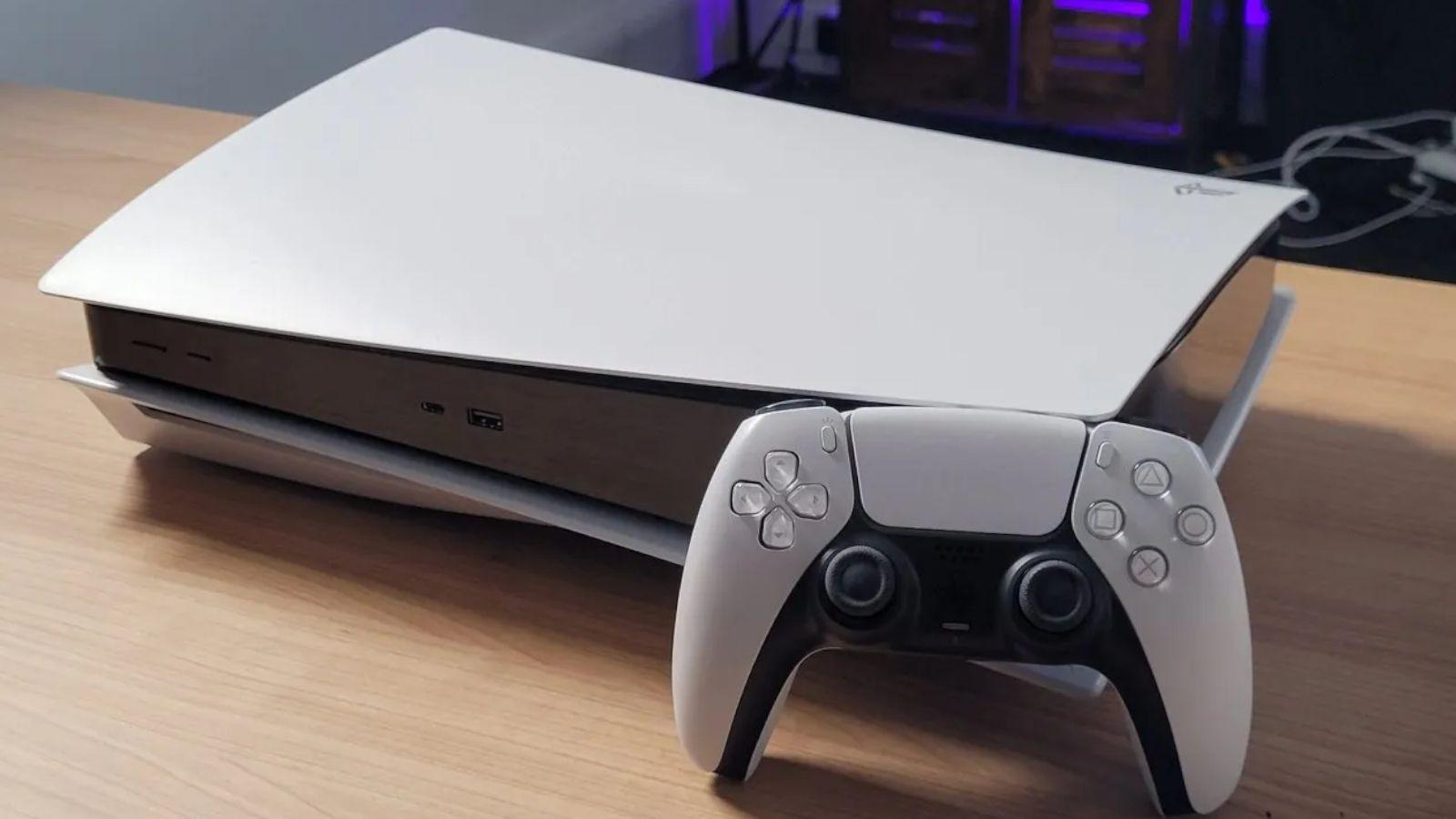
Common problems when linking Epic Games with PSN
One of the most common mistakes when linking your Epic account to PlayStation is discovering that You've been playing with the "wrong" account.This usually happens when, upon launching Fortnite for the first time on a console, you inadvertently accept the creation of an "anonymous" or limited Epic account, associated only with your PSN, instead of logging in with an existing Epic account that you use on PC or mobile.
In that situation, all your progress, matches, and initial unlocks are recorded on an Epic profile you didn't even know you had. Then, when you try to link your PlayStation account to your primary Epic account from a browser, the website may display an error message stating that That PSN ID is already associated with another accountwhich prevents you from moving the link to where you actually wanted it.
The opposite is also common: you create your Epic account on PC, later start playing on PS5, and when you finally check your Epic connections page, you see that There is no trace of your linked PSNIf you try to merge them at that point, an error message may appear if the system detects any conflicts with a previous account, incomplete data, or different regions.
Another source of problems is external promotions, such as those involving partnerships with Disney, streaming services, or other platforms. In these cases, the process usually requires that first Connect Disney correctly with Epicand that the resulting Epic account is properly linked to your PSN. If either of these steps fails, the reward may be considered "claimed" on the Disney or Epic end, but it will never appear in your console's inbox.
Finally, keep in mind that some security restrictions may block the link if the system detects unusual changes, access from unusual locations, or suspects your account has been compromised. In such cases, additional charges may apply. generic error messages when you try to linkand it may be necessary to check email, two-factor authentication, or other verification methods to clarify the situation.
What to do if your skin or reward doesn't appear on PlayStation
If you've linked your Epic account with Disney or another service to receive a skin and you see that It doesn't appear in your Fortnite locker on PS5 or PS4The first thing to do is stay calm and review each step to see what might have gone wrong. Often the problem lies in an incorrectly linked account, rather than the reward itself.
In a typical case like the Stormtrooper skin, it's a good idea to check your Epic Games profile in a web browser. In the connections section, you can verify if your PlayStation Network ID is actually associated. If the website shows that PSN is not listed as connectedThat explains why the console game doesn't recognize your reward even though Disney marked it as delivered to Epic.
The next reasonable step is usually to try manually linking your PSN account from that same connections section. If the page returns an error when you do this, it means something in the system is blocking the association, perhaps because An Epic account was already automatically created and linked to your PSN.or because there is a conflict with old data, regions, or account ages.
In these circumstances, it's quite common to think that, had you invested money in cosmetics before discovering the bug, the disappointment would be even greater. That's precisely why, before buying any pack, battle pass, or skin set, it's advisable to... Verify that the Epic account associated with your PS5 is the one you actually want to use long-term., and which is clearly linked on the Epic website.
If after checking all of this you still don't see the reward, the next step is to contact Epic Games support, explaining the problem in detail, the accounts involved (without sharing passwords, of course), and providing screenshots of the error messages or your reward history. Sometimes, the support team can untangle duplicate accounts or correct associations so that your content appears where it belongs.
Best practices to avoid losing content and broken links
To minimize risks, it's advisable to adopt some good habits from the start. The first is to make sure you always play with a single primary Epic Games account, clearly identified with your email, to which you link all the platforms where you use Fortnite or other Epic games, including PlayStation.
Before accepting any automatic linking from your console, it's worth going to the Epic website and checking which connections you already have set up. If you find that your PSN isn't linked, you can Start the linking process from the browserBy logging into Epic and then authorizing the association with your PlayStation Network ID, you have more control than doing it quickly from within the game.
Another tip is not to rush into participating in promotions with third parties like Disney or similar services. Before claiming the skin or reward, make sure the Epic account you're going to use is already active. correctly joined to your PS5 or PS4This prevents the gift from ending up linked to a secondary or unknown account, which would then force you to open support tickets to recover it.
It's also a good idea to write down the email address associated with your Epic account, your PSN ID, and any other information that can help prove account ownership in case of problems. This way, if you ever experience a block, a linking error, or even a possible account theft attempt, you'll have an easier time resolving the issue. Verify your identity with official support.
Finally, remember to activate additional security measures such as two-step authentication on both Epic and PlayStation, as this reduces the likelihood of unauthorized access. Unauthorized access to your account can further complicate linking errors, causing... Connections between services are changed without your permission. or that conditions are accepted on your behalf.
Ultimately, having your Epic account properly linked to PlayStation, occasionally checking active connections, and being careful when participating in external promotions will save you a lot of headaches and allow you to enjoy your skins, rewards, and progress with the assurance that All your content is under control and linked to the correct account.

Editor specialized in technology and internet issues with more than ten years of experience in different digital media. I have worked as an editor and content creator for e-commerce, communication, online marketing and advertising companies. I have also written on economics, finance and other sectors websites. My work is also my passion. Now, through my articles in Tecnobits, I try to explore all the news and new opportunities that the world of technology offers us every day to improve our lives.