- The flickering occurs due to a lack of synchronization between the camera's shutter speed and the electrical grid frequency.
- Adjusting the FPS and shutter speed according to the region (50 Hz in Europe, 60 Hz in the USA) prevents banding in the image.
- Using webcams with high frame rates and professional-grade LED lighting dramatically reduces visual noise.
- Post-production correction using specialized software is possible, although ideally the problem should be prevented during recording.

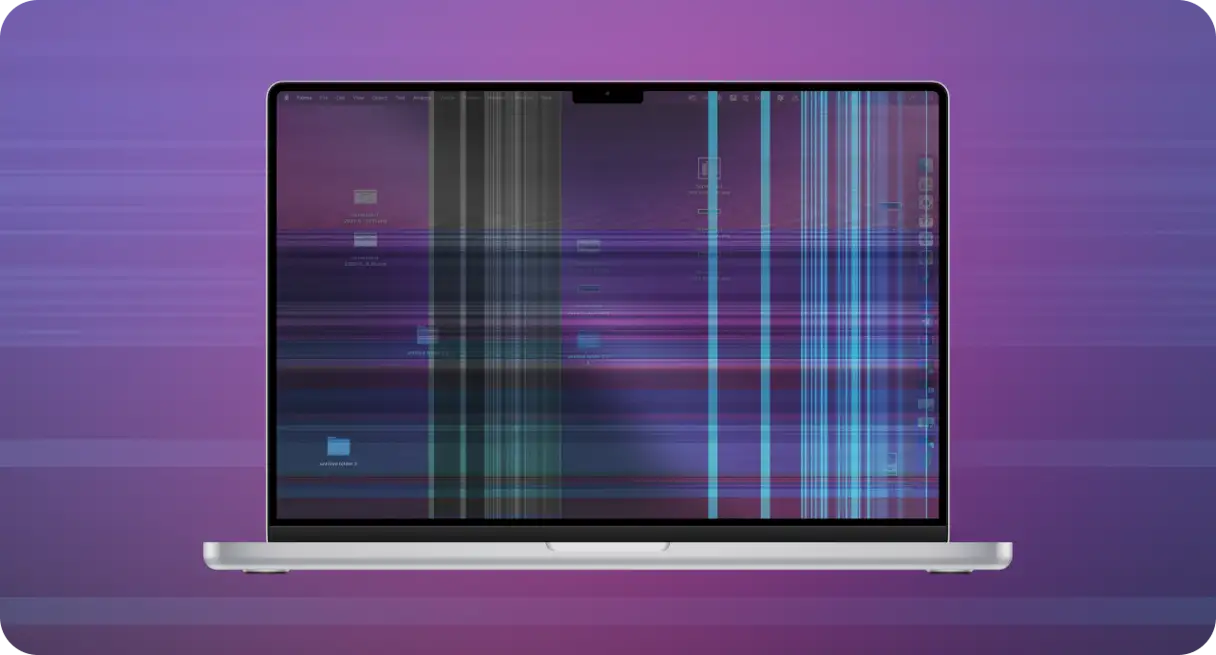
I'm sure it's happened to you: you start recording a video or join a video call and suddenly you notice that the image has some distortion. horizontal stripes that move or a constant, dizzying flicker. This phenomenon, technically known as flicker effectIt's a common headache that can make professional work look like it was recorded with an old or poorly configured camera, detracting from the overall quality of the content.
The most annoying thing is that, once the footage is recorded, removing that effect is a Herculean task that doesn't always come out perfectly. That's why understanding why it happens and how Stabilize your webcam image It is essential to avoid costly re-recordings or having to ask customers for discounts for a delivery that does not meet technical standards.
Why does flickering appear in the image?
The problem of flickering or the flicker effect stems from an invisible battle between your camera and electricity. Most of the lights we use, especially the cheap fluorescent tubes and LEDsThey do not emit light continuously, but rather oscillate at a frequency linked to the electrical grid. In Spain and Europe, this frequency is 50 Hz, while in the United States it is 60 Hz.
When the speed at which you webcam If the frames captured don't match the rhythm of that oscillation, those jumps in brightness or dark bands occur. This flicker effect becomes much more evident if you try record in slow motion (high FPS), since each frame exposes the light for such a brief time that it captures different phases of the electrical cycle, making flickering inevitable if you don't have the right lighting.
How to choose the ideal webcam to avoid flicker
If you're thinking of upgrading your camera, don't just focus on megapixels. To detect and reduce flicker (that annoying blinking), what really matters is the frame rate or FPSIdeally, look for devices that reach at least 30 fps, as this allows for better capture of the beginning and end of each light oscillation, resulting in more accurate detection and a smoother image.
Keep in mind that in low-light environments, many cameras automatically lower their frame rate to compensate for the lack of clarity, which can make the detection system unreliable if it drops below 15 fps. Therefore, investing in a reputable brand with a quality sensor and optics It's the best bet, as they generate less digital noise and maintain a stable image flow even in mediocre lighting conditions.
Practical tips to prevent flicker before recording
The golden rule is never to start recording blindly. Take a few minutes to test the camera in the location where you'll be filming and check the results on the monitor. To ensure the image is synchronized with the European power grid, it's best to configure the camera to 25 FPS with a shutter speed of 1/50, or increase to 50 FPS with a shutter speed of 1/100.
If you're in a 60Hz area, the correct setting would be 30 FPS at 1/60. A very common mistake is using 1/60 or 1/120 settings in Europe, which guarantees the appearance of those annoying banding effects. Also, if your budget allows, avoid cheap lights and opt for... specific LED spotlights for video Or, failing that, take advantage of natural daylight, which is the only kind that does not have electrical fluctuations.
Post-production solutions when it's too late
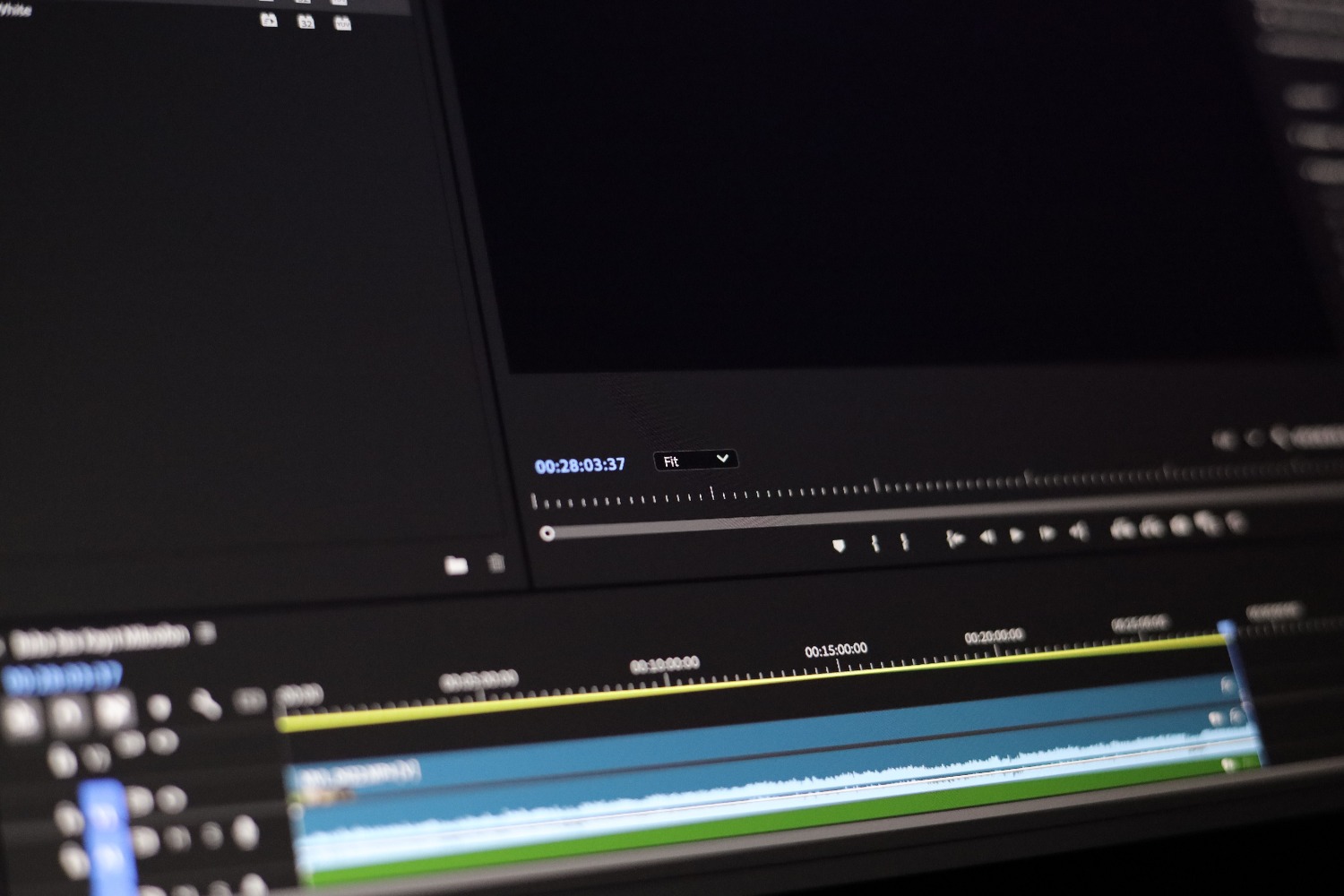
If the damage is already done and you can't re-record the scene, your only option is to use software. The most professional option is to use antiflicker plugins in editors such as Adobe Premiere or After Effects. For those who use DaVinci Resolve, this tool is integrated into the paid version, although in the free version you can try to disguise the problem by adjusting the exposure.
There is a manual trick that consists of duplicate the video layerYou can shift it exactly one frame and blend both layers to average the brightness. If none of this works, the cleanest solution is to cover the affected sections with stock footage or B-roll. However, avoid uploading your videos to free "online Flickr removal" tools, as they often destroy image quality due to recompression and compromise the privacy of your material.
Maintaining good coordination between lighting, FPS, and shutter speed is the only way to guarantee a clean image and eliminate flicker altogether. Prioritizing cameras with high refresh rates, using professional lighting, and adjusting technical settings according to the electrical frequency of each country prevents the final result from being affected by annoying visual interference.
Frequently Asked Questions
Why is my webcam flickering if I've already set it to 50 Hz?
Adjusting the frequency may not be sufficient if the shutter speed is not synchronized or if the light source is of very low quality. It is necessary to check that the FPS and shutter speed are compatible with the local electrical grid.
What FPS settings should I use in Spain to avoid flicker?
In Europe it is recommended to record at 25 FPS with a shutter speed of 1/50 or at 50 FPS with a shutter speed of 1/100.
Does camera resolution affect image flickering?
Resolution has a minimal impact on the appearance of flickering, although a higher resolution may slightly aid detection at the cost of demanding more computing power from the computer.
Why is the flickering stronger when recording in slow motion?
By increasing the FPS, the exposure time of each frame is less than a cycle of light, capturing different moments of the electrical oscillation.
What is the best lighting to prevent webcam streaks?
The safest option is to use natural light or LED spotlights specifically designed for video, as they avoid the typical oscillations of fluorescent lights.
Is it possible to remove flickering from a recorded video for free?
You can try to disguise it with exposure adjustments in the free version of DaVinci Resolve or by using the trick of duplicating and moving the layer one frame in the editor.
Index
