
The NFC reader is a very useful technology in smart phones. In fact, most mid-range models already incorporate NFC. Of course, iPhones are no exception and in fact, they have had this reader for a long time. Now, since in recent years it has gained more relevance, it is important to know where is the NFC reader on iPhone and how to activate it.
NFC is the acronym by which the technology is known. Near Field Communication y It consists of a chip that connects wirelessly with other devices. Among other things, this chip allows you to make payments at points of sale using your phone, pay for transportation, activate appliances, etc. So, let's talk a little more about how NFC works on iPhone.
Where is the NFC reader on iPhone?
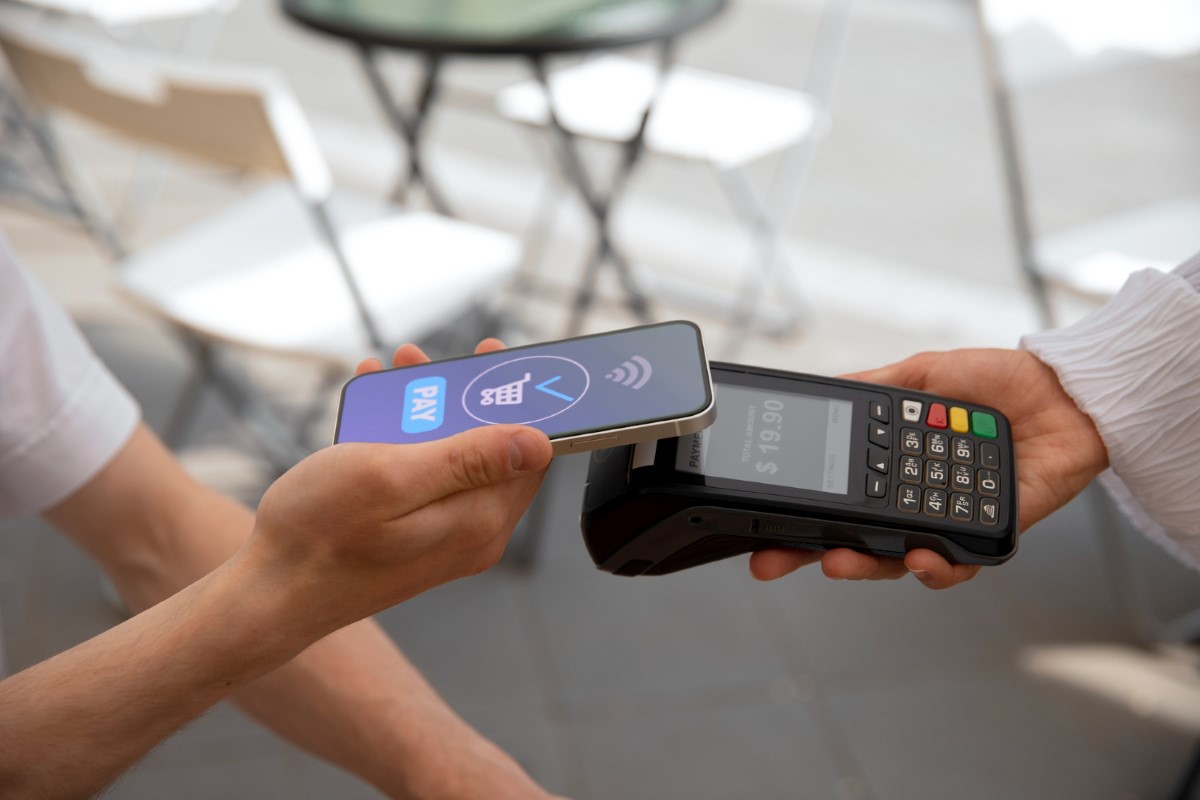
If you have an Apple mobile, you may have wondered where the NFC reader is on the iPhone. And the truth is that it is not possible to see a chip that says NFC anywhere on your phone. Because? Because It is a very small chip that is located inside your iPhone.
Now, doesn't the fact that the chip is inside the phone make its operation less effective? No. Since NFC has a short range (about 15 cm maximum), The chassis does not interfere at all when using it. But, in what specific part of the interior of the mobile is the NFC reader?
The chip is inside superior from the iPhone. This location is very successful, since it greatly facilitates its use in everyday life. As you can imagine, it is much easier to bring the top part of the mobile closer than to bring the bottom part closer. Next, let's see which iPhone models have NFC.
Which iPhone models have an NFC reader?
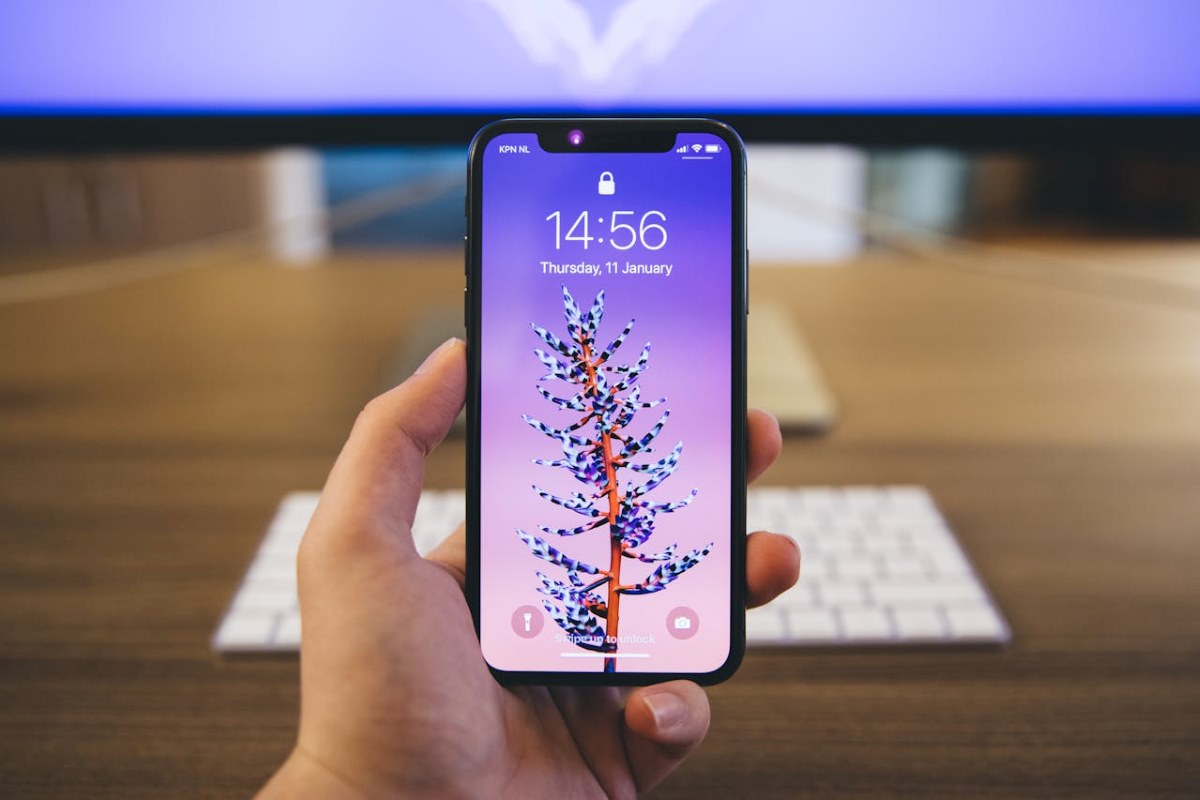
As we said at the beginning, iPhones have incorporated an NFC reader for quite some time. In fact, from iPhone 6 onwards, everyone has this technology. However, some of them, especially the older ones, have certain limitations with respect to NFC. These are the iPhones on which NFC can be used:
- iPhone 6, 6 Plus (limited to Apple Pay)
- iPhone 6s and 6s Plus
- iPhone SE (first generation as of 2016)
- iPhone 7 and 7 Plus
- iPhone 8 and 8 Plus
- iPhone X, XS, XS Max
- iPhone XR
- iPhone 11, 11 Pro, 11 Pro Max
- iPhone SE (2020nd generation as of XNUMX)
- iPhone 12, 12 mini, 12 Pro, 12 Pro Max
- iPhone 13, 13 mini, 13 Pro, 13 Pro Max
- iPhone SE (third generation to 2022)
- iPhone 14, 14 Plus, 14 Pro, 14 Pro Max
- iPhone 15, 15 Plus, 15 Pro, 15 Pro Max
How to locate and activate the function?
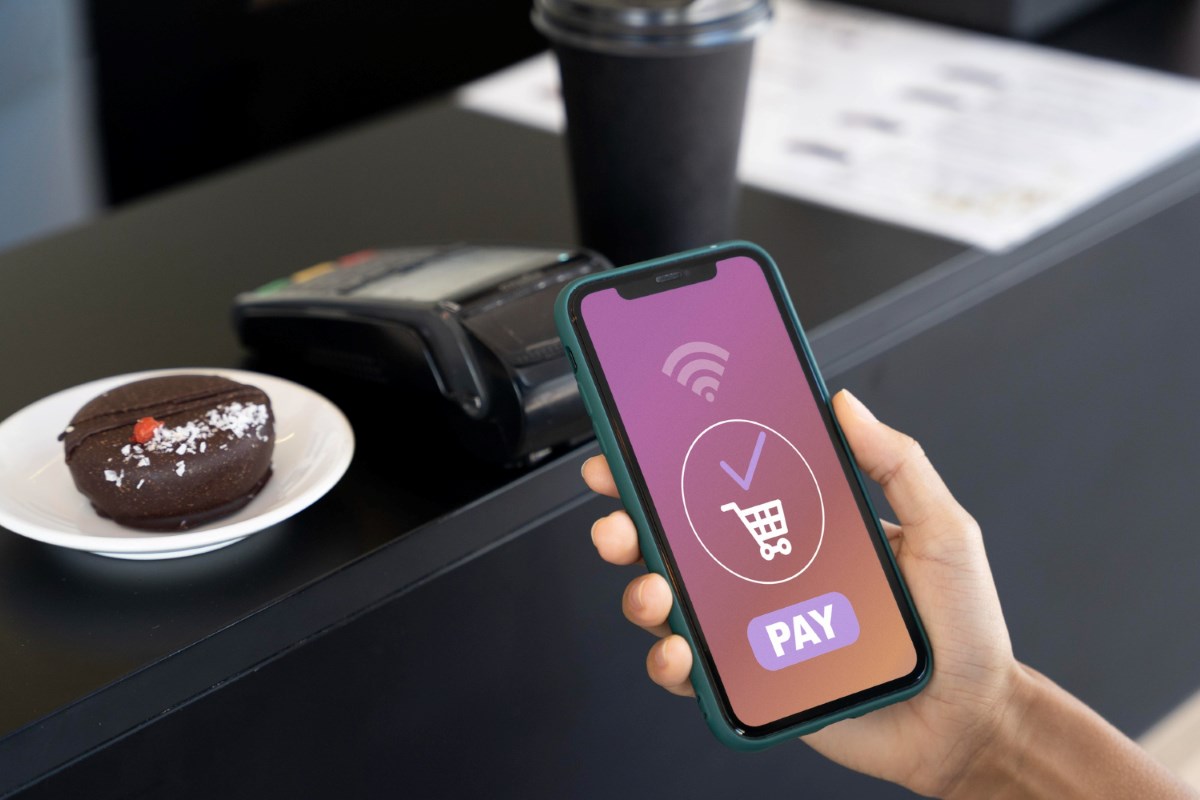
Now that you know where the NFC reader is located on iPhone and what models it is available on, it is important to know how to activate this function. It may surprise you, but The truth is that it is not necessary to activate NFC technology for it to work.. NFC is activated by default, so you won't have to configure anything for it to work.
But you don't have to worry about this feature remaining active. It will not consume more battery and it will not pose a risk to your money either.. Because? Because before carrying out any action, the mobile phone will consult you. So, even if NFC is always active, you are the one who will have control. Now let's see how to use NFC on iPhone, the procedure to configure Apple Pay and how to make payments from your mobile.
How to use NFC on an iPhone?
Although the usefulness of NFC technology on iPhone is not so broad as it is on Android devicesYes, it is very practical on these mobile phones. You can use the NFC reader on iPhone for things like:
- Make payments using Apple Pay
- Use CarKey technology
- Use NFC tags
- Take advantage of MagSafe cases
Now, maybe making payments through Apple Pay is what you need to do more often. How to configure the Apple Pay app on your iPhone? To do this, follow the steps below:
- Open the Wallet app
- Press «+» to add a card (credit or debit)
- Verify the card and that's it
AND How to use the NFC reader on iPhone to make a payment? The process is very simple. Just do the following:
- Double-tap the side button
- Select the card you want to use
- Unlock your phone with facial recognition or your fingerprint
- Bring the top of the iPhone closer to the dataphone
- Wait for the verification message on the screen and that's it.
Other NFC functions on iPhone
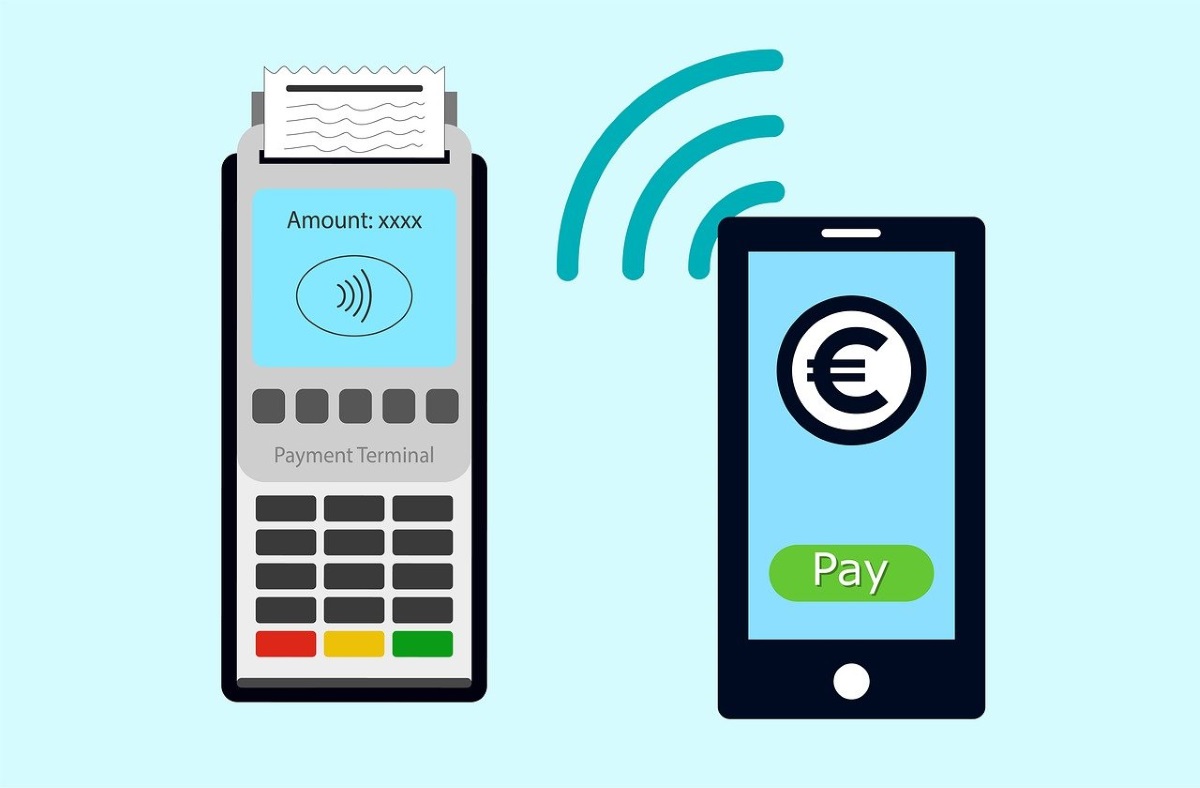
In addition to making payments through Apple Pay, NFC on iPhone allows you to do different daily activities more immediately. For example, you can open your car door without having to use the key, turn on the lights in your house, or take advantage of MagSafe smart covers.
Use CarKey: Since 2019, iOS 13 has the function that makes it possible for some vehicles to be opened without using the key. How is that possible? Thanks to the iPhone's NFC reader. You just have to bring the top part of the phone closer to the car door and that's it.
NFC tags They are really cheap stickers that have an NFC sensor inside. They are used so that you can execute different actions using your phone. Of course, you have to have previously configured the object or appliance for this to work. These automations are created using Apple's Shortcuts app.
Take advantage of MagSafe cases with NFC on iPhone. If you have an iPhone 12 or later model, you can use MagSafe, a magnet technology that allows you to charge your phone wirelessly. But there are also iPhone cases that are compatible with this technology. So you can charge your phone with the case on.
But that is not all. These cases cause lighting to appear on the iPhone with the same colors as the case. This action is possible because the cases incorporate an NFC tag that communicates with the iPhone sensor. As you can see, Thanks to the NFC reader many things become easier.

From a young age, I've been fascinated by all things scientific and technological, especially those advancements that make our lives easier and more enjoyable. I love staying up-to-date on the latest news and trends, and sharing my experiences, opinions, and tips about the devices and gadgets I use. This led me to become a web writer a little over five years ago, focusing primarily on Android devices and Windows operating systems. I've learned to explain complex concepts in simple terms so my readers can easily understand them.