How to see which domains each device is trying to contact using AdGuard Home

Want to know which domains each device in your home is trying to contact? Sending and receiving data is a constant process…
Complete Discord Guide: The New You Bar and How It Works

Discover the new Discord You Bar and learn how to master the mobile app. A complete guide to servers, security, and user tips and tricks.
How to connect Onyx with Slack to search for information in your conversations

Tired of searching for old messages? Discover how to connect Onyx with Slack and use AI to find any information in your chats instantly.
Guide to connecting Onyx and GitHub for AI analytics

Want AI to read your GitHub code? Discover how to link repositories and packages to perform smart and efficient queries.
Changedetection.io vs Distill.io: Which one to choose for monitoring websites

Compare Changedetection.io and Distill.io. Find out which one to choose based on your budget, technical skills, and web monitoring needs.
How to optimize Telegram bots in groups without overloading the chat

Learn how to set up Telegram bots and ephemeral messages to automate your group without cluttering the chat with annoying replies. Clean up your community now!
How to create a private knowledge base and add documents to your AI
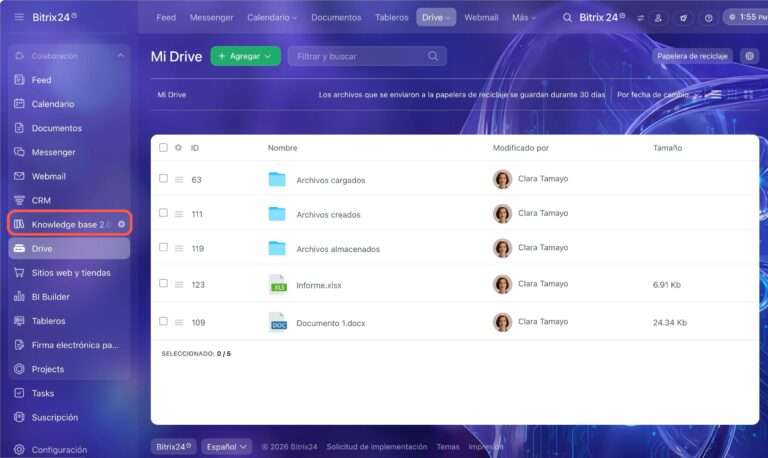
Learn how to create a private knowledge base for your AI. Detailed guide on RAG, document management, and internal data automation.
How to manage automatic login in browsers and password managers

Discover how to master automatic login, disable unwanted managers, and protect your accounts with today's best tools.
How to implement AI-powered Guardians in Telegram to protect your communities

Discover how to use Telegram's Guardian bots to filter users, eliminate spam, and automate your community with AI. Protect your group today!
How to create and use channels and spoiler messages on Discord

Learn how to use spoiler tags on Discord for text and images. Avoid spoiling the movie for your friends with these simple tricks!
Complete Guide to the Rich Text Editor in Telegram

Discover how to use Telegram's new rich editor. Create professional posts with tables, AI, and more. Take your chats to the next level!
How to connect OpenCode with OpenRouter to boost your programming AI
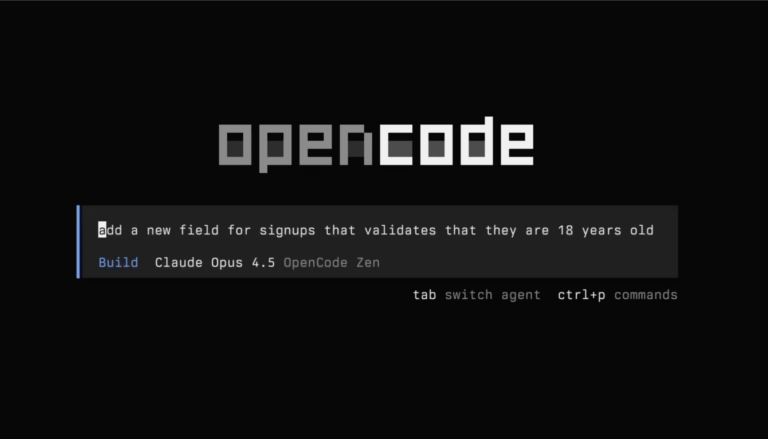
Learn how to integrate OpenCode with OpenRouter step by step. Access hundreds of LLMs, optimize costs, and improve your code flow with this detailed guide.