- RGB is additive (light) and CMYK is subtractive (inks); the final destination determines the mode.
- RGB offers greater range and brightness for screens; CMYK standardizes printing.
- For proper conversion: correct ICC profile, professional software, tests, and PDF/X.
- Monitor calibration, brand consistency, and dialogue with the printing company.
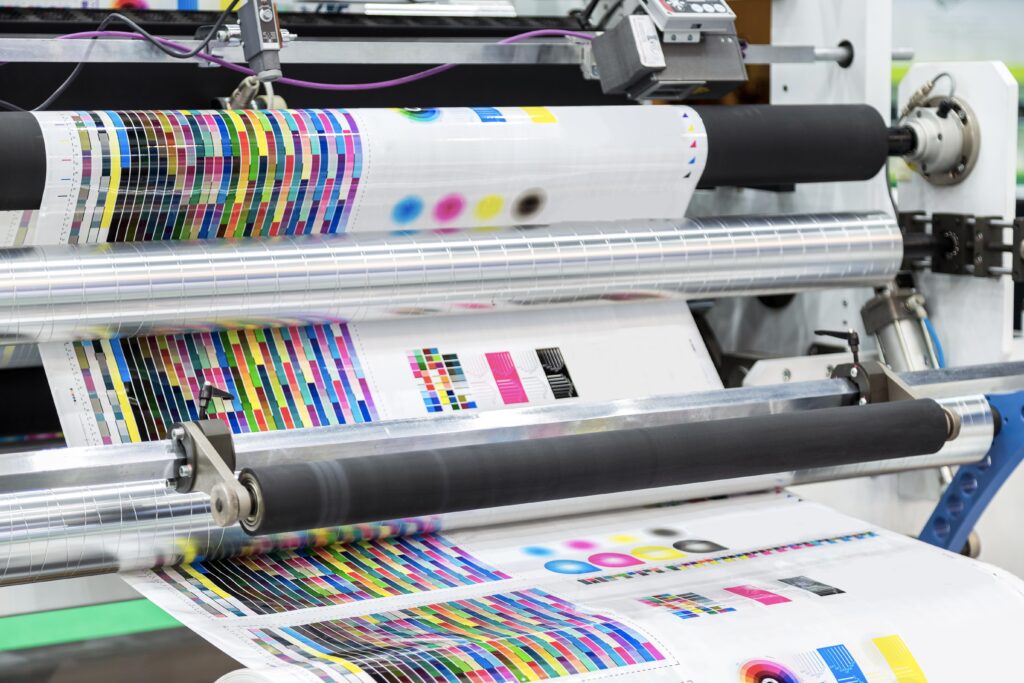
In graphic design and printing, the color management It makes the difference between a flawless result and a piece that fails to impress. I'm sure it's happened to you: you see a vibrant green on screen, and when you print it, it turns dull or completely different. Behind that change are two color models that govern everything: CMYK vs RGB. Which is better?
In the following lines, we'll see what these terms mean, where to use them, their advantages, and how to convert files smoothly for printing. You'll also find practical best practices (ICC profiles, color proofs, exporting) and calibration tips to ensure that what you see on your monitor closely matches the final print.
What is the RGB model
RGB stands for Red, Green, Blue (red, green, and blue) and is an additive color system. It works with devices that emit light: monitors, televisions, phones, digital cameras, or projectors, where the image is built by adding light from different channels.
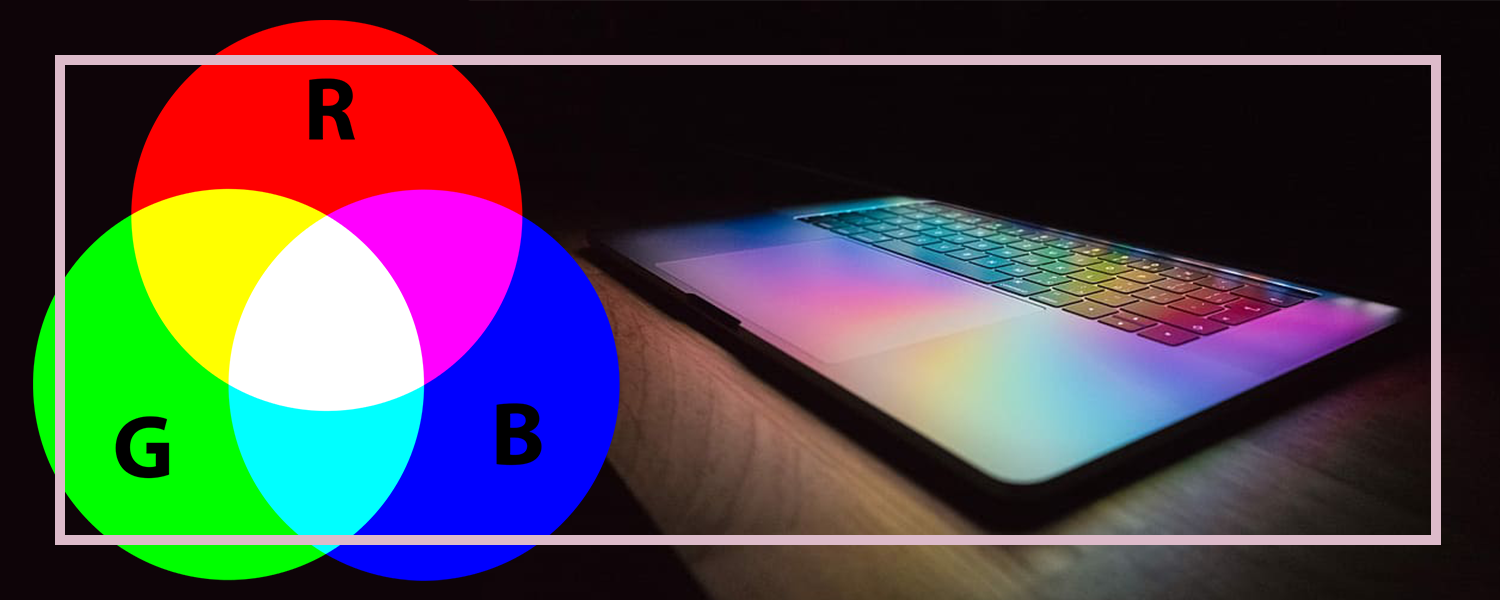
- By combining different intensities of red, green, and blue, a multitude of colors are obtained. visible on screen.
- When all three channels are at maximum, the sum is pure white.
- If there is no light emission in either, the result is black.
To visualize this, think of a pixel on your monitor: it's made up of three subpixels (R, G, and B) that vary in intensity. This additive mixing generates everything from soft tones to... electric blues, passing through fine gradients and very vivid colors.
What is the CMYK model
CMYK means Cyan, Magenta, Yellow, Key (Black) And it's a subtractive system. Instead of adding light, it subtracts light: colors appear through the layering of inks on a physical surface, so the more pigment there is, Less light is reflected.
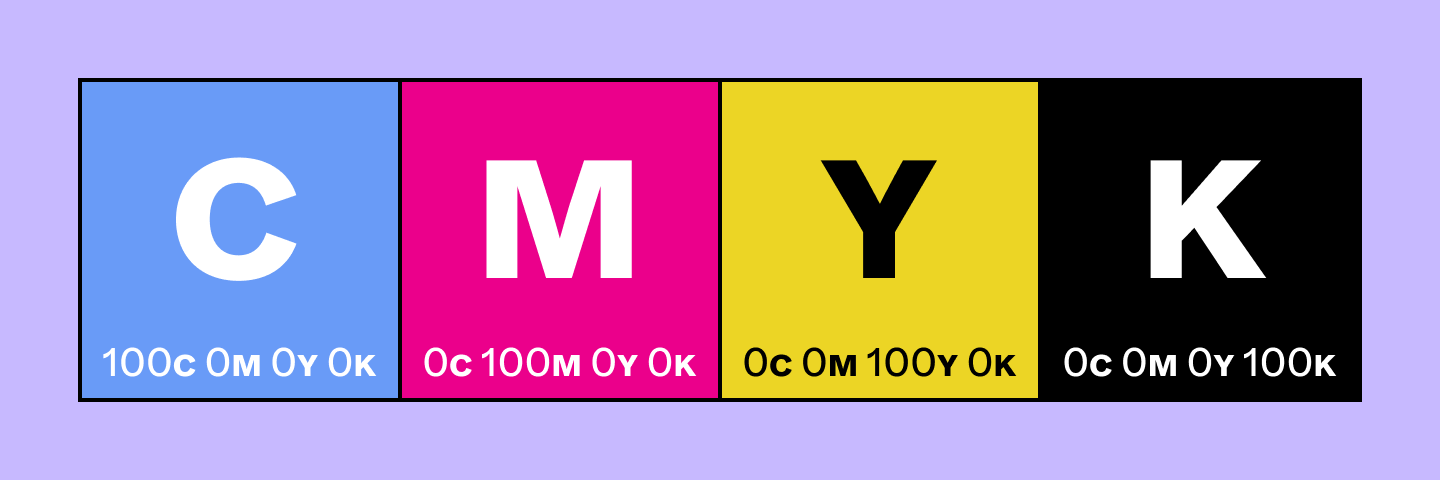
- The more ink is deposited on the paper or other material, the darker it becomes. the color is perceived.
- The combination of cyan, magenta, and yellow doesn't produce a perfect black, but rather a dull, dark brown; that's why the channel is added. black (K) for depth and contrast.
- CMYK achieves crisp text and solid blacks without overloading the rest of the color. paints.
CMYK is the standard in professional printing, both digital and offset: from brochures, catalogs and books to packaging and labels, including posters and commercial materials on coated papers, cardboard, plastics or even fabrics.
Advantages of the RGB model
CMYK vs RGB: Before choosing, it's helpful to understand the strengths of each system. In the digital realm, RGB play at home.
- Very wide range. RGB covers a wider color spectrum than CMYK, capable of representing tones impossible to print, such as fluorescent greens or certain saturated blues.
- Brightness and vibrancy. Because it is based on light, it offers intense and saturated colors that look impactful on screen and great luminosity.
- Ideal for digital. Web, app, and network content is created in RGB to ensure compatibility and correct display. screens.
- Lightweight files. Common RGB formats (JPEG, PNG, SVG) prioritize compression and loading speed, improving the user experience.
- Universal compatibility. Any device with a display works in RGB (monitors, mobile phones, tablets, televisions), which facilitates a coherent flow of digital content.
Advantages of the CMYK model
In printing, CMYK is king for technical and standardization reasons that They save you trouble. in production.
- Printing standard. Industrial machines and commercial printing presses operate in four-color process; preparing files in CMYK reduces errors and improves results. consistent.
- Control over physical media. It is designed for different materials (coated paper, cardboard, plastics, fabrics), allowing for more accurate prediction of the bottom line.
- Blacks and contrast. The K channel enables legible text and deep images without saturating cyan, magenta, and yellow.
- Ink efficiency. Working with four fixed channels optimizes costs and simplifies management compared to non-mixing. standardized.
- ICC profiles. With profiles like FOGRA or ISO Coated, consistency is maintained between suppliers, minimizing variations between a printing company and other.
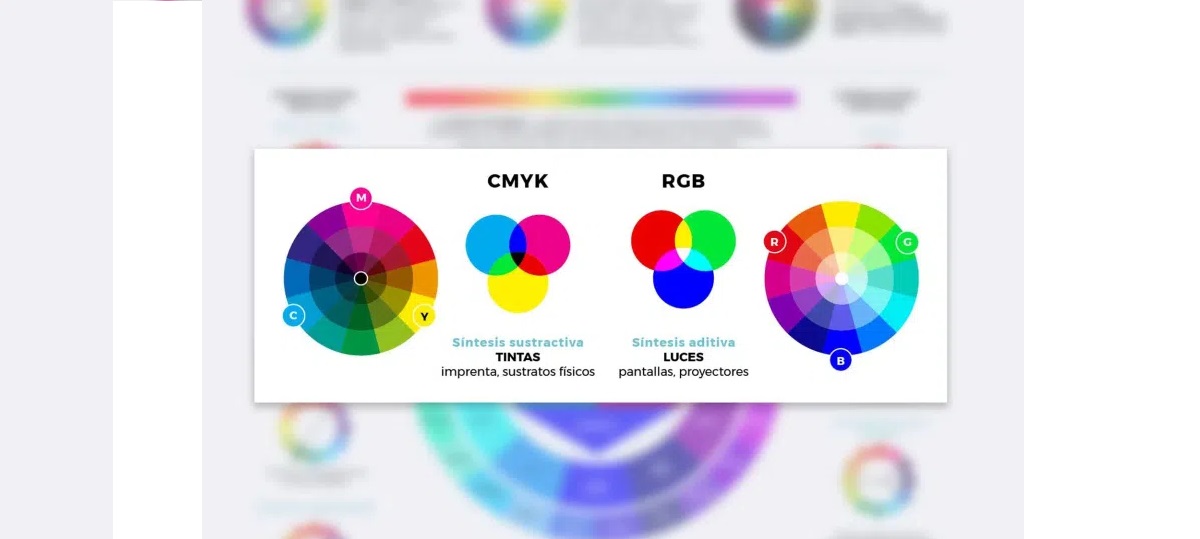
RGB vs CMYK: how to choose depending on the destination
There is no single "best" model: the choice depends on for what The file is sent in RGB format if it's going on screen. If it's going to be printed, it's CMYK. It's that simple... and that important to avoid losing color along the way.
When to use RGB
- Websites and applications mobiles
- Social media posts and online ads
- Video, motion graphics and animation
- Digital presentations for projector or monitor
- Photograph intended for viewing on screen
When to use CMYK
- Flyers, brochures and business cards
- Posters and posters large format
- Magazines, catalogs and books
- Packaging, boxes and labels
- Banners, tarpaulins and posters printed
Why understanding the difference matters
The distinction between RGB and CMYK has very practical consequences. A file created in RGB can look perfect on screen, but if it's converted to CMYK as is, it can lose brightness in the process. Some colors in the RGB gamut don't exist in printing (think of a green lime(a very intense blue or a very bright orange) and the system adjusts them to more muted, reproducible tones. Avoiding this saves you from defective print runs, wasted material, and unhappy customers—crucial when you know that the 94% Many of the first impressions we make are linked to design.
How to properly convert from RGB to CMYK
Switching between modes isn't just changing a menu. It's a technical process with implications for colorimetry, profiles, and ink control that should be considered. do with method.
1) Configure the appropriate color profile
First, define the correct ICC profile according to the technology, paper, and inks. This step determines which color range can be reproduced and prevents surprises due to differences between... suppliers.
- FOGRA39 / FOGRA51. Common references for offset printing on coated papers, widespread in much of Europe.
- ISO Coated v2. Widely used in commercial printing of catalogs, brochures and advertising.
- US Web Coated (SWOP) v2. Extended North American Reference Profile for web offset.
2) Use professional software
Avoid basic programs that don't manage profiles (Word, Paint). You need tools that allow you to convert and preview with control over... colors.
- Adobe Photoshop. Edit menu > Convert to profile… and choose the appropriate CMYK profile for your production.
- Adobe Illustrator. File > Document Color Mode > CMYK.
- AdobeInDesign. Create the document in CMYK and assign profiles so that the imported images are handled accordingly. consistent.
3) Check the colors after the conversion
Automatic conversion may alter some tones. Take a moment to check the most recent ones. critics.
- Conflict areas. Electric blues, highly saturated greens, and intense oranges tend to lose punch.
- Selective retouching. After converting, manually adjust to get as close as possible to the intended color. original.
- Ink control. Check the C, M, Y, and K percentages in the Information panel to avoid exceeding them. total load.
4) Do color tests
Before printing the final run, simulate the actual result. A well-executed test avoids having to... repeat jobs.
- Soft proof. In Adobe, use View > Test Settings to preview your profile's behavior on screen. CMYK.
- Hard proof. Request a test print from the print shop using the target paper to see how it behaves. real.
5) Export correctly
A poorly prepared PDF can ruin all the previous work. Export using print-friendly guidelines. appropriate.
- PDF/X-1a or PDF/X-4. Recognized standards for professional production with profiles embedded.
- 300 dpi resolution. Keep images at a true 300 dpi to avoid loss of quality.
- Marks and bleeding. Add cut marks and enough bleeding for a sharpened accurate.
Best practices for companies and teams
If you work with branding and marketing materials, it's a good idea to internalize these guidelines so that everything flows smoothly and effectively. coherence visual.
- Choose the mode according to the destination. Screen = RGB; Print = CMYK. It seems obvious, but it's the most common mistake. common.
- Brand consistency. Define color palettes that work in both media and document equivalencies; it's cheaper to adjust a web color than to reprint a throw.
- Calibrate the monitor. Ambient light affects perception; use calibration tools (ideally if the monitor supports hardware calibration, or if you're going to buy an ultra-high-end laptop) so that what you see is closer to the printed.
- Quality inks and toners. They influence color accuracy and black density; don't skimp if you're looking for fidelity.
- Talk to the printing company. Ask about their preferred profiles, paper types, and ink limits; that dialogue saves you corrections and delays.
Choosing between RGB and CMYK isn't about personal preference; it's about the intended use and control: define the correct profile, use professional software, check color sensitivity, validate with proofs, and export according to printing standards. With this approach, vibrant greens won't be washed out, and blacks won't be distorted. read good, and your brand maintains its quality on screen and on paper.

Editor specialized in technology and internet issues with more than ten years of experience in different digital media. I have worked as an editor and content creator for e-commerce, communication, online marketing and advertising companies. I have also written on economics, finance and other sectors websites. My work is also my passion. Now, through my articles in Tecnobits, I try to explore all the news and new opportunities that the world of technology offers us every day to improve our lives.