- Ready for Copilot laptops integrate powerful NPUs to run AI locally with better performance, battery life, and privacy than traditional Windows 11 computers.
- Copilot+ PC experiences, such as Recall, Live Captions with translation, and Windows Studio Effects, are only activated on certified hardware with processors such as Snapdragon X, Intel Core Ultra, or Ryzen AI.
- Models from ASUS, Lenovo, Dell, Microsoft, Acer, and HP cover very different profiles, from professionals and students to advanced creators who combine NPUs and dedicated GPUs.
- Choosing a Copilot+ PC is worthwhile if you're going to make extensive use of AI-powered video calls, live captions, creative editing, or Microsoft 365 Copilot tools in your work or studies.
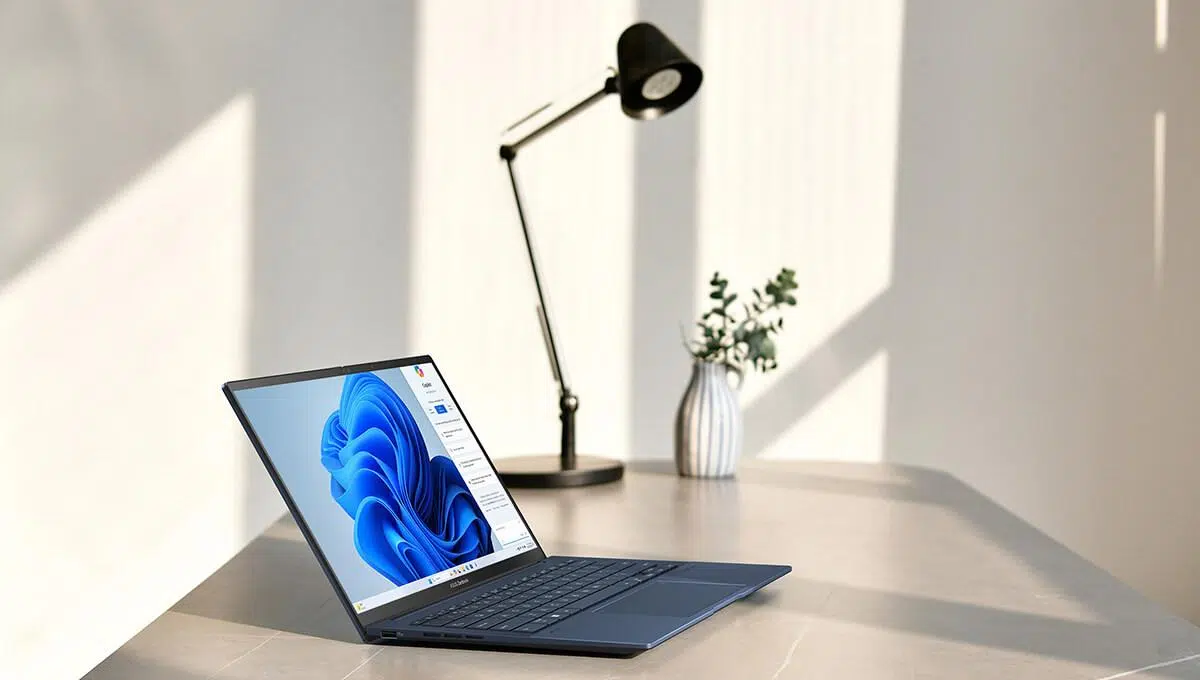
Choosing a Ready for Copilot laptop It's no longer just about looking at the processor, RAM, and price: now integrated artificial intelligence, the NPU, advanced Windows features, and compatibility with Copilot+ PC experiences all come into play. If you're coming from a traditional Intel or AMD-based computer, it's normal for all this to sound a bit like tech trade show jargon, but the reality is that these new machines are truly changing how you work, study, and communicate.
In recent generations, laptops with chips have appeared Qualcomm SnapdragonIntel Core Ultra and Ryzen with Ryzen AI, capable of running Perform AI tasks locally, quickly, and privately.Transcribe meetings in real time, translate subtitles live, improve webcam image quality, summarize documents, or generate images without relying so heavily on the cloud. Let's break down what it means for a laptop to be "Ready for Copilot," what types of Copilot exist, what practical advantages you gain, and which models best suit your needs.
What exactly is a Ready for Copilot laptop and how does it differ?
When we talk about a Copilot+ PC or AI PC We're not talking about a regular laptop with a new icon in the taskbar, but rather machines designed from the hardware up to smoothly handle artificial intelligence workloads. At its heart is an NPU (Neural Processing Unit) with tens of TOPS (trillions of operations per second), designed to handle all the "intelligent" tasks without overloading the CPU or GPU.
Current Copilot+ PCs rely primarily on three processor families: Qualcomm Snapdragon X (Elite and Plus), Intel Core Ultra and AMD Ryzen with Ryzen AIAll include a dedicated NPU, but the Snapdragon X Series stands out with scores of 45 TOPS, enabling advanced AI experiences in Windows 11, such as Recall, Live Captions with translation, or Cocreator in Paint, with minimal impact on battery and temperature.
The difference compared to a classic Windows 11 laptop is that in these models AI is not a software add-on that pulls from the cloud, but a function integrated into the operating system itselfCopilot blends seamlessly with your desktop, Microsoft 365 apps, camera, sound, and even your screen history to anticipate your needs.
Furthermore, these devices are usually optimized to offer autonomous communities well above the average (16-20 actual hours of mixed work, or more on some Snapdragon) and very efficient thermal management, resulting in cool and quiet machines even with AI tasks running in the background.
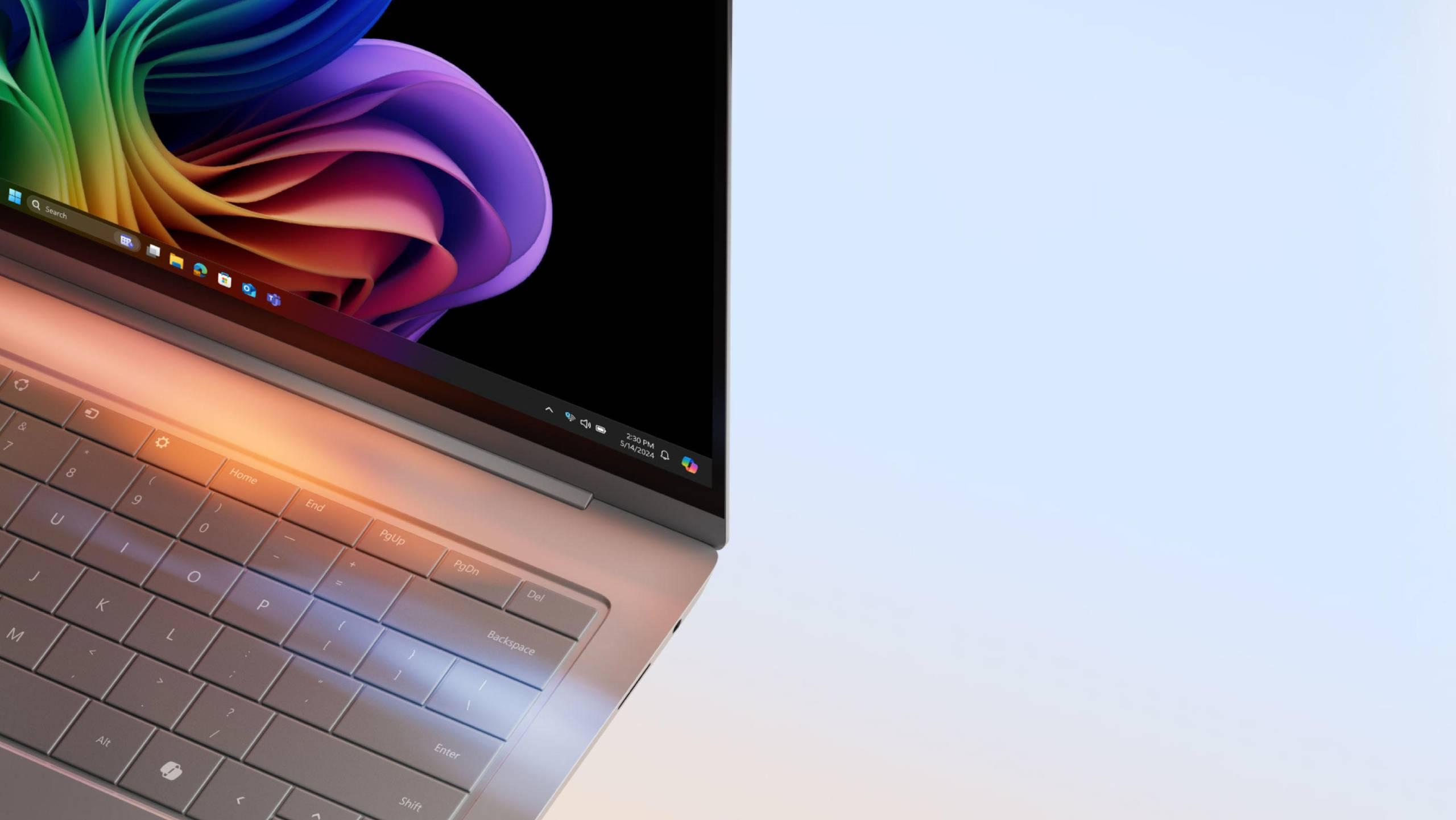
Exclusive Copilot+ PC experiences on Windows
Ready for Copilot laptops enable a set of Advanced AI experiences on Windows which are only available on Copilot+ PC, especially on models with Snapdragon X:
- Recall (preliminary version)Windows periodically captures the screen's contents and allows you to search your computer's "memory" by describing what you remember (a blue graphic, a paragraph about a client, a specific slide, etc.). Everything is stored locally and is not uploaded to the cloud.
- Co-creator at Paint: Generates and adapts images from text or your own sketch, using the NPU to speed up the process and avoid long waits.
- Image Creator in PhotosAdvanced editing features, smart fill, object removal, and contextual adjustments, largely executed on the device for speed and privacy preservation.
- Windows Studio EffectsAutomatic camera and microphone enhancements in video calls (framing, background blur, eye correction, noise reduction, face lighting) without triggering the fans.
- Automatic Super Resolution: Upscaling and enhancement of videos and content, very useful for streaming or for working with lower quality material on high resolution screens.
- Live subtitles with translation: real-time conversion of system audio into subtitles, with the ability to translate into several languages on the device itself.
These features coexist with the Copilot you already know from Windows 11, but thanks to the NPU the system can run multiple AI tasks in parallel (audio cleaning, subtitles, text suggestions, photo editing) without the rest of the applications becoming slow or consumption skyrocketing.
Live subtitles and translation: understand any content
One of the most striking capabilities of the Copilot+ PC is to automatic subtitles and real-time translationWindows is able to listen to audio coming from the system (whether it's a video, a stream, a meeting, or a podcast) and display synchronized subtitles, even when the original application doesn't offer them.
In Copilot+ PC you can activate live subtitles that generate subtitles in English from audio or video in 44 different languagesThese include German, Arabic, Basque, Bosnian, Bulgarian, Czech, Chinese (Cantonese and Mandarin), Danish, Slovak, Slovenian, Spanish, Estonian, Finnish, French, Galician, Greek, Hindi, Hungarian, Indonesian, Irish, Italian, Japanese, Latvian, Lithuanian, Macedonian, Maltese, Norwegian, Pashto, Polish, Portuguese, Romanian, Russian, Serbian, Somali, Swedish, Thai, Turkish, Ukrainian, Vietnamese, and Welsh.
In addition, live subtitles can also be used. translate into simplified Chinese from 27 languagesincluding German, Arabic, Bulgarian, Czech, Cantonese, Korean, Danish, Slovak, Slovenian, Spanish, Estonian, Finnish, French, Greek, Hindi, Dutch, Hungarian, English, Italian, Japanese, Lithuanian, Norwegian, Polish, Portuguese, Romanian, Russian, and Swedish. All this processing is done on the device itself, avoiding excessive latency and without uploading the audio to the cloud.
If you work with clients from other countries, attend webinars in multiple languages, or simply want to consume international content without relying on official subtitles, this feature transforms a Laptop Ready for Copilot in a brutal communication tool.
Copilot vs. Copilot+ PC: Clearing up the confusion
Part of the problem stems from the fact that Microsoft Copilot It's not a single thing. You can find Copilot on the Microsoft website, in the Office menus, in some development applications, or within Windows 11, and at the same time, Copilot+ PC is referred to as if it were a separate category.
In summary: Microsoft Copilot is the umbrella brand for various AI experiencesWhereas a Copilot+ PC is a specific type of computer that meets certain hardware requirements (mainly a powerful NPU) and can locally run certain advanced Windows and Copilot functions.
A standard Windows 11 computer can use Copilot in the browser and in Microsoft 365, request summaries or generate texts, but much of the processing is done in the cloud and many advanced functions (Recall, some Studio Effects experiences or certain real-time optimizations) They are not available without dedicated AI hardware.
Types of Microsoft Copilot for business
Within the Microsoft ecosystem there are several "flavors" of Copilot designed for different work environments:
- Microsoft 365 CopilotIntegrated into Word, Excel, PowerPoint, Outlook, and Teams, it helps you draft emails, summarize endless threads, create presentations, analyze spreadsheets, and synthesize meetings. On a Ready for Copilot laptop, it becomes even more fluid by combining cloud-based AI with the local NPU for certain tasks.
- Dynamics 365 Copilot: geared towards CRM, sales, customer service, and operations. It suggests responses, prioritizes opportunities, and automates workflows based on business data.
- Power Platform Copilot: designed for users who create apps, workflows, and dashboards in Power Apps, Power Automate, or Power BI using natural language.
- GitHub CopilotFocused on software development, it suggests code, helps understand complex codebases, and automates repetitive programming tasks.
- Other specialized copilotsThere are specific variants for security, finance, supply chain or other vertical areas, which are based on the same fundamentals but with specific data and use cases.
When choosing a Ready for Copilot laptop for businessIt's important to be clear about which of these Copilots you're going to use, because it will determine memory and storage requirements and, in some cases, the importance of having a good GPU in addition to the NPU.
Practical advantages of an AI-ready laptop
Beyond marketing, a good AI PC offers very tangible advantages in everyday life. An AI-ready laptop combines CPU, GPU, NPU and sometimes VPU (for video) to speed up tasks that, on a traditional computer, would cause stuttering, fans running at full speed, and batteries dying by mid-morning.
NPUs are designed to run AI models (image, audio, and natural language recognition) with significantly higher energy efficiency than the CPU or GPU. AI tensor cores in dedicated GPUsGraphics cards like NVIDIA RTX handle very heavy deep learning workloads, while VPUs specialize in video and cameras. The result is that you can have image effects, noise cancellation, and real-time content analysis without the system slowing down.
In the professional sphere, this translates into faster processes and less frictionSummarizing documentation, adjusting presentations, cleaning audio, generating visual mockups, or automating reports ceases to be something you do "occasionally" and becomes a natural part of your workflow, because the team responds instantly.
Another advantage is the privacyThe more you run locally, the less sensitive data you have to send to external services. Features like Recall or screenshot search only work with information stored on your device.

Work and study smarter: Copilot keys and built-in AI
Some manufacturers have begun integrating dedicated Copilot keys and specific optimizations for Windows 11. For example, laptops like ASUS Vivobook S 14 OLED and S 16 OLED They include a Copilot key on the keyboard to instantly invoke the assistant and ask it questions, request summaries, or launch actions on the content you're viewing.
These models combine AMD Ryzen 9 8945HS processors with Integrated Ryzen AI or an Intel Core Ultra 9 with Intel AI Boost NPU, plus Radeon or Intel Arc graphics. The goal is for you to be able to use features like advanced photo editing, lighting adjustments, or object removal almost in real time, without the system lagging.
Features such as "one-click" AI overlay allow summarize, refine, or edit content on the fly without switching between applications. For someone who spends their day between documents, websites, PDFs, and presentations, this greatly reduces downtime and context fatigue.
Videoconferencing and collaboration on another level
If you spend your day in online meetings, a Ready for Copilot laptop makes a huge difference in how you're seen and heard. Devices like the ASUS Zenbook DUO (2024) UX8406 They integrate AI-based camera effects: automatic face framing, more precise background blur, and eye contact correction that adjusts your gaze to make it look like you're looking at the camera even when you're reading on the screen.
Smart framing keeps your face centered even if you move, the new blur effect better defines the outline of hair and hands, and eye correction uses AI to create a natural gaze towards the cameraThis greatly improves the feeling of closeness in meetings with clients or team members.
All of this relies on NPUs such as Intel AI BoostThis offloads work from the CPU and prevents lag or stuttering when sharing your screen, switching windows, or running multiple applications simultaneously. It also features bidirectional noise cancellation, which filters out background noise from both your microphone and those of your callers.
In the case of the Zenbook DUO, you also have two 14-inch 3K OLED displays at 120HzThis gives you much more space for notes, documents, and windows during a video call, without having to constantly minimize and restore tabs.
Real all-day autonomy and intelligent energy management
AI-ready laptops benefit from more efficient architectures and algorithms that They learn your usage habitsProcessors like Intel Core Ultra 9 (Meteor Lake) manage the transition between high-performance and low-power modes using AI to detect when you've finished a task and it's a good time to save battery.
On laptops like the Zenbook 14 OLED (UX3405) or the Zenbook DUO itself, activating the NPU not only accelerates AI tasks, but can also extend battery life by up to 57% compared to having it deactivatedbecause the main CPU stops handling intensive AI operations.
In practice, the Snapdragon X Elite and Plus processors particularly stand out: many users report between 16 and 18 hours of real-world mixed workloads (browsing, office applications, video calls, some editing), and some models boast even more than 20-30 hours of video playback. This makes a Copilot+ PC a Ideal candidate for travel, hybrid work, or students who spend hours at university without a power outlet.

Copilot+ laptops for demanding professionals
If you are a professional, remote worker, entrepreneur or freelancer, you need a team that combines lightness, autonomy and AI powerWithin the Copilot+ ecosystem, several proposals designed for intensive use stand out.
An example is the ASUS Zenbook A14Weighing just 980g, it boasts a battery life of up to 32 hours. Its Ceraluminum metal chassis offers durability and a premium look, while the 14" FHD OLED display delivers deep blacks and vibrant colors for professional content and entertainment.
Inside it mounts a Snapdragon X EliteWith up to 32GB of RAM and up to 1TB of SSD storage, it offers more than enough for heavy office work, daily video conferencing, light video editing, and multitasking with many large documents open. All this comes with the full Copilot+ experience thanks to the 45 TOPS NPU.
Among the most analyzed models internationally for professionals is the Dell XPS 13 (9345)The Copilot+ PC is one of the brand's first models. It combines a machined aluminum chassis, a 13,4" FHD+ 120Hz display (or optional 3K OLED), a Snapdragon X Elite processor, fanless operation, and a real-world battery life of around 18-20 hours of mixed use. Its haptic keyboard and trackpad are highly praised for extensive daily typing.
Another very strong rival is the Microsoft Surface Laptop 7 13,8″It offers arguably the most well-rounded Copilot+ experience: a 120Hz PixelSense Flow 3:2 display with HDR, a choice of Snapdragon X Elite or Plus processors, an excellent keyboard with a dedicated Copilot key, a haptic trackpad, a good selection of ports, and around 16-18 hours of real-world battery life. Ideal if you're looking for tight integration between Microsoft hardware and Windows 11 with AI.
Copilot+ PC for students: more screen and versatility
For students, the ideal balance usually consists of a laptop Lightweight but with a good screen and enough battery to last the whole daythat serves both for classes, library and work as well as for multimedia leisure.
El ASUS Vivobook S16 It's a good example of a large but reasonably portable laptop: a 16-inch FHD 16:10 OLED display (or 2,5K IPS variant), Snapdragon X processor, weighing up to 1,74 kg, speakers with Snapdragon Sound, and a large trackpad and full keyboard with numeric keypad. Copilot+ AI features allow you to generate automatic summaries, enhance photos for projects, or use interactive overlays to trigger one-click tasks on the visible content.
It also includes AI camera and Pluto integration To enhance security, which is especially important for devices that will be used by young students. The extra screen space is ideal for working with multiple documents in view: notes, presentations, and browsers can all coexist without feeling cramped.
In the creative segment, the Lenovo Yoga Slim 7x With its 14,5″ 3K OLED panel, it is very much geared towards design, photography or audiovisual students: 100% DCI-P3 coverage, high brightness, perfect blacks and Snapdragon X Elite with 45 TOPS NPU that accelerates tasks in Adobe and other creative programs (even under emulation while native ARM versions arrive).
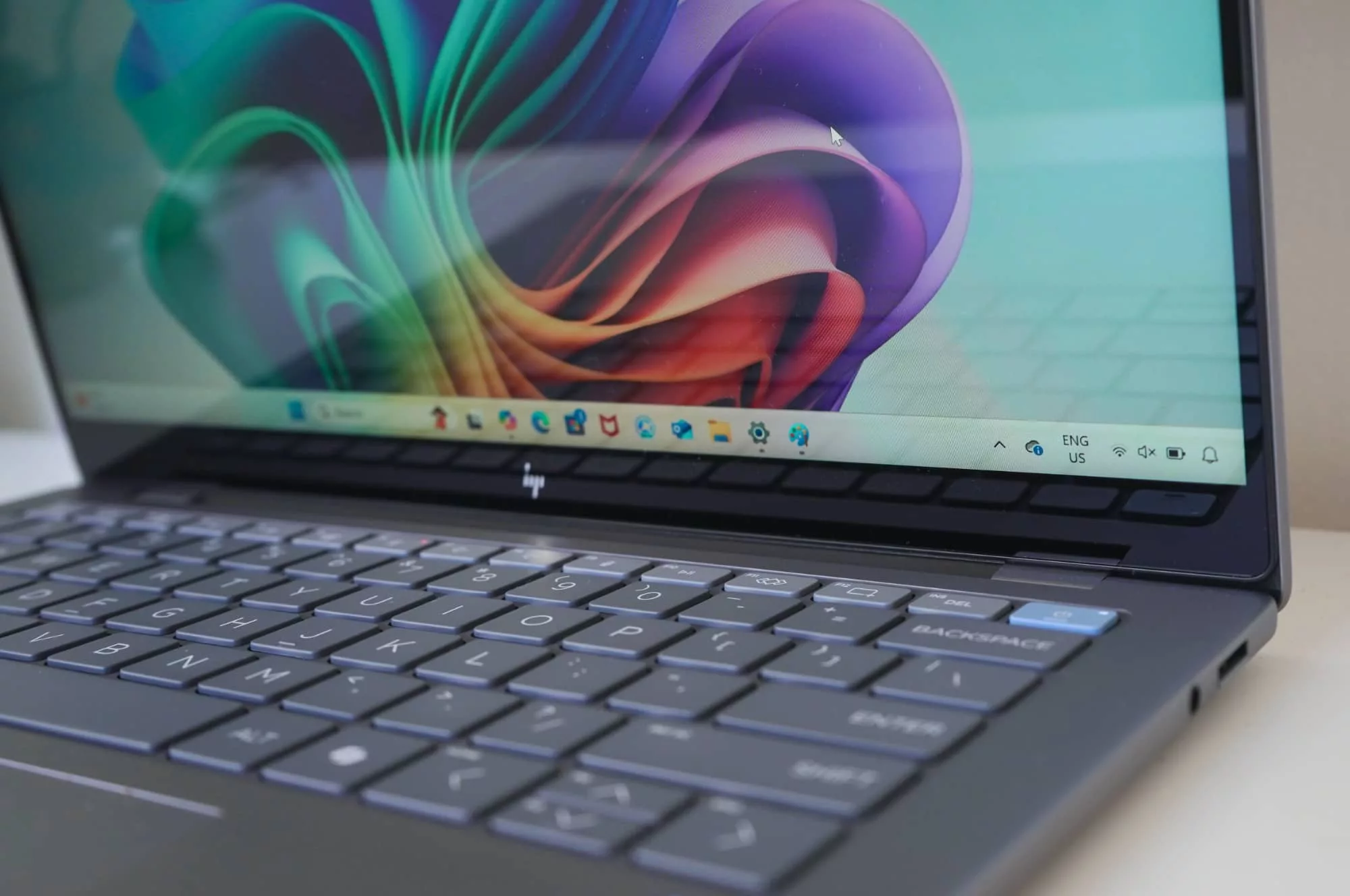
A well-rounded all-rounder: Copilot+ laptops for all uses
If you want a single laptop that can handle almost everything without excelling in just one area, you'll be interested in the well-rounded models in the Copilot+ range. The [model name] fits well into this category. ASUS Vivobook S14, which offers a 14″ screen (OLED or IPS), Snapdragon X processor, slim design with striking colors and improved cameras and audio for video calls.
Its size allows for combination portability with productivityConvenient to carry to the office, class, or cafes, yet spacious enough to work with documents, spreadsheets, or light video and photo editing. Its integration with Copilot+ makes it a great companion for those who juggle work, study, and leisure.
Other interesting off-road vehicles in the ecosystem are the Acer Swift 14 AI and the HP OmniBook XThe first one features a Snapdragon X Plus processor, 16GB of RAM, a 1TB SSD, good battery life (15-16 real-world hours), extensive connectivity (USB4, USB-A, HDMI), and 2,5K or 3K OLED display options. It's very well positioned as a "smart choice" for those who want a lot for a reasonable price.
The HP OmniBook X, meanwhile, is one of the Copilot+ more economical With a Snapdragon X Elite processor, a 14-inch 2,2K touchscreen, good battery life (14-16 real-world hours), and a recycled aluminum chassis, it lacks some of the features of more expensive models (lower screen refresh rate, fewer ports), but offers the full Copilot+ experience at a more affordable price.
Balanced AI laptops at a good price: Vivobook 14 and Vivobook 16
If you're looking for a laptop for everyday use (browsing, working with documents, some multitasking, streaming) and don't want to go for the top-of-the-line model, the ASUS Vivobook 14 and Vivobook 16 These are interesting options. They offer variants with Intel Core Ultra 5 (Series 2) or Snapdragon X processors, FHD screens, comfortable keyboards, and long-lasting batteries.
In configurations with Snapdragon X, Copilot+ features are enabled such as Recall, Cocreator and Live CaptionsThis allows you to enjoy much of the Copilot+ PC experience without paying the extra cost of a premium model. Choose the Vivobook 14 if portability is your priority, or the Vivobook 16 if you prefer more screen space for working with multiple windows.
These models are designed to offer good value for moneyThey don't have the most spectacular finishes or screens, but they fulfill all the important requirements for teleworking, online learning, or family use.
Creativity and graphic power with AI: Vivobook Pro 15 OLED
For creators who need more than just an NPU, laptops with Dedicated GPUs and Studio certificationsA clear example is the ASUS Vivobook Pro 15 OLED, which combines Intel Core Ultra with Intel AI Boost NPU and NVIDIA GeForce RTX 4060 GPU.
This type of configuration is aimed at users who work with Blender, Adobe, Wondershare Filmora and other heavy programs, where AI functions (image filling, text to image, audio track separation, advanced noise reduction, etc.) pull on the CPU, GPU and NPU simultaneously.
The RTX 4060 provides Tensor Cores to accelerate inference and technologies like DLSS, while the NPU handles low-latency, low-power AI workloads. Together, the CPU and GPU can operate at up to 125W TDP, supported by ASUS IceCool Pro cooling to maintain optimal performance. stable performance.
If your daily work involves heavy rendering, 3D modeling, 4K video editing, or music production with many plugins, a laptop with this profile is ideal. AI in CPU, GPU and NPU It will be much more suitable than a purely ultralight one, even if you sacrifice some autonomy.
AI-enhanced security and privacy
Modern AI laptops also rely on artificial intelligence to enhance security without overwhelming the user. Many models from ASUS, Lenovo, and other manufacturers include this feature. IR cameras for Windows Hellopresence detection and adaptive screen dimming.
Adaptive dimming turns off or reduces brightness when it detects you're looking away, which not only saves battery but also Hides sensitive information If you get distracted or get up. Technologies like ASUS Adaptive Lock lock your session when you move away from the computer and reactivate it when you return.
Furthermore, the local execution of AI For functions such as Recall, facial recognition or subtitles, it prevents this data from having to be sent outside the device, adding an extra layer of control over sensitive information.
Choose between a "normal" Windows 11 and a Copilot+ PC
If you're hesitating between a classic Windows 11 laptop and a Copilot+ one, the key is to assess how much you'll take advantage of the built-in AI. Every computer with Windows 11 You can use Copilot in the browser, Mobile Link to manage your mobile from your PC, and Windows Hello to log in with your face, fingerprint, or PIN.
However, a Copilot+ PC offers clear advantages: significantly faster speeds in AI tasks Thanks to an NPU capable of 40-45 TOPS or more, real-time translations with Live Captions, faster creativity tools in Paint and Photos, and a much more "assisted" and proactive Windows experience.
If your usage is limited to basic office tasks and some browsing, a standard Windows 11 might suffice. But if you want to get the most out of Copilot, use Recall, rely on video calls daily, do light multimedia editing and live captions, or simply want your computer to last for many hours away from a power outlet, the sensible choice is to go for a Laptop Ready for Copilot.
The combination of NPUs, modern CPUs, improved thermal management, deep Microsoft Copilot integration, and AI features distributed throughout the system makes these laptops feel different every day: faster, quieter, better equipped to help you, and above all, better equipped for the coming years, in which more and more applications will take advantage of the artificial intelligence integrated into the device.


Editor specialized in technology and internet issues with more than ten years of experience in different digital media. I have worked as an editor and content creator for e-commerce, communication, online marketing and advertising companies. I have also written on economics, finance and other sectors websites. My work is also my passion. Now, through my articles in Tecnobits, I try to explore all the news and new opportunities that the world of technology offers us every day to improve our lives.