- Integration of local language models using Ollama to guarantee total data privacy.
- Using Dify as a no-code orchestration platform to design AI workflows and agents.
- Implementation of local RAG systems that allow querying private documents without API costs.

If you love the idea of having powerful artificial intelligence but are terribly uneasy about your data ending up on remote servers, you've come to the right place. Combine Dify and Ollama It is, basically, the dream of any tech enthusiast looking for data sovereignty and total control over your models without spending a single euro on monthly API subscriptions.
Dify presents itself as that super versatile middle layer that allows us to design AI applications visually, while Ollama is the tool that makes the open language models run on our own hardware. Together, they form an unbeatable team for building everything from simple chatbots to complex RAG systems (Retrieval Augmented Generation) that analyze your own internal PDFs or manuals.
What exactly is Dify and why choose self-hosting?
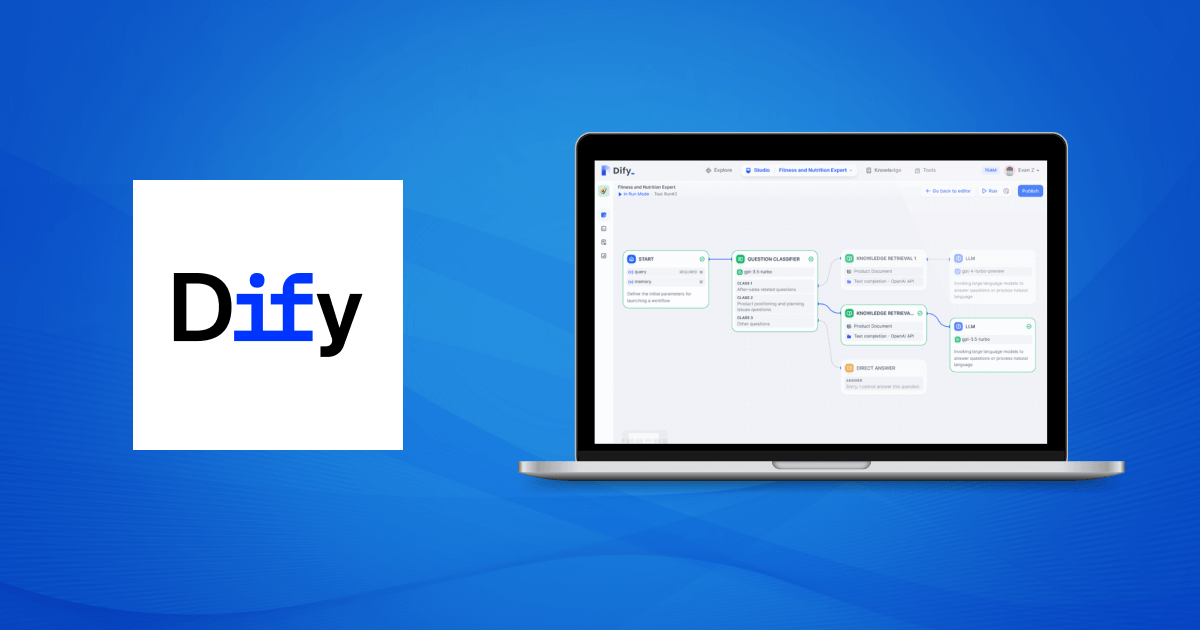
For those who aren't familiar, Dify is an open-source LLM application development platform. Think of it as a visual design studio where you can connect knowledge bases, manage prompts, and create workflows without writing complex code. It's the perfect bridge between the raw power of a model and the final user experience.
The big advantage of installing it on your own server, instead of using the cloud, is that you have all features unlocked. You have the flow builder, the RAG engine, and unrestricted agent management. Furthermore, avoid intermediariesYou ensure that your company's confidential information or your personal notes never leave your local network.
Understanding Ollama: The engine of local AI
Ollama is the software that allows you to run models like Llama 3, Gemma, or DeepSeek directly on macOS, Windows, or Linux. The best part is that it exposes a API compatible which greatly simplifies the connection with other tools. When using Ollama, you can switch from one model to another as needed. generation of text, code or vision, adapting resource consumption to your available hardware.
The use of local models is not only a matter of privacy, but also of cost optimizationYou can forget about token payments and end-of-month surprises. All you need is a machine with Sufficient RAM (at least 16GB is recommended to run 7B models smoothly alongside Dify) and an SSD with free space.
Detailed steps for installation and deployment
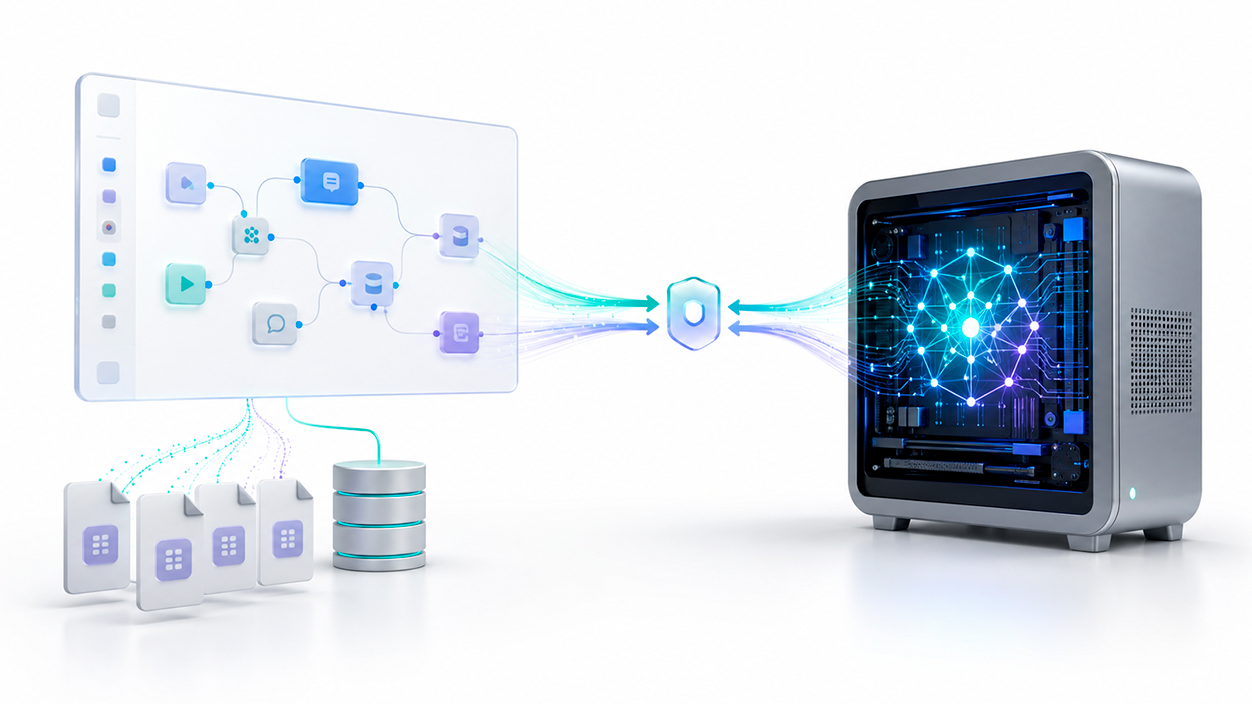
To begin, the first thing to do is get Ollama ready. Simply download the installer from its official website and run the command. ollama run llama3 on your device to check that everything is working correctly. Once the template is downloaded and the server is activeWe now have the foundation prepared for the next step.
Dify is deployed most efficiently by Docker ComposeYou will need to clone the official GitHub repository and copy the sample file. .env.example a .env and launch the containers with the command docker compose up -dThis process brings up several critical services, including PostgreSQL for the dataRedis for the cache and Weaviate as the vector database.
Setting up the connection between Dify and Ollamama
This is where the magic happens. For Dify to be able to talk to Ollama, you must go to the section of Model Providers In the settings, select Ollama. The key point here is the Base URLIf you use Docker on Windows or Mac, ideally you should put http://host.docker.internal:11434 so that the container can exit to the host.
If you're on Linux, you might need to add host.docker.internal:host-gateway in the Docker configuration file for the network to function correctly. After saving the URL, Dify will automatically detect all the templates you have already downloaded to your machine, allowing you to assign them as default templates for chat or embeddings.
Powering AI with the local RAG system
The RAG is what prevents AI from making things up and allows it to respond based on your own documentsIn Dify, you can create a dataset by uploading PDF, TXT, or Markdown files. The system takes care of the rest. fragment the text into manageable chunks and convert them into numerical vectors using a local embedding model such as nomic-embed-text.
Once the data is processed, you simply connect this knowledge base to your chat application. Then, when you ask a question, Dify will search for the most relevant information in your documents and it will be passed to the Ollama model to draft the response. It's the safest way to create a expert assistant in your business without anything traveling over the internet.
Advanced settings and performance optimization
To get the most out of it, you can play with the model's parameters. For example, lowering the temperature at 0.3 It's ideal for factual and precise answers, while higher values are suitable for creative tasks. Furthermore, if your machine allows it, you can increase the workers' attendance from Celery in the archive .env to make document indexing much faster.
If you plan to use this in a production environment, it's best to place Dify behind a reverse proxy like NginxThis will allow you to manage traffic via HTTPS and assign your own domain, making the tool professionally accessible to your team. completely safe.
Implementing this ecosystem allows you to transform any powerful computer into a private artificial intelligence center, where the combination of Dify's visual flexibility and Ollama's efficiency eliminates economic and security barriers, allowing you to create everything from customer service bots to complex, fully autonomous document analysis systems.
Index
