
Creating a separate network for your Smart TVs, cameras, and IoT devices is the most effective way to protect your personal data. These devices are often more vulnerable to cyberattacks; if someone gains access to them, they shouldn't be able to reach your PC or mobile device. Learn more How to separate your smart devices from the main Wi-Fi network using two methods: creating a guest network and VLANs.
How to create a separate network for Smart TVs, cameras, and IoT devices
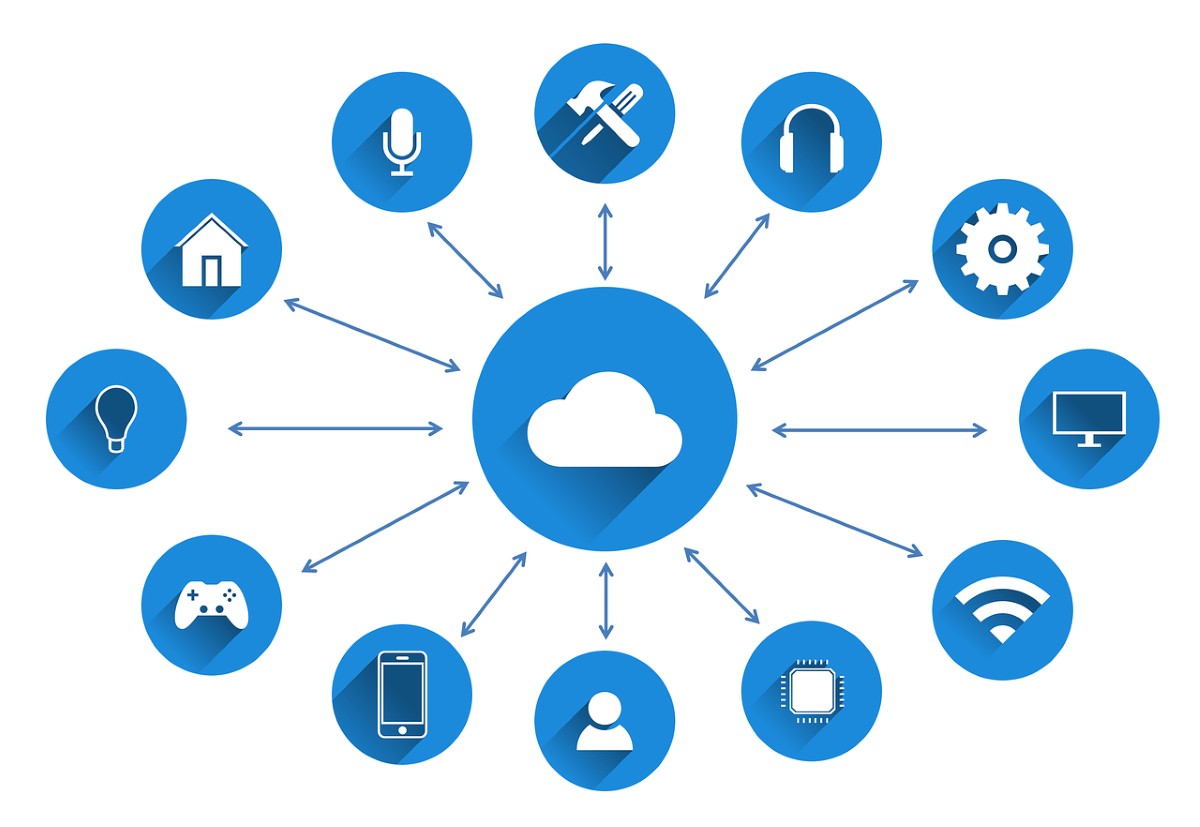
Create a separate network for Smart TVs, cameras, and IoT devices Protect the rest of your home network (where your computers and phones are located). Doing so prevents hackers from accessing them and, therefore, your personal data. There are two main ways to achieve this, depending on your equipment: using the Guest Network and creating VLANs (virtual networks) and Firewall rules. Let's see step by step how to use each of these methods.
Use the Guest Network (Easy and fast)
Most modern routers (TP-Link, Asus, etc.) allows Enable a Guest NetworkThis network creates a secondary Wi-Fi network with its own password and prevents connected devices from interacting with the main network. Below, we've included the... Steps to create a separate network for Smart TVs, cameras, and IoT devices using a Guest Network (The names of the options may vary depending on your router brand):
- Access the router: Access your router's administration panel from your browser by entering the default IP address (usually 192.168.1.1 or 192.168.0.1).
- Activate the Guest Network: Go to the Wireless / Inalambrillo – Guest Network section.
- Configure the Wi-Fi:
- Assign a clear SSID (for example: MyHomeIoTDevice).
- Choose the band, activate the 2.4 GHz network box (this is the one used by almost all IoT devices).
- Set a strong and secure password.
- Enable the "Client Isolation" option or uncheck the "Allow guests to see each other" and "Allow access to the local network" options. This will prevent IoT devices from communicating with each other and one of them from becoming infected.
- Save and apply the changes: Press Apply or Save to set everything up as you want it.
- Reconnect your devices: Disconnect cameras, plugs and Smart TVs from your main network and link them to this new guest network.
Creating VLANs and Firewall Rules (Advanced)
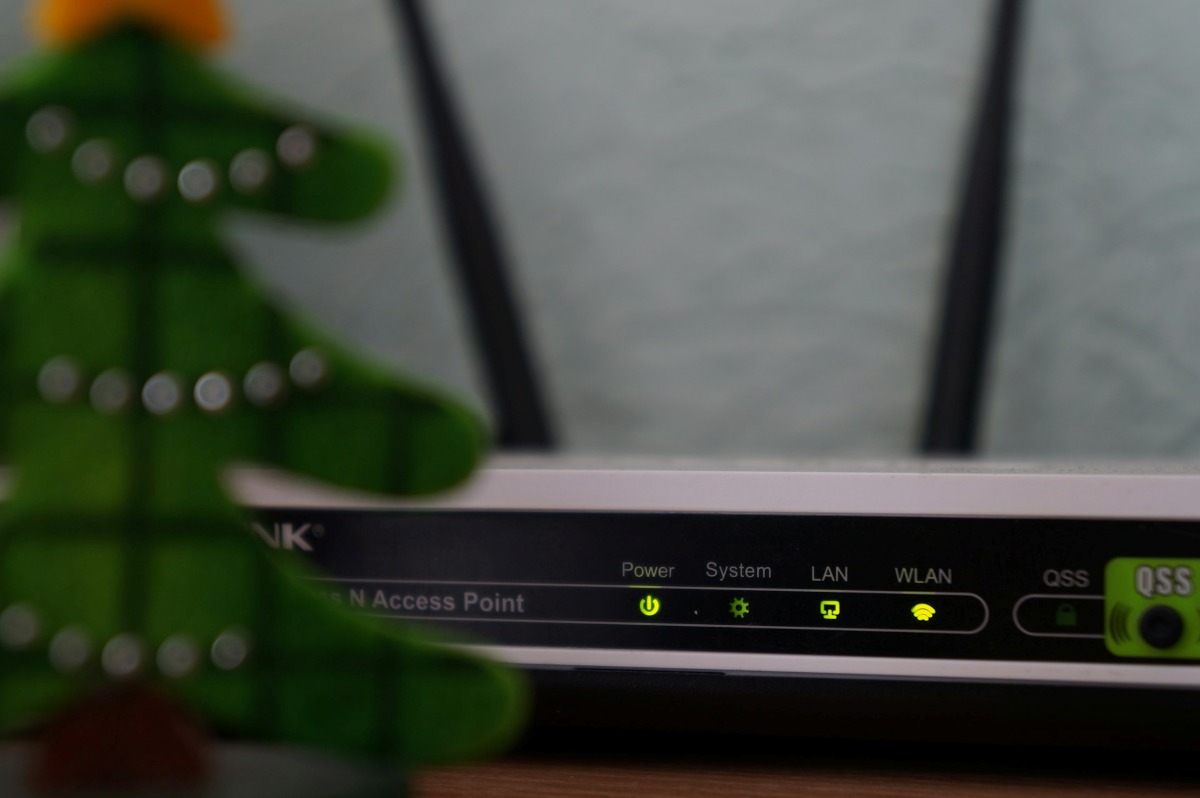
If you use a more advanced or professional-grade router, your best option is Create a separate network for Smart TVs, cameras, and IoT devices using VLANs (Virtual LANs)To create VLANs, access your router's advanced interface and do the following:
- Look for the VLAN menu or Subnet.
- Add a new network with a unique identifier (VLAN ID):
- VLAND 10 (Main). Subnet Range (IP): 192.168.10.1/24 (Laptops, smartphones, desktop PCs, NAS).
- VLAND 20 (IoT): Subnet Range (IP): 192.168.20.1/24 (Smart TV, smart bulbs, plugs, voice assistants).
- VLAND 30 (Cameras): Subnet Range (IP): 192.168.30.1/24 (IP Cameras, Video Doorbells, NVR Recorder).
- Create the VLAN interfaces on the router: Create the virtual interfaces by assigning them their ID. Configure the DHCP server.
- Set Firewall rules:
- It allows the response to be returned if the PC initiates a query to an IoT device.
- Enable your phone or computer to open the Smart TV or smart plug management app.
- Denies any attempt to communicate with the main network.
- It prevents internet access to the camera network if it is not needed.
Additional practices to creating a separate network for Smart TVs, cameras, and IoT devices
There are some additional recommendations that can help you protect your main home network, as well as create a separate network for Smart TVs, cameras, and IoT devices:
- Wi-Fi band (2.4 GHz vs. 5 GHz): Most older or smaller IoT devices only support 2.4 GHz. By reserving that band specifically for those types of devices and using 5 GHz on the main network, you improve overall performance.
- IP camera isolation: If your cameras don't need the cloud to function and record directly to a local NVR, deny their internet access using firewall rules.
- Default passwords: Never leave the default passwords on IoT devices. Always change them.
Advantages of creating a separate network for Smart TVs, cameras, and IoT devices
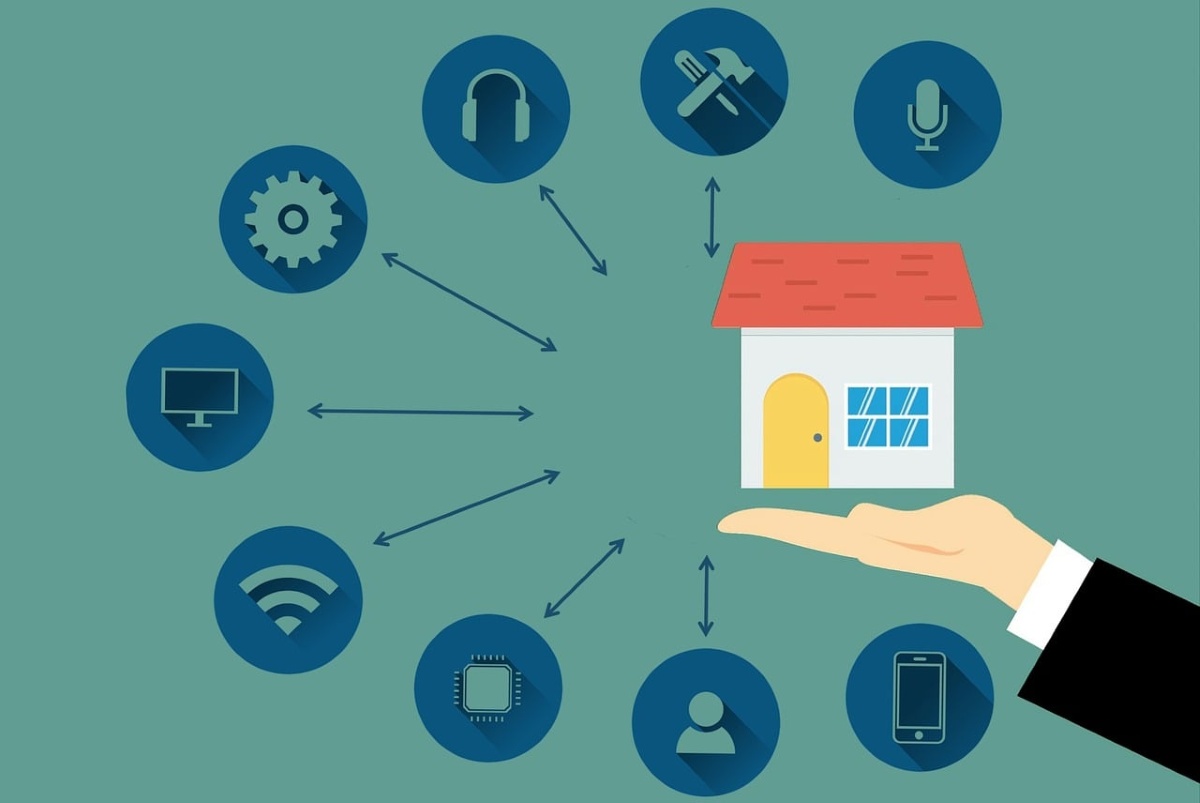
Creating a separate network for Smart TVs, cameras, and IoT devices is one of the best home cybersecurity measures you can take. These are the main advantages of doing soeither through a Guest Network or different VLANs.
Security and privacy
IoT devices are more vulnerable to hacking due to a lack of manufacturer updates. By denying communication with your main network, if an attacker manages to breach your camera's security, You will not be able to access your computer or phonebank details or other important information.
Smart TVs and cameras frequently send usage telemetry and video data to remote servers. By creating a separate network for Smart TVs, cameras, and IoT devices, you canThis could include blocking their internet access completely or monitoring their traffic. without exposing your personal traffic.
WiFi stability and traffic management
When you separate spotlights, sensors, or cameras from the main network, bandwidth is freed up and latency is reduced For your video calls, online games, or PC downloads. On the other hand, you can prioritize the speed of the main network over the IoT network, preventing a camera streaming in high definition or a smart TV updating to a new system from causing lag on your computer.
Don't complicate things by creating a separate network for Smart TVs, cameras, and IoT devices.
In conclusion, create a separate network for Smart TVs, cameras, and IoT devices. It is a fundamental investment in cybersecurityDoing so prevents intruders from compromising your devices and protects the privacy of your personal data, without sacrificing a smart home experience. Implementing these settings today will allow you to browse with complete peace of mind and enjoy improved performance from your devices.

Index