- If you deleted the photo from your Ente account, you have 30 days to restore it from your trash.
- On Android, check if the image is in the "Entity" or "Device" tab: they are different trash bins.
- If you only deleted the copy from your mobile device and the photo was backed up, you can download it again from Ente.
- Emptying the Entity trash or letting 30 days pass prevents you from recovering it from the service.

You've opened your gallery and some photos you wanted to keep are missing. Before installing a recovery app, check which copy has disappearedThe one that was saved in your Ente Photos account, the one that was on your phone, or both. The answer completely changes the procedure.
If you deleted images of Ente, its The bin allows them to be restored for 30 daysIf you only deleted them from your phone's gallery and they were already backed up, they're probably still available on Ente to download again. Let's check each case in order.

First, find out where the photos were deleted.

Deleting a photo from your phone does not necessarily mean deleting it from Entity. If you deleted it from the iPhone Photos app or the Android gallery, the copy that Ente had already backed up is not automatically deleted from your account.
However, if you deleted the image from your Ente Photos libraryYou'll have to look for it in the service's trash. There's a third possibility: the photo was never backed up. In that case, Ente won't have a copy, and you'll need to check your device's trash or another backup.
Start by opening Entity with the correct account and search for the image in your library. If you find it, it's not lost: you can view and download it. If it doesn't appear, continue with the following steps.
How to restore photos from the Ente Photos recycle bin
Photos deleted from your Ente account remain in your trash for 30 days before permanent deletion. To recover them from your mobile device:
- Open Ente Photos and enter the tab Albums.
- Press the drop-down arrow located on the right and opens Bin.
- If the tabs appear Entity y Deviceselect Entity.
- Select the photos or videos you want to recover and press Restore.
You can also do it from the Ente desktop application or website: open the side menu, go to Binselect the files and press RestoreBy doing so, Ente allows you to return them to an album.
Do not empty the trash to free up space before reviewing it. The items it contains still count towards your storage quota, but emptying it permanently removes them.
On Android, also check the "Device" trash can.

In Android 11 and later versions, Ente can display two trash cans within the same screenThe tab Entity It contains files deleted from your account; the tab Device It displays photos deleted from the phone's gallery via Entity.
To check this second location, go to Albums > Trash > Deviceselect the images and press RestoreCheck the timeframe shown on each file: you shouldn't assume it's the same 30-day period as the Entity's trash.
If you're using an iPhone and the photo has disappeared from the Apple Photos app, check its album as well. Recently DeletedThat location belongs to the Apple system, not to your Entity account's trash.
The photo isn't on your phone, but it is on Ente: how to download it
You may not have deleted anything from Entity. This happens, for example, after using Free up space on the deviceThe tool removes copies that have already been backed up from your phone, but the images remain accessible in your account.
Find the photo in Ente and open it. If you only want to view it, the application will load it when necessary. If you need it to reappear as a local file to use it outside of Ente, open the image menu and choose the option DischargeYou can also press and hold its thumbnail and select the download.
On Android, the free up space function can directly delete the local backup without sending it to the device's recycle bin. Therefore, Not finding it in that trash can doesn't mean it's lost.: first check if it's still in your Entity library.
What to check if the photo doesn't appear in any trash can
Before giving up hope, consider these possibilities:
- Wrong account: Make sure you are logged into the same email account you used to back up your photos.
- Album deleted without deleting its images: Check out the photo section uncategorizedEnte allows you to delete an album and keep its contents.
- Archived or hidden image: Check those sections if the photo simply stopped appearing in the usual view.
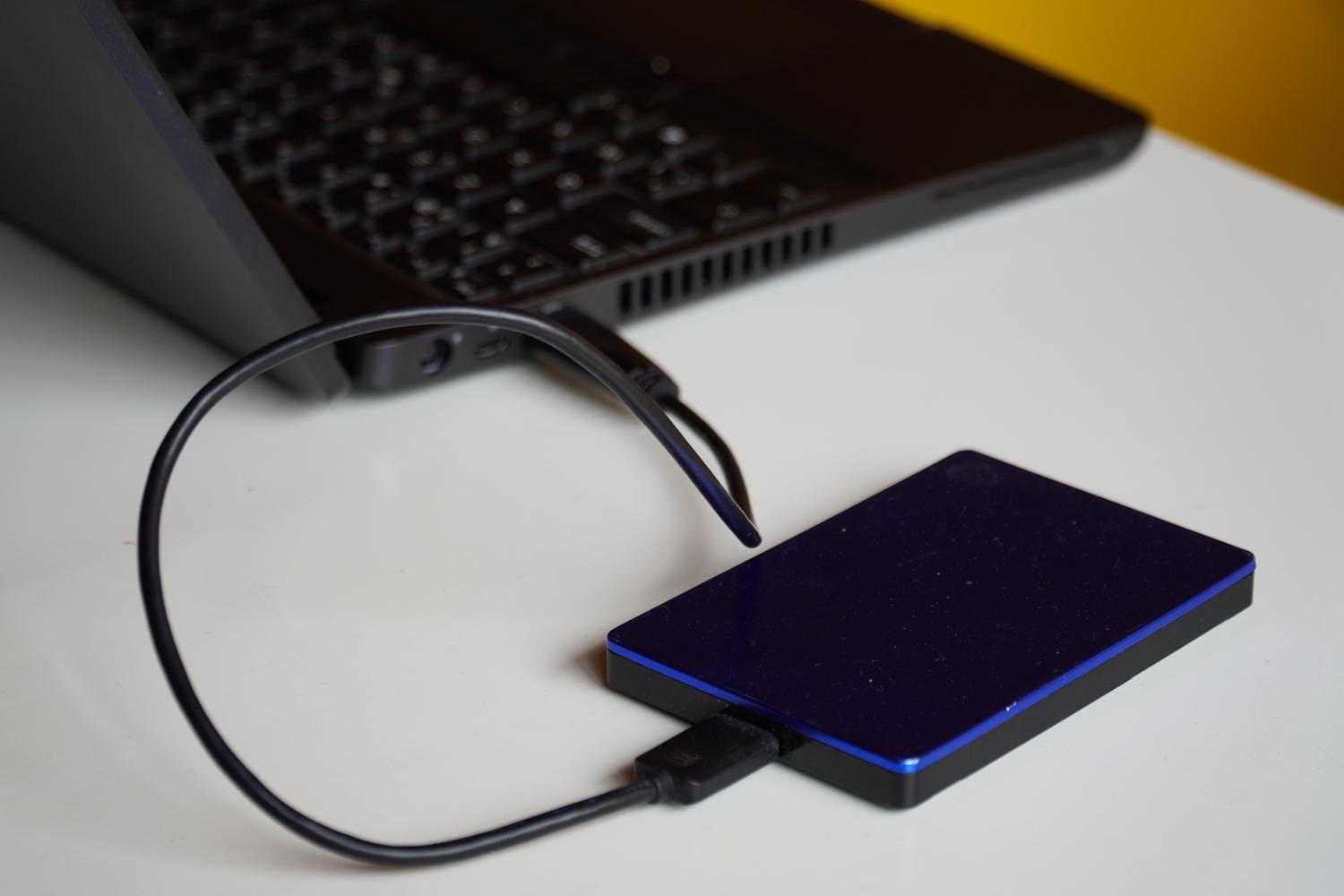
- Incomplete backup: If the photo was never uploaded to Ente, look in your mobile's gallery and trash, in Google Photos or iCloud Photos if you used them, and in your computer backups or external hard drive.
If you emptied Entity's recycle bin, you permanently deleted the file or More than 30 days have passed since its removalEnte indicates that it can no longer restore it from its service. At that point, the realistic option is to locate a standalone copyInstalling apps that promise to recover photos from the cloud does not undo a permanent deletion from your account.
How to avoid another photo loss
After recovering the images, check that important folders on your phone are included in the Ente backup and that the upload is complete before deleting local files. To free up space, use Ente's dedicated function and Please verify that the photos appear in your library..
Finally, keep an additional copy of irreplaceable images on a computer or external drive. Ente's recycle bin is useful for undoing a recent deletion, but It does not replace a separate backup when the recovery period is exceeded.

Index
- 1 First, find out where the photos were deleted.
- 2 How to restore photos from the Ente Photos recycle bin
- 3 On Android, also check the "Device" trash can.
- 4 The photo isn't on your phone, but it is on Ente: how to download it
- 5 What to check if the photo doesn't appear in any trash can
- 6 How to avoid another photo loss