"I see a Binance withdrawal I didn't make." Detecting an unauthorized withdrawal from your Binance account can make anyone nervous. If you find yourself in this situation, it's advisable to Do a quick check and, if necessary, report it to supportIn this entry we clearly indicate the steps to follow.
"I see a Binance withdrawal I didn't make": What to check?
Binance is by far one of the most robust, stable, and secure cryptocurrency exchanges in the world. But that doesn't mean it's invulnerable or that the assets held on it are safe. Unauthorized mass withdrawals (like the one reported by the platform on October 29, 2026) can occur. thefts from individual accounts with few security measures.
Speaking of the latter, you may have logged into your account and, to your surprise, thought, "I see a Binance withdrawal I didn't make." Regardless of the amount of money involved, knowing your account has been compromised sets off alarm bells. But before you panic, it's worth taking a few precautions. Do a couple of quick checks with a cool head.
The first thing to do is The goal is to verify that it is not a false positive.There's a real possibility that what you're seeing isn't theft, but a technical misunderstanding or a legitimate transaction you forgot about. So, before contacting support, start by carefully reviewing your transaction history.
When doing so, it's important to keep in mind that Binance distinguishes between withdrawals, internal transfers, and trading transactions. Therefore, a movement between your Spot account and your Futures wallet may sometimes appear in the overall transaction history and It is confused with an outflow of fundsThe same applies to a subscription to an Earn product or any other internal transaction.
Also check if you have executed limit orders or if any trading bot (if you use API) has traded on your behalfIf you shared your API keys with a third-party service, that service may have transferred funds. Therefore, it's also a good idea to review the "API Management" section and immediately delete any keys you don't recognize.
Step 1: Freeze access and secure the account
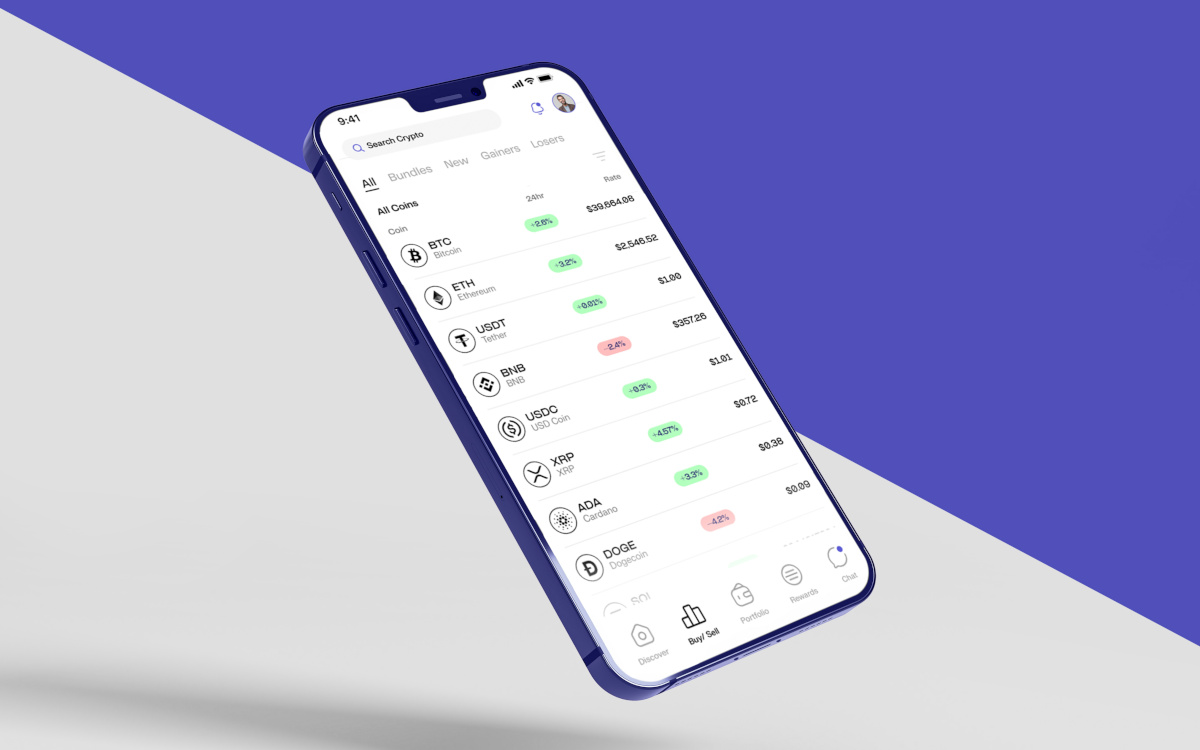
After confirming the "I see a Binance withdrawal I didn't make" problem, the first step is to close the door the attacker left open. To do this, cChange your Binance password immediatelyTo access your Binance account: Go to Binance, tap your profile picture, tap it again, and then go to Security. Next, tap Password, accept the terms, and follow the steps to change it.
In the same section on security, Enable two-factor authentication (2FA) Using an authenticator app. Binance recommends enabling at least two methods, so additionally select one of the following: Access Key, Email and Password, or enable all of them. This is essential to protect your account from future attacks.
Something else that is convenient Checking are the devices with active sessions Go to Security – Devices. From there you can see which devices and locations have accessed your account. Close all sessions except your current one and revoke access for any unknown devices. With that vulnerability closed, let's see what else to do in the emergency of "I see a Binance withdrawal I didn't make."
Step 2: “I see a Binance withdrawal I didn’t make” – Document the evidence and report it to Binance
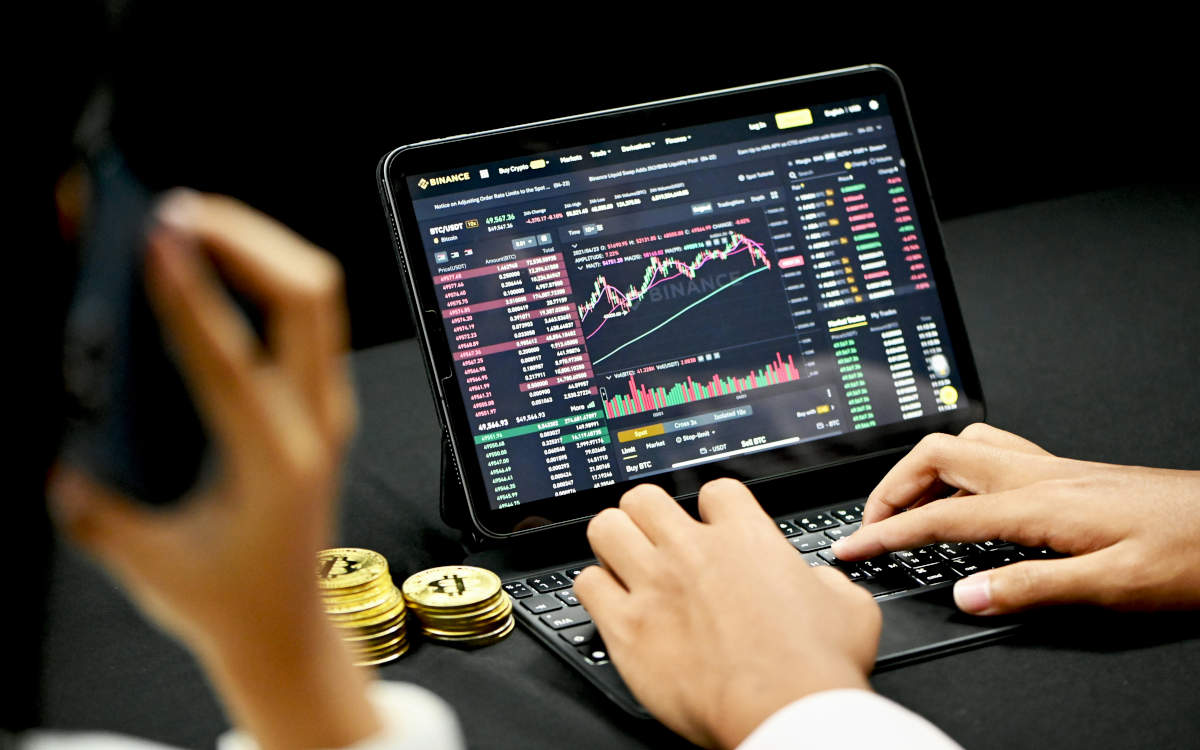
After securing your account, the second step is to report the problem to Binance Support. To do this, do not use social media, but the platform's official channelBinance has a specific workflow for disputes over unrecognized withdrawals, although much of the official documentation focuses on unreceived fiat withdrawals.
However, for unauthorized crypto withdrawals, the process is similar in terms of the need to provide evidence. So, start by gather the following information Before submitting the claim form:
- El Transaction ID (TxID) of the unauthorized withdrawal. You can find it in the withdrawal history (Tap on Assets and then on the History button in the upper right. Filter by transaction type).
- Screenshots of the withdrawal clearly showing the date, time, amount, and destination address.
- Screenshots of login history showing logins from locations or devices you don't recognize.
- Any email or notification you received about the withdrawal (this helps determine if the attacker changed your email or if you received the alert).

"I see a Binance withdrawal I didn't make, how do I report it? Notifying Binance Support is easy: log in to your account and tap the icon." earphones (headphones) next to your profile picture. To report an unauthorized withdrawal directly, tap More tools and select Report a scam (not related to P2P).
Next, the chat with Support will open: Read the automated messages carefully and follow the instructions they give you.When reporting, be clear and concise: "I see a Binance withdrawal on my account that I did not make. I have changed my password and revoked sessions. I request that the account be frozen and the transaction with TxID (number) be reviewed."
Step 3: Analyze the destination address and recognize how you were hacked

While you wait for a support response, you can do your own research. For example, Copy the withdrawal destination address and search for it in a block explorer. (Blockchain Explorer) as Etherscan, BscScan o TronscanDepending on the network. What could you discover?
If the address has a transaction history with other victims or is linked to malicious contracts, it's a hack. If, on the other hand, It's a "clean" direction. The wallet that just received your funds could belong to an attacker who plans to move them soon. This information can help the support team trace the flow of funds.
And now it's time to answer the first question that came to mind: How were you hacked? The most common methods are phishing, malware such as a keylogger, or the leaking of an API key. Check if you recently clicked on any suspicious links in an email or direct message. You may find it helpful to look at the entry A complete guide to digital hygiene: the best habits to avoid getting hacked.
In short: when faced with the problem "I see a Binance withdrawal that I didn't make," don't panic, but don't waste a second either. Change passwords, revoke sessions, document everything, and report to SupportThe window of opportunity to recover the funds is narrow, but speed is your best ally.

From a young age, I've been fascinated by all things scientific and technological, especially those advancements that make our lives easier and more enjoyable. I love staying up-to-date on the latest news and trends, and sharing my experiences, opinions, and tips about the devices and gadgets I use. This led me to become a web writer a little over five years ago, focusing primarily on Android devices and Windows operating systems. I've learned to explain complex concepts in simple terms so my readers can easily understand them.