
Have you ever forgotten to silence your phone before arriving at work? If you were in an important meeting and your phone rang, you surely understand how awkward that is. Fortunately, technology now allows us to automate this process completely. In this guide, we'll see how. How to put your phone on silent when you arrive at work using Samsung Modes and Routines.
How to silence your phone when you arrive at work using Modes and Routines

Automatically silence your phone when you arrive at work This is possible thanks to tools like Modes and Routines from Samsung. It's the same tool used for automatically activate cinema mode when you go to a movie theater or watch a movie using a streaming app at home.
To silence your mobile phone when you arrive at work, you have two options: Use your work location or the office Wi-Fi networkFirst, let's see step by step how to create the routine in just a couple of minutes. Then, we'll explain how to sync your smartwatch so it silences at the same time as your phone.
Step 1: Create the routine
The first thing you need to do to put your phone on silent when you arrive at work is create the routineTo do this, follow these steps:
- Enter the Settings from your mobile phone.
- See Samsung Modes and Routines (in some customization layers it may appear only as "Routines" or "Modes").
- Next, tap the icon of «+», which is usually at the top right, to create a new routine.
Step 2: Establish the condition (If)
At this point you will have to define what needs to happen for the mobile phone to silenceThis is where you can choose whether you want it to activate when it detects your work location or the Wi-Fi network. First, tap on "Add that he will start this routine"Then, select one of these options:
- Via Wi-Fi: Choose Wi-Fi Network – Connected – Select your work Wi-Fi network. (This is the best option for saving battery and because it doesn't require keeping the GPS on all the time).
- By location: Choose Location – Select your work address on the map and define the radius (for example, 100 meters) – Select "When I arrive".
Step 3: Establish the action (Then)
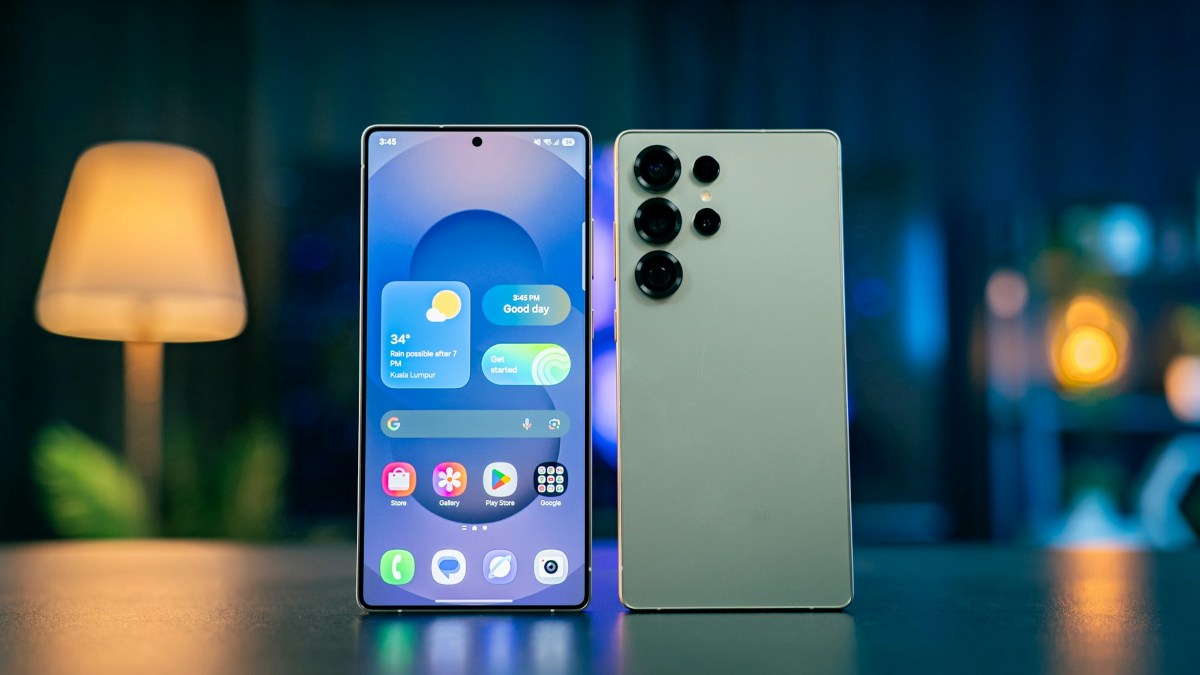
Next, it's time to set the action: silence your phone when you arrive at work. In other words, here's what you need to do. define what the phone will do when the above condition is met, Whether it's being at your work location or detecting your Wi-Fi network, tap on "Add that he will do this routine" and do the following:
- Enter the category Sounds and vibration.
- Select Sound mode and volume.
- Change state to Silence or Vibration, if you don't want to miss urgent calls.
- Tap on Keep.
When you save it, you can give the routine a name, such as "Quiet at Work," choose an icon or color you like, and tap Done. The great thing about these routines created with Samsung Modes and Routines is that they are reversible. That is, When you leave work, the phone will automatically return to sound mode. that you had before you arrived.
Sync your watch so it silences too
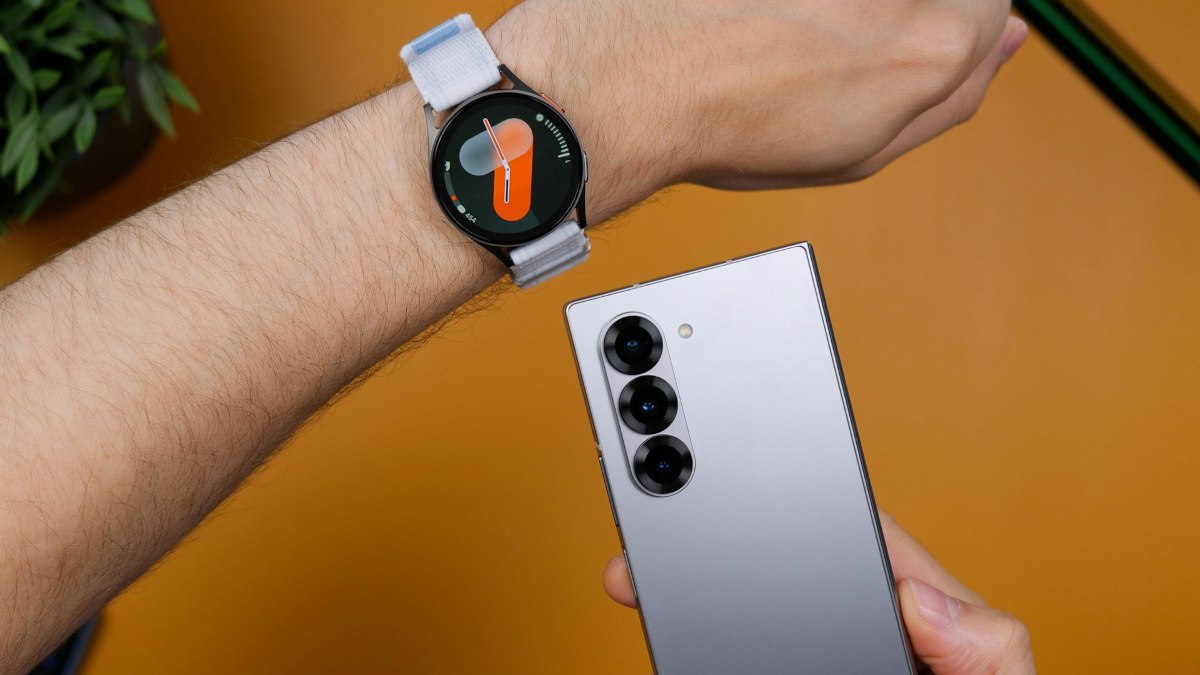
In addition to putting your phone on silent when you arrive at work with Modes and Routines, you can Sync your Galaxy Watch to do the same thanks to the app Samsung WearableBy default, the watch rings and vibrates to alert you to calls, messages, and notifications. So, simply silencing your phone isn't enough; it's also a good idea to avoid distractions from your watch.
When both devices are synced, if you put your phone on silent when you arrive at work, the watch will also do so. So, you don't have to do anything when you get to the office. Verify that state synchronization is enabled by doing the following:
- On your mobile go Settings – Modes and routines.
- Tap the three-dot menu (top right) and enter Settings.
- Make sure the option Sync modes with the clock this activated.
Done! By doing this, the second your phone detects the Wi-Fi or your work location and goes on silent, Your watch will also stop ringing immediately..
Advantages of putting your phone on silent when you arrive at work with Modes and Routines
Automating the silencing of your phone when you arrive at the office goes far beyond avoiding awkward glances. In fact, integrating this routine into your daily life yields key benefits for your productivity and well-being at work. Here are some of them. Advantages of automatically putting your mobile phone on silent when you arrive at work:
- Increase your productivity: By eliminating the sound of secondary notifications, you reduce the temptation to constantly check your screen. This allows you to focus more on your work and complete it in less time.
- Avoid awkward oversights: It's normal to sometimes forget to silence your phone during an important meeting. By automating this routine, you avoid this mistake altogether; you no longer have to rely solely on your memory.
- A calmer work environment: In a work environment, it's not advisable to receive constant sounds like WhatsApp notifications, emails, or social media, as this increases stress. Instead, a more relaxed work environment is preferable.
- Respect your colleagues: In shared or open-plan office spaces, the noise from devices is very distracting. By automatically silencing your phone, you demonstrate professional courtesy.
- Automated shutdown: The great thing about Samsung's Modes and Routines is that they're reversible. Simply leave your workspace or disconnect from your Wi-Fi network and your phone will automatically return to its normal volume. This prevents you from missing important calls because you forgot to turn the sound back on.
In conclusion, automatically silencing your phone when you arrive at work increases your productivity, avoids annoying noises, and fosters a more respectful work environment. If you do this, You can forget about making this adjustment daily and guarantee complete noise isolation. digital to focus on what matters most.
