- The blank page skip function analyzes the content in real time to discard blank pages in duplex mode.
- It is possible to adjust the sensitivity tolerance and paper color to prevent pages with faint content from being deleted.
- The configuration can be done from the computer software or through the printer's embedded web server.

Digitizing documents is a daily task these days, but sometimes we encounter the annoyance that, when using the double-sided function, the final file is filled with blank pages that serve no purpose. This happens especially when we mix single-sided printed sheets with others that have content on both sides, causing the scanner to systematically capture the blank reverse side.
To avoid having to manually clean the document once it's saved, most modern multifunction printers include tools for detect and jump automatically Those pages without content. In this article, we'll see how to configure these options, from software settings to control panel tricks, so your scans are flawless and professional.
How blank page skipping works
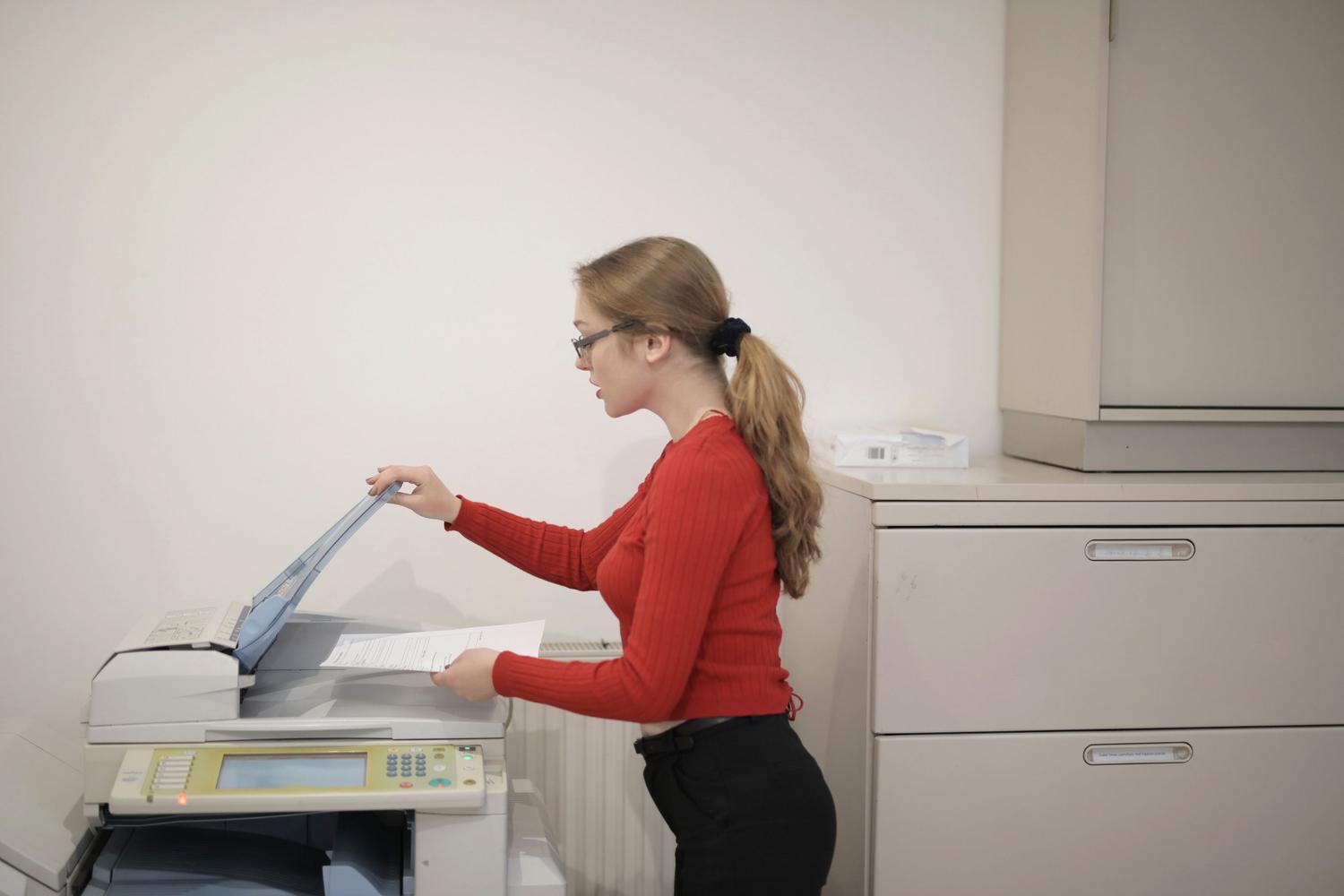
The "skip blank originals" function is a lifesaver when working with an automatic document feeder (ADF). Its purpose is to analyze the image in real time and, if it determines that the paper contains no relevant information, remove the page from the workflow before generating the PDF or JPG file.
Depending on your device model, you can adjust the sensitivity of this process. There is a elimination tolerance which allows you to decide how "empty" the sheet needs to be to be discarded; this is essential if the paper has stains, digital noise, or a color slightly different from pure white.
- Color filter: Some machines allow you to choose whether to skip all blank pages regardless of the paper color or only omit those that are strictly white.
- Destination limitations: Please note that on certain devices, this function is not available if the final destination is a fax or an internal email mailbox.
Duplex scanning settings
To take advantage of the elimination of blank sheets, we must first have duplex mode properly configured. This system allows capturing both sides of a sheet of paper in a single pass, provided the scanner has a automatic feeder with duplex capability.
To set it up, you'll usually need to access your printer management software (such as HP Smart or the Lexmark and Ricoh control panel) and check the box for double-sided or duplex scanningOnce activated, you can choose whether the paper is rotated by the long edge or the short edge, depending on how your original document is oriented.
Advanced settings for the Web Server and Professional Printers

In office environments, many printers are managed through a Embedded Web Server (EWS)From here, an administrator can define global rules so that all users have blank page cleanup enabled by default.
Within the digitization settings menu, you can find critical options such as the background removal and the sharpness adjustment. These tools help the scanner's sensor better distinguish between a truly blank page and one that has, for example, a very faint stamp or a watermark that we want to keep.
Management of complex originals and batches

Sometimes we're not just concerned with the white balance, but also how to handle non-standard documents. If you're digitizing a book or magazine, there are options for divide an open original, treating the left and right pages as separate sheets.
Additionally, if you have a mountain of papers that won't fit in the ADF, you can use the function of Job Build or construction workThis allows scanning multiple batches of sheets and the machine to group them all into a single final file, even allowing combining pages passed through the feeder with others placed manually on the platen glass.
Tips for optimizing scan quality
To ensure that blank page detection doesn't fail and doesn't delete important content, it's recommended to check the scan resolution. A value of 300 dpi is the ideal standard to balance file size and content analysis accuracy.
If you notice that the scanner isn't detecting the vacuum correctly, try adjusting the intensity or contrastA more aggressive contrast will make the small dust motes disappear, making it easier for the software to identify the page as "blank" and proceed to skip it correctly.
Having a system that manages duplex scanning and filtering of blank pages drastically optimizes office time, reduces resource consumption, and avoids the tedious post-processing of PDFs. The key lies in adjusting the sensor tolerance and correctly configuring the feeding mode according to the type of original being processed.
Frequently Asked Questions
Why doesn't my scanner skip blank pages?
This may be because the deletion tolerance is very low or because the file destination, such as fax, does not support this function.
What is blank page deletion tolerance?
It is a sensitivity setting that defines how much content must be on the sheet so that the scanner does not consider it empty.
Can I erase blank pages if I scan manually on the glass?
Generally, automatic skip works with the ADF feeder; on the glass, page selection must be managed manually.
How to prevent pages with faint stamps from being erased?
The sensitivity of the white removal must be reduced or the contrast adjusted so that the sensor detects those marks as content.
What is the difference between long and short edge in duplex scanning?
This refers to the direction in which the printer rotates the sheet to scan the reverse side, affecting the final orientation of the document.
Can I group multiple scans into a single file if the feeder is small?
Yes, by using the Job Build function, which allows you to add batches of pages to the same document.
Index
