- Difference between the personal preview and the image received by other participants.
- Steps to disable horizontal mirroring in the application's video settings.
- Importance of keeping system drivers updated to avoid image failures.

I'm sure it's happened to you before: you're in the middle of a work video call or teaching an online class and, when you pick up a piece of paper or write on the whiteboard, you notice that The entire text appears reversed.This feeling can be desperate, especially when you try to explain something specific and feel like the world is upside down, generating considerable mental confusion while you try to read what you yourself have written.
The first thing you should know is that this phenomenon is very common and, in the vast majority of cases, it is not a system error, but a default display settingsMicrosoft Teams applies a mirror effect to make you feel more comfortable, as if you were looking at yourself in the bathroom mirror, although this can be a nuisance when visual content is the most important part of the session.
Do others really see my image reversed?
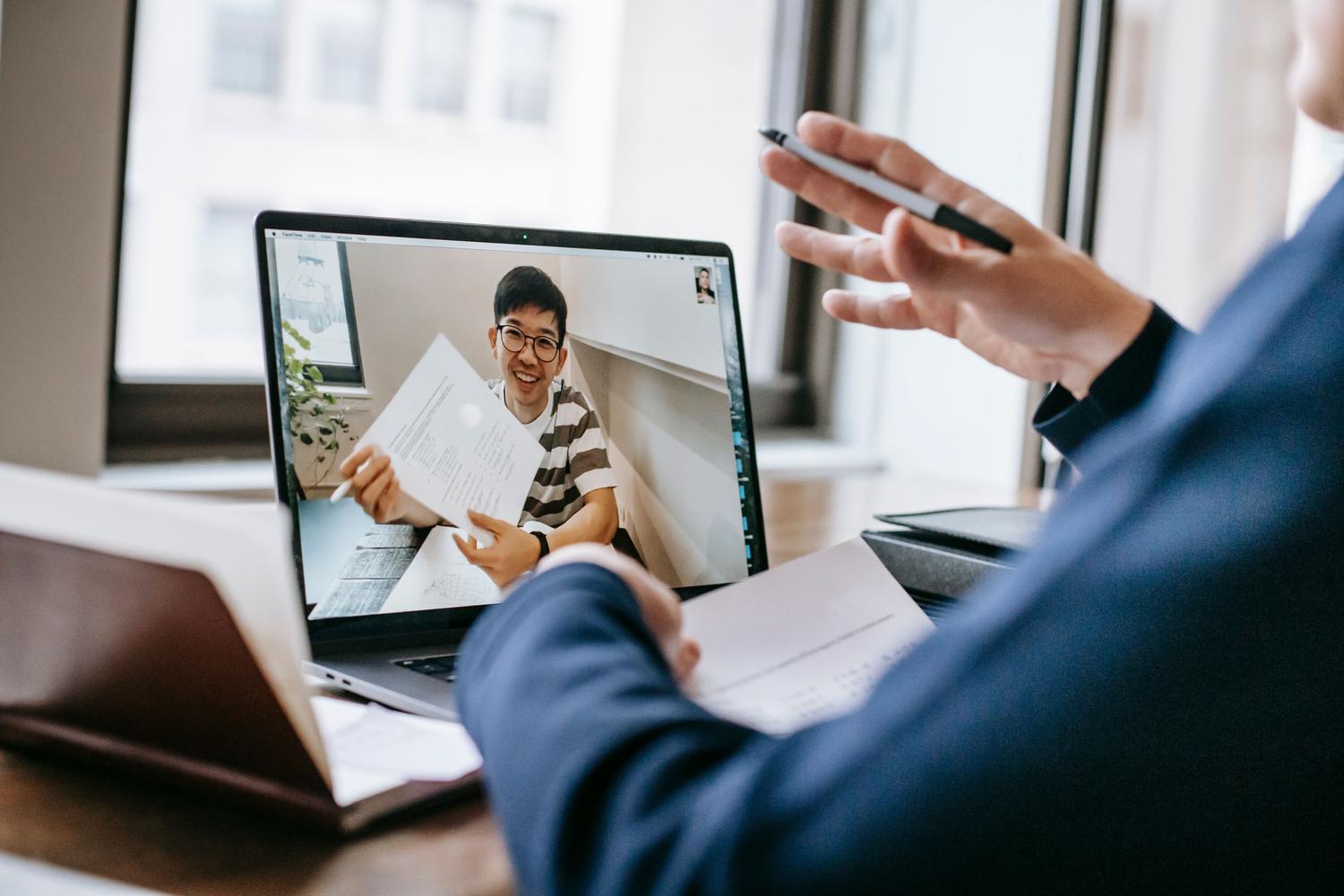
This is the question that generates the most discussion in support forums. The short answer is that, by default, The mirror effect only affects youWhile you see yourself reflected on your own screen, the rest of the meeting attendees receive the video signal correctly. This means that if you show a physical book or presentation, Your students or colleagues will be able to read the text without having to do mental acrobatics.
Even so, it's perfectly understandable that this might be uncomfortable for the presenter, since to read the text correctly you need to look directly at the paper and not the screen. Furthermore, some people notice that their face looks slightly different or asymmetrical due to this reflection, which can lead to... a certain insecurity about one's own image during the call.
How to remove mirror mode in Teams
If you can't stand seeing yourself reversed and prefer your preview to exactly match what others see, Microsoft has added a solution. To stop seeing yourself in a mirror, follow these steps once you're in the meeting:
- Look for the three menu items that appear next to the camera icon.
- Access the section of Device setup.
- Within the video options, locate and activate the switch called Reflect my video.
By checking this box, the image will flip and you'll see the text in the correct position, eliminating that feeling of disorientation. It's an essential tool for those who work in educational or training environments where the use of whiteboards is constant.
Use of certified hardware and optimization
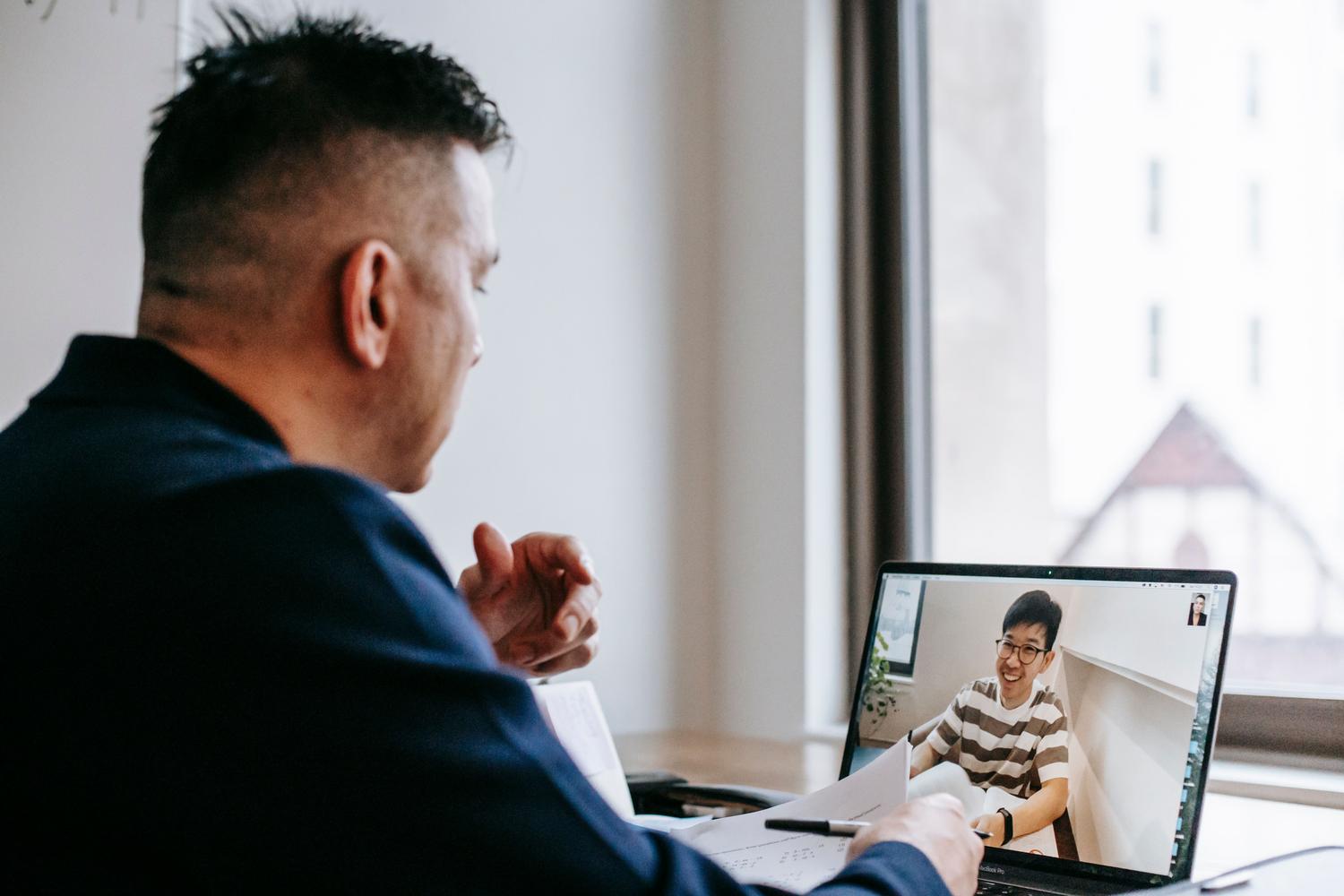
For those seeking the highest quality, there are peripherals such as the Microsoft Modern Webcamwhich is specifically certified for Teams. These devices are installed simply by connecting them via USB to Windows 10 or 11 and offer a crisp image. To get the most out of them, it is recommended to install the application. Microsoft Accessories Centerwhere you can even manage the integrated microphone, although the latter is usually disabled by default so as not to interfere with the certification of the equipment.
In terms of mounting, these cameras offer great versatility, as they can be placed on top of the monitor, resting on the table or using an external tripod. If you notice that the image continues to have problems or that the software is not responding as it should, it is vital to check that the drivers and the operating system They must be fully updated, as outdated versions often lack critical video management features.
Alternatives and technical support
If you're using a generic external camera and notice that the mirror effect persists or that the Windows Camera app doesn't allow you to flip the image, you may need to resort to third-party software that manages the video signal before it reaches Teams. If the problem persists and you believe it's a flaw in the tool, the most effective solution is to submit a report through the application. Microsoft Feedback Hubso that developers can analyze the case and release an improvement in future updates.
Having control over how we appear on screen is key to avoiding distractions. While the system protects viewers' reading, the user can adjust your own view From the Devices menu, or ensure your hardware is optimized through the Accessories Center and Windows updates to guarantee smooth communication and no visual confusion.
Frequently Asked Questions
Do the participants in my meeting see the text upside down?
No, the mirror effect is only for the person broadcasting the video. Other viewers see the image in the correct orientation and can read any text without problems.
How can I stop being invested in Microsoft Teams?
You must enter the meeting, press the three menu dots, go to Device Settings and activate the Mirror my video option in the video section.
Why does Microsoft Teams show my camera in mirror mode?
This is done to give the user a more natural experience, similar to looking in a mirror, avoiding the feeling of disorientation when moving in front of the camera.
What should I do if my external camera keeps showing the image upside down?
It is recommended to verify that your PC drivers and operating system are up to date. If the problem persists, you may need to use external video management software.
Does Microsoft's modern webcam fix the mirror effect?
This device offers high quality and full compatibility, but the mirror effect is a Teams software feature that is managed from the application settings.
Where can I report to Microsoft if mirror mode is causing me problems?
The official way to send suggestions or report errors of this type is through the Microsoft Feedback Hub application.
Index
