- Hardware acceleration is essential to free the CPU from the burden of video decoding.
- Using specialized detectors like the Google Coral TPU almost completely eliminates processor stress during image analysis.
- Precise configuration of detection FPS and model resolution directly impacts system efficiency.
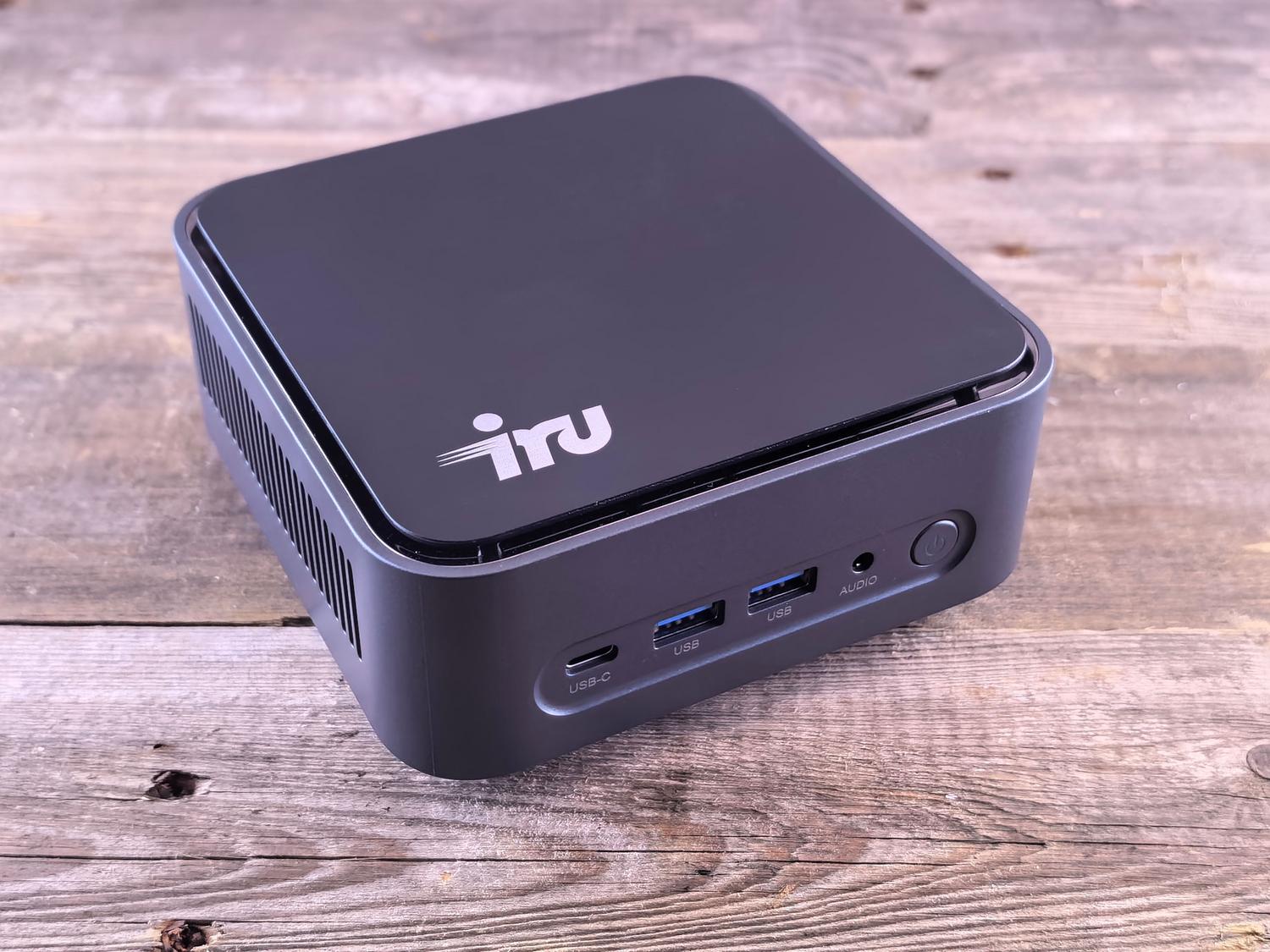
If you've set up Frigate in your home to monitor everything, you've probably been shocked when you looked at the resource monitor. Suddenly, the processor kicks in And your Mini PC's fan sounds like it's about to take off into the stratosphere. Don't worry, it's a super common problem, especially when using modest hardware like Intel Celeron processors or virtual machines in Proxmox. Install Frigate with Docker.
The key point is that Frigate does a phenomenal job: it has to decode video in real time, detect movement, and then analyze whether that movement is a cat, a car, or an intruder. If we don't give it a external hardware assistanceThe CPU does all the work and the system ends up crashing with lags and dangerous temperatures.

Understanding CPU Metrics in Frigate
Before touching anything, one thing needs to be clarified to avoid confusion: Frigate measures CPU usage differently than Windows or Docker. In Frigate, a value of 100% means that a single core is saturatedIf you have a quad-core processor and see an FFmpeg process at 100%, you're actually only using 25% of your machine's total capacity. Don't be alarmed if you see numbers higher than 200%.; it simply means that the process is distributing the load across multiple threads.
The fundamental pillar: Hardware Acceleration (hwaccel)
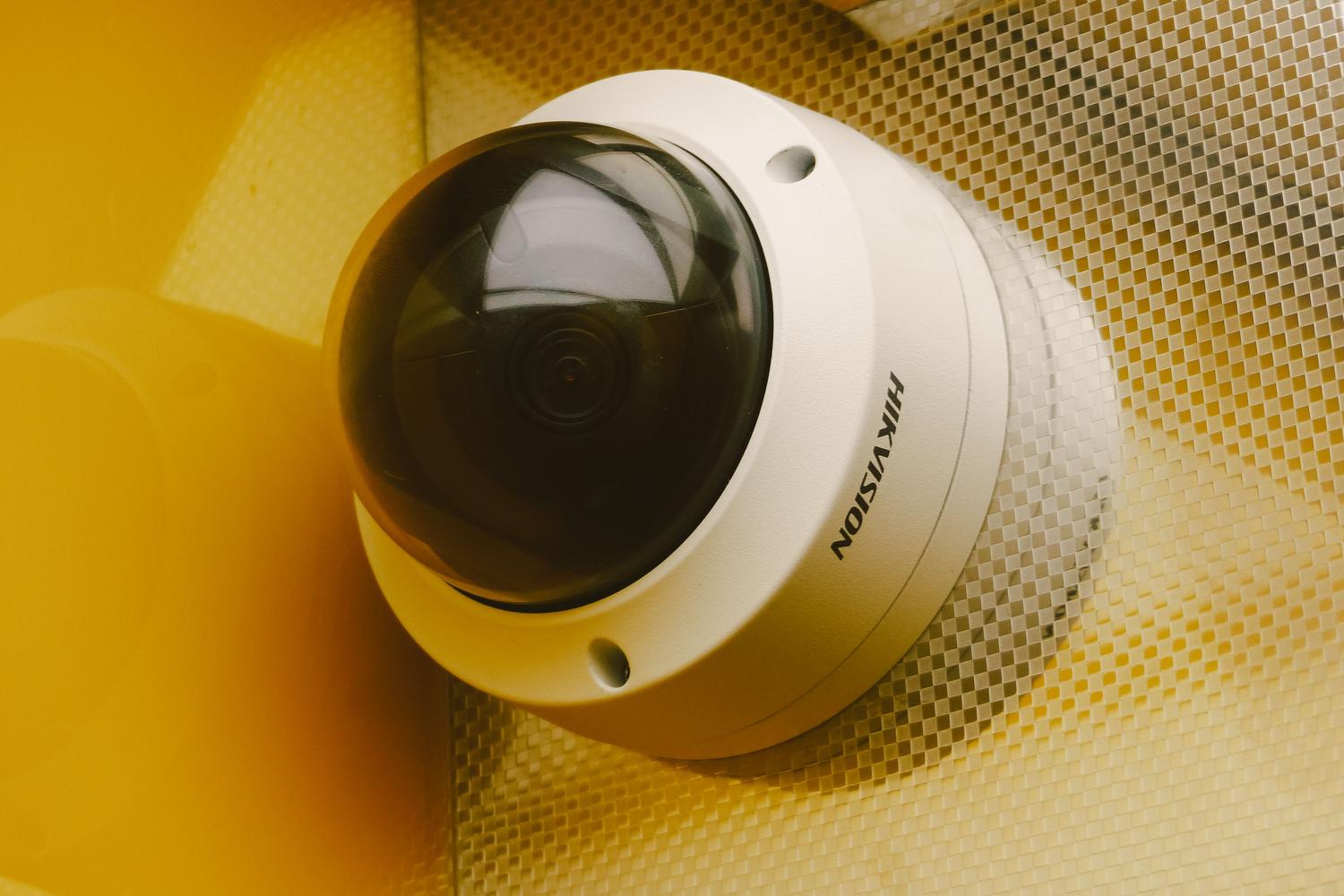
Decoding the video stream is the most demanding task for the processor. If you let the CPU do everything, you won't have any headroom for anything else. The solution is to enable the Hardware acceleration, which delegates this task to the integrated GPU (such as Intel QuickSync or VAAPI). The workload decreases dramaticallyallowing you to add more cameras without your PC overheating.

For this to work, you must configure the arguments of hwaccel_args in your configuration file. If you notice that the CPU usage is still high, check the FFmpeg logs to confirm there are no errors and make sure your camera streams are using H.264 or H.265 codecswhich are the standards compatible with most accelerators.
Detector Optimization and the Use of TPUs
Once the video is efficiently decoded, object analysis comes next. Doing this with CPU alone is, frankly, technical suicide. This is where the Google Coral TPUThis small device is a beast at analyzing images and can process around 100 fps, almost completely freeing up the CPU. If you don't have a Coral, options like OpenVINO for Intel They can help, although not to the same degree.
If you have to struggle with the CPU to detect, follow these tips to avoid overloading it:
- Lower detection FPS 5. You don't need to analyze 15 or 30 images per second to know that there is someone in the garden; 5 is more than enough.
- Use 320x320 modelsA 640x640 model processes four times as many pixels, which multiplies the processor's effort.
- Adjust the interval of stationary objects so that Frigate doesn't analyze every second a car that has been parked at the door for three hours.

General tips for improving system performance
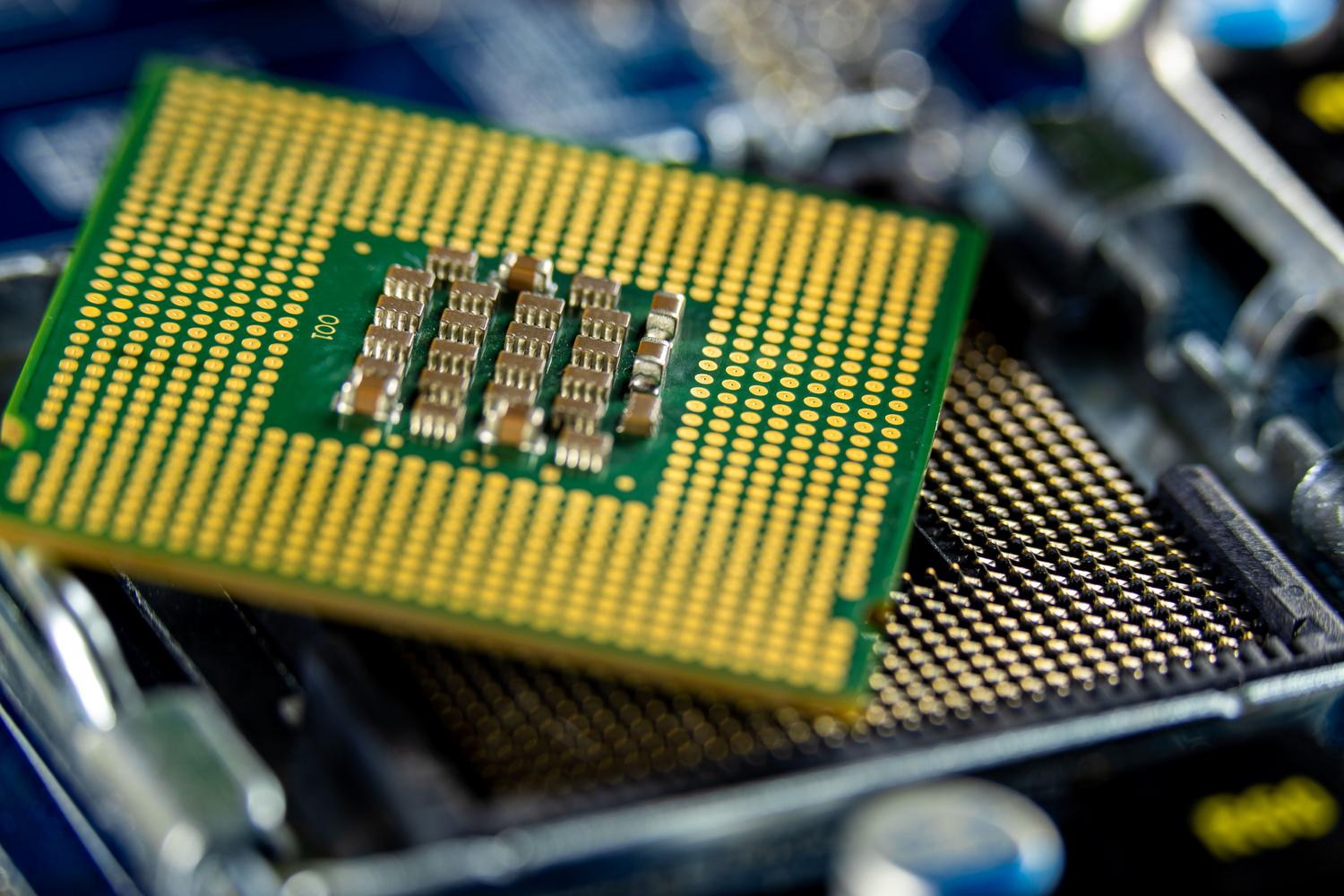
Sometimes the problem isn't just Frigate, but the environment where it lives. If you use Windows, Close background apps Disabling manufacturer bloatware helps free up clock cycles. Keep the Updated chipset and GPU drivers It prevents the processor from having to juggle to communicate with the hardware.
Don't neglect the physical aspect either. Overheating causes thermal throttlingThis is when the CPU reduces its speed to avoid overheating, causing tasks to take longer and increasing the CPU usage percentage. semi-annual dusting And changing the thermal paste can breathe new life into a Mini PC that's already feeling tired.
Recommended hardware for tight budgets
If you find your Celeron J4105 isn't powerful enough, you don't need to spend a fortune. Intel N100 or N150 It's a very efficient and economical option. If you prefer to go second-hand, look for a HP 800 G3 Mini With a sixth-generation i5, it's a masterstroke; you get a powerful machine for very little money. That said, whatever the PC, invest in a TPU USB It's the best decision you can make to ensure your surveillance system is smooth and professional.
Achieving a balance between resource consumption and detection accuracy involves combining hardware acceleration for video, using a TPU for artificial intelligence, and fine-tuning the model's FPS and resolution, always supported by clean and well-cooled hardware to prevent performance drops. Now you know everything about Frigate consuming too much CPU: how to reduce its power consumption.

Passionate about technology since he was little. I love being up to date in the sector and, above all, communicating it. That is why I have been dedicated to communication on technology and video game websites for many years. You can find me writing about Android, Windows, MacOS, iOS, Nintendo or any other related topic that comes to mind.