- USB PD 3.1 EPR allows a maximum of 240W.
- The maximum power is obtained using 48 V and 5 A.
- A USB-C connector does not guarantee a specific power, speed, or video output.
- Cables carrying more than 3 A must be electronically identified.

The USB-C connector has become the standard format for charging mobile phones, tablets, laptops, headphones, and numerous accessories. Its reversible and compact design makes it easy to use, but the presence of the same connector on two devices does not mean they both support the same functions.
Two seemingly identical cables can offer completely different power outputs, transfer speeds, and video capabilities. One might be limited to 60W and USB 2.0 speeds, while another could deliver up to 240W, transfer data at high speed, and carry a video signal.
For this reason, before buying a cable, it's advisable to check not only that its ends are USB-C, but also its maximum power, supported current, data rate, and USB Power Delivery compatibility.

USB-C is the connector, not the charging power
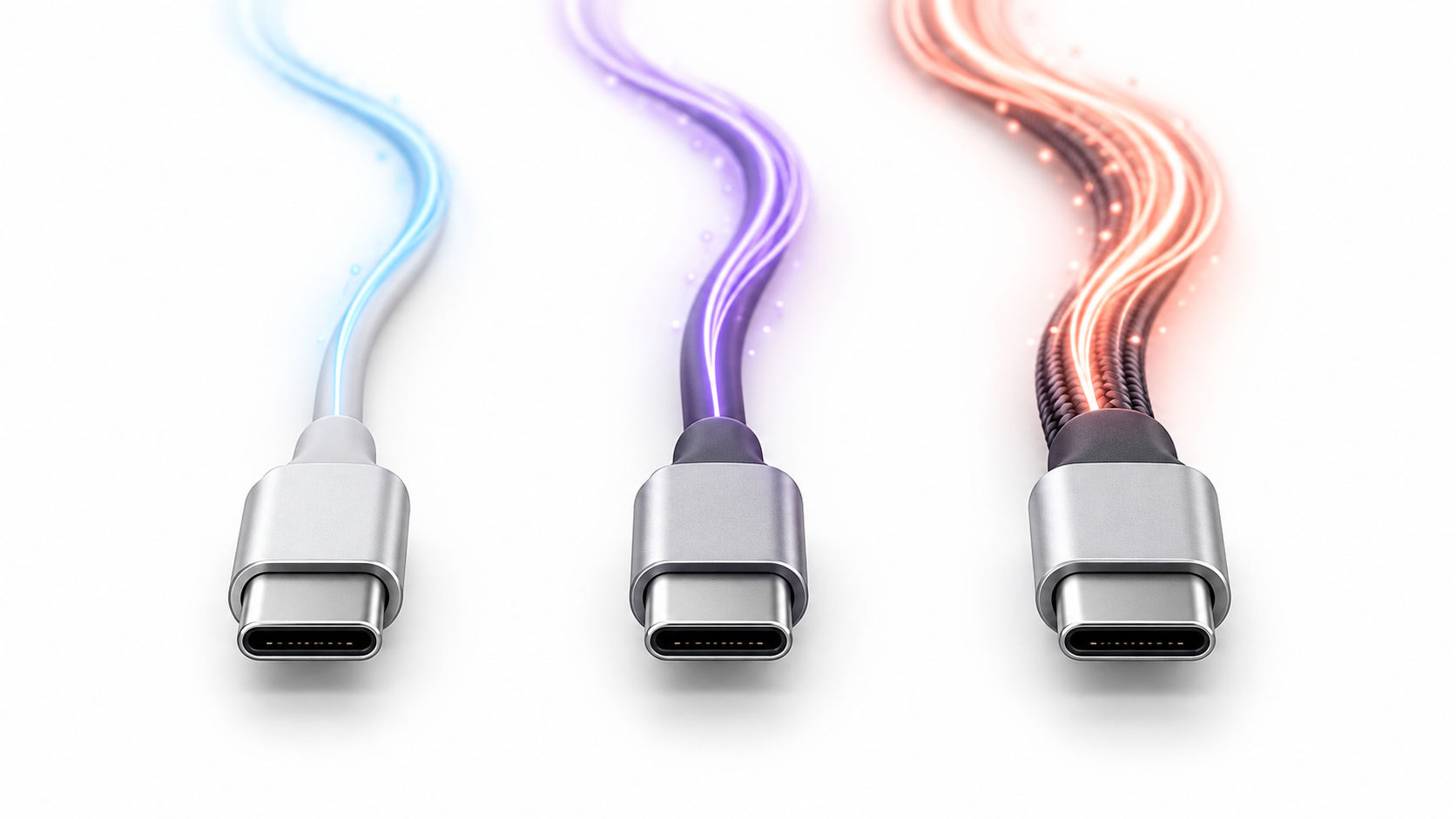
USB-C primarily defines the physical shape of the connector. It does not, by itself, indicate how much power the cable can carry or what transfer speed it offers.
Fast charging depends on protocols such as USB Power DeliveryData transfer can be performed using USB 2.0, USB 3.2, USB 4, or other specifications. Video output also requires that the port, device, and cable be compatible with the corresponding alternate mode.
This explains why a mobile phone can charge when connected to a computer's USB-C port, but not necessarily transmit video to a monitor. It's also possible to find cables capable of high-power charging that only transfer data at USB 2.0 speeds.
The jump to 240W with USB PD 3.1 EPR
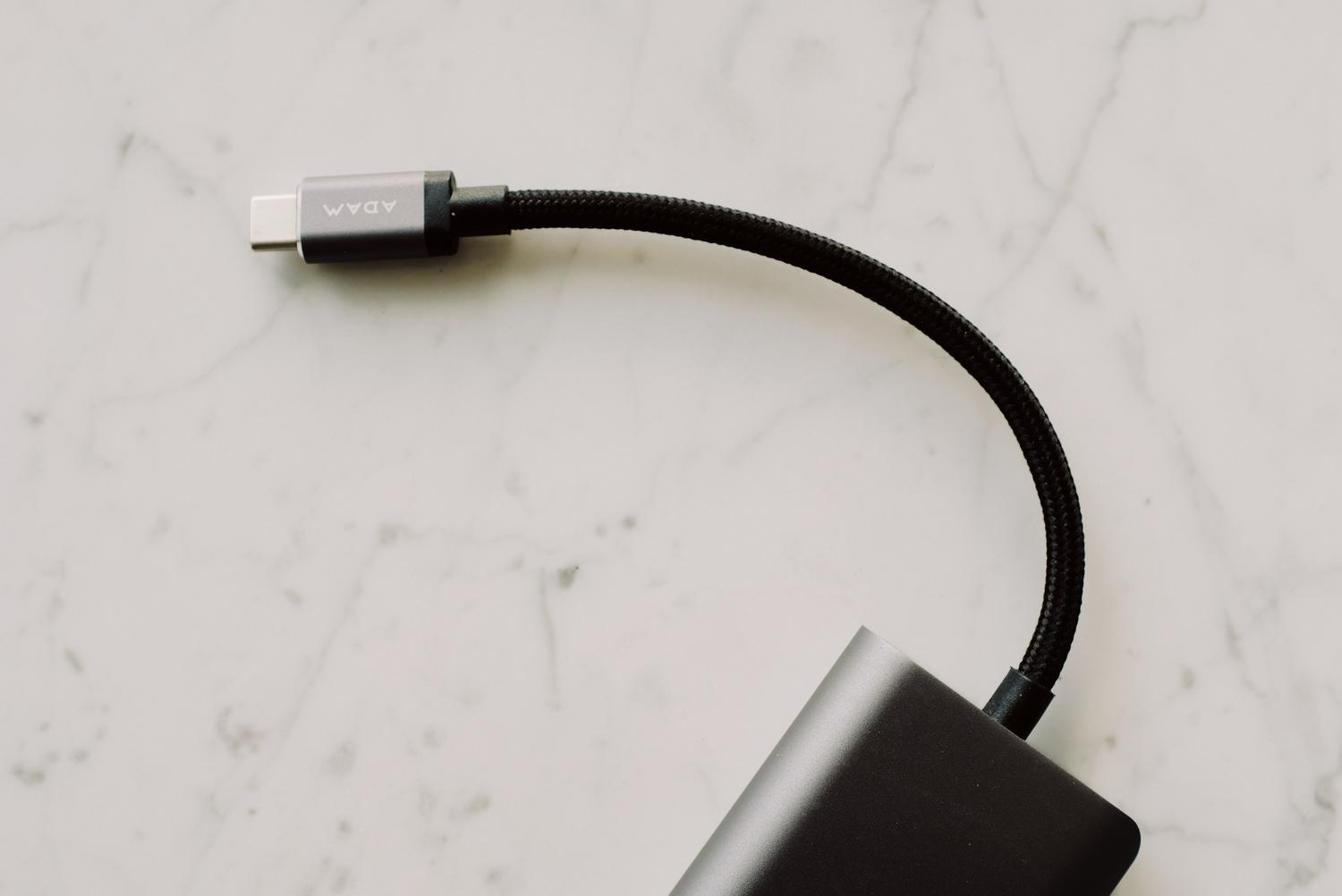
For years, USB Power Delivery was limited to a maximum of 100 W using 20 V and 5 AThis power was sufficient for mobile phones, tablets, monitors and many laptops, but it fell short for certain high-performance equipment.
USB PD 3.1 added the so-called Extended Power Range or EPRwhich increased the maximum power to 240 W. To achieve this, three new voltage levels were incorporated:
- 28 V and 5 A: up to 140 W.
- 36 V and 5 A: up to 180 W.
- 48 V and 5 A: up to 240 W.
There is also an adjustable voltage system that allows you to request compatible intermediate voltages. Negotiation is automatic, so the charger doesn't indiscriminately send 240W.
Reaching that figure requires that The charger, cable, port, and device must be compatible with USB PD 3.1 EPRIf one of these components can handle less power, the load will be limited to the common available level.
The 240W power output significantly expands the capabilities of USB-C, but it doesn't replace all proprietary chargers. Some gaming laptops and workstations require more power or lack an EPR-compatible port.

How USB Power Delivery Works

USB Power Delivery is the protocol responsible for negotiating power between the charger and the device. When the connection is established, both exchange information to determine the voltages and currents they can safely use.
The process begins with a safe power level. Then, the device requests one of the available profiles, and the charger confirms whether it can provide it. This allows a 100W charger to be used with headphones that only require a few watts without damaging them.
The most important revisions to the protocol are:
- USB PD 2.0: It consolidated the load profiles that allowed reaching up to 100 W.
- USB PD 3.0: It improved communication and incorporated PPS, which allows adjusting the voltage and current in small intervals.
- USB PD 3.1: It added the EPR range and raised the maximum to 240W.
The function PPS or Programmable Power Supply It allows for adapting the energy during charging. This can reduce conversion losses and better control the temperature, provided both the charger and the device are compatible.
Differences between 60, 100, and 240W USB-C cables
Not all USB-C cables carry the same current. It's still common to find three commercial categories on the market:
- 60W cables: They typically support up to 3 A. They are sufficient for mobile phones, tablets, and many lightweight computers.
- 100W cables: They support up to 5 A within the traditional USB PD range. They are still common, although they are not necessarily EPR compatible.
- 240W cables: They are designed for USB PD 3.1 EPR and support up to 48V and 5A.
In current USB-IF labeling, certified USB-C to USB-C cables must indicate a capacity of 60 W or 240 WTherefore, a certified 240W cable can also be used in 100W connections, provided the other components are compatible.
An old cable sold as 100W should not be automatically confused with a 240W cable. Although both can carry 5A, the EPR cable must meet additional requirements to work safely with higher voltages.
What is the E-Marker chip used for?
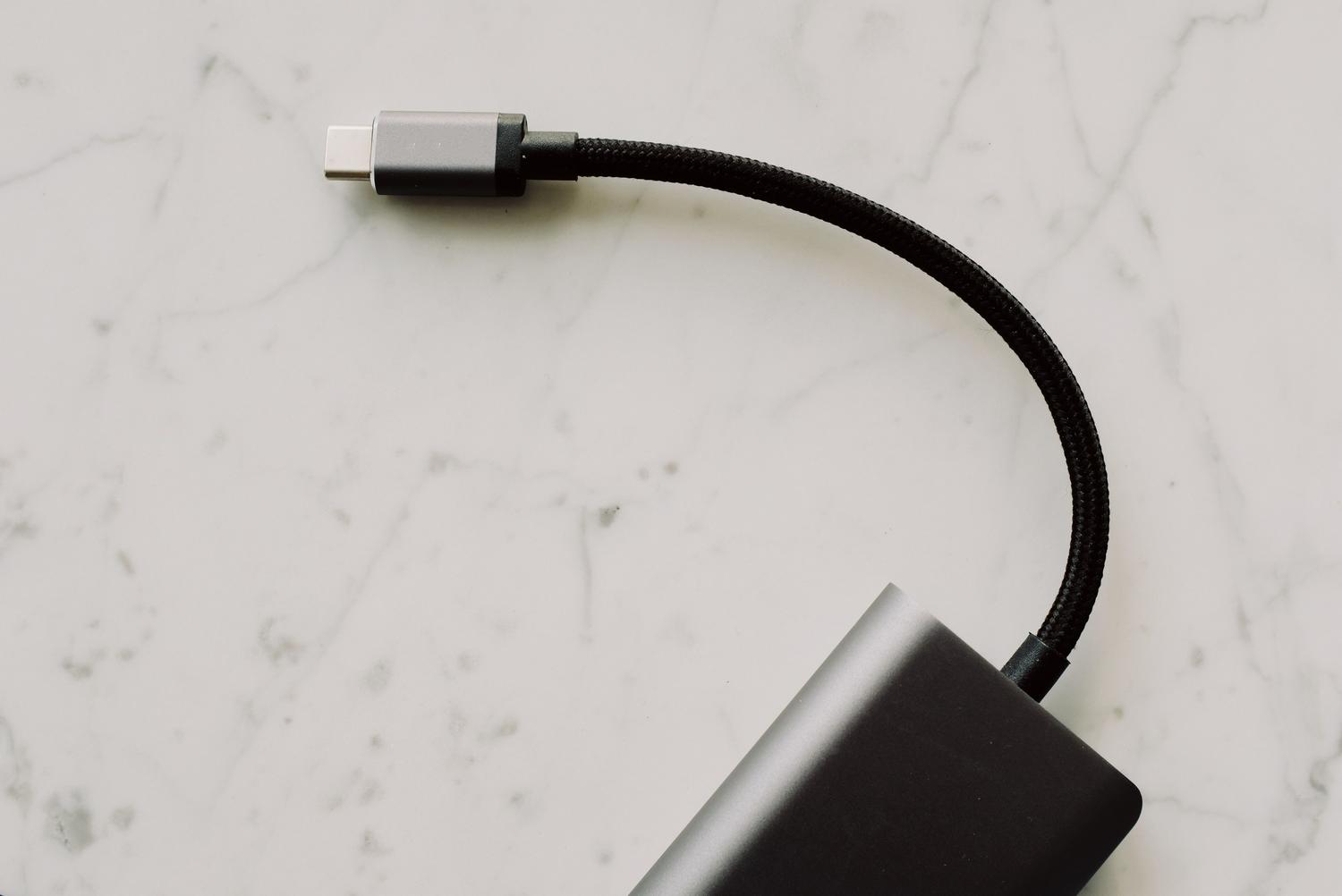
Cables that support more than 3 A must incorporate electronic identification by means of a E-Marker chipThis circuit stores information about the cable's capabilities and communicates it to the connected devices.
Among other data, it can identify:
- The maximum allowed current.
- EPR compatibility.
- Data transfer capabilities.
- Certain characteristics of the manufacturer and the cable.
The charger and device consult this information before authorizing higher power levels. If the cable is not identified as suitable for 5 A, the system must limit the current.
The E-Marker is an important safety measure, but its presence alone does not guarantee that a cable is of good quality. The thickness of the conductors, the insulation, the connectors, and actual compliance with specifications also play a role.
Therefore, it is advisable to choose certified cables or cables from reliable manufacturers, especially for charging laptops and other high-power equipment.

Charging power and data speed are not the same thing
One of the most common mistakes is assuming that a 240W cable will also be very fast at copying files. However, power and transfer speed are independent characteristics.
A cable can carry up to 240 W and is limited to the speed of USB 2.0, approximately 480 MbpsAnother cable may support speeds of tens of gigabits per second, but be limited to 60W.
When you need to use the same cable to charge, transfer files, and connect a display, check separately:
- The power indicated in watts.
- The speed is expressed in Mbps or Gbps.
- Compatibility with USB4, Thunderbolt or the corresponding standard.
- Support for DisplayPort Alt Mode or other video output.
A braided coating, a metal connector, or an especially thick cable can improve physical resistance, but they do not, on their own, demonstrate electrical or data performance.
What power do you need depending on the device?
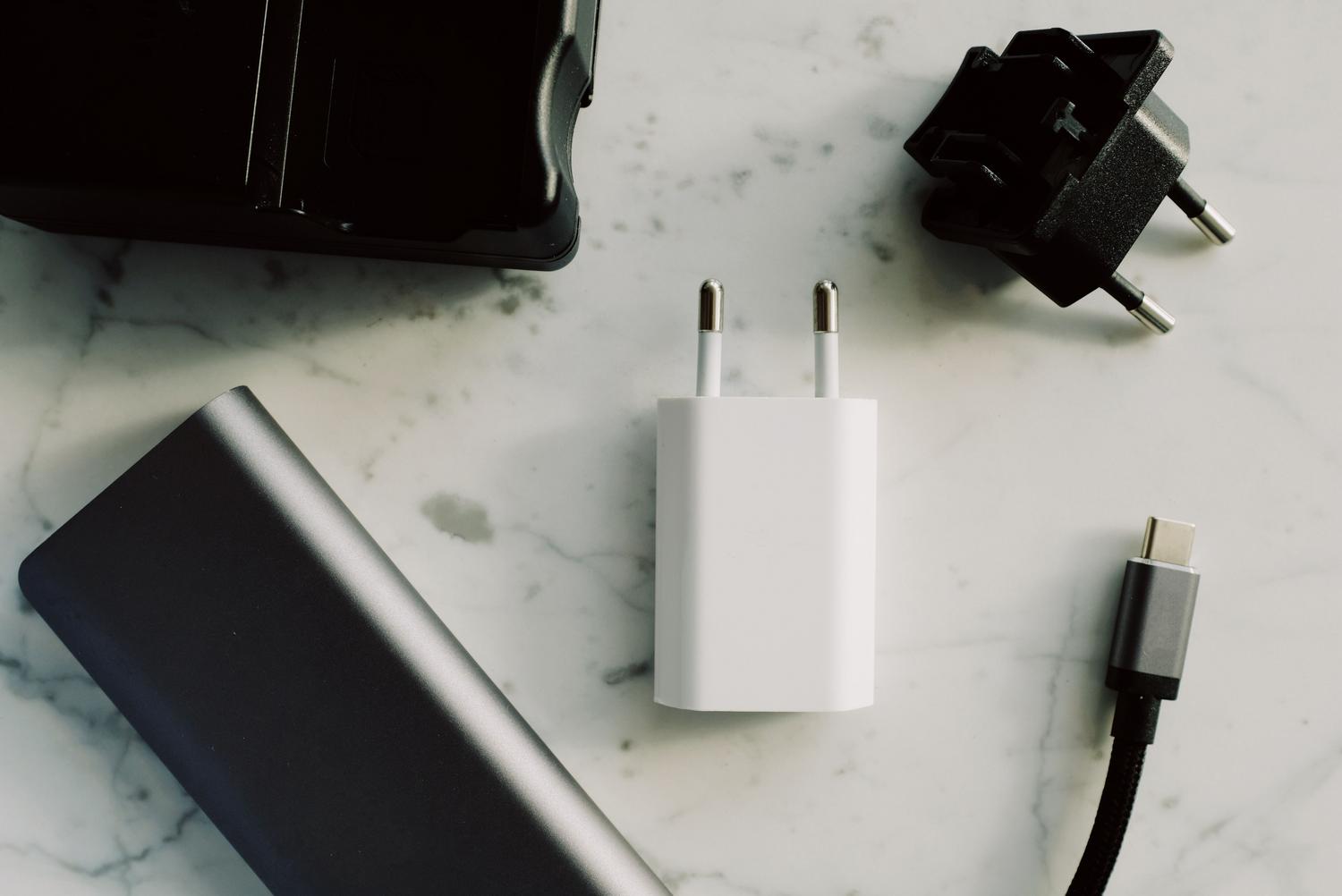
The appropriate power depends on the maximum power consumption allowed by each device. As a general guideline:
- Headphones and accessories: They usually need very few watts.
- Smartphones: They usually operate with power levels between 15 and 45 W, although some models support higher values through their own protocols.
- Tablets: They usually use between 20 and 65 W, depending on the model.
- Lightweight laptops: They usually need between 45 and 100 W.
- High-performance laptops: They may require between 100 and 240 W.
- Gaming laptops and workstations: Some can use EPR, while others need higher-power proprietary chargers.
These figures are for guidance only. To choose correctly, consult the input power indicated by the device manufacturer and check that the charger can supply it through the port you will be using.
You should also keep in mind that some manufacturers use their own fast charging systems. In those cases, achieving the advertised charging speed may require the original charger and cable, even if all components have USB-C connectors.
How to identify the power of a USB-C cable
The easiest way to check is to look for the power rating printed on the connector, the cable itself, or its packaging. Newer, certified products may include official logos of 60 W or 240 W.
Before buying, please check the following information:
- Maximum power in watts.
- Maximum current of 3 A or 5 A.
- USB PD 3.1 EPR compatibility, if you need more than 100W.
- Data transfer speed.
- Video compatibility, USB4 or Thunderbolt, when required.
- Cable length and available certifications.
If the cable has no markings and the manufacturer does not publish a clear technical data sheet, it is not recommended to use it to power high-power equipment.
A USB-C meter can display voltage, current, and power during charging, but it should be interpreted with caution. The result also depends on the charger, the device, and the battery level, so a low reading doesn't necessarily mean the cable is faulty.
What happens if you use a cable with higher or lower wattage?
Using a 240W cable with a phone that supports 20W is safe. The USB PD protocol negotiates power, and the phone only requests the power it can accept.
The problem arises when using a cable with a lower capacity than the charger and the device. For example, if you connect a 100W laptop with a cable limited to 60W, charging will be restricted. The device might charge slowly, stop charging while in use, or display a low battery warning.
The effective power is always determined by the least capable component of the connection:
Available power = lower limit between charger, port, cable and device.
A 240W charger will not be able to deliver more than 60W if the cable is limited to that amount. Similarly, a 240W cable will not increase the power output of a 30W charger.
The CC pins and the internal workings of USB-C
The USB-C connector has 24 contacts and uses the pins CC1 and CC2 such as configuration channels. These allow the detection of the cable connection and orientation, identification of which device is acting as a power source, and the announcement of certain basic current levels.
Once the connection is established, USB Power Delivery uses the active DC channel to exchange the necessary messages and negotiate higher power profiles.
Some devices incorporate ports with dual energy role or DRPThis means they can act as either a source or a receiver depending on the connection. For example, a laptop can receive power through one of its ports and supply it to a phone through another, provided its hardware and configuration allow it.
Not all USB-C ports on a computer necessarily have the same capabilities. A single laptop might have one port that supports charging and video, and another that is limited to data transfer. Therefore, it's important to check the symbols next to the connector or the manufacturer's documentation.
The maximum power currently supported by USB Power Delivery reaches 240 W via USB PD 3.1 EPRHowever, the shape of the connector is not enough to determine a cable's performance. To achieve the expected charging speed, the charger, cable, port, and device must all share a compatible profile.
Choosing a cable with the correct power rating, checking its data speed separately, and avoiding products without clear specifications allows you to charge devices more safely and truly take advantage of the possibilities of USB-C.
Index
- 1 USB-C is the connector, not the charging power
- 2 The jump to 240W with USB PD 3.1 EPR
- 3 How USB Power Delivery Works
- 4 Differences between 60, 100, and 240W USB-C cables
- 5 What is the E-Marker chip used for?
- 6 Charging power and data speed are not the same thing
- 7 What power do you need depending on the device?
- 8 How to identify the power of a USB-C cable
- 9 What happens if you use a cable with higher or lower wattage?
- 10 The CC pins and the internal workings of USB-C
