- You should primarily use the "Ask Gemini" side panel.
- The more information you include (sender, dates, subject, and information sought), the better the result will be.
- A generated response does not replace checking the original email.
- Gmail operators remain more reliable for comprehensive searches.

Finding a piece of information hidden in an inbox with thousands of messages can turn into a minor nightmare. Sometimes we remember that a company sent us an invoice, a tracking number, or a reservation, but we don't know who signed the email, what the subject was, or when it arrived.
The integration of Gemini in Gmail It allows you to search for that information using natural language. Instead of relying solely on operators like from:, after: o has:attachmentYou can ask a normal question and ask the artificial intelligence to locate related messages or directly extract the data you need.
That doesn't mean traditional search is no longer useful. Gemini is especially convenient when you don't remember the exact search terms, while Gmail's search operators still offer more precise control when you need to check all messages that meet specific criteria.

What you need to search for emails with Gemini in Gmail
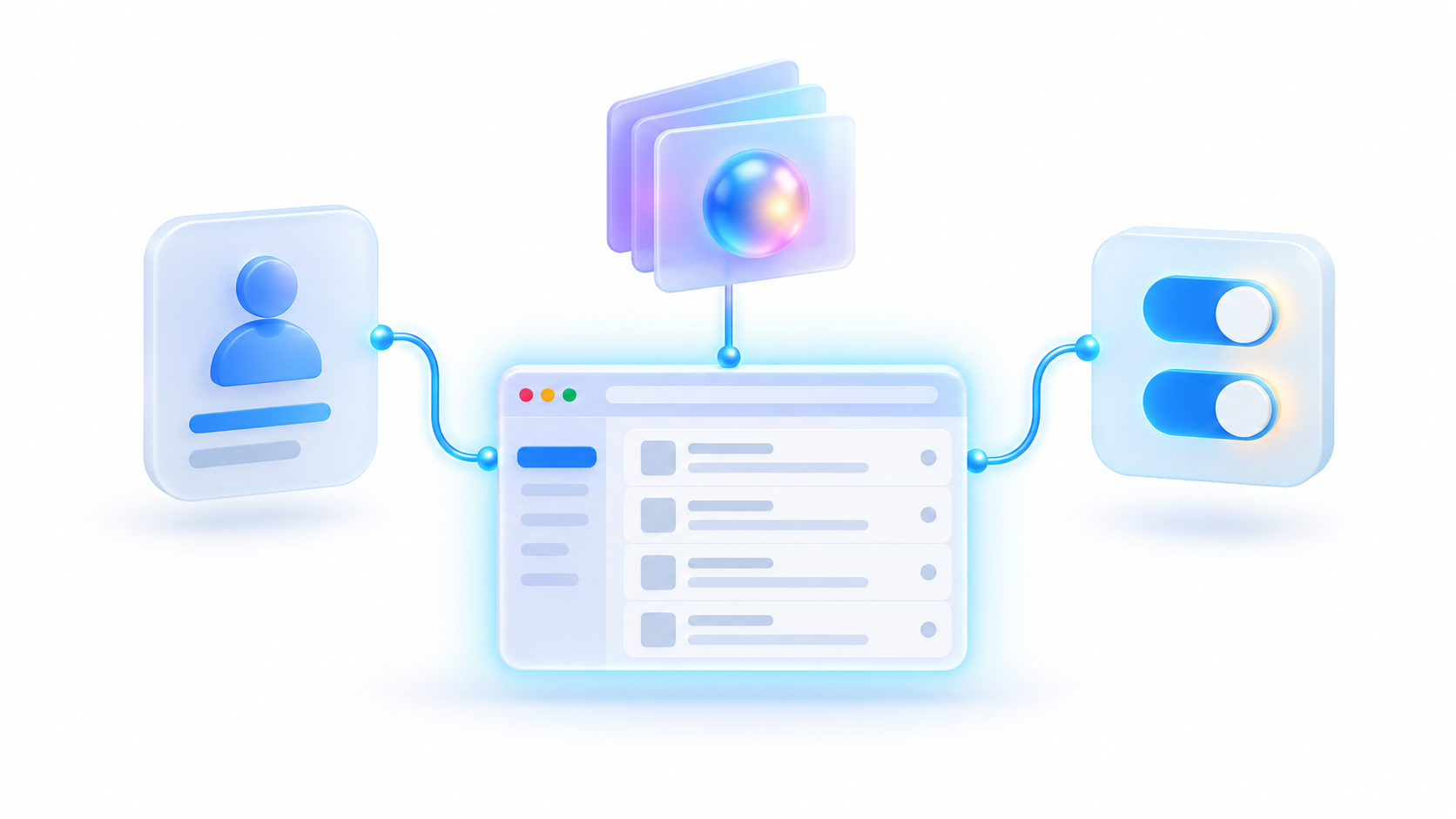
The first requirement is to have a compatible account and plan. For personal accounts, it may be necessary to subscribe to a [specific service/plan/etc.]. Google AI planWhile in work or educational accounts, availability depends on the Google Workspace edition and the administrator's decisions.
The corresponding smart features must also be enabled. You can check this in the web version of Gmail by following these steps:
- Open Gmail and tap the gear icon in the upper right corner.
- Select View all settings.
- Within the General tab, look for the smart features options.
- Check that the smart features of Gmail, Chat, and Meet are enabled.
- Access and enable the management of Google Workspace's smart features.
- Save the changes and reload Gmail.
If you're using a work account and Gemini doesn't appear, your Workspace administrator may have disabled the feature. In that case, you won't be able to enable it solely from your personal settings.
It's also important to distinguish between two different tools. The side panel. Ask Gemini It is available in Spanish for compatible accounts. However, the AI Overview, which appears directly above the search bar results, still has much more limited geographical and linguistic availability and may not appear in Spain.
How to search emails from the Gemini sidebar
To start a search from your computer, open Gmail and press the button. Ask Gemini Located in the upper right corner. A side panel will appear where you can write your request in your own words.
Gemini can provide a direct response or populate a Gmail search with messages it deems relevant. Some simple examples include:
- "Show me the unread emails I received this week."
- "Look for the messages Laura sent me during the month of August."
- "When will the last package I bought arrive?"
- "Find the email with the confirmation of my upcoming booking."
- "Find the last bill the electricity company sent me."
When you need to limit the search to email, you can explicitly specify: "Search only Gmail." This reduces the possibility of Gemini using information from Drive or Calendar when those sources are also enabled.
How to formulate more precise searches

A query like "find the invoice" can return too many results. To improve accuracy, combine all the information you can remember:
- Sender: the person, company, or domain that sent the message.
- Period: an exact date, a week, a month, or an approximate interval.
- Context: a purchase, a meeting, a trip, or a project.
- Type of information: an invoice, an attachment, a code, or a tracking number.
- State: messages read, unread, or pending response.
For example, instead of writing "find the budget", it is more effective to ask:
"Look for emails sent by the renovation company between June and August that contain a quote or a PDF file."
You can also continue the conversation to narrow down the result:
- "Only keep the messages received in August."
- "Discard promotional emails."
- "Show me only the most recent message."
- "Indicate which email contains the final amount."
This system works especially well when you remember the general context, but not the exact words that appeared in the subject or body of the message.
How to search for emails by sender, date, or status
Gemini can load results from Gmail based on people, time periods, and message statuses. To avoid ambiguous interpretations, use specific dates whenever possible.
Some useful requests are:
- "Show the unread emails that Carlos sent me last week."
- "Look for the messages of [email protected] received between August 1 and 31."
- "Find pending emails related to the Atlas Project."
- "Locate the messages received this month that include a PDF invoice."
Expressions like "a while ago," "the other day," or "recently" can lead to imprecise results. It is better to use a date, a month, or an unambiguous reference. such as "during the week of August 24-30".
If there are multiple people with the same name, use the sender's email address or domain.
How to check which email the reply came from
Gemini can summarize several messages and present a seemingly definitive answer, but always There is a possibility that it may mix data from different conversations. or select an old email.
When the information is important, ask them to show the messages used:
- "Show me the emails where you found that information."
- "Open the most recent message that confirms that date."
- "Indicate the sender and date of the email from which you obtained the number."
Next, open the original message and check the sender, date, and content. This precaution is especially important with reservations, payments, deadlines, invoices, access codes, and travel details.
What to do if Gemini can't find the email
When Gemini can't find the right message, it uses Gmail's standard search. Operators allow you to specify exact conditions and are especially useful for comprehensive searches.
Here are some examples:
from:[email protected] after:2026/08/01 before:2026/09/01: searches for messages from a sender within a range.has:attachment filename:pdf: shows emails that contain an attached PDF.is:unread newer_than:7d: locates unread messages from the last seven days.in:anywhere "número de reserva": search for an exact phrase including Spam and Trash.subject:factura from:empresa.com: limits the results by subject and sender.
The AI Overview of the search is not generated when you use operators such as from: o is:unreadIn return, you get a list determined directly by the conditions entered, without artificial intelligence interpreting the intention.
Once you've located the correct thread, you can open it and use Gemini to summarize it or extract a list of actions.
Limitations and privacy you should know about
Gemini may provide incorrect responses, omit relevant messages, or confuse information from similar emails. It should not be considered a substitute for reviewing the original message when the information has economic, professional, or legal consequences.
La Availability also depends on the account type, plan, language, region, and settings This is applied by the administrator. That's why two people using Gmail may see different features even if they have the latest version of the app.
The configuration of smart features determines whether Gemini can use Workspace content to respond. Google states that the Content from Gmail and the rest of Workspace is not used without permission to train models external generative or to personalize ads.
For everyday searches, Gemini is very useful when you don't remember the exact words of a message. The most reliable strategy is to use natural language to locate the information, gradually narrowing the query and finally checking the original email. When you need complete and reproducible results, Gmail's traditional search operators remain the best option.

Index
- 1 What you need to search for emails with Gemini in Gmail
- 2 How to search emails from the Gemini sidebar
- 3 How to formulate more precise searches
- 4 How to search for emails by sender, date, or status
- 5 How to check which email the reply came from
- 6 What to do if Gemini can't find the email
- 7 Limitations and privacy you should know about
