The second-hand market can offer excellent opportunities for those looking for affordable hardware. But, as the saying goes, Cheap things end up being expensive, so caution is mandatory.In this post, we'll tell you how to check if a used GPU has been tampered with before buying it: visual inspection, stress tests, and more.
How to check if a used GPU has been tampered with before buying it
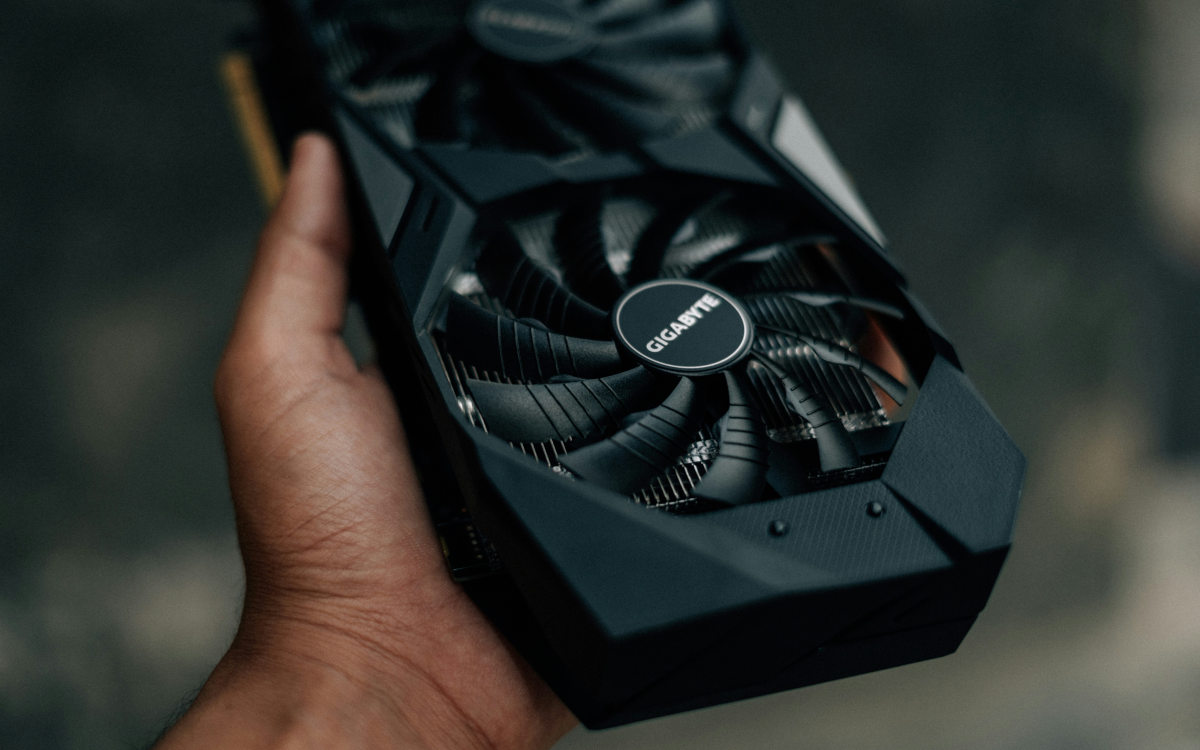
A used GPU is one thing, a modified one is another.These GPUs can be crudely repaired, have modified BIOS, or are even counterfeit. There are also those that have worked 24/7 for years (ex-mining cards) and have been given a facelift to appear less worn. If you don't want to fall into this trap, it's a good idea to learn how to check if a used GPU has been tampered with. before to buy it.
What to look out for? Intensive use and the passage of time leave visible marks that not even the best makeup can hide. Only You have to know where to lookIt's also a good idea to connect the GPU to a test system to verify the model and BIOS and perform a stress test. This will help you determine if the graphics card is worth it or if it's best to politely say goodbye to avoid being scammed. (See the topic Are used GPUs worth buying?).
Visual inspection: What to look for to know if a used GPU has been tampered with?

Even before you connect the card, its physical appearance will give you many clues. Naturally, a legitimately used GPU should show some normal wear and tear. But there are clear and specific signals which indicate that someone has opened or altered the card. Where should you look?
The first thing to look at the warranty seals on the screws that hold the heatsink to the graphics chipThey are security stickers, white or black in color, and sometimes with the legend «Warranty Void if Removed"If this seal is broken, punctured, wrinkled, or simply missing, the card has been disassembled."
This isn't always a bad thing. For example, some users open the card to change the thermal paste or thermal pads. If so, you assume the risk It's also worth checking if they've made more extensive modifications or damaged any components. You should also look to see if the sticker looks fake or too new: generic stickers can be purchased online.
Similarly, the discoloration This indicates that the graphics card has been subjected to high temperatures for an extended period. Pay particular attention to the area behind the GPU core or the VRAM modules. If you see discolored, darkened, yellowed, or brown areas, ask the seller about the type of intensive use the card has undergone (mining, extreme overclocking).
Look at the PCIe connector and the video ports
This point is critical to determine if a used GPU has been tampered with. The gold PCI Express connector should have all its traces intact, without deep scratches, lifting, and uniform wear. Look closely, and if you notice that any contact is dark, corroded or partially torn offflee.
For their part, The HDMI and DisplayPort ports should appear clean and free of rust. and with the metal tabs in place. A sunken, bent, or loose port indicates mishandling or that the card has been damaged. Trust your instincts: examine each component closely, smell the air vents and power connectors, and ask any questions that come to mind.
Check the software and BIOS for modifications. internal
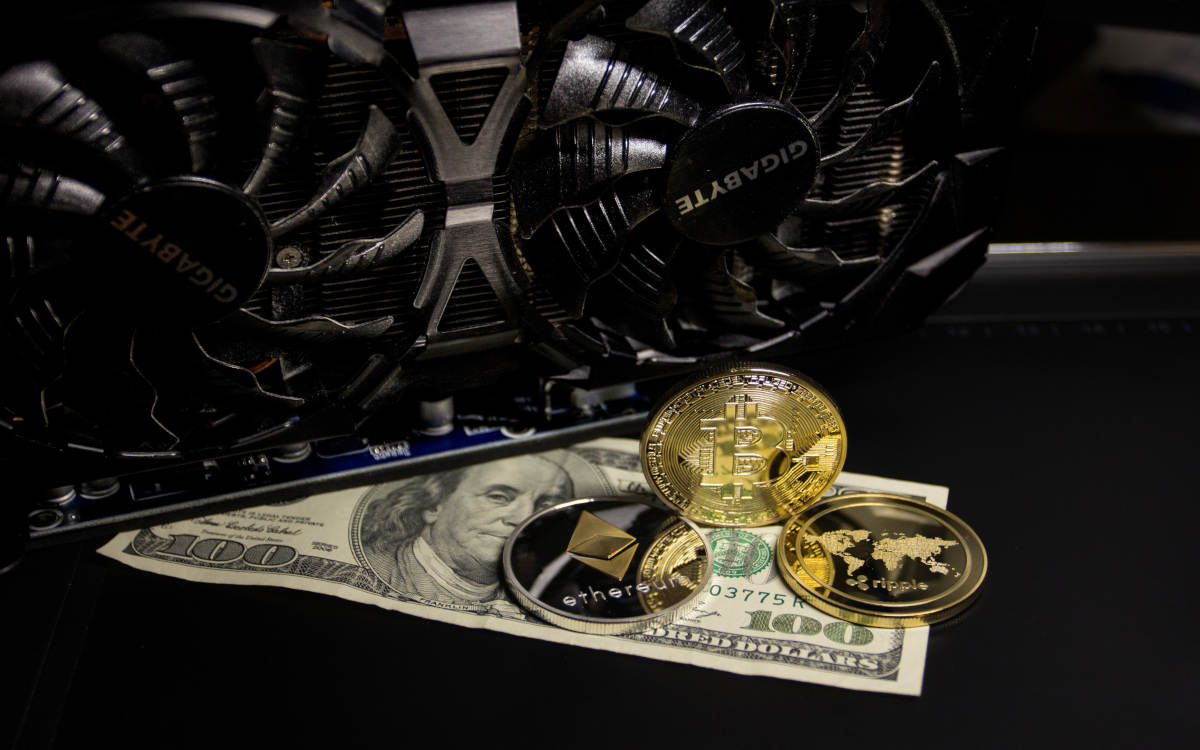
Determining if a used GPU has been tampered with goes far beyond its appearance. Connecting it to a test system is essential, so If the seller won't let you try it, don't do business with them.This step is very important to perform a thorough check of the software, BIOS, and actual performance.
After installing the card in a test system, the first thing you should do is download the Free software GPU-ZThis program reads information directly from the hardware, and It displays data that you can compare with the manufacturer's official specifications.This way, you can identify a counterfeit card from a real one.
For example, if you're buying a supposed GTX 1080, but the specs match those of a GTX 1060, you're dealing with a counterfeit GPU that's been modified in the BIOS. Take the time to use GPU-Z to compare the hardware name, chip revision, number of shaders, memory and bandwidth with the official specifications.
Check the BIOS to see if the GPU used has been tampered with.
In the same GPU-Z panel, you'll see a section called «BIOS version«Note the version number you see and go to a reliable online database, such as the TechPowerUp BIOS collectionThere, look for the exact model of your card (brand, sub-model such as "STRIX" or "GAMING X", and memory capacity).
If the version number does not match any of the official factory BIOS versions, the BIOS has been flashed and tampered with. The same applies if the memory and core clocks (Core/Memory Clock) by default are lower or higher than the factory settingsThese technical details are crucial to determining if a used GPU has been tampered with before purchase, but that's not all.
Real-time stress tests
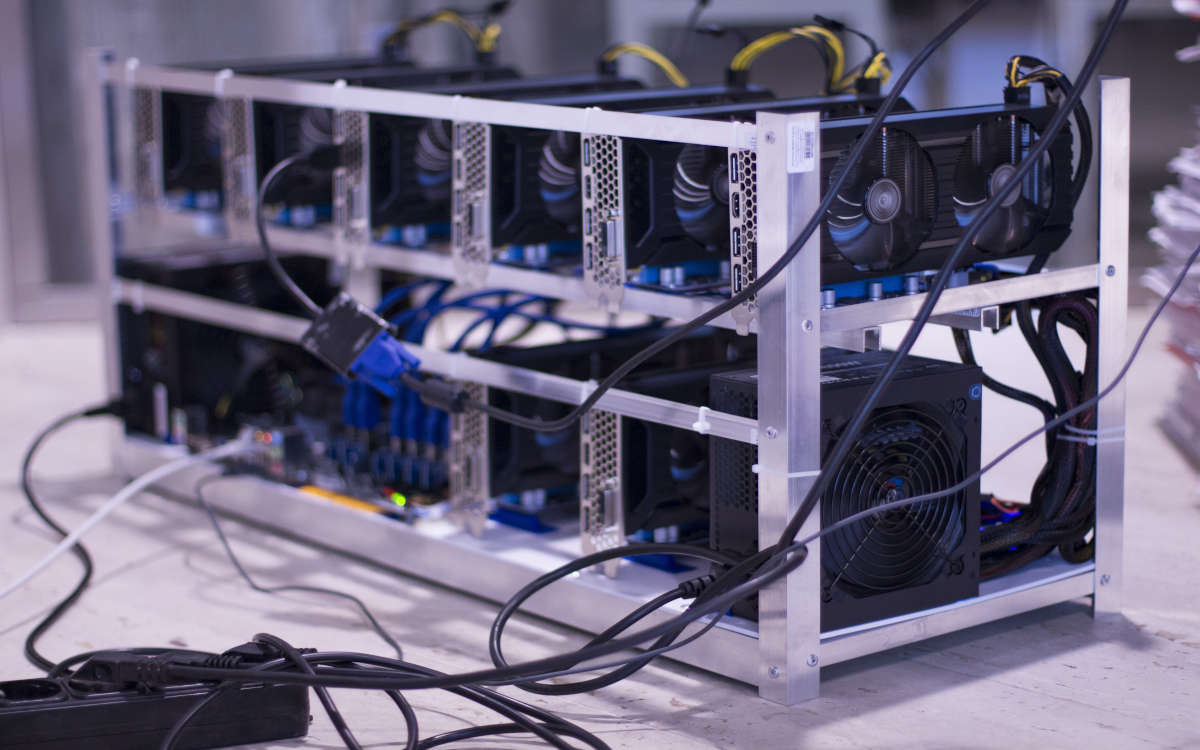
The litmus test to determine if a used GPU has been tampered with consists of pushing it to the limit in real timeTo this end, you can use tools such as FurMark o MSI KombustorThese two software programs allow you to run thermal stability tests. They work by rendering extremely heavy workloads to heat the GPU to its maximum temperature and then measuring its values.
So run one for at least 15 or 20 minutesWhat to look for? Look at the temperature curve. It should gradually stabilize between 65°C and 82°C. Values above 85°C with a rapid vertical rise (in a matter of seconds) indicate thermal or ventilation problems.
Look at the screen tooDo you see colored dots, flickering lines, stretched textures, or black screens? These aren't signs of use, but of tampering. Alternatively, you can also test the software. 3DMark (Time Spy or Fire Strike), which simulates real game situations with sudden changes in workload. If there are crashes or application closures, the GPU used has been tampered with.
In short: to find out if a used GPU has been tampered with, perform a visual inspection for broken warranties, discoloration, or excessive wear. Use diagnostic software to verify the graphics card's authenticity, the integrity of its BIOS, and its actual performance. And remember; An honest seller will never object to you performing these checks..

From a young age, I've been fascinated by all things scientific and technological, especially those advancements that make our lives easier and more enjoyable. I love staying up-to-date on the latest news and trends, and sharing my experiences, opinions, and tips about the devices and gadgets I use. This led me to become a web writer a little over five years ago, focusing primarily on Android devices and Windows operating systems. I've learned to explain complex concepts in simple terms so my readers can easily understand them.