Cómo separar una tabla de Word en dos para escribir entre medias

Aprende a dividir tablas en Word fácilmente para insertar texto o solucionar problemas de saltos de página. ¡Trucos rápidos y efectivos aquí!
How to manage and disable dual monitor mode in Zoom

Tired of Zoom opening separate windows? Learn how to disable dual monitor mode and manage your screens step by step here.
How to hide Teams notification previews
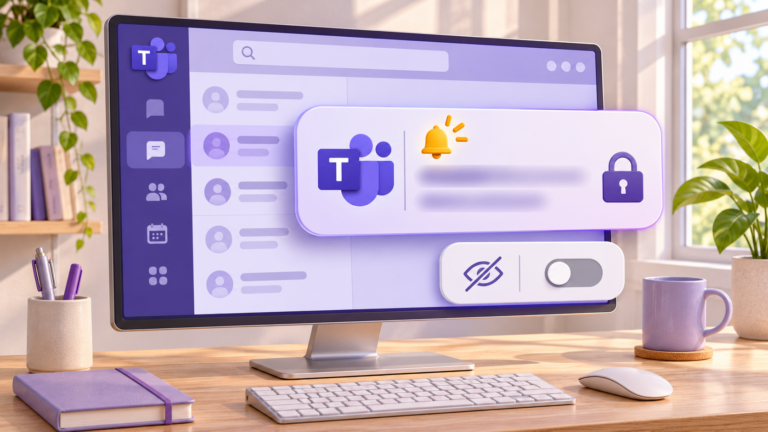
Protect your privacy! Learn how to hide message previews in Teams and master all your notifications step by step.
How to eliminate webcam flickering and fix the flicker effect

Are there lines in your video? Learn how to eliminate flickering from your webcam by adjusting FPS, shutter speed, and lighting to achieve a professional image.
Word prints a different page when you type your number: how to choose the correct one

Does Word print a different page when you type your number? In this article, we'll see how to choose the correct one so you get it right the first time.
How to move a row in a Word table without copying and pasting
Would you like to learn how to move a row in a Word table without copying and pasting? Doing so will help you…
How to choose the volume that VLC opens with

Would you like to be able to choose the volume at which VLC opens? It can be annoying or even inconvenient when you open…
How to scan with an HP printer from your computer's web browser
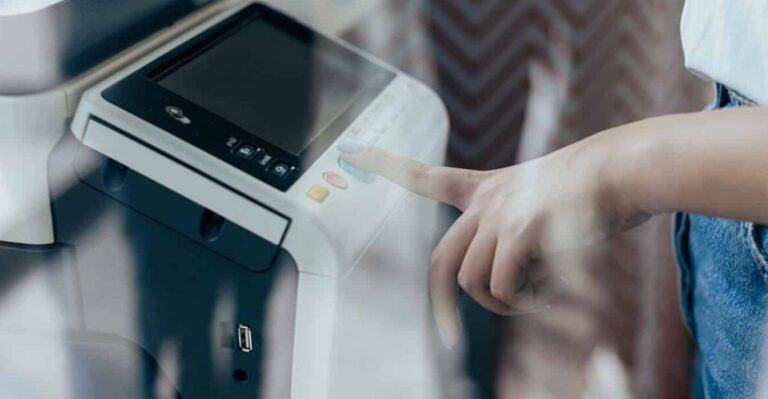
Learn how to scan with your HP printer from your mobile device or PC. We'll show you how to use HP Smart and free alternatives to digitize your documents today.
How to change inches to centimeters in the Word ruler

Does your Word ruler measure in inches? Learn how to quickly change it to centimeters and master the margins and indents of your documents.
How to print PDFs with comments and notes in Adobe Acrobat and other tools

Are your notes not printing when you print the PDF? Discover how to configure Acrobat and other apps to easily print comments and sticky notes.
The Fn key on a Mac opens emojis: how to change what it does
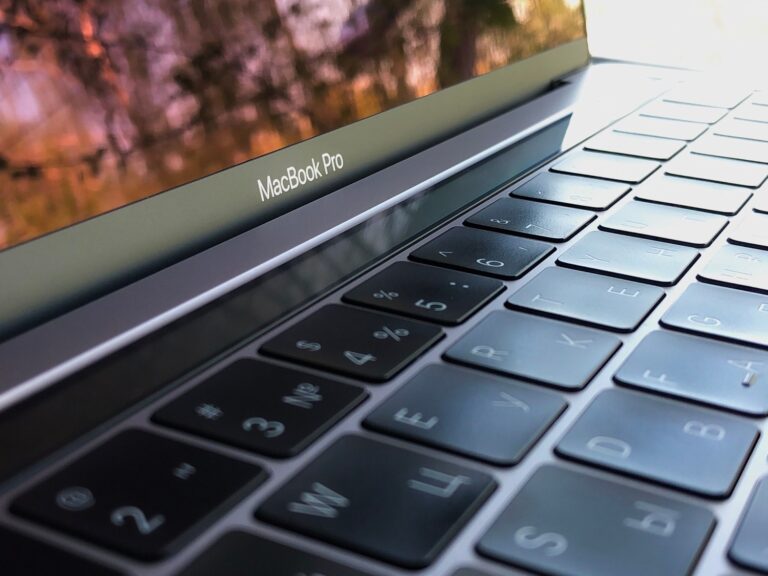
Discover how to activate the emoji keyboard on your Mac using the Fn key. Shortcuts, customization tricks, and alternatives for faster typing.
Why does the microphone keep working when I close the laptop lid?

Is your microphone still recording even when you close your laptop? Find out why this happens, the privacy risks, and how to physically disable it.