
Choosing which SIM your iPhone uses to call each contact saves you from last-minute headaches. If you have one line for work and another for personal use, You've probably been in a bind when it comes to deciding which one to use. to call a specific person. Therefore, below we show you how to assign a default phone number to each individual contact and what you should keep in mind about this feature.
How to choose which SIM your iPhone uses to call each contact
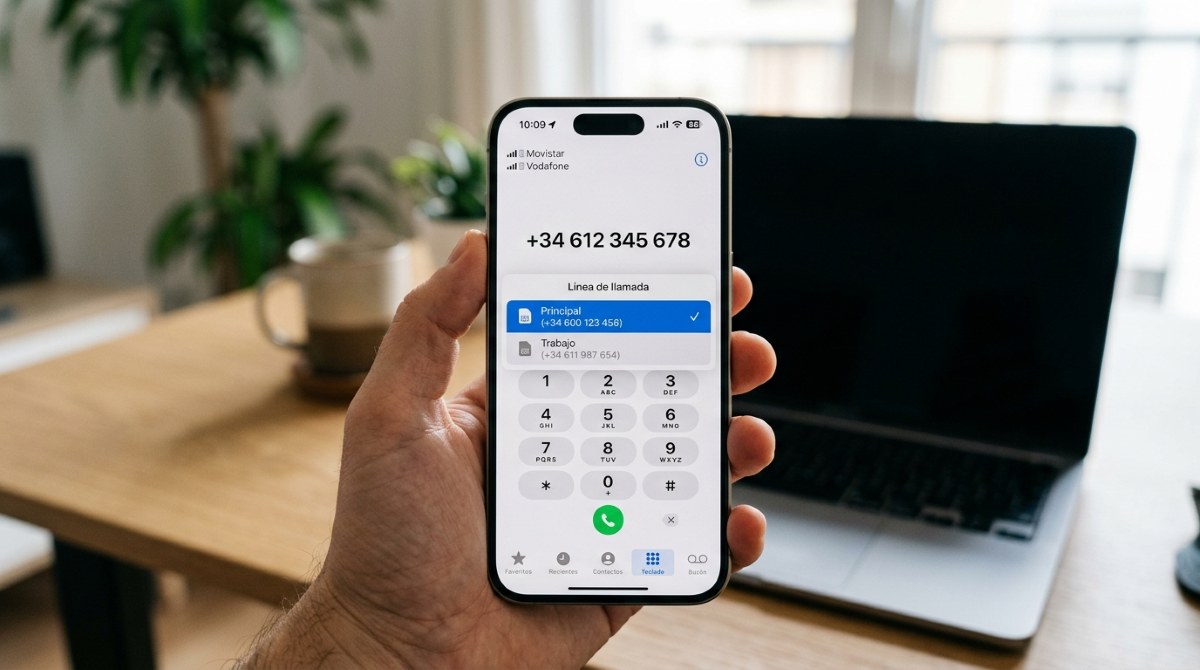
Choose which SIM your iPhone uses to call each contact It will make your phone know exactly which number to call from. Without having to think twice or press any extra buttons. Because, although modern iPhones can perfectly manage two lines simultaneously, the system defaults to the last line you used with a contact, which can lead to embarrassing mix-ups.
This dilemma often arises, especially if you have a work number and a personal number. For example, if you need to call a family member or your partner, you'll probably want to use your personal number. But if you need to contact your boss or colleagues, you'll most likely prefer to use your work number. Let's take a look. How to take advantage of this default selection feature in iOS.
The direct method for choosing which SIM your iPhone uses to call each contact: assign a default line per contact
The quickest and most direct way to choose which SIM card the iPhone uses to call each contact is set up a default phone line for that personBy linking a contact to a specific line, you avoid identity errors when calling. The procedure is the same whether you use a physical SIM combined with an eSIM or two. eSIM on the mobile.
Follow these Steps to choose which SIM your iPhone uses to call each contact (Please note that menu options may vary slightly depending on your mobile device's iOS version):
- Open the app Contacts on your iPhone.
- Select the contact you want to assign a line to (for example, your co-worker or family member).
- Tap the button Edit in the upper right corner.
- Scroll down until you find the phone number field. Just below the contact's name, or in the numbers section, you'll see an option that says “Preferred line” (or “Default”) in some versions of iOS.
- When you select them, the system will show you the two active lines (“Primary”, “Work”, “Secondary”, etc.). Choose the one that applies.
- Finally, click on Made to store.
By doing this, every time you call or send an SMS/MMS to that contact, The iPhone will automatically use the line you selected. Ignoring the system's default line. This setting is especially useful if you prefer to keep your work and personal lives separate without having to manually switch between numbers every time you call.
The quick alternative: change the line on the fly
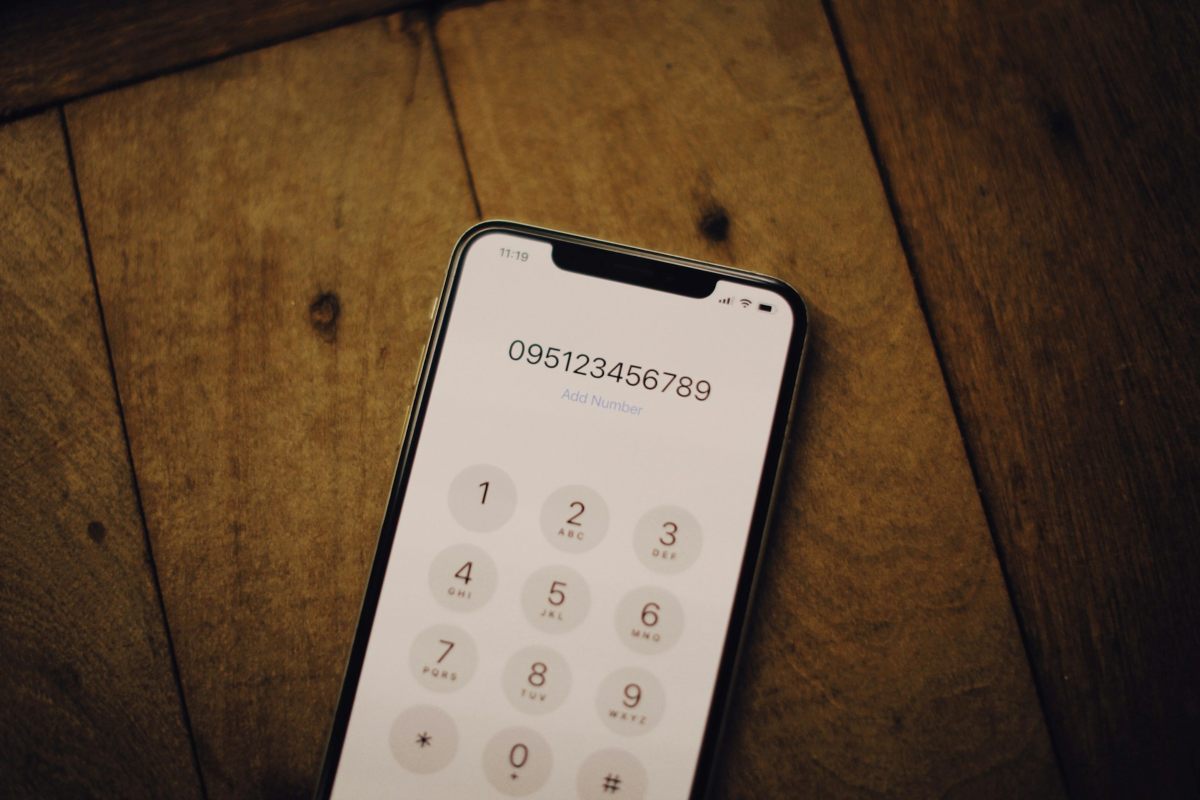
Assigning a default phone line is the most robust way to choose which SIM your iPhone uses to call each contact. However, you might need to Call a number you don't have saved. Or you might actually have to change the number at the last second. In those cases, you can use a method that iOS (and Android) has to choose right before calling.
When dialing the phone number, just before pressing the call buttonYou'll see that at the top of the screen is the label for the line that will be used. If you tap that label, A menu will appear with the two SIM options Available. Simply select the other line to place the call. This option is ideal if you need to call from the other number at that precise moment, but don't want to change that contact's previous settings.
What you need to understand about the dual SIM ecosystem
Now, while it's true that the preferred line per contact feature applies to voice calls and SMS/MMS messages, it's important that you understand How does this function affect the rest of the communication applications? on your iPhone. Below are some important considerations to keep in mind to avoid surprises.
- iMessage and FaceTime: Choosing which SIM card your iPhone uses to call each contact is unrelated to iMessage or FaceTime. This is managed through their respective settings. For example, if you want a contact to message you at your work number, that's the number that should be selected as the call forwarding address in those apps.
- Mobile data: The SIM card you use for calls can be different from the one you use for mobile data. You can configure your data to use your personal SIM card, while calls to clients use your business SIM card.
- Emergency calls and Wi-Fi calling: If you don't have Wi-Fi Calling enabled on one of your lines, incoming calls to that line will go directly to voicemail if the other line is in use. If you rely on dual SIM to be reachable, make sure you enable this feature on both lines.
Choosing which SIM your iPhone uses to call each contact: final considerations
Something else you should keep in mind when choosing which SIM your iPhone uses to call each contact is that The setting does not sync automatically through iCloud (as is the case with phone numbers). If you restore a backup on a new iPhone or switch devices, you'll most likely have to reconfigure your preferred phone numbers for your contacts.
In conclusion, you can stop relying on muscle memory and make the necessary adjustments to choose which SIM your iPhone uses to call each contact by default. Spend less than 5 minutes reviewing your most frequent contacts Call your bosses, clients, coworkers, family members, or partner and assign them the correct line. You'll see that both you and the person receiving the call will appreciate it.

Index