How to create an AI agent in Dify step by step
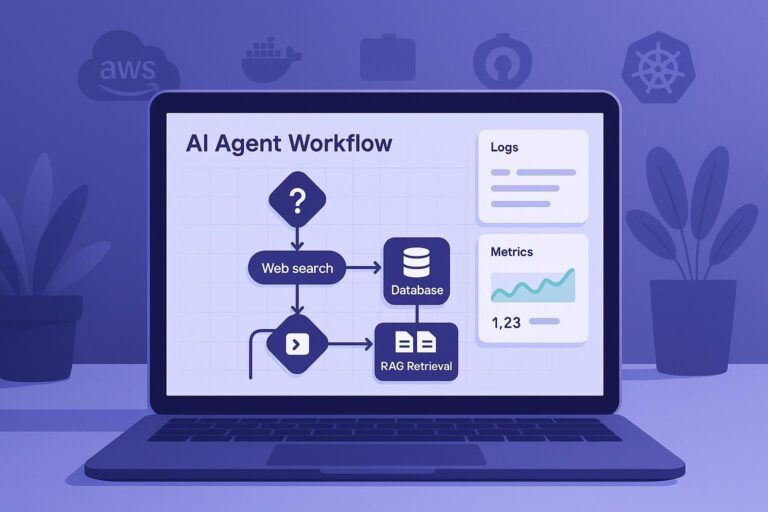
Learn how to create autonomous AI agents in Dify. Discover the difference between LLM and agents, multi-agent architectures, and how to deploy without code.
How to use the GPT4All API server
You've already installed GPT4All and now you'd like to integrate it into your applications and workflows without having to use its…
Complete Guide to Connecting LM Studio with AnythingLLM and Mastering Local AI
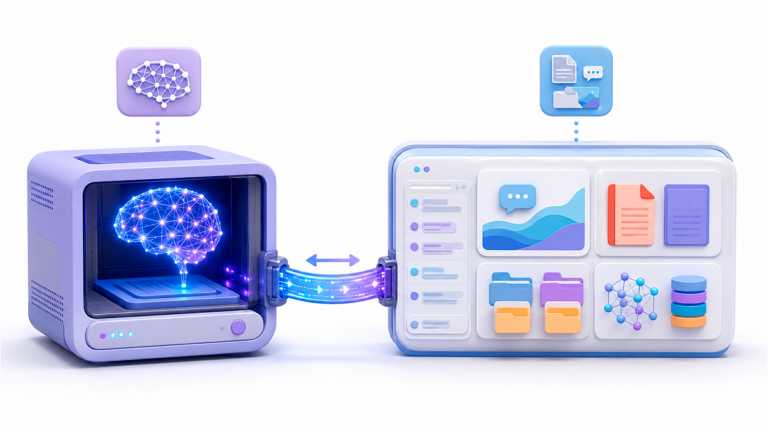
Learn how to integrate LM Studio and AnythingLLM to create your own private AI brain. RAG, agents, and complete privacy on your hardware. Get started now!
How to set up Flowise for the first time

Learn to install and configure Flowise from scratch. Master creating AI chatbots without coding. Bring your project to production today!
How to automatically save any web page for later reference even if it disappears from the internet

The internet is changing at a rapid pace, and many websites disappear daily along with important information. Whether due to outages…
Where to find MCP servers and how to choose them

Looking for MCP servers? Discover what they are, how they work, and a list of the best ones to connect your AI to real-time data. Optimize your workflow!
Complete Guide to Connecting LibreChat with Claude and Other Models

Learn how to configure LibreChat to use Claude, ChatGPT, and more. Master the .env file, MCP, and agents to supercharge your AI. Come in now!
How to connect Continue with LM Studio

Stop paying for subscriptions! Learn how to integrate Continue and LM Studio into VS Code for free, local, private programming AI.
How to install an MCP server step by step

Learn how to create your own MCP server to connect Claude or GPT to APIs and databases. Detailed guide using TypeScript, Python, and Azure.
How to schedule automatic tasks in AnythingLLM

Discover how to automate your work with AnythingLLM and other AI tools. Save time, eliminate repetitive tasks, and improve your productivity without knowing how to code.
How to install WSL Containers on Windows 11

Learn how to install WSL and use wslc.exe to run Linux containers on Windows 11 natively, quickly, and without Docker Desktop.
How to delete Jan AI models without leaving residual files

Learn how to manage your Jan AI models: how to install, configure, and completely delete them without leaving any residual files on your PC.