How to choose which SIM your iPhone uses to call each contact

Choosing which SIM your iPhone uses to call each contact saves you from last-minute headaches. If you have…
Why the iPhone camera changes lens when you zoom in and how to prevent it
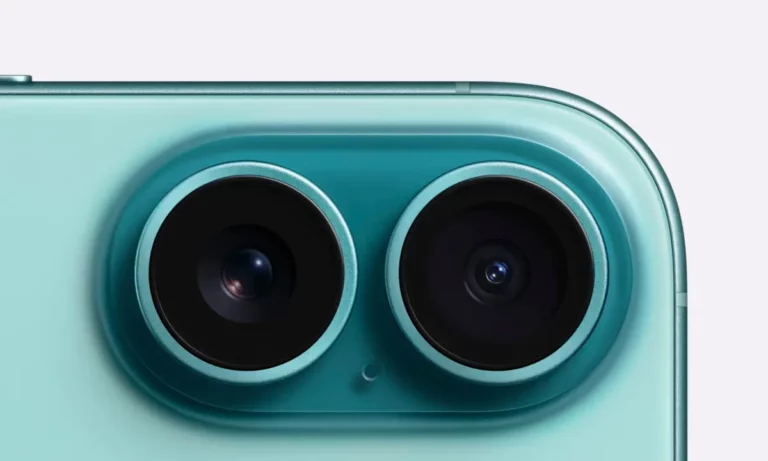
Tired of lens jumps on your iPhone when taking close-up photos? Discover why it happens and how to manage macro mode to avoid it.
How to turn on live captions in FaceTime for iPhone and iPad

Discover how to turn on live captions in FaceTime so you don't miss a thing during your calls. Learn how to use and translate them step by step here!
Windows asks you to save a PDF instead of printing on paper: how to fix it
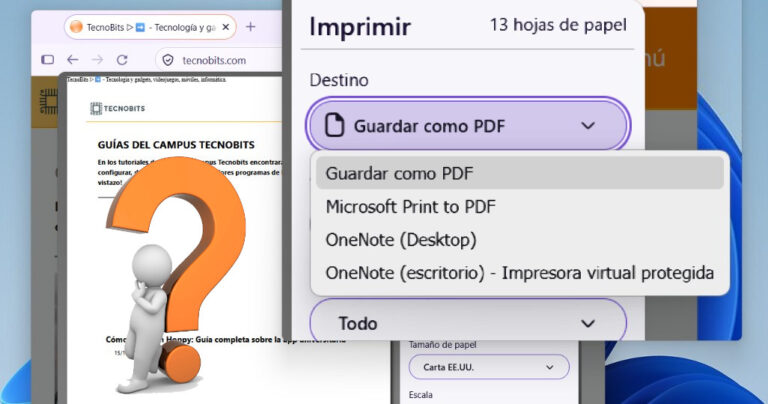
We'll tell you what to do when Windows asks you to save a PDF instead of printing. In most cases…
Mouse doesn't move properly from one monitor to another in Windows: how to fix it

Is your mouse having trouble switching between monitors in Windows? Having multiple monitors makes life easier and…
How to bypass the Home screen and open My Drive in Google Drive

Stop wasting time on the Home screen! Discover how to go directly to My Drive and optimize your Google Drive for desktop today.
How to fix the black screen in CapCut
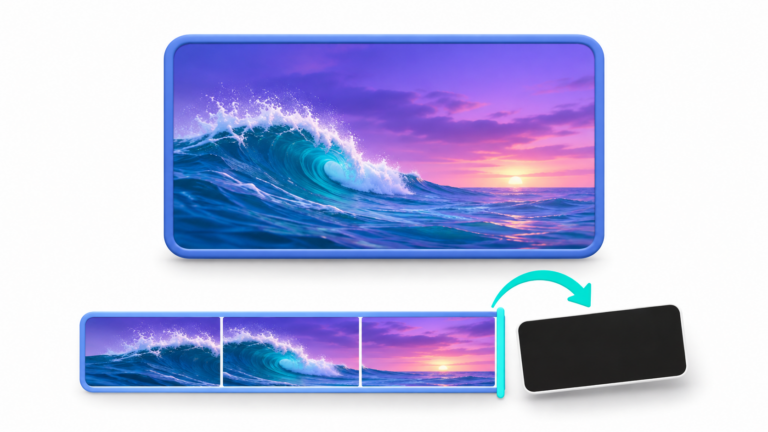
Are you seeing a black screen in CapCut but hearing the audio? Find out how to fix this bug quickly and get back to editing your videos now.
How to export and import Gmail filters: A complete guide to organizing your email

Learn how to easily export and import your Gmail filters. Copy your rules to other accounts and organize your inbox like a pro.
How to activate and configure AI responses on Samsung calls

Discover how to use Samsung AI to answer text calls, filter spam, and use Bixby. Take control of your mobile now!
How to remove the automatic horizontal line in Word
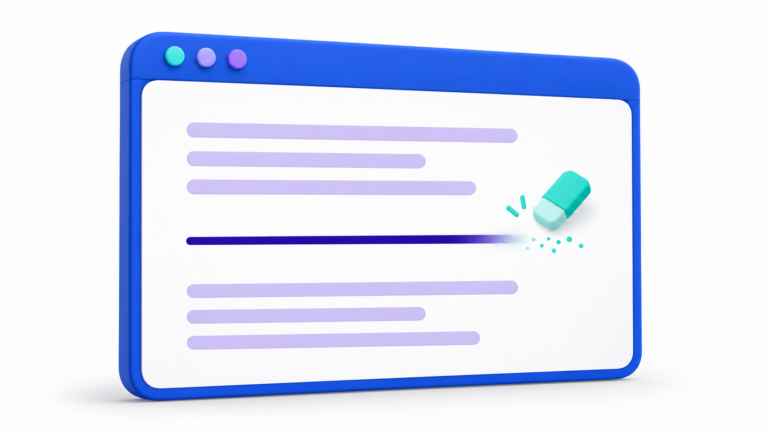
Do you have a line in Word that won't delete with Delete? Discover how to remove those automatic borders and disable them permanently here.
How to copy an Excel table without losing column width

Stop manually adjusting columns! Learn the Paste Special trick to quickly copy tables in Excel while maintaining the original width.
How to change the font size of a PDF on Kindle

Is the text too small on your Kindle? Discover how to easily adjust the text size for comfortable reading. Click here to see how!